18

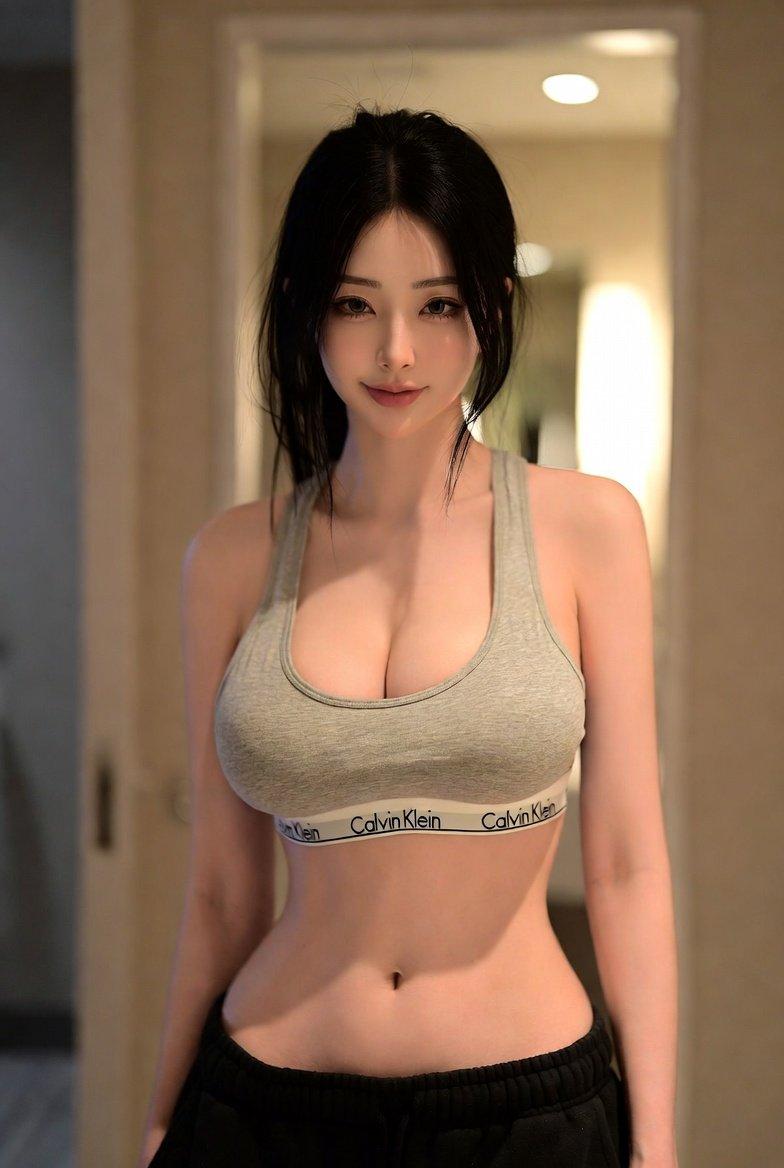
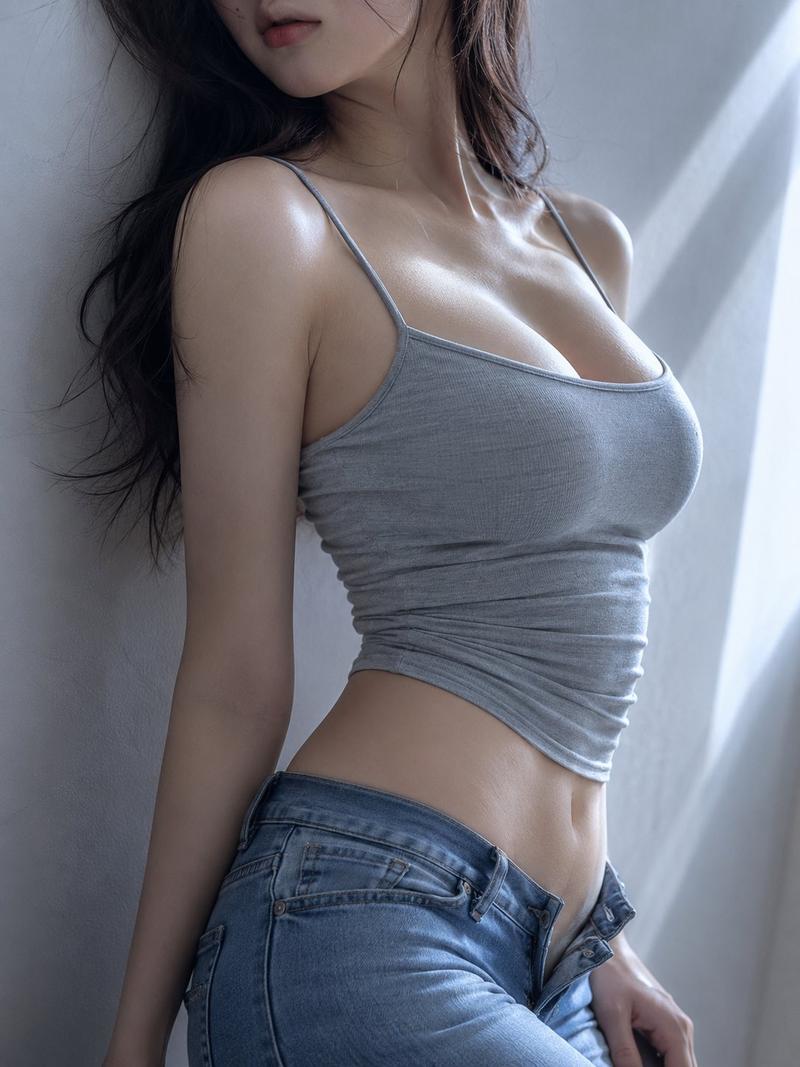
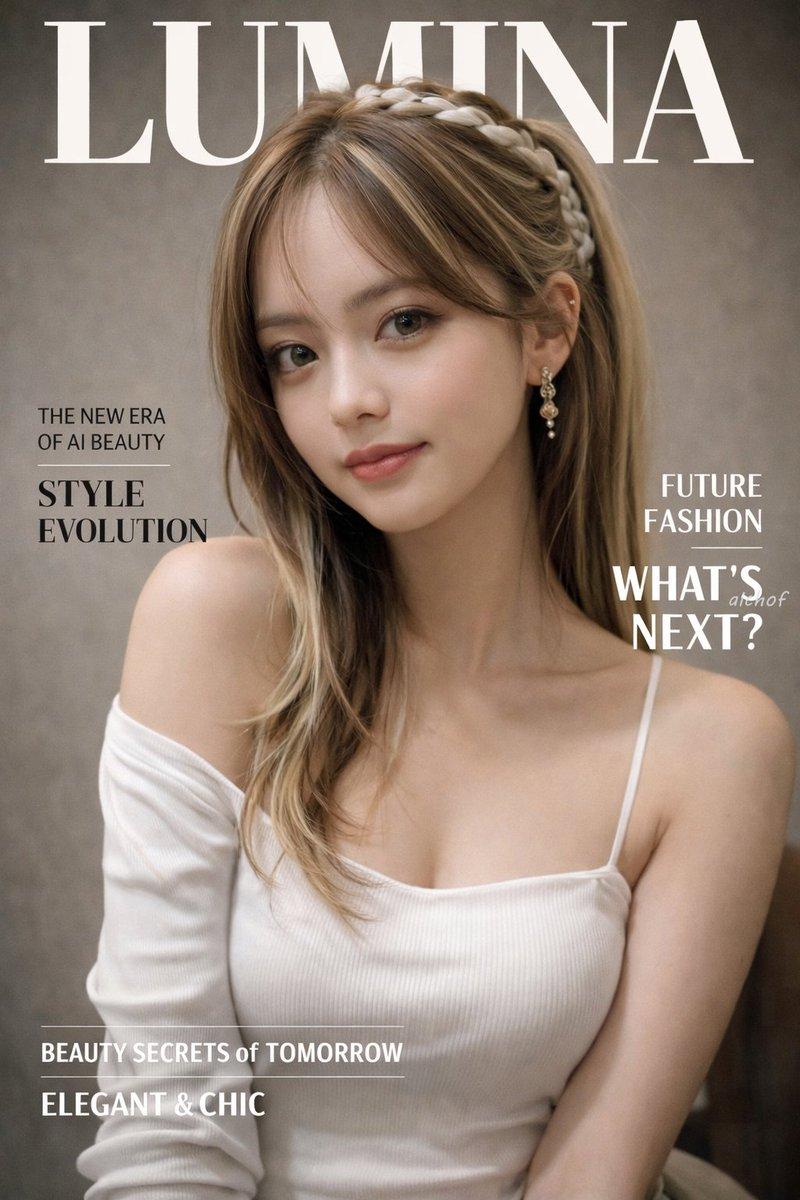
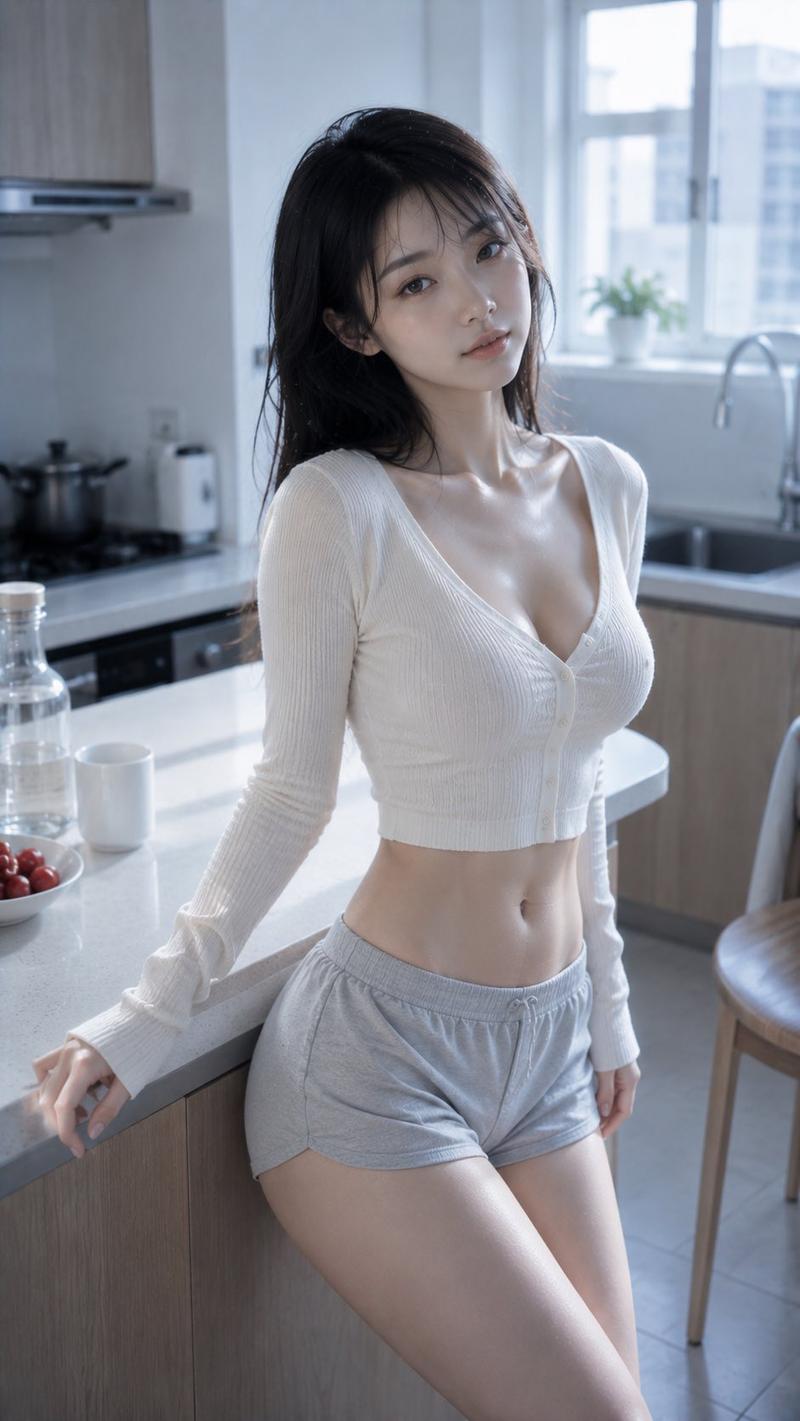
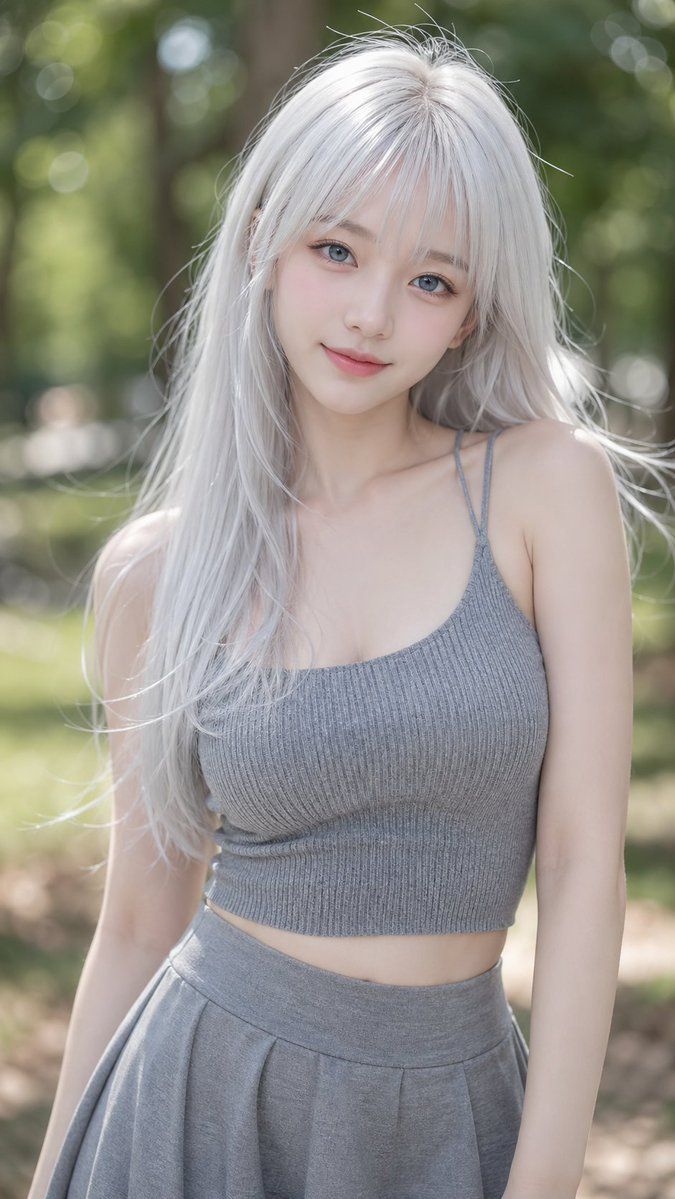
K-pop 偶像风格肖像
Enlarge

K-pop 偶像风格肖像

Prompt
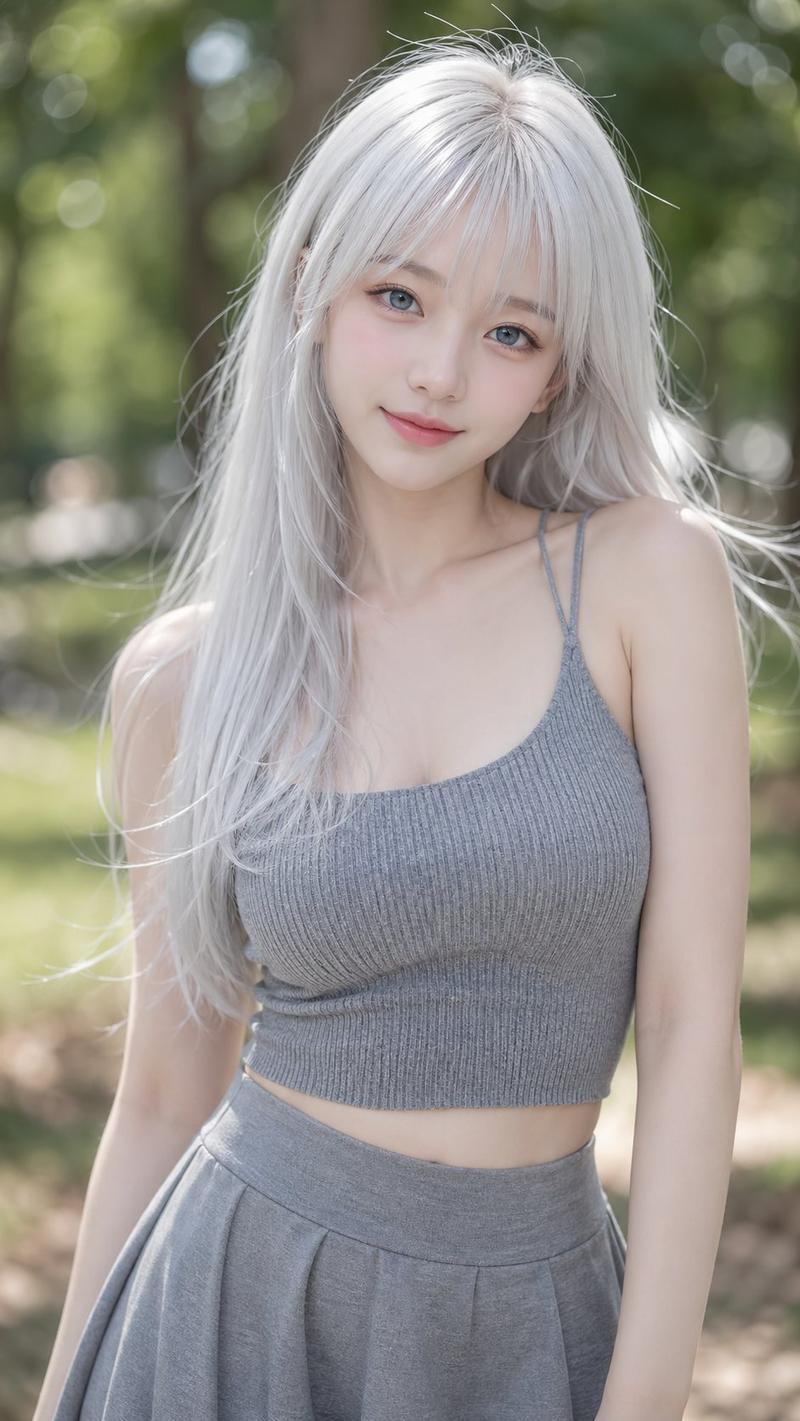
A stunningly beautiful {argument name="subject" default="young Asian woman"} with a K-pop idol aesthetic, featuring a soft V-shaped face and pale porcelain skin. She has long, {argument name="hair color" default="platinum white hair"} with airy see-through bangs and loose, wind-blown strands creating a natural messy look. Her eyes are large, crystal blue (resembling contact lenses), looking directly at the viewer with a pure and innocent expression. She is wearing a tight-fitting {argument name="outfit" default="grey ribbed knit camisole"} that highlights her figure, paired with a matching grey skater skirt. The background is a soft, out-of-focus park scene with creamy bokeh. The lighting is diffused and airy, creating a dreamy, soft-focus photorealistic portrait, 8k resolution, detailed texture.
Category
Photography & Realism
Model
GPT Image 2
Creator
John
Views12
Source ID
19661
Published
May 11, 2026

Guide

About "K-pop 偶像风格肖像"

What is this prompt for?

"K-pop 偶像风格肖像" AI image prompt for GPT Image 2 (Photography & Realism). 一个 8k 超写实肖像提示词,描绘了一位具有 K-pop 美学的年轻女性,拥有白金发色和柔焦公园背景。 Copy it on Picva and recreate the l…

The full copyable prompt and example visuals above are ready for AI image generation or one-click recreate in Picva.

How to use this prompt

  1. Step 1

    Open the prompt detail

    Review the example visuals, category, and full prompt text for "K-pop 偶像风格肖像".

  2. Step 2

    Copy the prompt

    Copy the prompt body from this page, or load it directly in Studio.

  3. Step 3

    Pick a model (GPT Image 2)

    Prefer GPT Image 2. If you switch models, keep subject and composition and tweak style terms.

  4. Step 4

    Generate and export

    Recreate the look in Picva, or export into your workflow for editing and publishing.

FAQ

What is the "K-pop 偶像风格肖像" prompt?
It is an AI image-generation prompt for GPT Image 2 in the Photography & Realism category. This page includes the full prompt text, example visuals, and a one-click recreate path in Picva.
How do I use this prompt to generate an image?
Copy the prompt from this page, or use Generate / Studio. Paste it into a compatible image model, or recreate the look in Picva with optional reference images.
Which model is this prompt for?
This page lists GPT Image 2. Most descriptive prompts also transfer to nearby image models such as GPT Image, Flux, or Midjourney with light style tweaks.
Can I use the result commercially?
You can usually copy the prompt for creation, but commercial use of the final image depends on the model terms, reference-image rights, and the generated content. Follow the source author and platform rules.