10

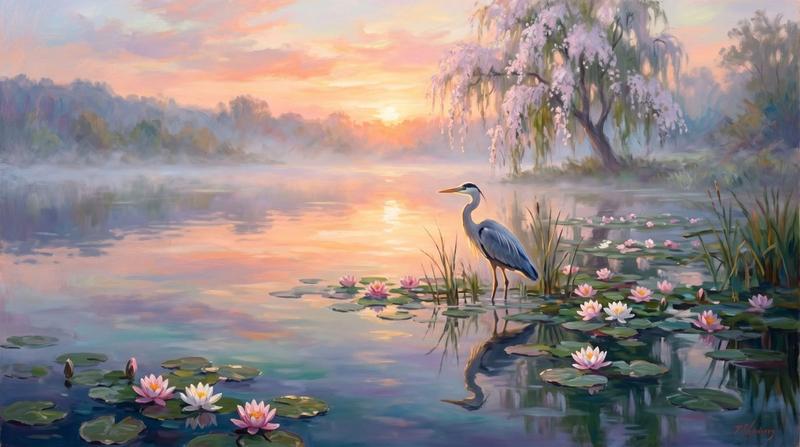
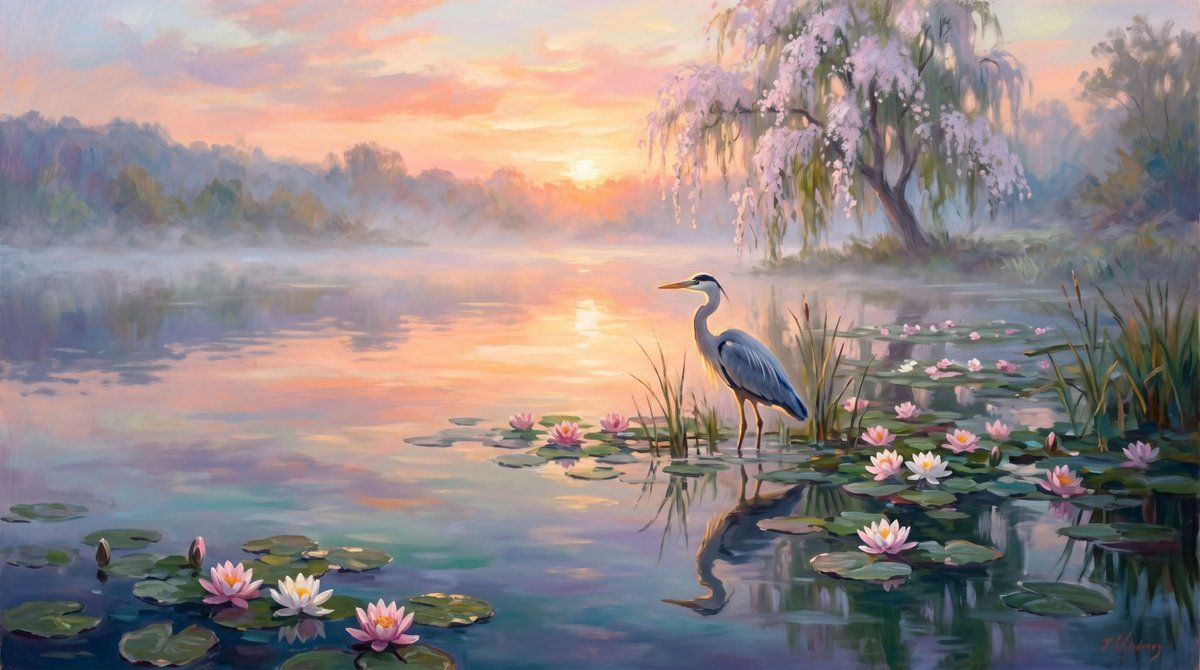
雾气缭绕的鹭湖日出
Enlarge

雾气缭绕的鹭湖日出

Prompt
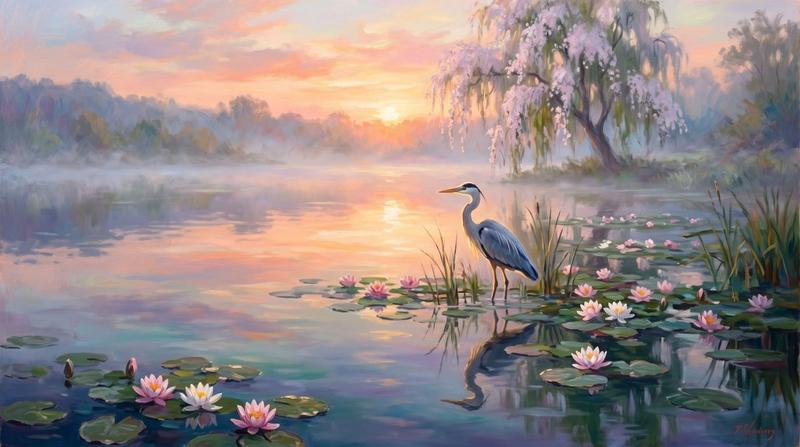
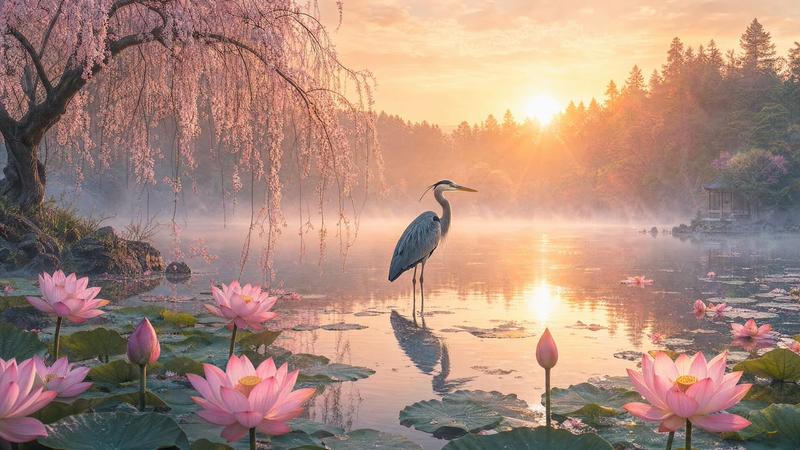
Create a dreamy impressionist oil painting of a serene misty lake at sunrise, in a wide cinematic horizontal canvas. The scene shows one elegant blue-gray heron standing in shallow water slightly right of center, surrounded by reeds and lily pads, with its full reflection visible in the calm water. Use a soft pastel dawn palette: peach, coral, lavender, pale yellow, turquoise, and muted blue-green, with the rising sun glowing near the center horizon and reflecting in a vertical path across the lake. On the right bank, paint one graceful willow-like tree covered in pale pink blossoms, its drooping branches hanging over the water; add hazy forest silhouettes and low morning mist across the far shoreline. Include exactly 17 distinct water-lily blossoms: 4 clustered in the lower-left foreground, 3 near the center around the heron, and 10 scattered across the right foreground and midground among lily pads. Add many rounded green lily pads and tall reeds, but keep the composition peaceful and uncluttered. Style: romantic painterly landscape, visible brushstrokes, soft edges, atmospheric depth, luminous reflections, no text, no people, no buildings. Customizable elements: {argument name="main bird" default="blue-gray heron"}, {argument name="time of day" default="sunrise"}, {argument name="flower color" default="pale pink and white"}, {argument name="painting style" default="impressionist oil painting"}, {argument name="mood" default="peaceful and dreamy"}.
Category
Charts & Infographics
Model
GPT Image 2
Creator
Viki
Views7
Source ID
20663
Published
May 15, 2026

Guide

About "雾气缭绕的鹭湖日出"

What is this prompt for?

"雾气缭绕的鹭湖日出" AI image prompt for GPT Image 2 (Charts & Infographics). 一个柔和的印象派风景提示词,用于生成宁静的湖畔日出场景,包含苍鹭、睡莲、倒影和开花树木。 Copy it on Picva and recreate the look in one…

The full copyable prompt and example visuals above are ready for AI image generation or one-click recreate in Picva.

How to use this prompt

  1. Step 1

    Open the prompt detail

    Review the example visuals, category, and full prompt text for "雾气缭绕的鹭湖日出".

  2. Step 2

    Copy the prompt

    Copy the prompt body from this page, or load it directly in Studio.

  3. Step 3

    Pick a model (GPT Image 2)

    Prefer GPT Image 2. If you switch models, keep subject and composition and tweak style terms.

  4. Step 4

    Generate and export

    Recreate the look in Picva, or export into your workflow for editing and publishing.

FAQ

What is the "雾气缭绕的鹭湖日出" prompt?
It is an AI image-generation prompt for GPT Image 2 in the Charts & Infographics category. This page includes the full prompt text, example visuals, and a one-click recreate path in Picva.
How do I use this prompt to generate an image?
Copy the prompt from this page, or use Generate / Studio. Paste it into a compatible image model, or recreate the look in Picva with optional reference images.
Which model is this prompt for?
This page lists GPT Image 2. Most descriptive prompts also transfer to nearby image models such as GPT Image, Flux, or Midjourney with light style tweaks.
Can I use the result commercially?
You can usually copy the prompt for creation, but commercial use of the final image depends on the model terms, reference-image rights, and the generated content. Follow the source author and platform rules.