18

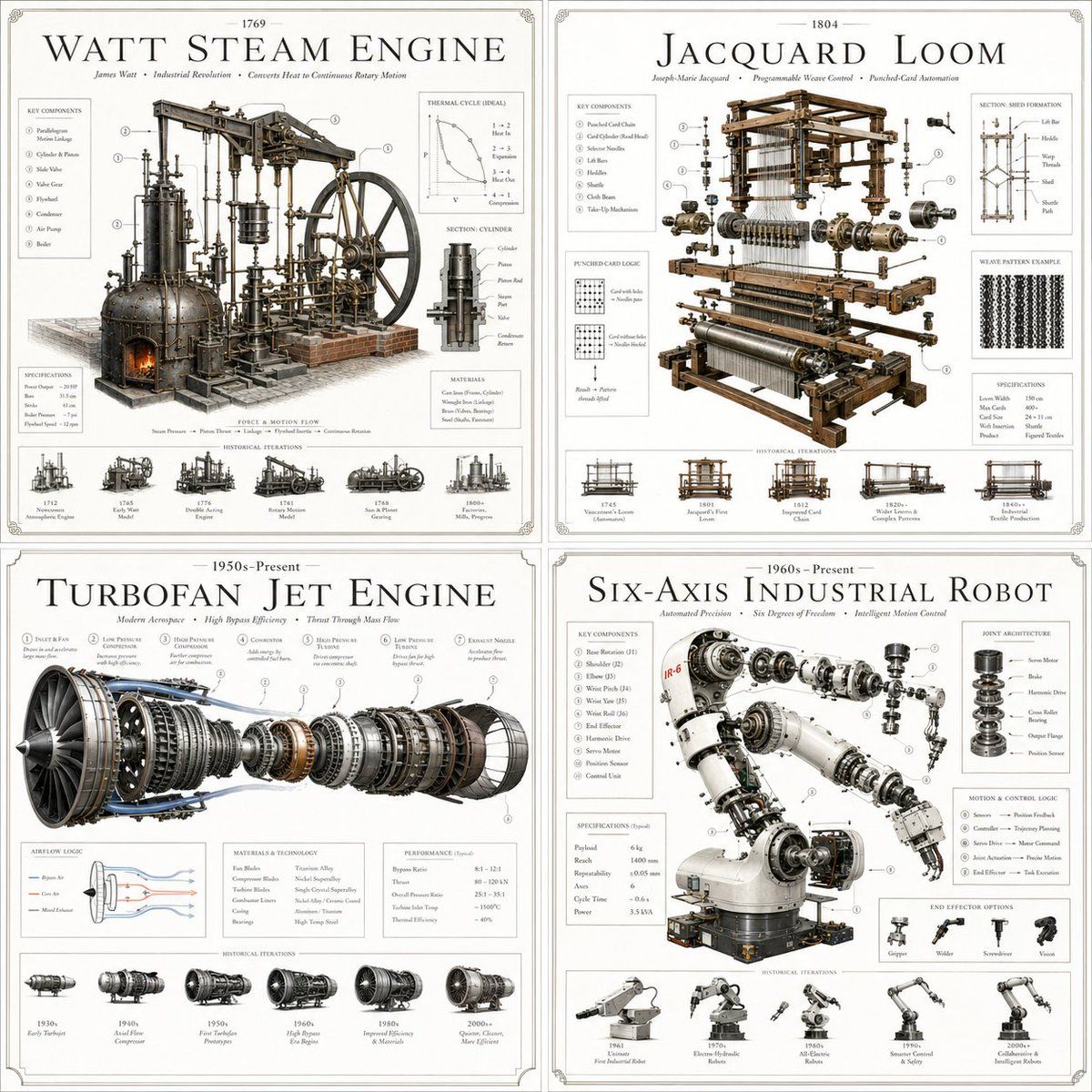
奢华专利艺术海报
Enlarge

奢华专利艺术海报

Prompt
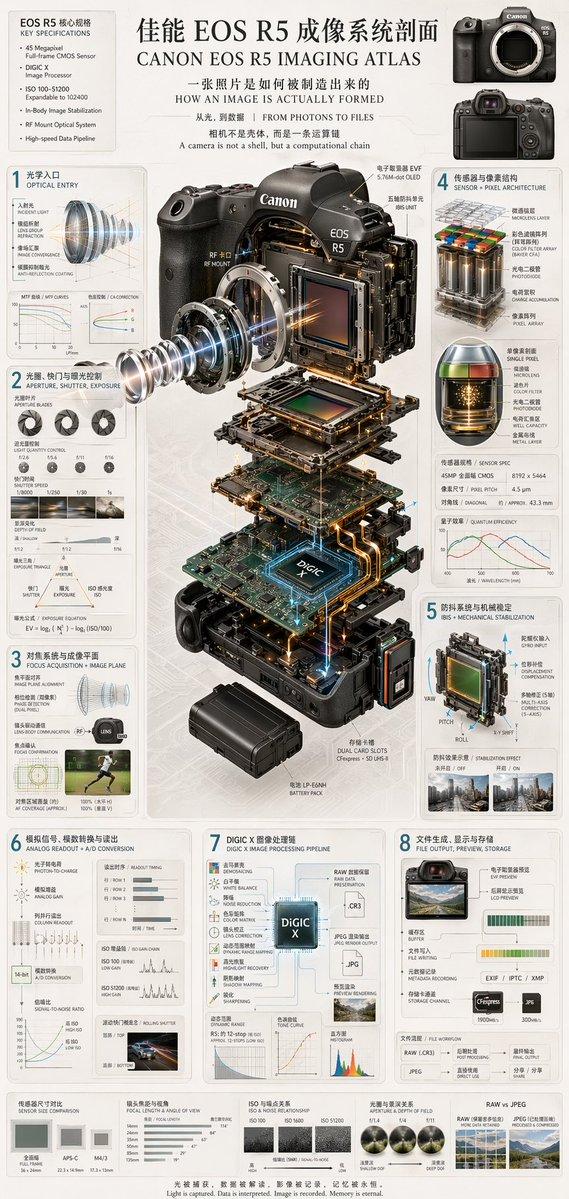
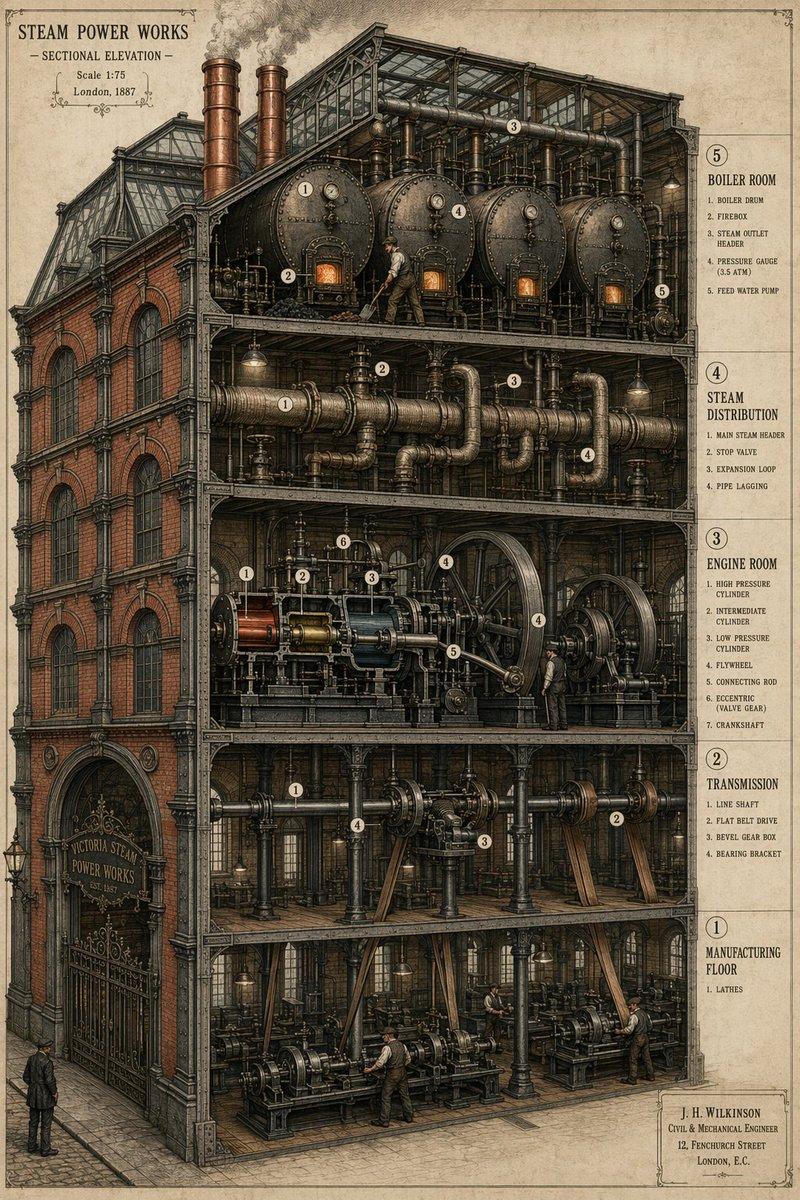
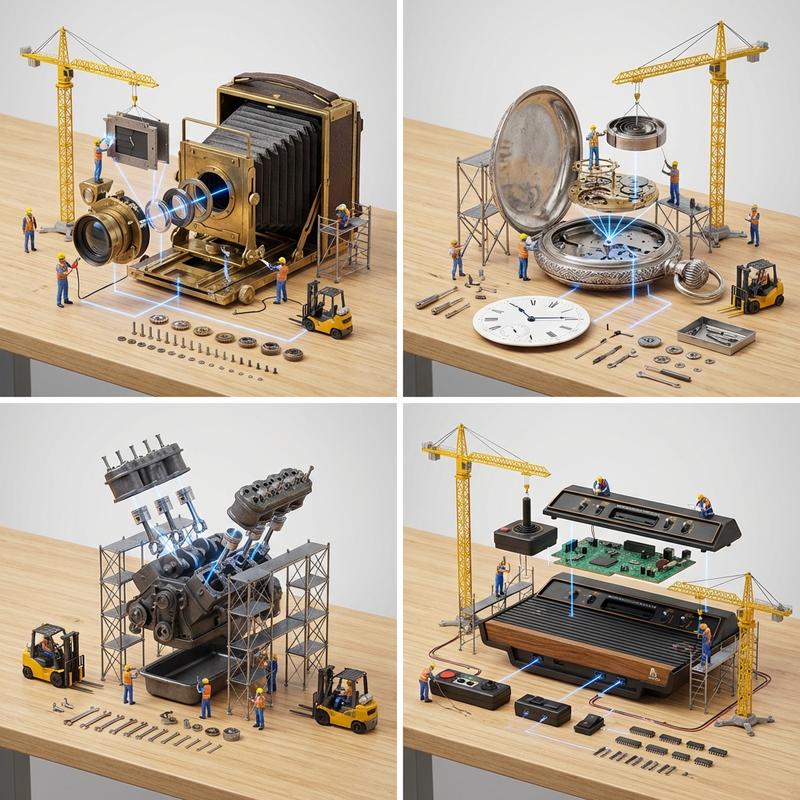
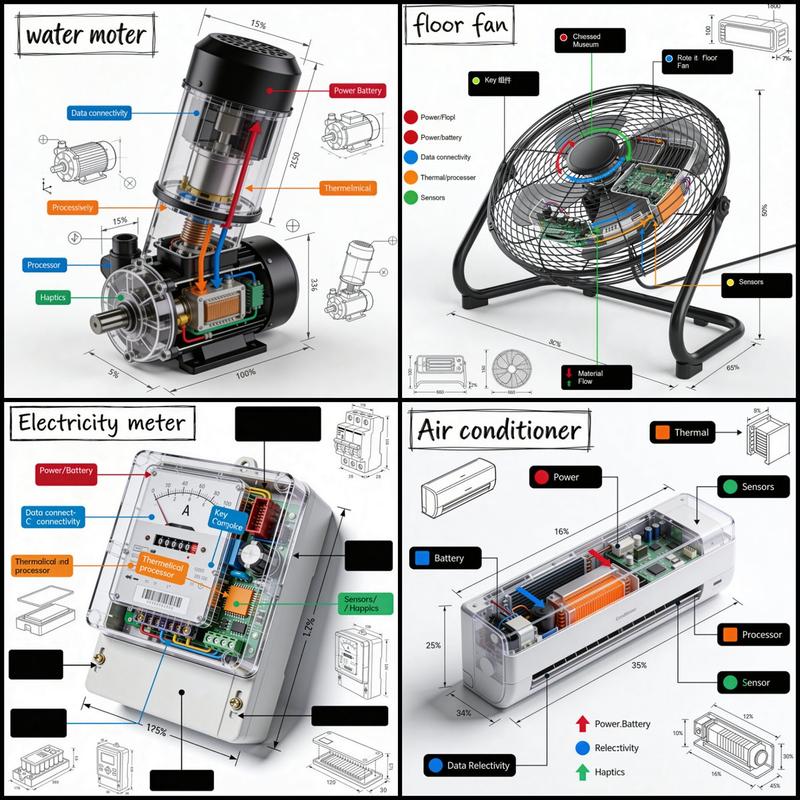
SYSTEM: Render the input as a {argument name="theme" default="luxury patent artifact poster"}. Treat the subject as both a historical intellectual object and a physical machine. Infer what the invention does, how it works, what problem it solves, what internal mechanisms matter, and what era it belongs to.  SEMANTIC SOLVE: PATENT_ARTIFACT =   (INFER(core_function FROM claims + mechanism + use_case) ::5) + (INFER(structure FROM components + assemblies + motion + logic) ::4) + (INFER(historical_aura FROM era + drafting conventions + industrial context) ::4) + (INFER(hidden_forces FROM failure_points + tolerances + constraints + manufacturing) ::3) - (generic blueprint cliché + sci-fi nonsense + clutter) ::-4  COMPOSITION: One central exploded patent object. Combine luxury rendering with precise technical callouts, sectional layers, hidden assemblies, schematic overlays, and elegant drafting fragments. Show how the invention thinks.  STYLE DNA: luxury technical poster ::0.30 museum invention plate ::0.25 engineering drawing elegance ::0.20 high-end object photography ::0.15 archival document texture ::0.10  OUTPUT: A premium white-background innovation poster with exacting detail, beautiful structure, and a sense of intellectual prestige.  NEGATIVE: no chaotic diagram overload, no cheap blueprint style, no random gears, no clutter, no low-end infographic look, no watermark.
Category
Charts & Infographics
Model
GPT Image 2
Creator
Gadgetify
Views2
Source ID
20821
Published
May 16, 2026

Guide

About "奢华专利艺术海报"

What is this prompt for?

"奢华专利艺术海报" AI image prompt for GPT Image 2 (Charts & Infographics). 一套精密的系统提示词,旨在将发明渲染为具有精确技术标注和博物馆级美感的奢华专利海报。 Copy it on Picva and recreate the look in one cl…

The full copyable prompt and example visuals above are ready for AI image generation or one-click recreate in Picva.

How to use this prompt

  1. Step 1

    Open the prompt detail

    Review the example visuals, category, and full prompt text for "奢华专利艺术海报".

  2. Step 2

    Copy the prompt

    Copy the prompt body from this page, or load it directly in Studio.

  3. Step 3

    Pick a model (GPT Image 2)

    Prefer GPT Image 2. If you switch models, keep subject and composition and tweak style terms.

  4. Step 4

    Generate and export

    Recreate the look in Picva, or export into your workflow for editing and publishing.

FAQ

What is the "奢华专利艺术海报" prompt?
It is an AI image-generation prompt for GPT Image 2 in the Charts & Infographics category. This page includes the full prompt text, example visuals, and a one-click recreate path in Picva.
How do I use this prompt to generate an image?
Copy the prompt from this page, or use Generate / Studio. Paste it into a compatible image model, or recreate the look in Picva with optional reference images.
Which model is this prompt for?
This page lists GPT Image 2. Most descriptive prompts also transfer to nearby image models such as GPT Image, Flux, or Midjourney with light style tweaks.
Can I use the result commercially?
You can usually copy the prompt for creation, but commercial use of the final image depends on the model terms, reference-image rights, and the generated content. Follow the source author and platform rules.