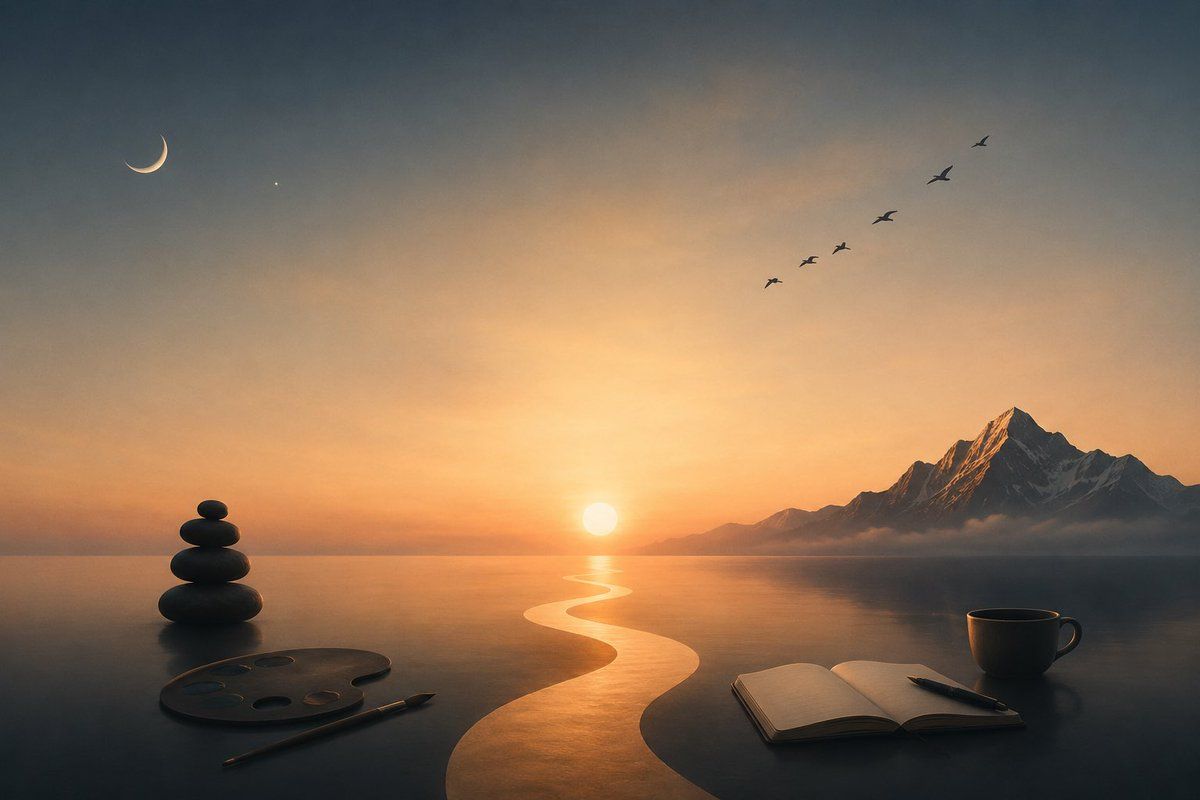
超现实日落创意工作空间
Prompt
Create a serene surreal digital painting of a tranquil creative workspace merging into a vast reflective lake at {argument name="time of day" default="sunset"}. Use a wide 16:9 cinematic composition with a dark tabletop in the foreground seamlessly meeting calm water and distant horizon. In the exact center background, place a glowing low sun casting a bright golden S-shaped path of light across the water toward the viewer. On the right horizon, add a dramatic jagged snow-capped mountain range with one dominant sharp peak, lightly wrapped in low mist. In the upper left sky, include exactly 2 celestial details: a thin crescent moon and one tiny star. In the upper right sky, include exactly 6 small flying bird silhouettes arranged diagonally upward. Foreground objects: on the left, place a balanced stack of exactly 5 smooth black zen stones beside an artist paint palette with exactly 5 visible paint wells and a single paintbrush lying diagonally; on the right, place an open blank notebook with a pen resting across it and a single dark coffee cup with handle. Mood should be peaceful, meditative, and dreamlike, with warm orange-gold light near the horizon fading into cool blue-gray shadows above and below. Use soft atmospheric haze, realistic reflections, subtle painterly texture, high detail, no people, no visible text, no watermark. The overall theme is {argument name="theme" default="calm creative solitude"}, with the main color palette emphasizing {argument name="color palette" default="warm amber sunset and cool charcoal blue"}.- Category
- Charts & Infographics
- Model
- GPT Image 2
- Creator
- Dan Woods
- Source ID
- 21367
- Published
- May 18, 2026
Views4