19

东亚女性电影感肖像
Enlarge

东亚女性电影感肖像

Prompt
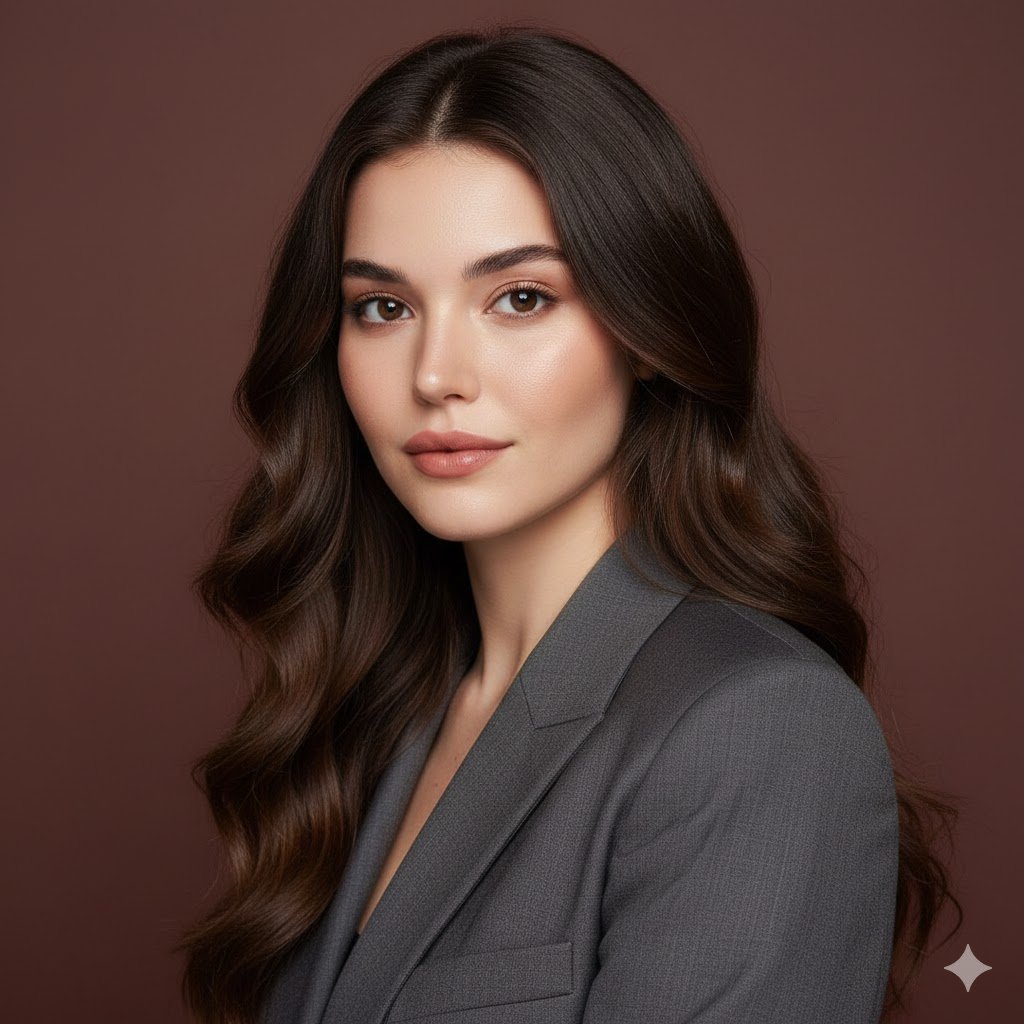
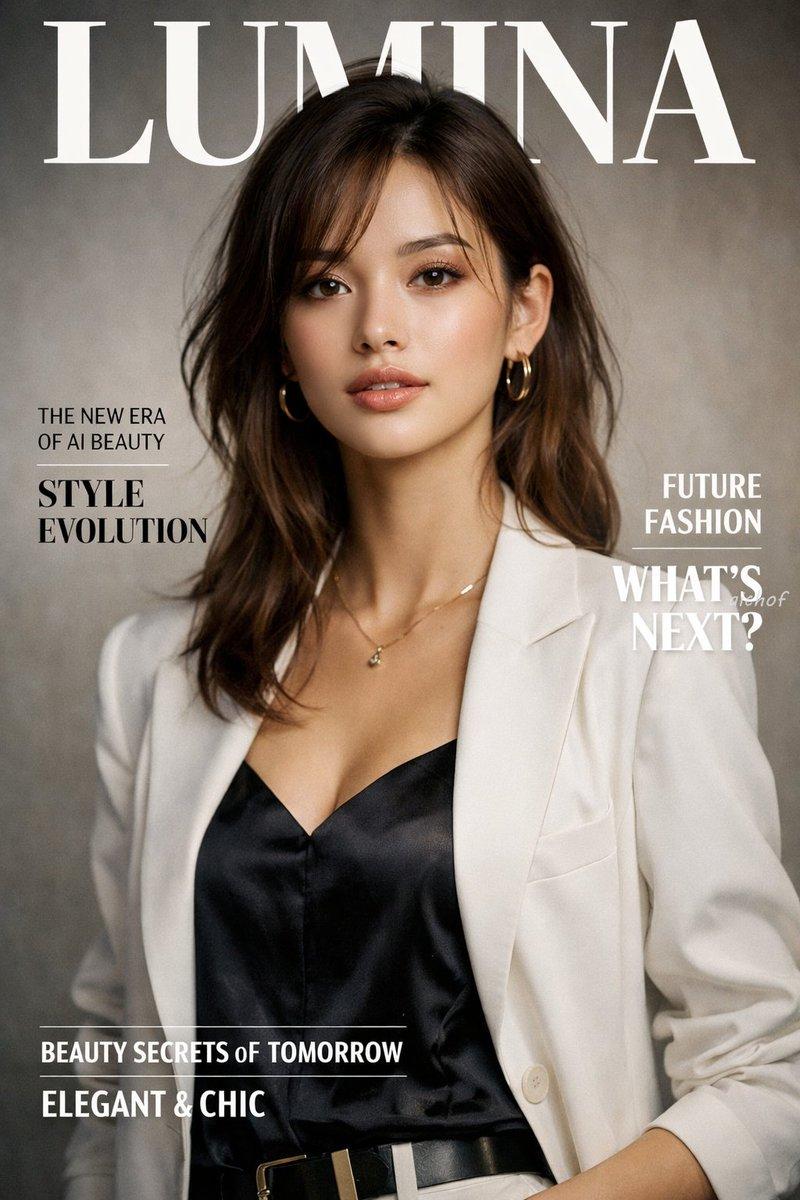
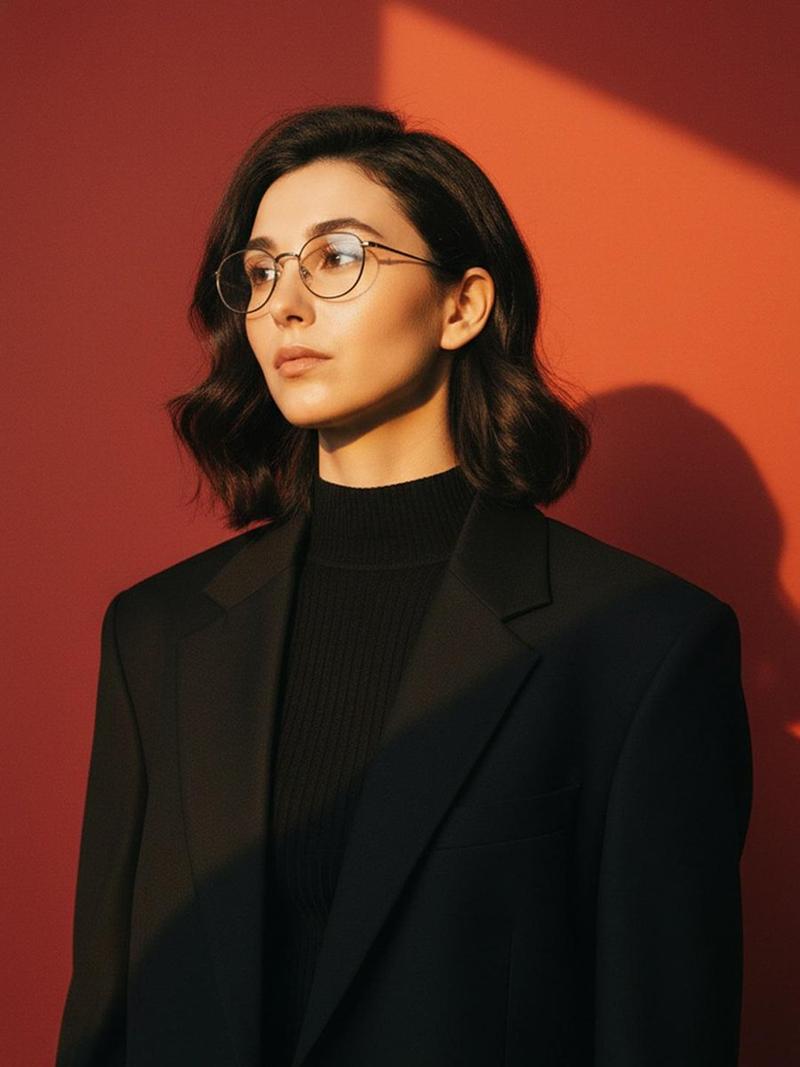
Ultra realistic close-up portrait of a beautiful young {argument name="ethnicity" default="East Asian"} woman with the exact facial structure and soft feminine features from the reference image, natural glowing skin, subtle makeup, glossy {argument name="lip color" default="peach"} lips, soft dimples, warm gentle smile, relaxed confident expression, medium-length {argument name="hair color" default="dark brown"} wavy hair with natural volume and soft flyaways, direct eye contact with camera.

Keep the exact composition, framing, pose, lighting, shadows, and cinematic mood from the original portrait reference. Warm golden hour sunlight hitting half of the face and body, dramatic soft shadows across the chest and background, dark blurred background with rich contrast and shallow depth of field.

Outfit should be elegant minimal aesthetic fashion: cream ribbed knit top, soft beige wool overcoat casually draped over shoulders, delicate gold necklace, luxury clean-girl aesthetic, cozy premium fashion vibe.
Category
Photography & Realism
Model
GPT Image 2
Creator
Fatema
Views4
Source ID
21504
Published
May 19, 2026

Guide

About "东亚女性电影感肖像"

What is this prompt for?

"东亚女性电影感肖像" AI image prompt for GPT Image 2 (Photography & Realism). 一张高细节的电影感女性肖像,精准还原参考图的面部特征与构图,呈现温暖的黄金时刻光影与柔和阴影。 Copy it on Picva and recreate the look in…

The full copyable prompt and example visuals above are ready for AI image generation or one-click recreate in Picva.

How to use this prompt

  1. Step 1

    Open the prompt detail

    Review the example visuals, category, and full prompt text for "东亚女性电影感肖像".

  2. Step 2

    Copy the prompt

    Copy the prompt body from this page, or load it directly in Studio.

  3. Step 3

    Pick a model (GPT Image 2)

    Prefer GPT Image 2. If you switch models, keep subject and composition and tweak style terms.

  4. Step 4

    Generate and export

    Recreate the look in Picva, or export into your workflow for editing and publishing.

FAQ

What is the "东亚女性电影感肖像" prompt?
It is an AI image-generation prompt for GPT Image 2 in the Photography & Realism category. This page includes the full prompt text, example visuals, and a one-click recreate path in Picva.
How do I use this prompt to generate an image?
Copy the prompt from this page, or use Generate / Studio. Paste it into a compatible image model, or recreate the look in Picva with optional reference images.
Which model is this prompt for?
This page lists GPT Image 2. Most descriptive prompts also transfer to nearby image models such as GPT Image, Flux, or Midjourney with light style tweaks.
Can I use the result commercially?
You can usually copy the prompt for creation, but commercial use of the final image depends on the model terms, reference-image rights, and the generated content. Follow the source author and platform rules.