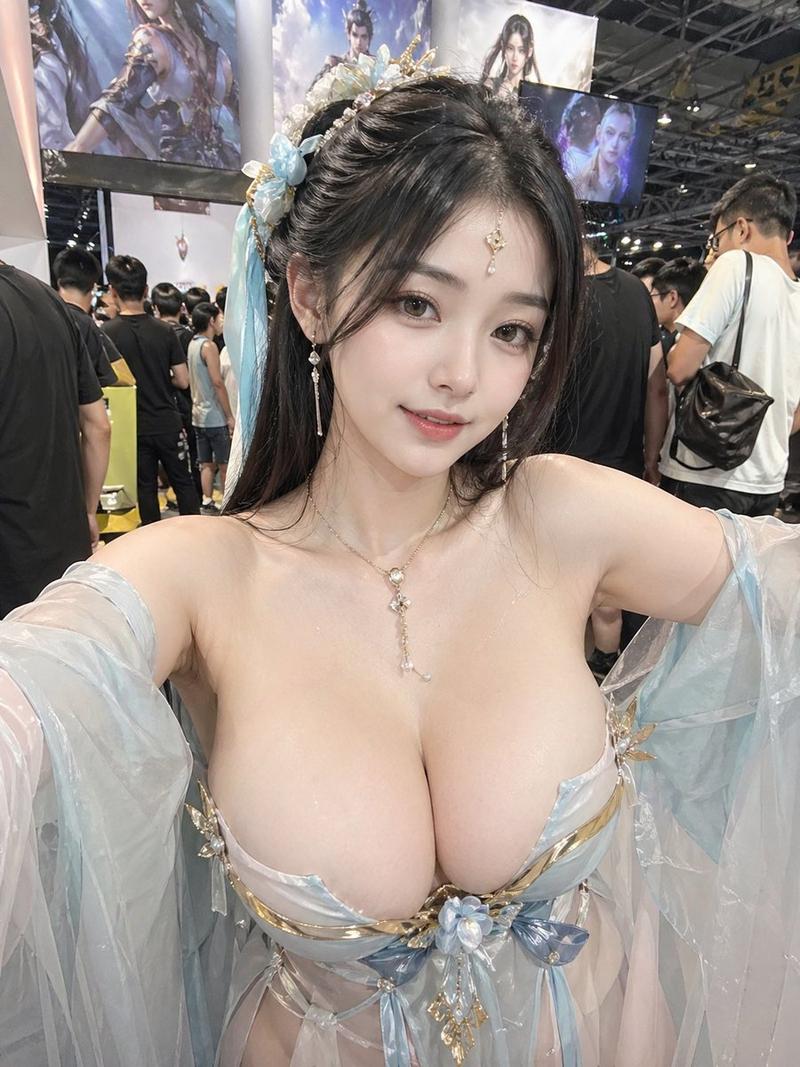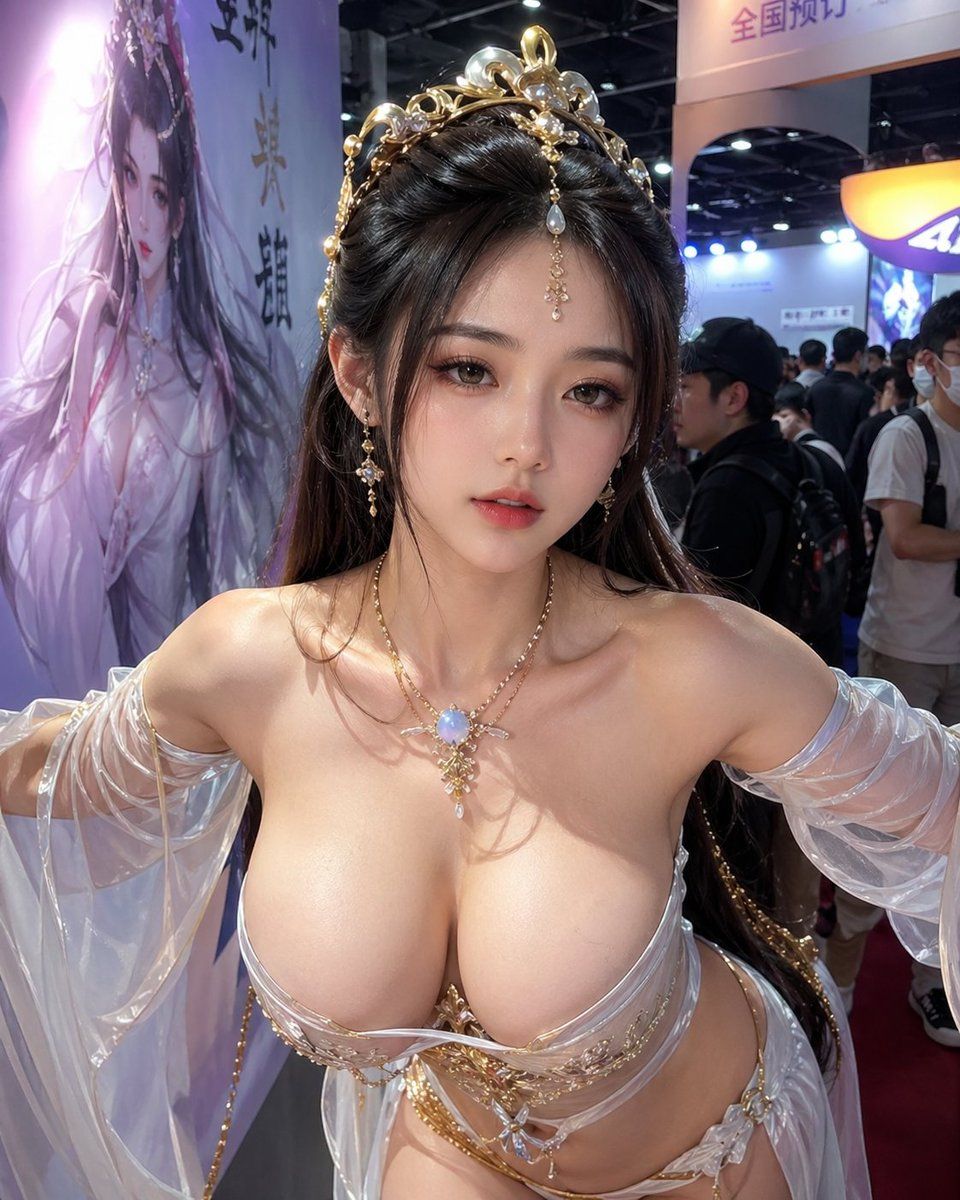
漫展上被遮挡面部的奇幻角色扮演者
Prompt
Create a realistic candid convention photo of an adult woman cosplayer posing close to the camera in a crowded indoor anime/game expo. She wears an ornate white-and-gold fantasy goddess costume with translucent off-shoulder draped sleeves, gold filigree trim, a jeweled necklace with a glowing opal-like pendant, dangling earrings, and an elaborate gold crown hairpiece with pearls and crystal ornaments. Her long dark brown hair is styled half-up with glossy waves. The composition is a vertical smartphone shot from slightly below chest height, tightly cropped from upper torso to head, with her arms extended outward as if posing; place a solid rectangular censor block over the face in a muted brown skin-tone color. Emphasize glossy fabric, metallic gold details, realistic skin lighting, and shallow depth of field. Background: busy exhibition hall with overhead black ceiling trusses, bright booth lights, blurred attendees, a large fantasy character poster on the left with Chinese calligraphy, and a glowing booth sign on the right. Use photorealistic detail, natural convention lighting, wide-angle phone perspective, and no watermark. Customize the setting as {argument name="event setting" default="crowded indoor anime/game expo"}, the costume theme as {argument name="costume theme" default="white-and-gold fantasy goddess"}, the jewelry centerpiece as {argument name="jewelry centerpiece" default="opal-like pendant"}, the censor block color as {argument name="censor block color" default="muted brown skin-tone"}, and the background poster text style as {argument name="background poster text style" default="Chinese calligraphy"}.- Category
- Charts & Infographics
- Model
- GPT Image 2
- Creator
- soda ho
- Source ID
- 21771
- Published
- May 20, 2026
Views6