16

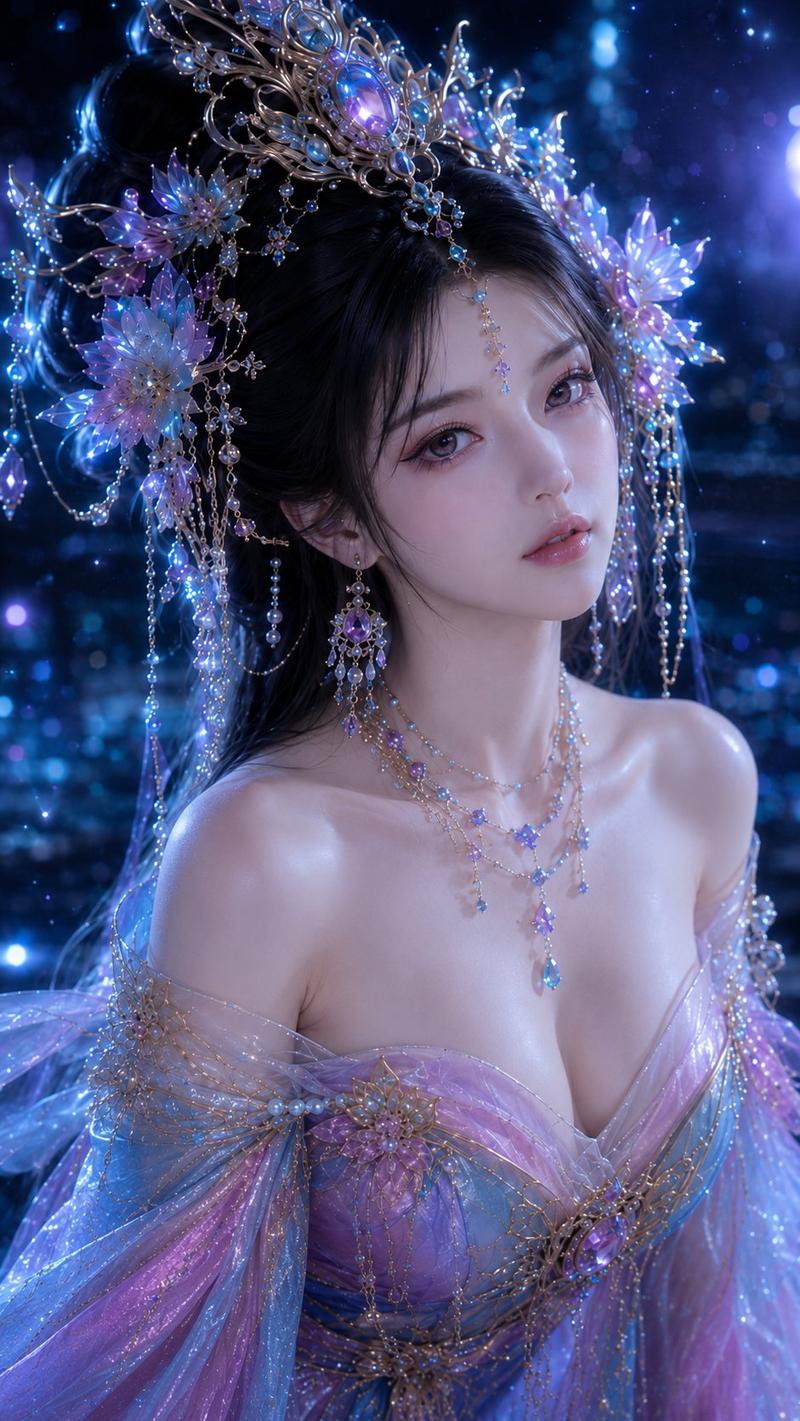
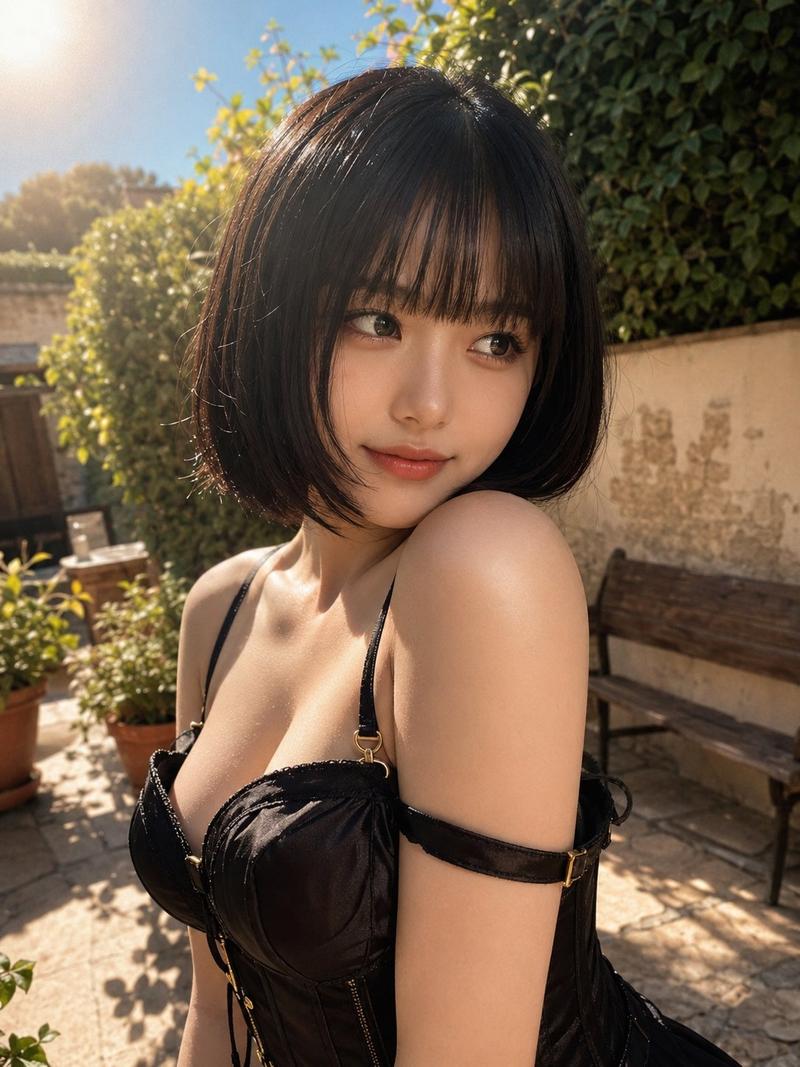
梦幻花园汉服自拍
Enlarge

Example images

梦幻花园汉服自拍

Prompt
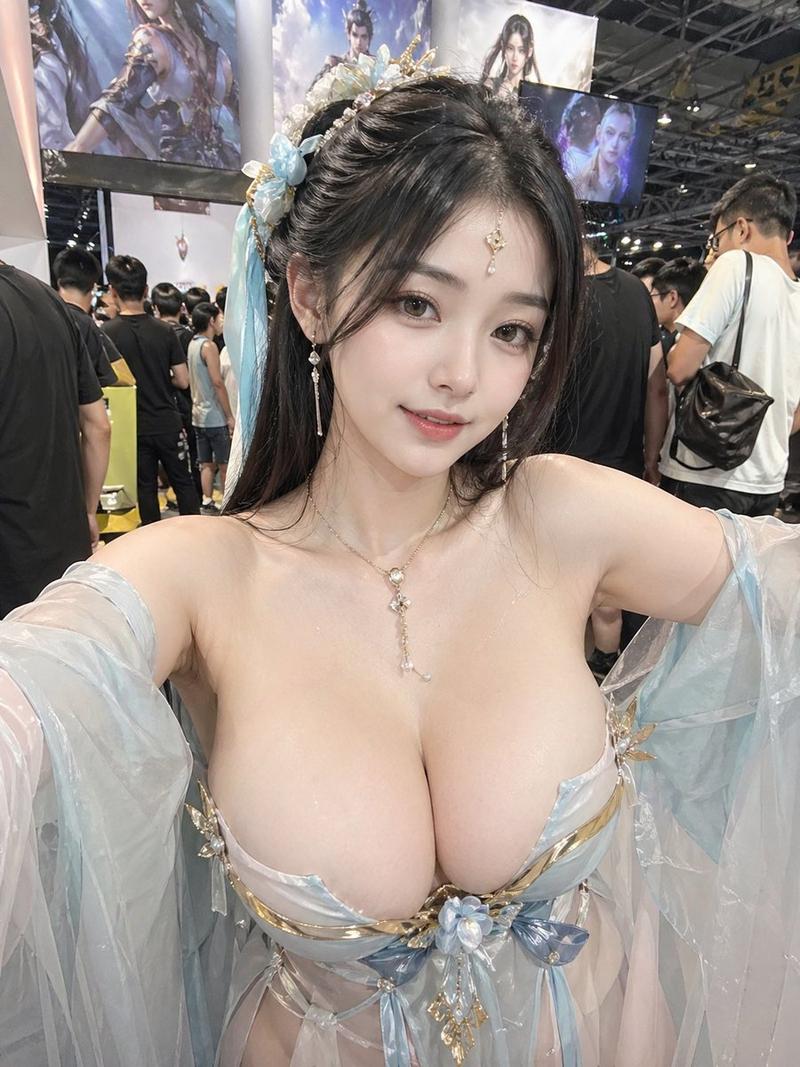
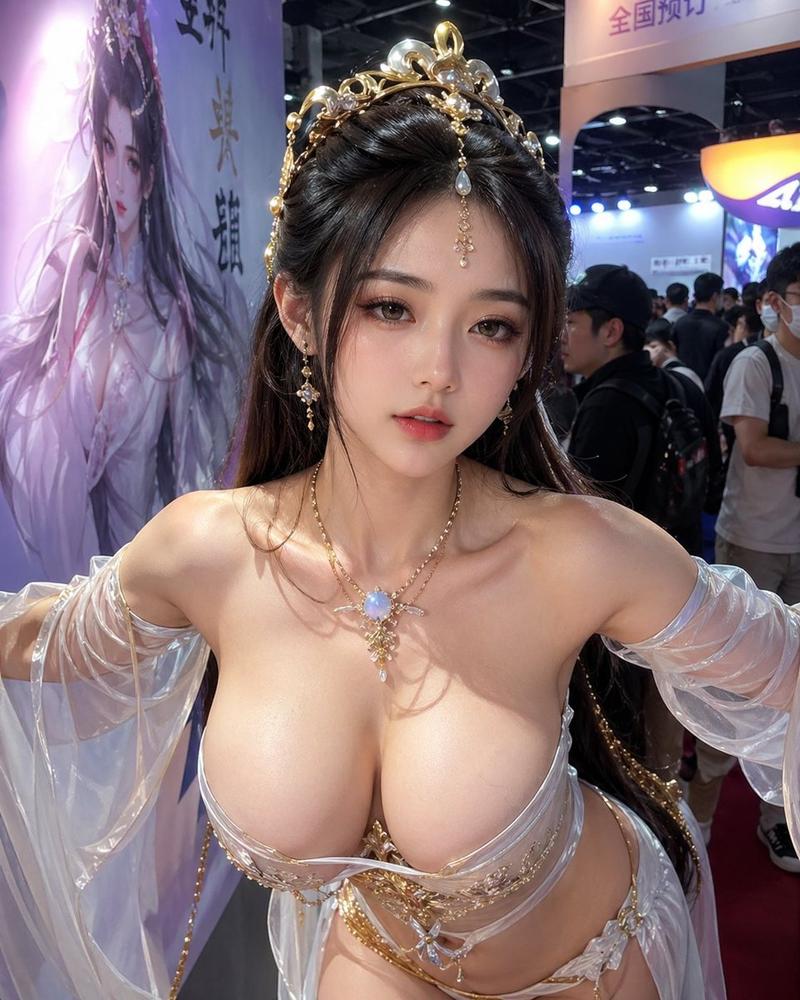
Create a photorealistic vertical smartphone selfie of an adult woman in an ornate fantasy xianxia-inspired outfit in a lush classical garden. The camera is held close at arm’s length from a high slightly downward angle, with both arms extending toward the viewer, creating strong selfie perspective and a cropped upper-body composition. She wears a flowing pale pink and translucent white hanfu-style dress with sheer embroidered sleeves, floral appliqués, delicate gold trim, and a low neckline; add layered gold necklaces, a gold floral choker, dangling gold-and-pink hair ornaments, crystal bead chains, and an elaborate updo with long dark wet-looking strands framing the face. Cover the entire face with a centered opaque square censor block in a smooth medium-brown skin-tone color, leaving hair, jewelry, neck, shoulders, and outfit visible. The background is a bright sunny garden with dense green trees, manicured shrubs, a small pond or stream directly behind her, pink and purple flower beds, rocks, and a pale stone arched bridge in the distance. Use realistic daylight, natural skin texture, glossy fabric highlights, shallow depth of field, and phone-camera realism. Emphasize the ornate costume details, garden atmosphere, and intimate selfie framing. No text, no watermark, no extra people.
Category
Charts & Infographics
Model
GPT Image 2
Creator
soda ho
Views8
Source ID
21986
Published
May 21, 2026

Guide

About "梦幻花园汉服自拍"

What is this prompt for?

"梦幻花园汉服自拍" AI image prompt for GPT Image 2 (Charts & Infographics). 生成一张照片级逼真的梦幻汉服风格花园自拍,包含华丽珠宝和葱郁景致,面部经过遮挡处理,适用于匿名角色形象。 Copy it on Picva and recreate the look…

The full copyable prompt and example visuals above are ready for AI image generation or one-click recreate in Picva.

How to use this prompt

  1. Step 1

    Open the prompt detail

    Review the example visuals, category, and full prompt text for "梦幻花园汉服自拍".

  2. Step 2

    Copy the prompt

    Copy the prompt body from this page, or load it directly in Studio.

  3. Step 3

    Pick a model (GPT Image 2)

    Prefer GPT Image 2. If you switch models, keep subject and composition and tweak style terms.

  4. Step 4

    Generate and export

    Recreate the look in Picva, or export into your workflow for editing and publishing.

FAQ

What is the "梦幻花园汉服自拍" prompt?
It is an AI image-generation prompt for GPT Image 2 in the Charts & Infographics category. This page includes the full prompt text, example visuals, and a one-click recreate path in Picva.
How do I use this prompt to generate an image?
Copy the prompt from this page, or use Generate / Studio. Paste it into a compatible image model, or recreate the look in Picva with optional reference images.
Which model is this prompt for?
This page lists GPT Image 2. Most descriptive prompts also transfer to nearby image models such as GPT Image, Flux, or Midjourney with light style tweaks.
Can I use the result commercially?
You can usually copy the prompt for creation, but commercial use of the final image depends on the model terms, reference-image rights, and the generated content. Follow the source author and platform rules.