19

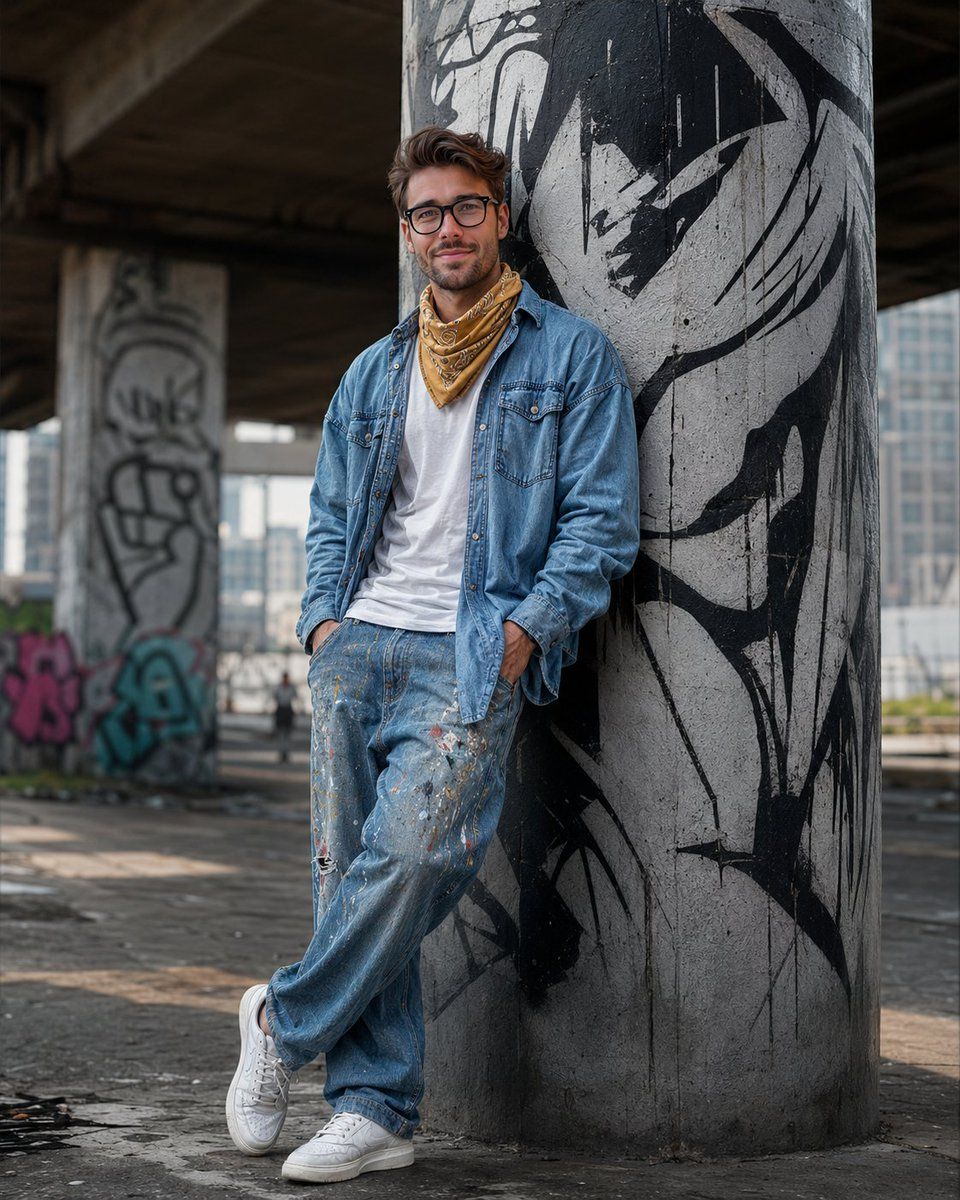
南亚街头风肖像
Enlarge

南亚街头风肖像

Prompt
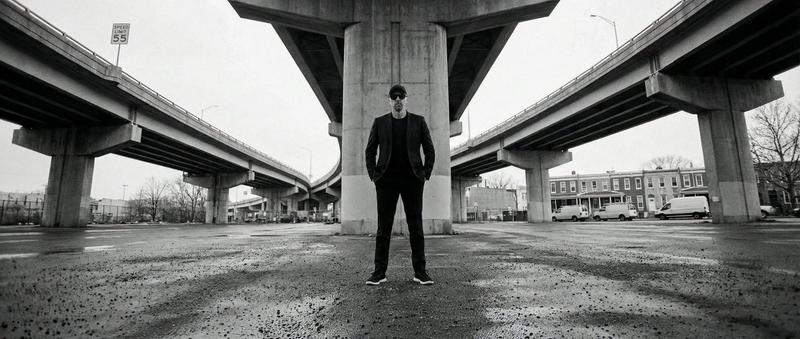
Photorealistic full-body street portrait of a {argument name="subject" default="stylish young South Asian man"} leaning against a graffiti-painted concrete pillar under a flyover, dramatic black-and-white mural background, {argument name="accessory" default="yellow patterned bandana"}, {argument name="outfit" default="oversized denim shirt layered over a white t-shirt, baggy paint-splattered jeans"}, white sneakers, hands in pockets, casual crossed-leg pose, confident masculine expression, cinematic urban mood, soft daylight, shallow depth of field, Canon EOS R5, 85mm lens, ultra detailed skin texture, realistic messy hair, edgy street fashion aesthetic, cool tones, ultra realistic, 8K quality, vertical 4:5 composition, modern streetwear vibe, highly detailed male face, natural lighting, fashion editorial photography style
Category
Charts & Infographics
Model
GPT Image 2
Creator
Karlos
Views5
Source ID
22096
Published
May 23, 2026

Guide

About "南亚街头风肖像"

What is this prompt for?

"南亚街头风肖像" AI image prompt for GPT Image 2 (Charts & Infographics). 一张在充满前卫都市感的环境中,以电影级光效拍摄的时尚南亚年轻男性写实街头肖像。 Copy it on Picva and recreate the look in one click.

The full copyable prompt and example visuals above are ready for AI image generation or one-click recreate in Picva.

How to use this prompt

  1. Step 1

    Open the prompt detail

    Review the example visuals, category, and full prompt text for "南亚街头风肖像".

  2. Step 2

    Copy the prompt

    Copy the prompt body from this page, or load it directly in Studio.

  3. Step 3

    Pick a model (GPT Image 2)

    Prefer GPT Image 2. If you switch models, keep subject and composition and tweak style terms.

  4. Step 4

    Generate and export

    Recreate the look in Picva, or export into your workflow for editing and publishing.

FAQ

What is the "南亚街头风肖像" prompt?
It is an AI image-generation prompt for GPT Image 2 in the Charts & Infographics category. This page includes the full prompt text, example visuals, and a one-click recreate path in Picva.
How do I use this prompt to generate an image?
Copy the prompt from this page, or use Generate / Studio. Paste it into a compatible image model, or recreate the look in Picva with optional reference images.
Which model is this prompt for?
This page lists GPT Image 2. Most descriptive prompts also transfer to nearby image models such as GPT Image, Flux, or Midjourney with light style tweaks.
Can I use the result commercially?
You can usually copy the prompt for creation, but commercial use of the final image depends on the model terms, reference-image rights, and the generated content. Follow the source author and platform rules.