15

好莱坞动作片角色项目
Enlarge

好莱坞动作片角色项目

Prompt
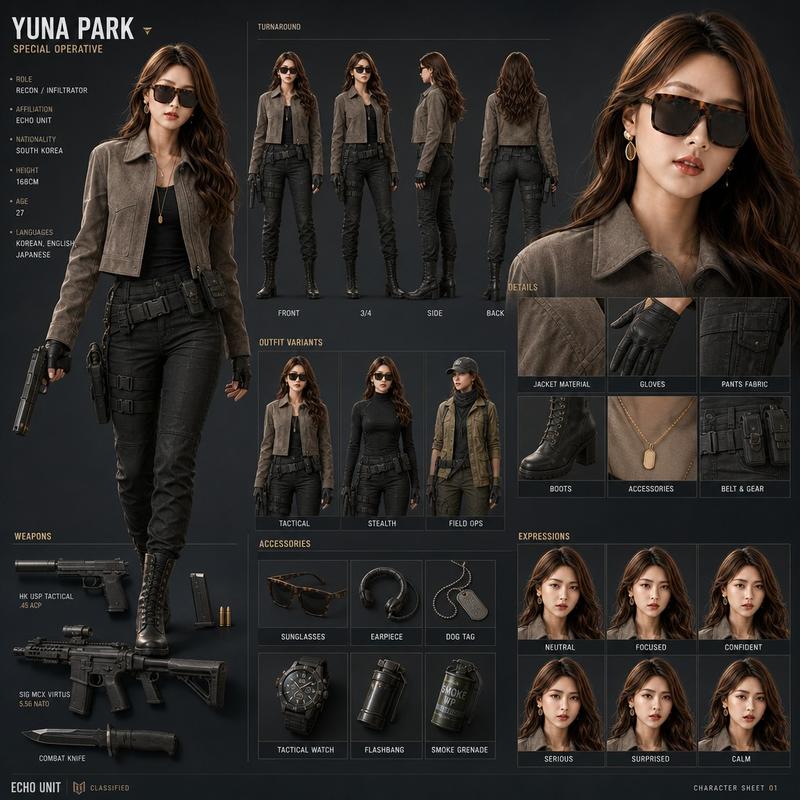
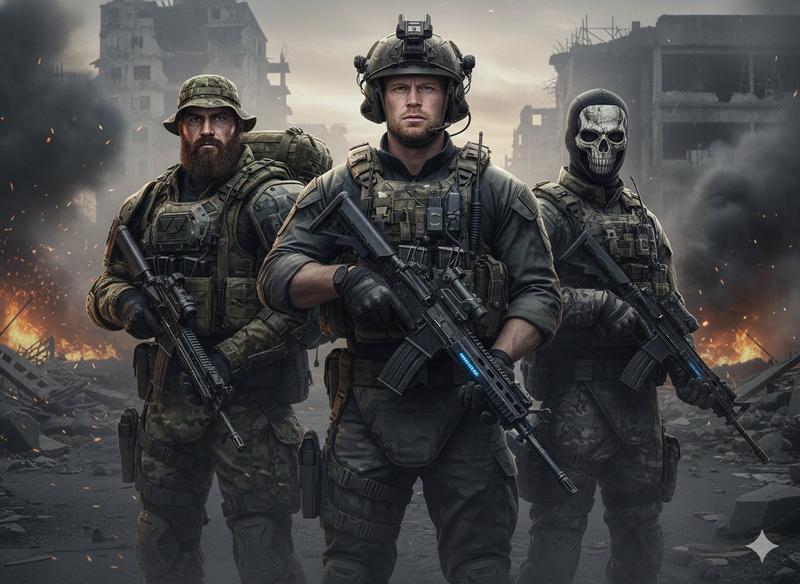
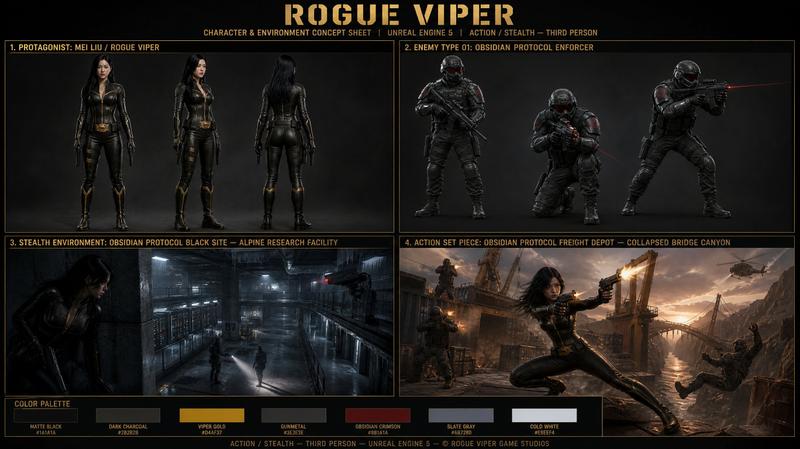
Create a cinematic Hollywood-style character design board for a big-budget action film featuring a {argument name="protagonist" default="male protagonist"}.

Avoid clean grid layouts; composition should feel like a senior concept artist’s film pitch board used in a studio meeting.

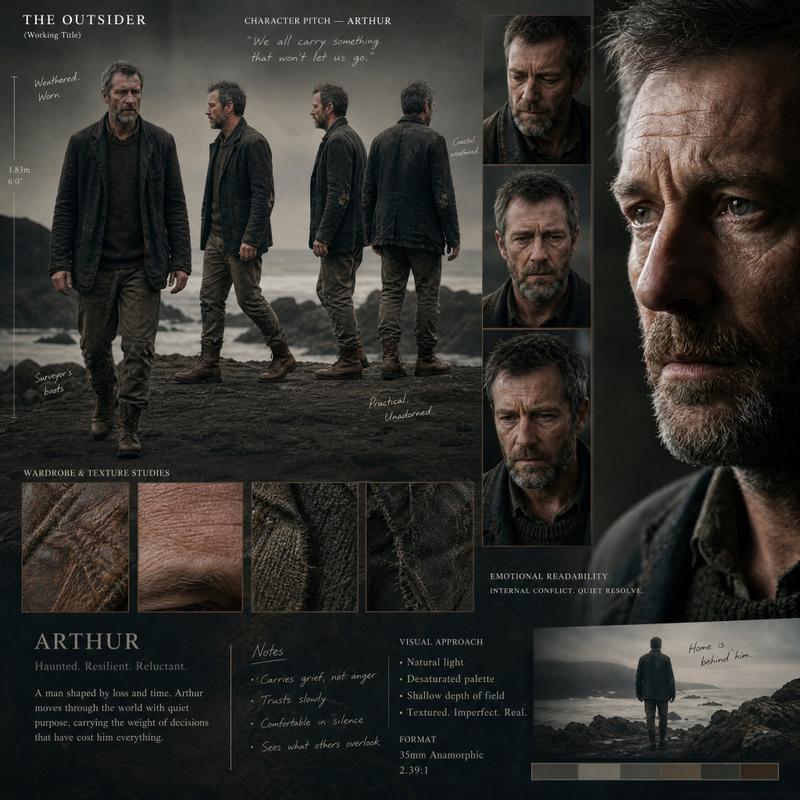
Design a grounded, realistic {argument name="character type" default="male lead actor-type character"} with strong screen presence, subtle imperfections, and emotional depth.

Include:

Full-body turnaround (hero suit / tactical modern outfit)
Close-up facial expression studies (intensity, calm before action, anger)
Wardrobe breakdown (jacket layers, tactical gear, fabric realism)
Signature weapon or gadget design sheet
Motion/action pose studies (running, fighting, aiming)
Height scale with production notes and casting-style annotations

Style: Hollywood blockbuster realism, cinematic lighting, shallow depth of field, premium film still aesthetic, dramatic contrast.
Category
Posters & Typography
Model
GPT Image 2
Creator
Cherry 2.O
Views5
Source ID
22829
Published
May 27, 2026

Guide

About "好莱坞动作片角色项目"

What is this prompt for?

"好莱坞动作片角色项目" AI image prompt for GPT Image 2 (Posters & Typography). 一份全面的好莱坞男性主角电影级角色设计项目,包含全身转面图和面部特征研究。 Copy it on Picva and recreate the look in one click.

The full copyable prompt and example visuals above are ready for AI image generation or one-click recreate in Picva.

How to use this prompt

  1. Step 1

    Open the prompt detail

    Review the example visuals, category, and full prompt text for "好莱坞动作片角色项目".

  2. Step 2

    Copy the prompt

    Copy the prompt body from this page, or load it directly in Studio.

  3. Step 3

    Pick a model (GPT Image 2)

    Prefer GPT Image 2. If you switch models, keep subject and composition and tweak style terms.

  4. Step 4

    Generate and export

    Recreate the look in Picva, or export into your workflow for editing and publishing.

FAQ

What is the "好莱坞动作片角色项目" prompt?
It is an AI image-generation prompt for GPT Image 2 in the Posters & Typography category. This page includes the full prompt text, example visuals, and a one-click recreate path in Picva.
How do I use this prompt to generate an image?
Copy the prompt from this page, or use Generate / Studio. Paste it into a compatible image model, or recreate the look in Picva with optional reference images.
Which model is this prompt for?
This page lists GPT Image 2. Most descriptive prompts also transfer to nearby image models such as GPT Image, Flux, or Midjourney with light style tweaks.
Can I use the result commercially?
You can usually copy the prompt for creation, but commercial use of the final image depends on the model terms, reference-image rights, and the generated content. Follow the source author and platform rules.