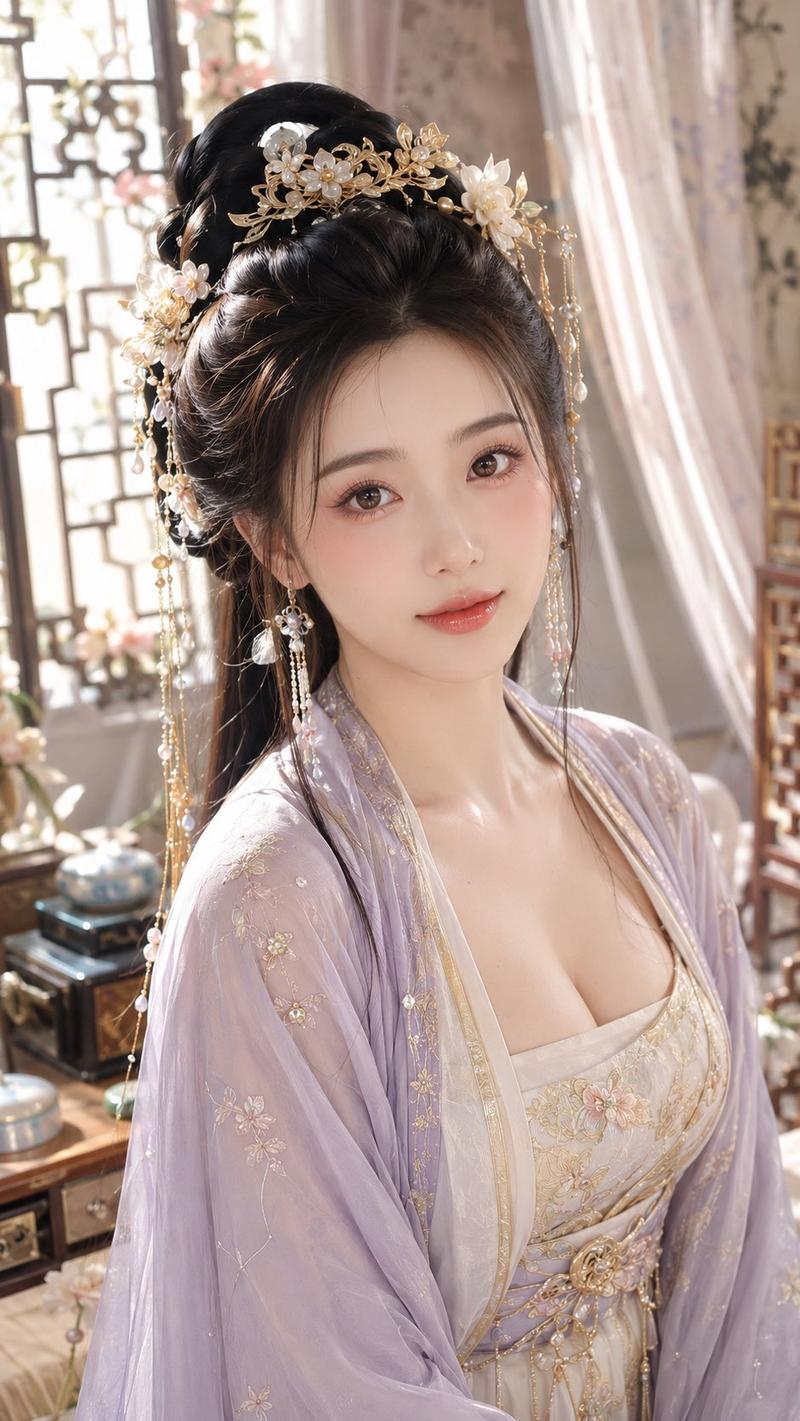
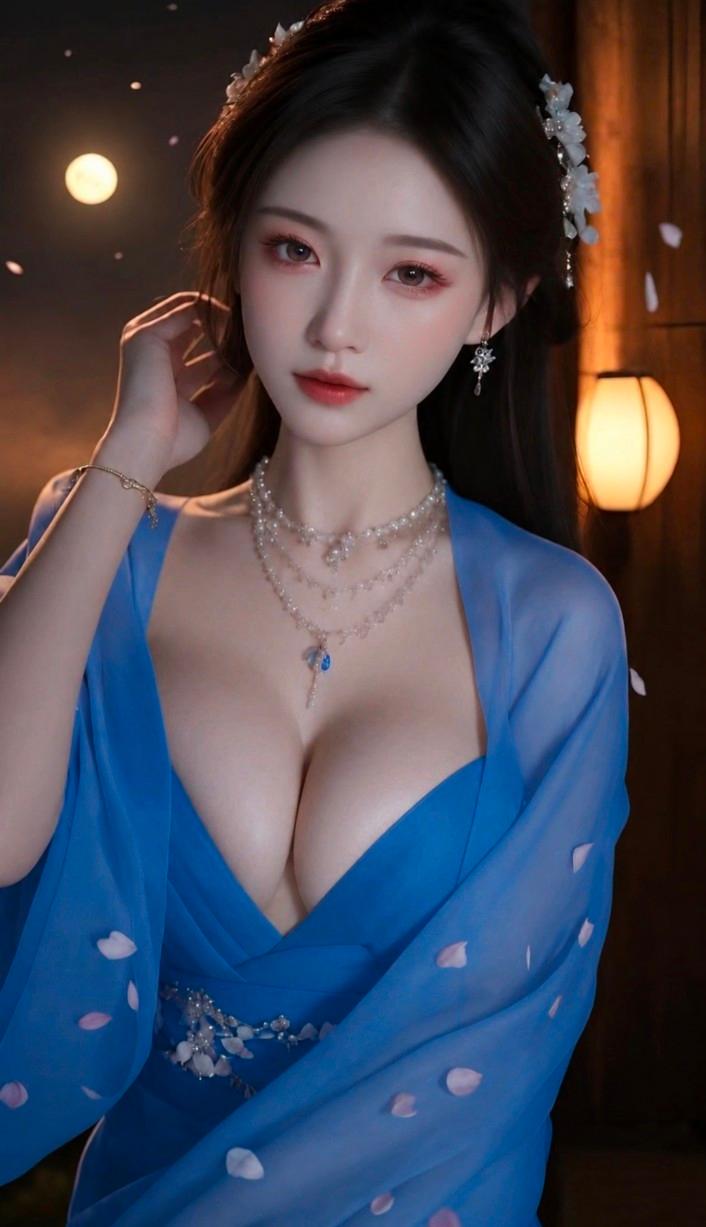
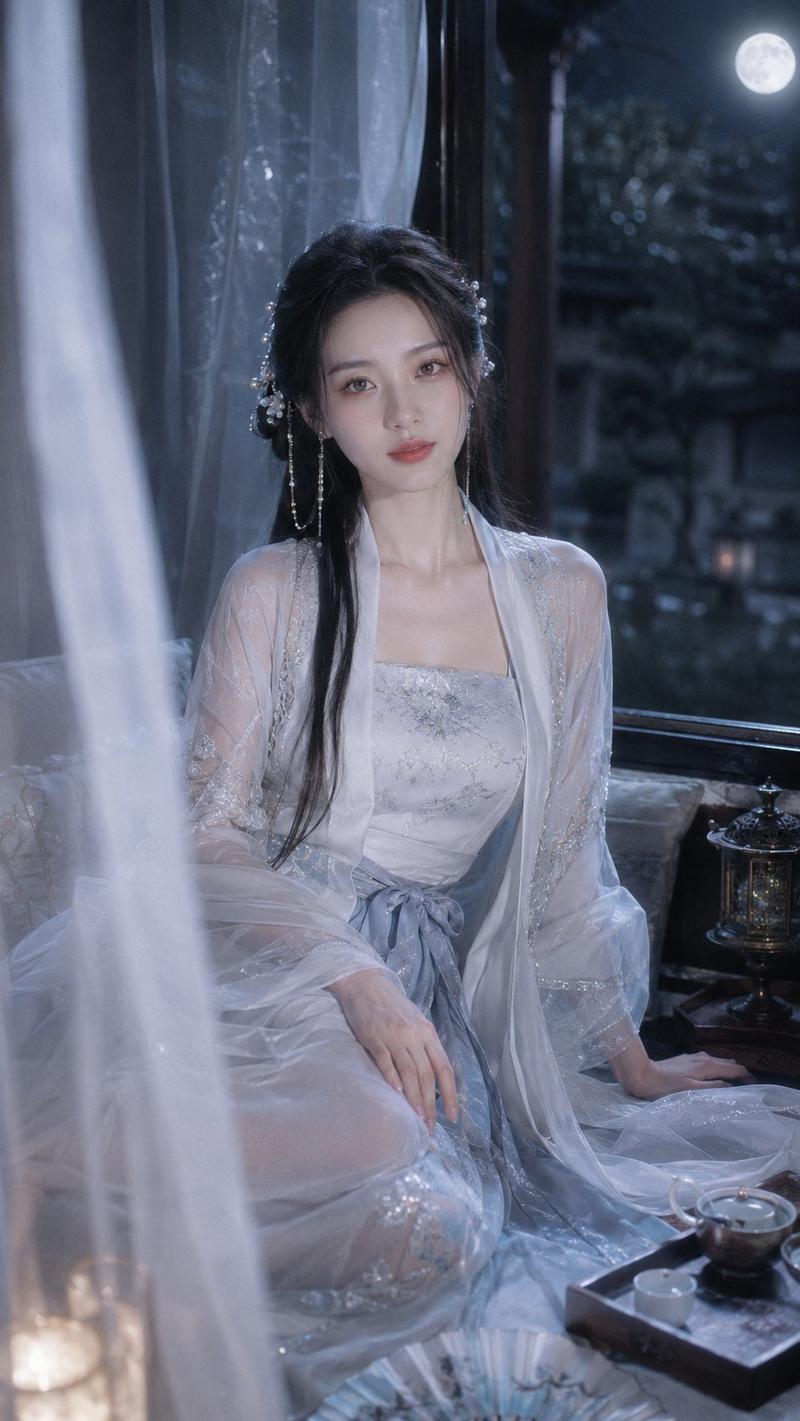
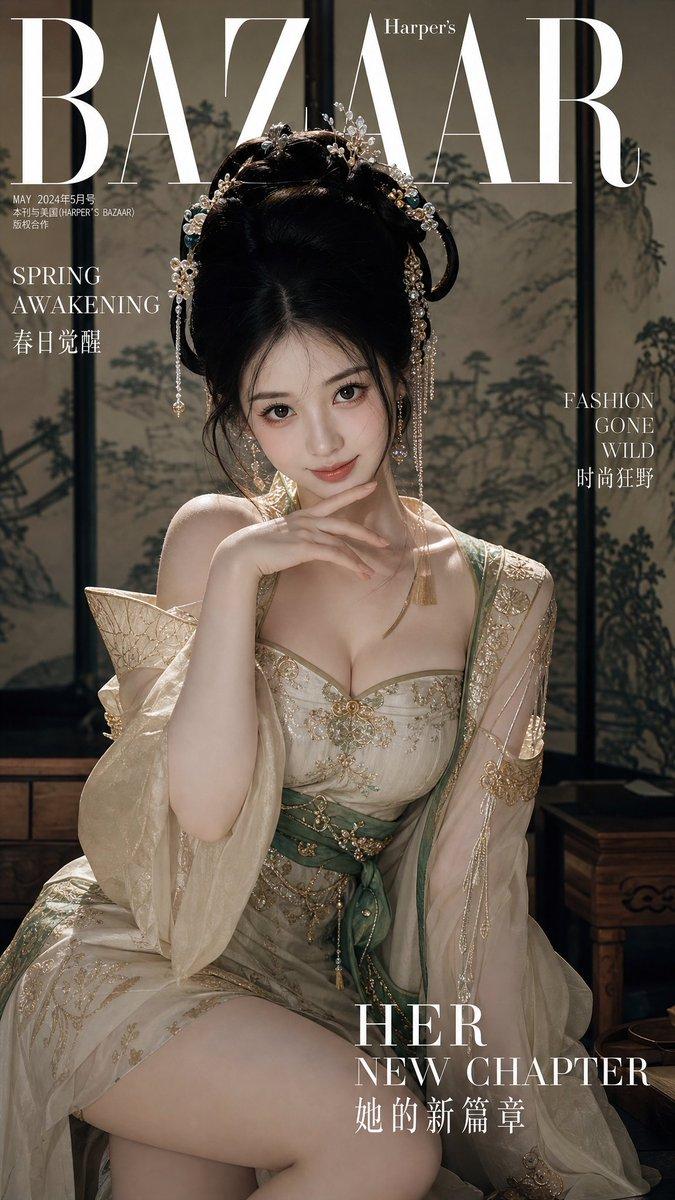
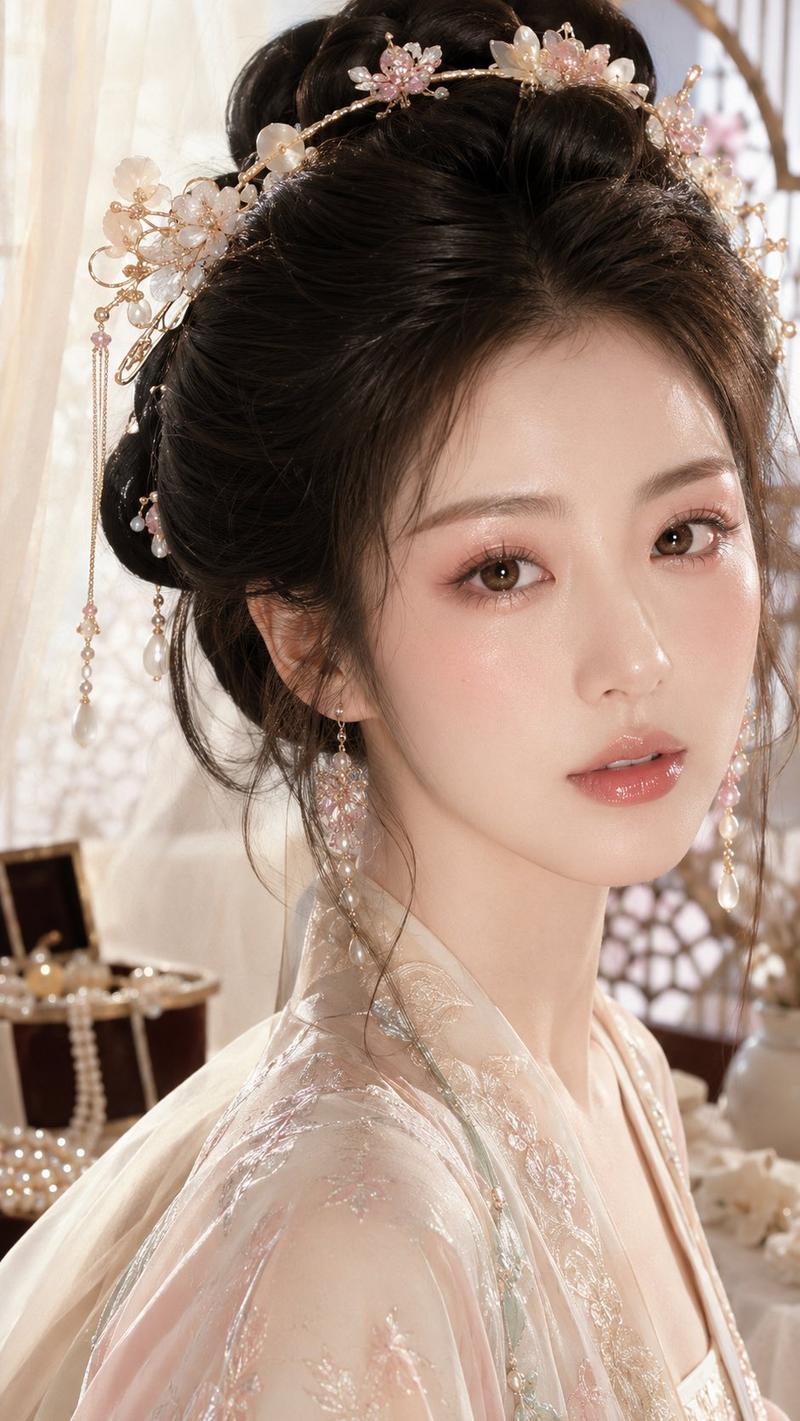
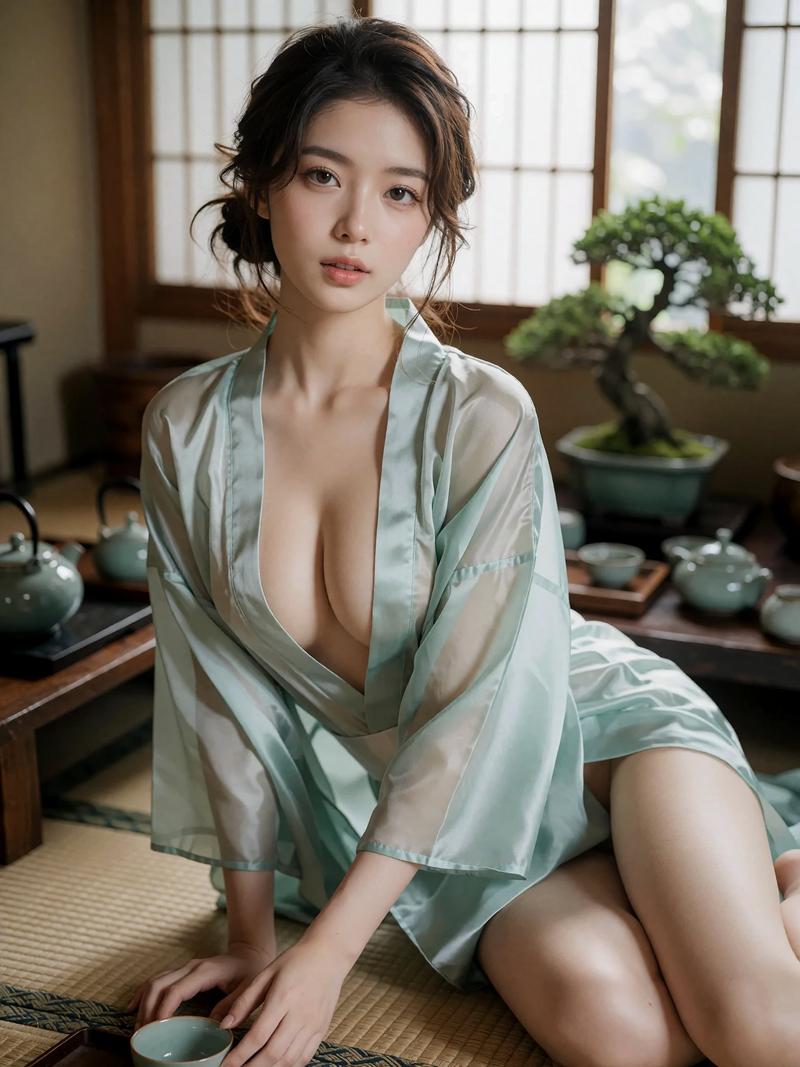
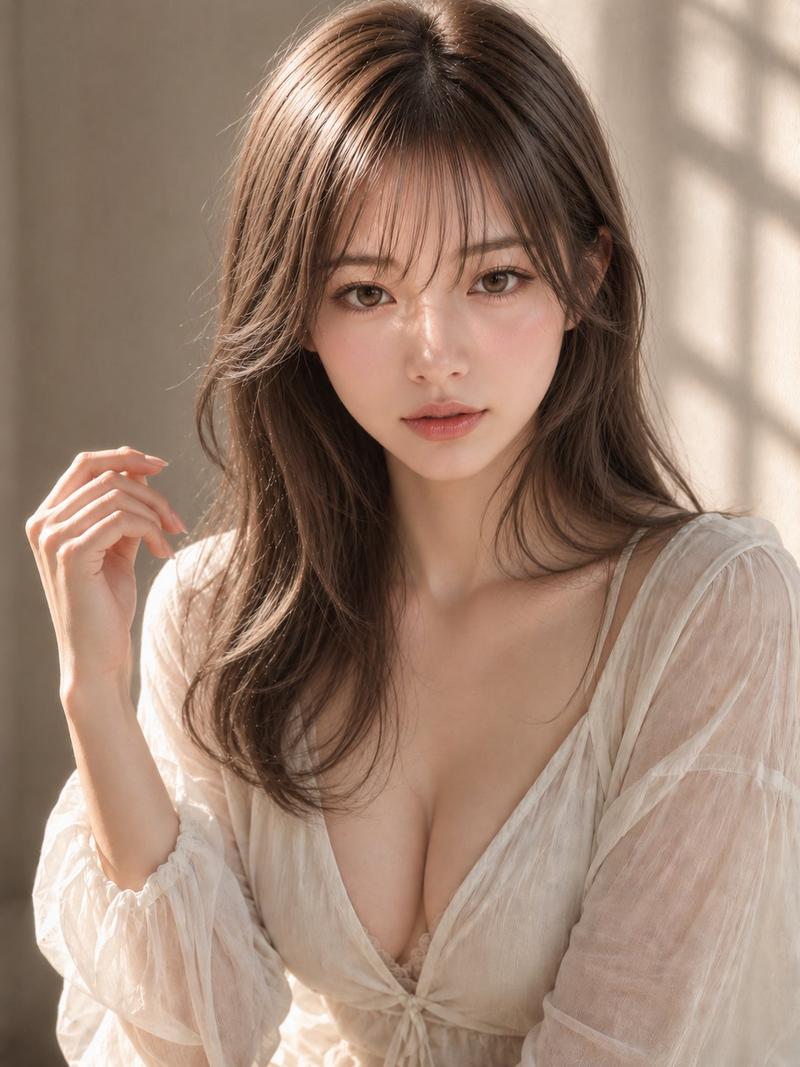
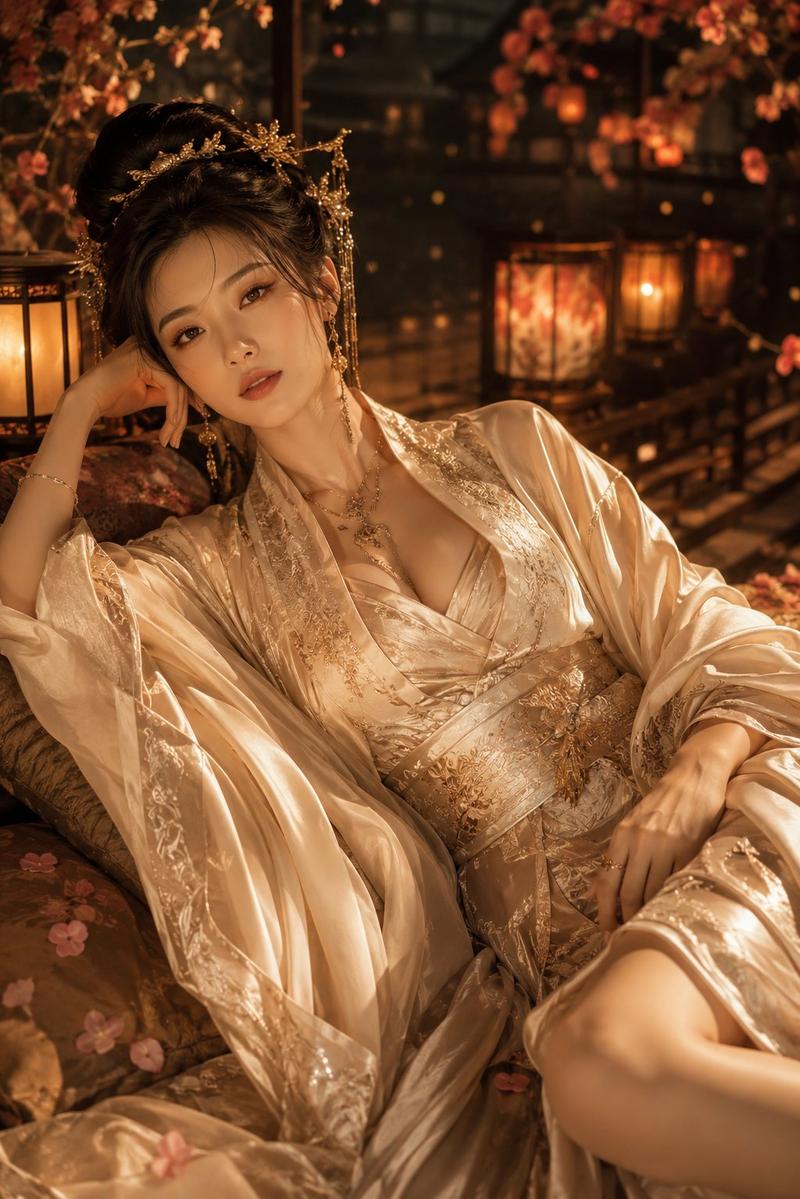
古典中国风围棋肖像
Prompt
Using the provided reference image as the character base, regenerate the same classical Chinese beauty in a new vertical 9:16 portrait focused on “chess” from the four arts. Keep her pale blue-white translucent hanfu, elegant black updo, jade-and-pearl hair ornaments, dangling earrings, delicate loose hair strands, realistic skin texture, and soft oriental aesthetic consistent with the reference. Change the composition to a closer front-facing seated portrait with the upper body centered and hands relaxed near the lower edge. Replace the outdoor misty mountain-lake setting and guqin with an indoor scholarly scene: a wooden side table on the right holding a Go board with exactly two visible groups of stones, black and white, plus a small dark wooden bowl behind it. Add a subtle jade pendant necklace at her collarbone. Use a muted ink-wash wall or folding-screen background with pine and mountain silhouettes, soft diffused studio lighting, shallow depth of field, ultra-realistic 4K photographic detail, flowing sheer fabric, fine hair detail, and refined Eastern elegance. Optional customization: set the theme to {argument name="art theme" default="Go chess / qí"}, the portrait orientation to {argument name="aspect ratio" default="9:16 vertical"}, the garment color to {argument name="garment color" default="pale blue-white"}, the background to {argument name="background style" default="indoor ink-wash wall with pine and mountains"}, and the accessory accent to {argument name="accessory accent" default="jade pendant necklace"}. Avoid adding text, logos, watermarks, extra people, or modern objects.- Category
- Charts & Infographics
- Model
- GPT Image 2
- Creator
- Larus Canus
- Source ID
- 23248
- Published
- May 28, 2026
Views13