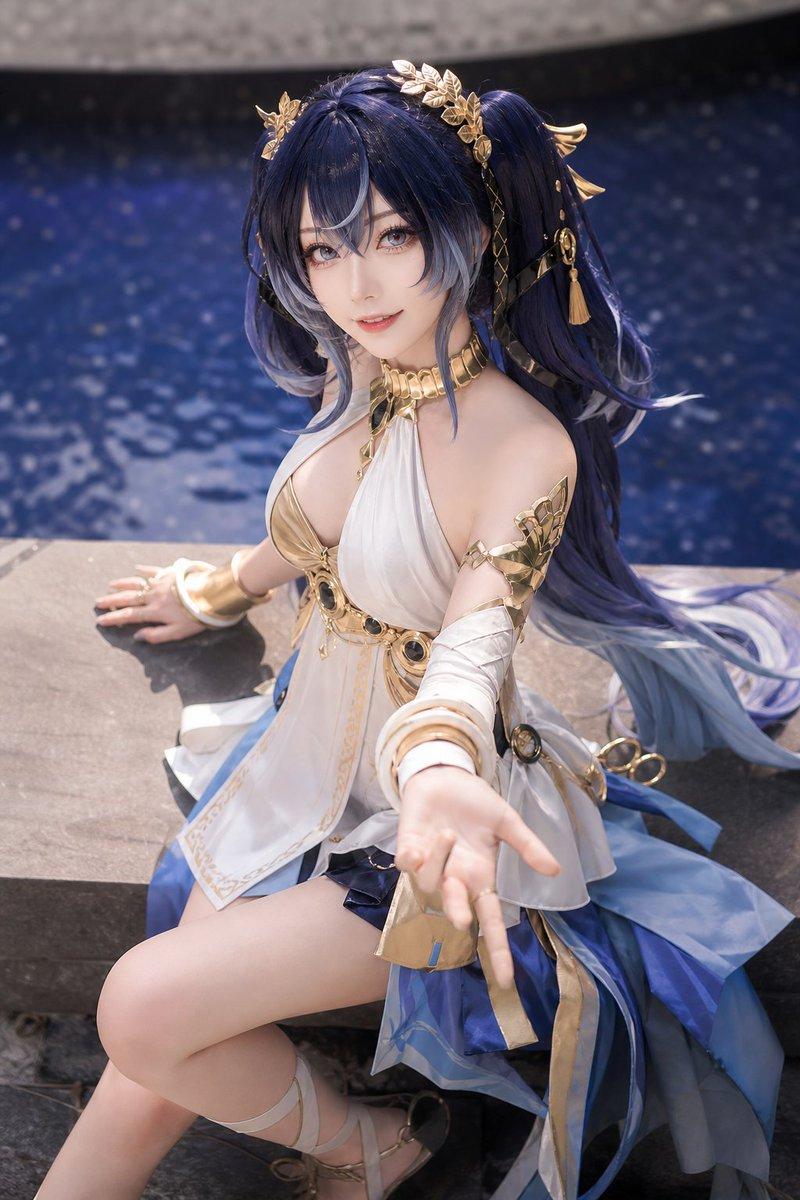
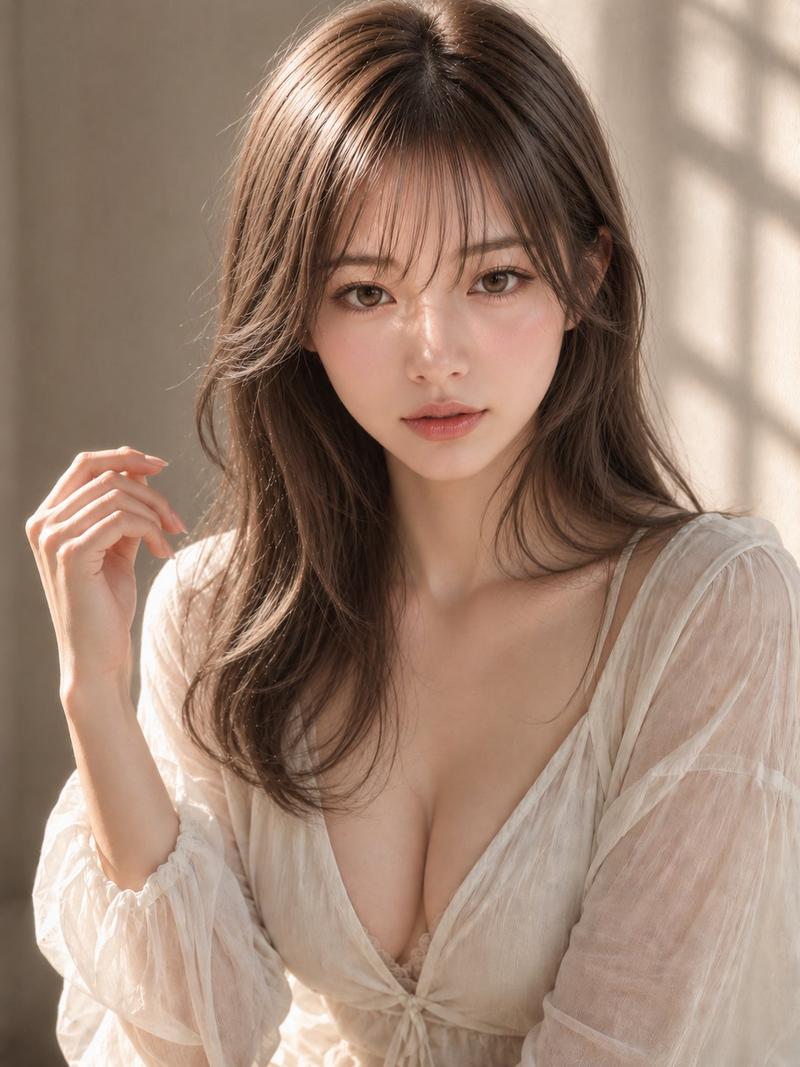
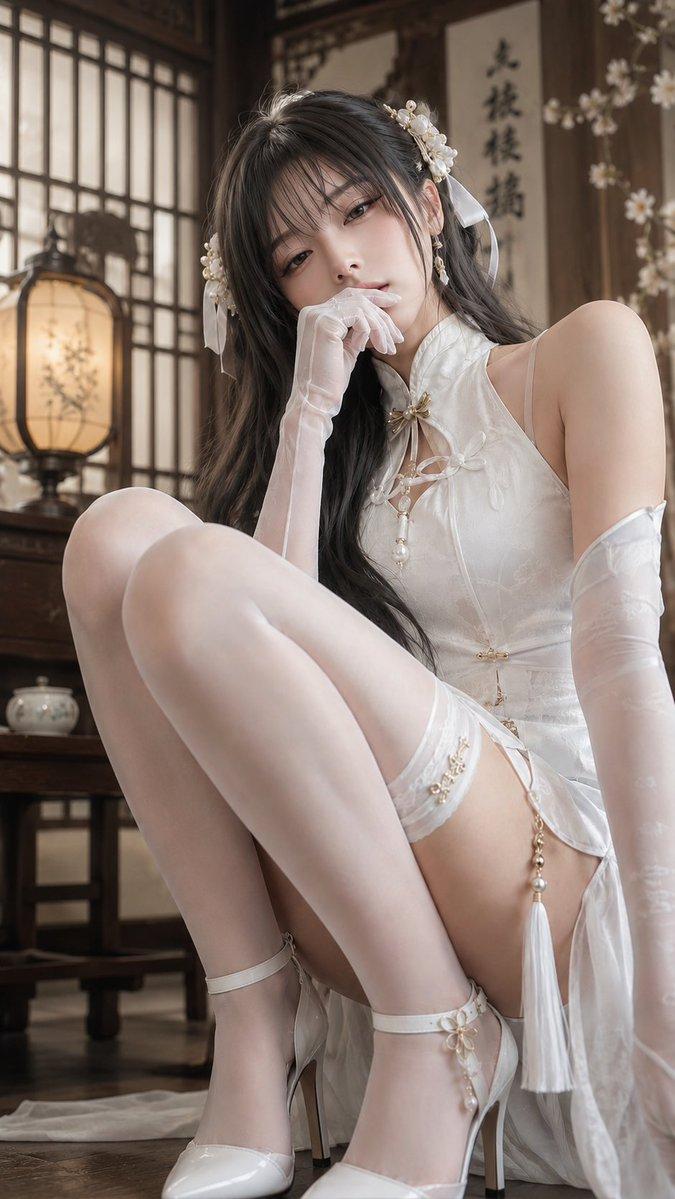
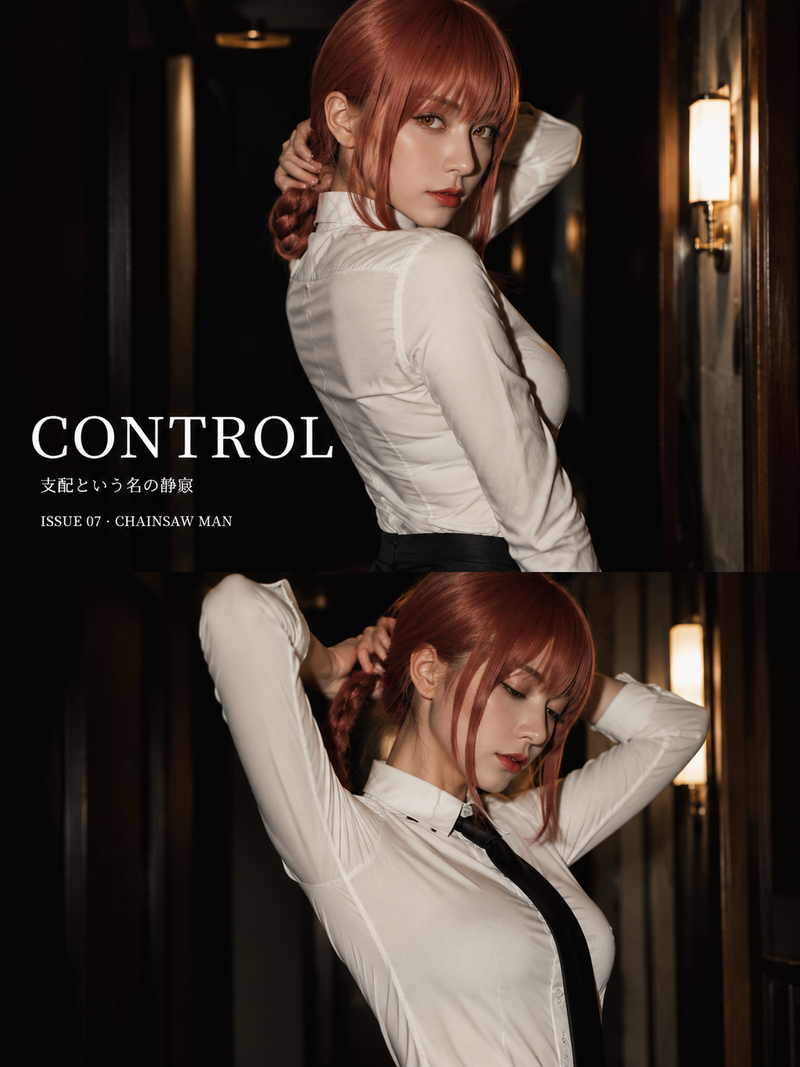
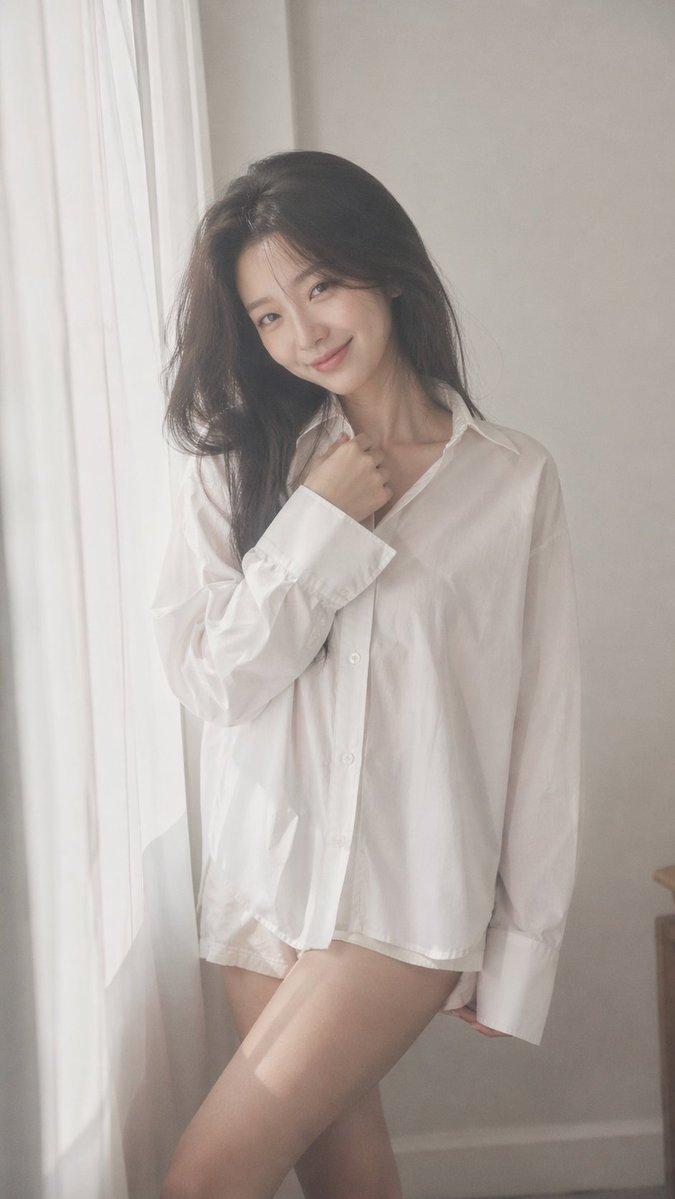
清晨窗边酒店人像
Prompt
Create a realistic vertical portrait photo of {argument name="character description" default="a young East Asian woman with long straight black hair"} standing beside a tall window with sheer white curtains in a warm elegant hotel bedroom. She is shown from about mid-thigh upward in a three-quarter side profile facing left, softly backlit by morning sunlight through the curtains, holding a strand of hair near her cheek with one hand and resting the other hand near her waist. Her face should be intentionally obscured by a smooth rectangular blur/mosaic block for privacy. She wears a delicate {argument name="outfit style" default="white satin fantasy-inspired dress"} with pale blue ribbon accents: a halter-like blue-and-white collar with a small bow, fitted bodice, short asymmetrical skirt with a high side slit, detached sheer white sleeves tied with blue ribbons at the upper arms, and a long blue waist sash with tassel ornaments. Emphasize soft fabric texture, glossy satin, translucent sleeves, subtle lace details, and a gentle relaxed morning mood. The room background includes exactly five prominent furniture/decor elements: an upholstered wooden chair behind her, a round vanity table with an oval mirror, a bedside lamp, a white bed on the right, and a small round table in the lower right foreground. Use warm beige walls, classic hotel decor, shallow depth of field, natural window light, muted tones, photorealistic DSLR quality, 3:4 vertical composition. Avoid text, watermark, extra people, exaggerated anatomy, or cartoon styling.- Category
- Charts & Infographics
- Model
- GPT Image 2
- Creator
- susumu_Mind
- Source ID
- 23518
- Published
- May 31, 2026
Views5