20

柔雾偶像肖像
Enlarge

柔雾偶像肖像

Prompt
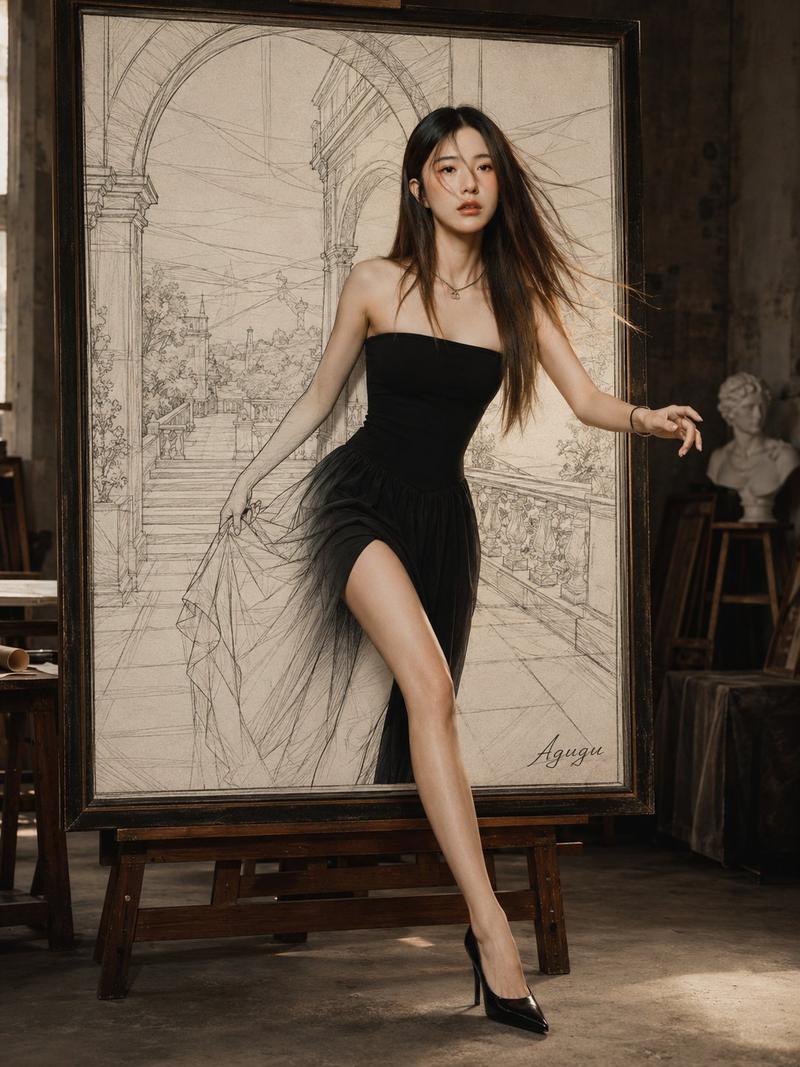
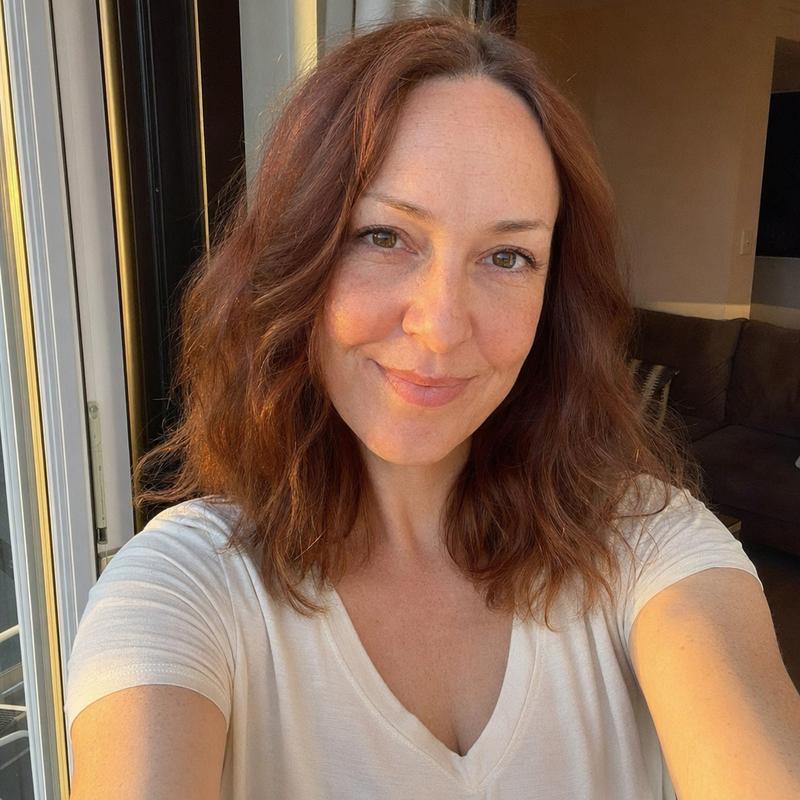
9:16 vertical portrait photo of an adult {argument name="subject" default="Korean pop idol"}, single subject. Use a soft black mist filter look with low contrast, gentle highlight bloom, subtle glow, soft diffusion, and slightly lifted faded blacks. Minimal indoor scene beside a window with white curtains and a clean light toned background. The subject has natural minimal makeup, realistic dewy skin texture, and subtle human imperfections. Outfit is an {argument name="clothing" default="oversized white button up shirt with short bottoms"}, loose and casual, with no revealing styling. {argument name="hair style" default="Long dark hair"}, slightly messy, naturally voluminous, softly flowing. Pose is relaxed standing or a light lean, body subtly angled, one leg a little forward, shoulders relaxed. One hand lightly touches the collar or rests near the neckline while the other stays relaxed. Keep the body curve gentle and not exaggerated. Expression is a soft cute smile with slightly playful eyes, looking directly at the camera or just off camera. Close to mid body framing, eye level, intimate distance, with a slight handheld photography feel. Diffused natural daylight, soft shadows, light wrapping gently around the face and body. Mood is cute, intimate, everyday softness, quiet romantic atmosphere, with an understated dreamy tone. Ultra realistic quality, fine film grain, slight softness near the edges, natural imperfections.
Category
Architecture & Spaces
Model
GPT Image 2
Creator
PromptLab
Views0
Source ID
27412
Published
Jul 2, 2026

Guide

About "柔雾偶像肖像"

What is this prompt for?

"柔雾偶像肖像" AI image prompt for GPT Image 2 (Architecture & Spaces). 一款梦幻般的高质量肖像提示词,采用柔和的黑柔滤镜效果和自然的窗边光影,营造出随性的偶像美学。 Copy it on Picva and recreate the look in one…

The full copyable prompt and example visuals above are ready for AI image generation or one-click recreate in Picva.

How to use this prompt

  1. Step 1

    Open the prompt detail

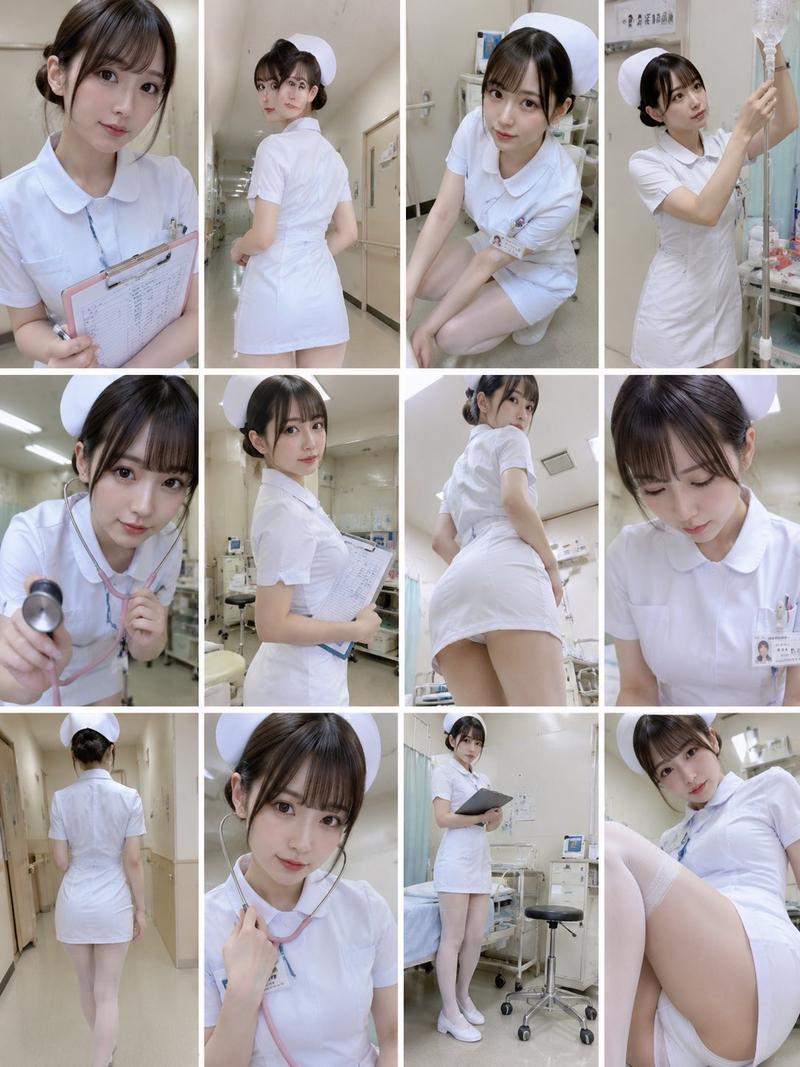
    Review the example visuals, category, and full prompt text for "柔雾偶像肖像".

  2. Step 2

    Copy the prompt

    Copy the prompt body from this page, or load it directly in Studio.

  3. Step 3

    Pick a model (GPT Image 2)

    Prefer GPT Image 2. If you switch models, keep subject and composition and tweak style terms.

  4. Step 4

    Generate and export

    Recreate the look in Picva, or export into your workflow for editing and publishing.

FAQ

What is the "柔雾偶像肖像" prompt?
It is an AI image-generation prompt for GPT Image 2 in the Architecture & Spaces category. This page includes the full prompt text, example visuals, and a one-click recreate path in Picva.
How do I use this prompt to generate an image?
Copy the prompt from this page, or use Generate / Studio. Paste it into a compatible image model, or recreate the look in Picva with optional reference images.
Which model is this prompt for?
This page lists GPT Image 2. Most descriptive prompts also transfer to nearby image models such as GPT Image, Flux, or Midjourney with light style tweaks.
Can I use the result commercially?
You can usually copy the prompt for creation, but commercial use of the final image depends on the model terms, reference-image rights, and the generated content. Follow the source author and platform rules.