19

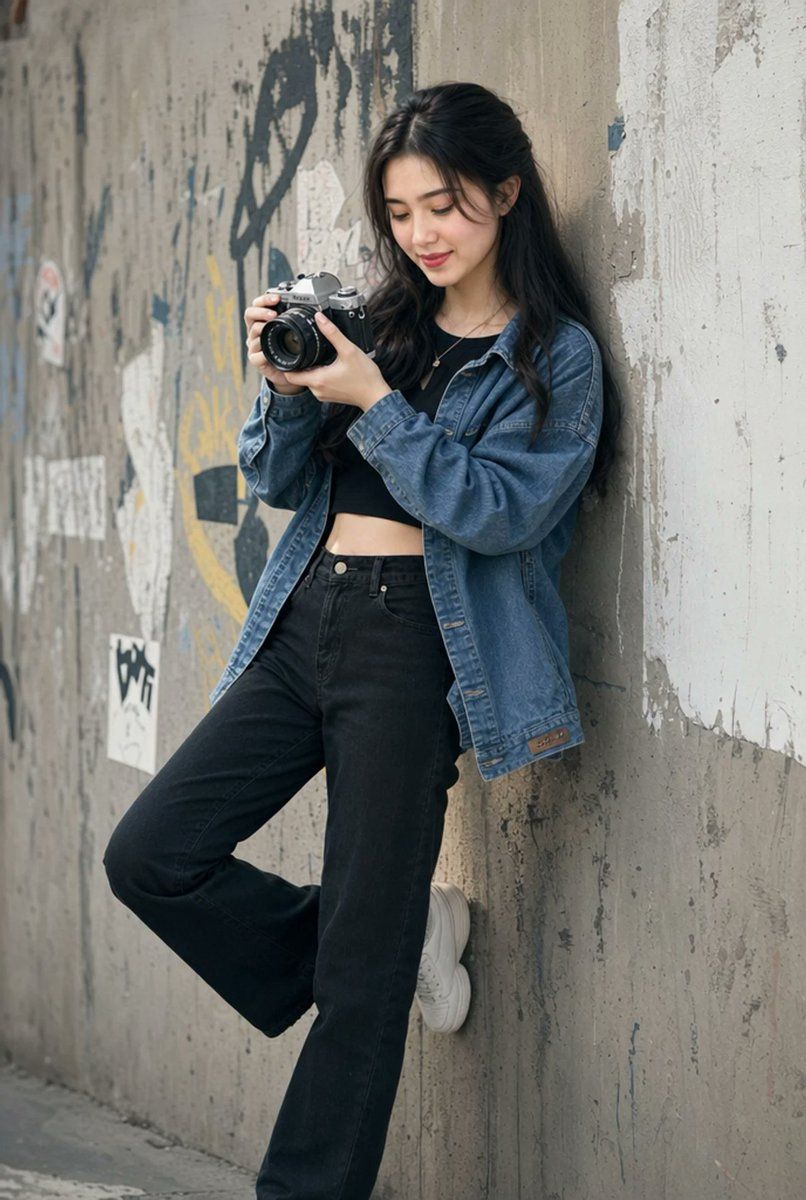
城市胶片相机人像
Enlarge

城市胶片相机人像

Prompt
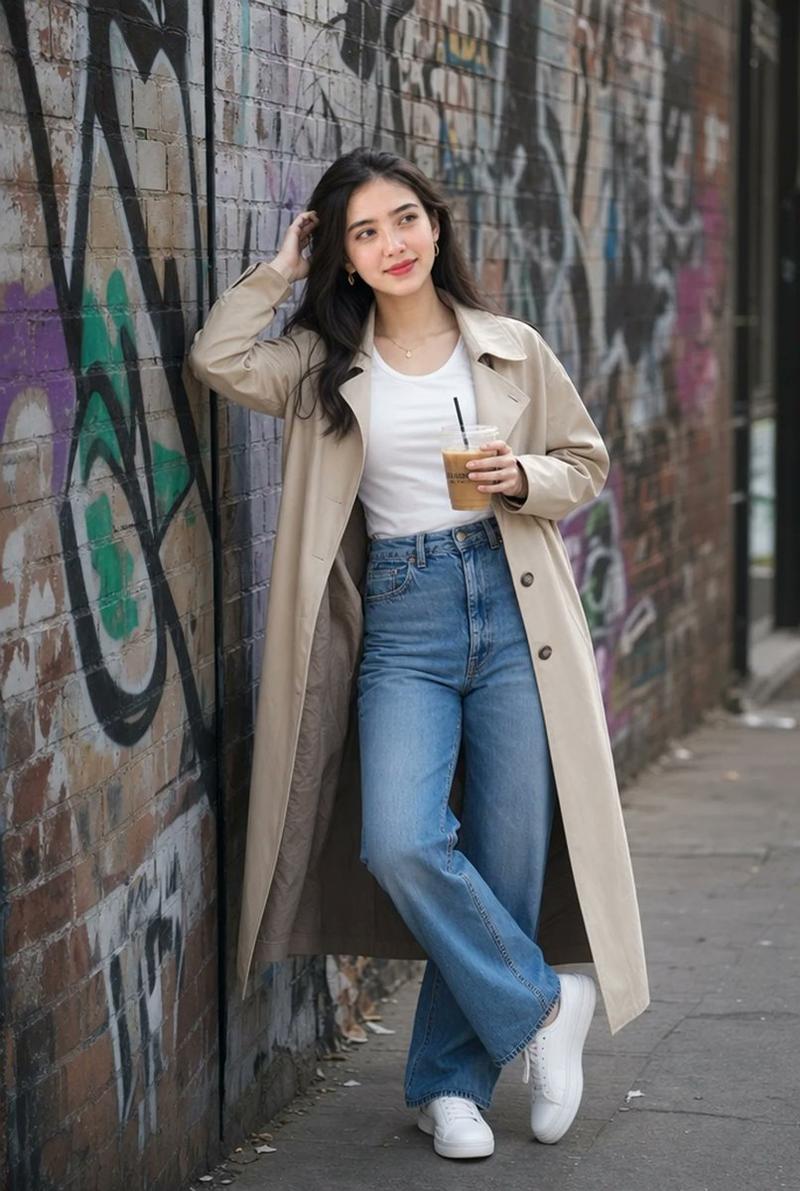
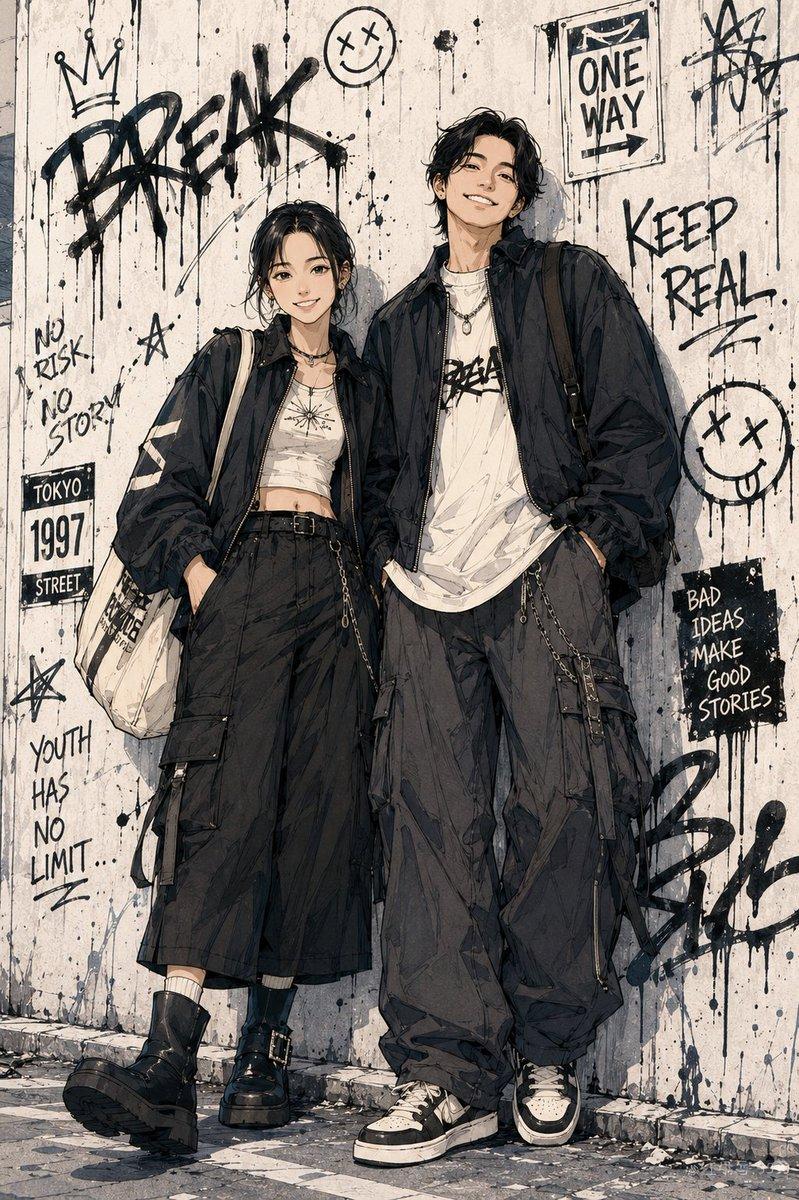
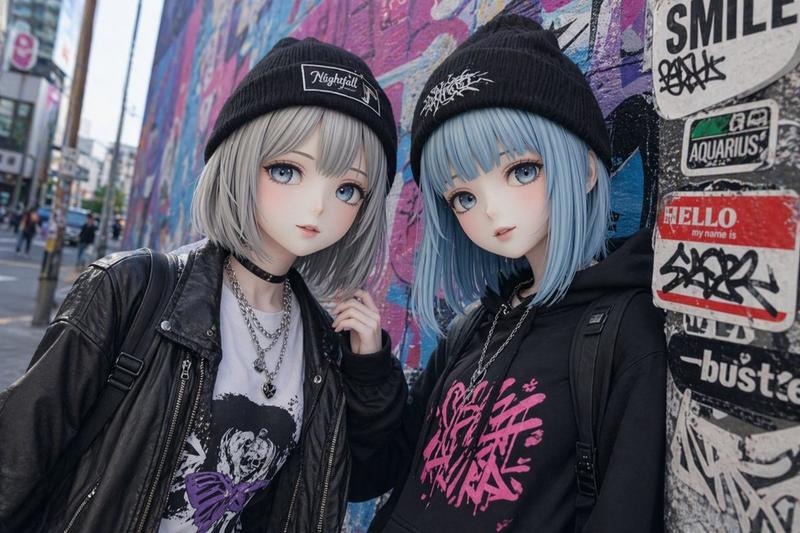
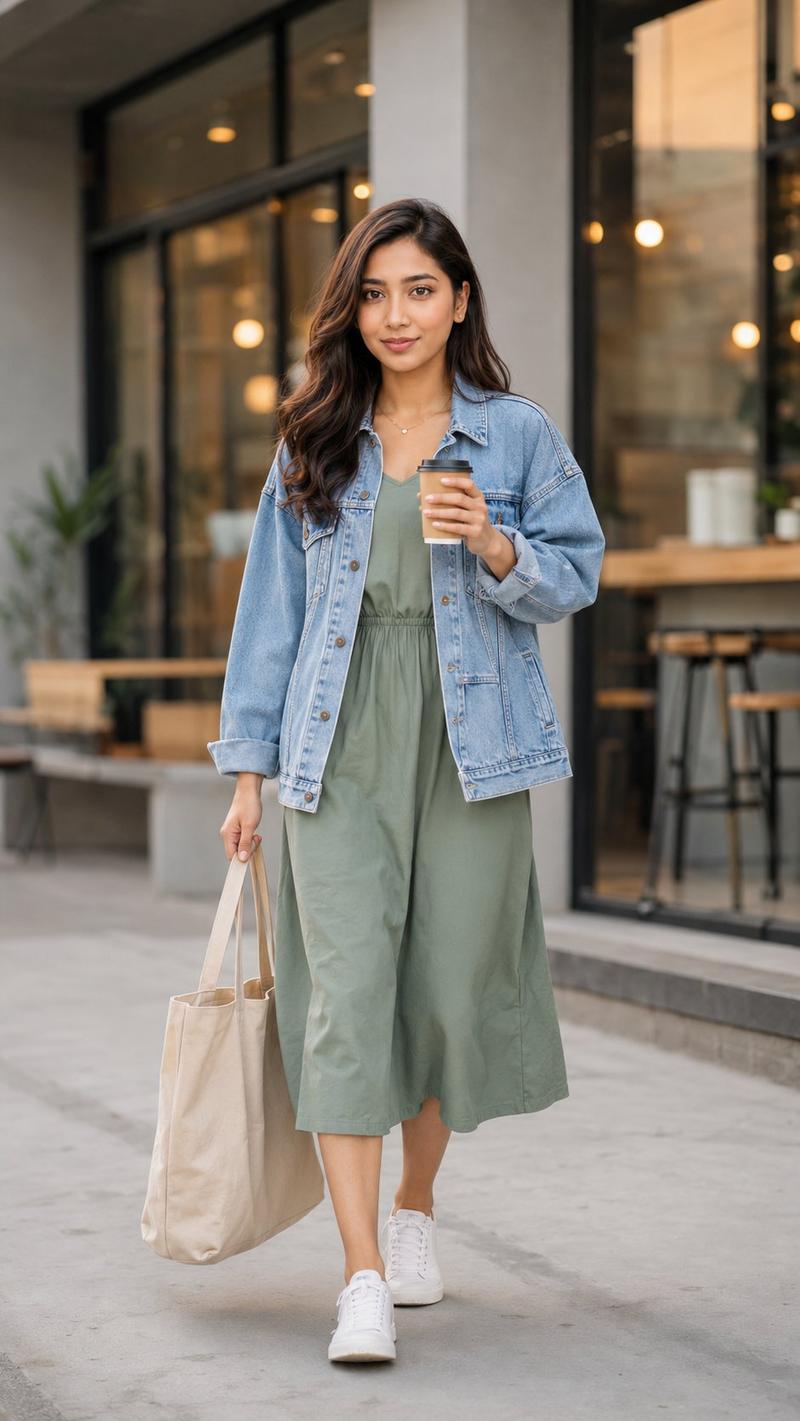
Create a hyper-realistic vertical street-fashion portrait of {argument name="character description" default="a young East Asian woman with long dark wavy hair"} leaning sideways against a textured concrete urban wall covered with faded graffiti, peeling paint, stains, and worn posters. She is full-body in frame, standing casually with one leg straight and the other knee bent, the sole of one white sneaker pressed against the wall. She holds {argument name="camera type" default="a silver-and-black vintage film camera with a large lens"} in both hands at chest height, fingers adjusting the lens, with a focused yet relaxed pose and her head slightly tilted downward toward the camera. Outfit: oversized medium-blue denim jacket worn open, black cropped top, high-waisted loose black jeans, white chunky sneakers, and a small simple necklace. Use natural daylight, soft overcast shadows, shallow depth of field, realistic skin and fabric textures, muted urban color grading, documentary street photography feel, 35mm lens perspective, vertical 2:3 composition. Keep the background wall dominant and gritty, with no readable prominent text, no watermark, no extra people, and no stylized illustration effects.
Category
Charts & Infographics
Model
GPT Image 2
Creator
Hania Ai
Views8
Source ID
23876
Published
Jun 2, 2026

Guide

About "城市胶片相机人像"

What is this prompt for?

"城市胶片相机人像" AI image prompt for GPT Image 2 (Charts & Infographics). 一张写实的竖构图街头人像,一位年轻女性靠在布满涂鸦的混凝土墙上,手中拿着一台复古胶片相机。 Copy it on Picva and recreate the look in one…

The full copyable prompt and example visuals above are ready for AI image generation or one-click recreate in Picva.

How to use this prompt

  1. Step 1

    Open the prompt detail

    Review the example visuals, category, and full prompt text for "城市胶片相机人像".

  2. Step 2

    Copy the prompt

    Copy the prompt body from this page, or load it directly in Studio.

  3. Step 3

    Pick a model (GPT Image 2)

    Prefer GPT Image 2. If you switch models, keep subject and composition and tweak style terms.

  4. Step 4

    Generate and export

    Recreate the look in Picva, or export into your workflow for editing and publishing.

FAQ

What is the "城市胶片相机人像" prompt?
It is an AI image-generation prompt for GPT Image 2 in the Charts & Infographics category. This page includes the full prompt text, example visuals, and a one-click recreate path in Picva.
How do I use this prompt to generate an image?
Copy the prompt from this page, or use Generate / Studio. Paste it into a compatible image model, or recreate the look in Picva with optional reference images.
Which model is this prompt for?
This page lists GPT Image 2. Most descriptive prompts also transfer to nearby image models such as GPT Image, Flux, or Midjourney with light style tweaks.
Can I use the result commercially?
You can usually copy the prompt for creation, but commercial use of the final image depends on the model terms, reference-image rights, and the generated content. Follow the source author and platform rules.