19

武士角色转换提示词
Enlarge

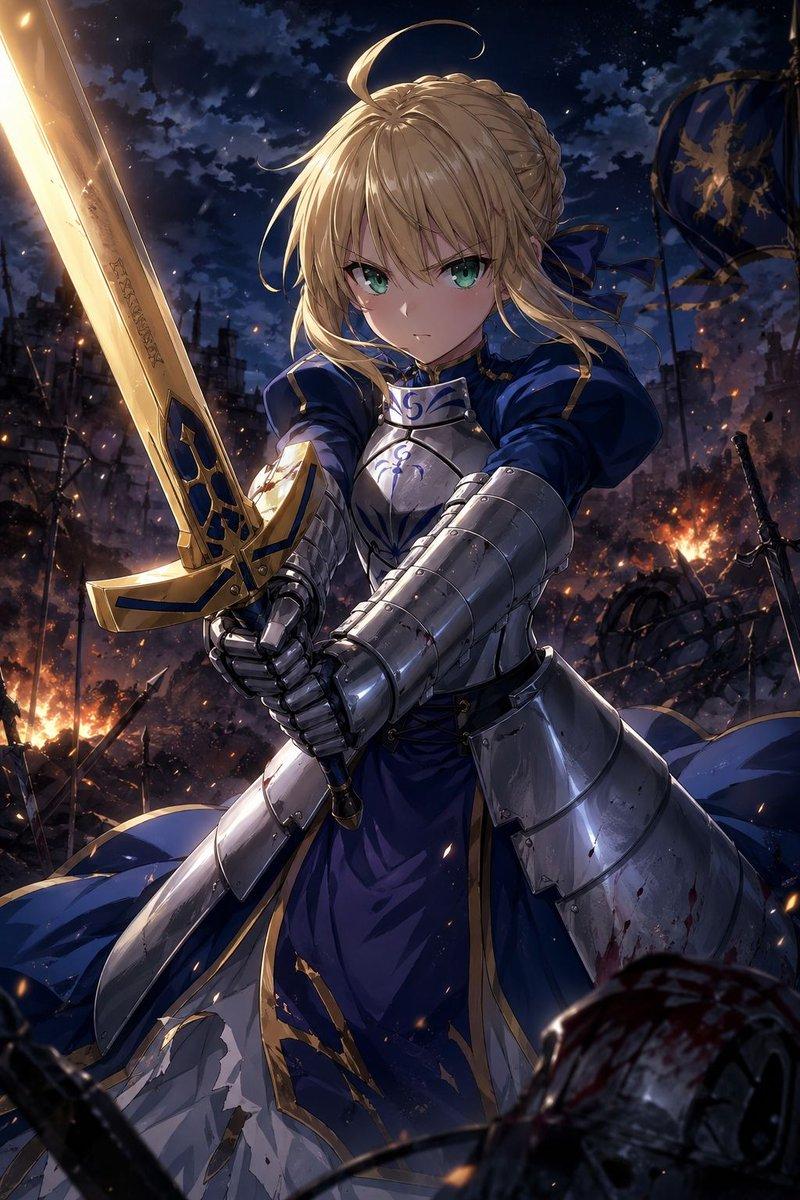
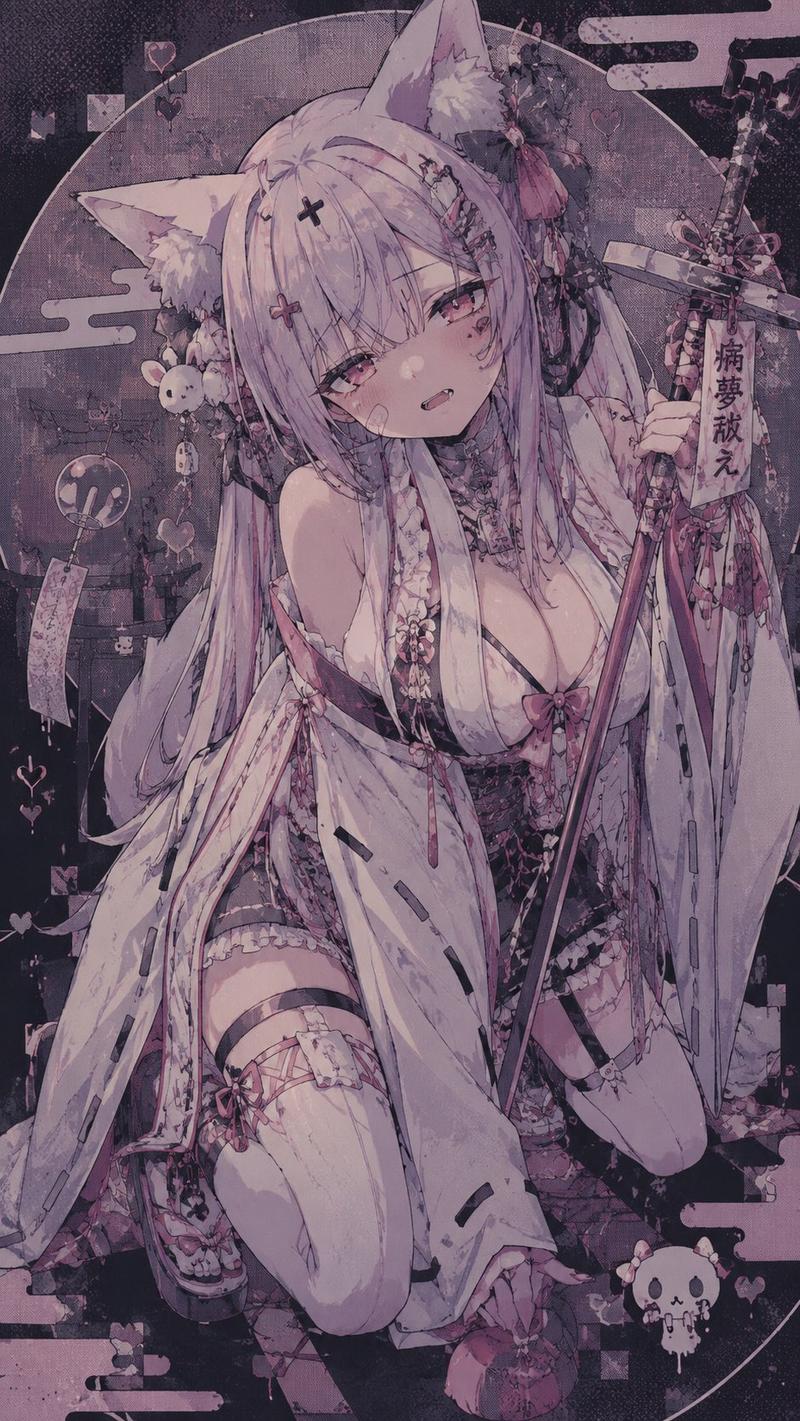
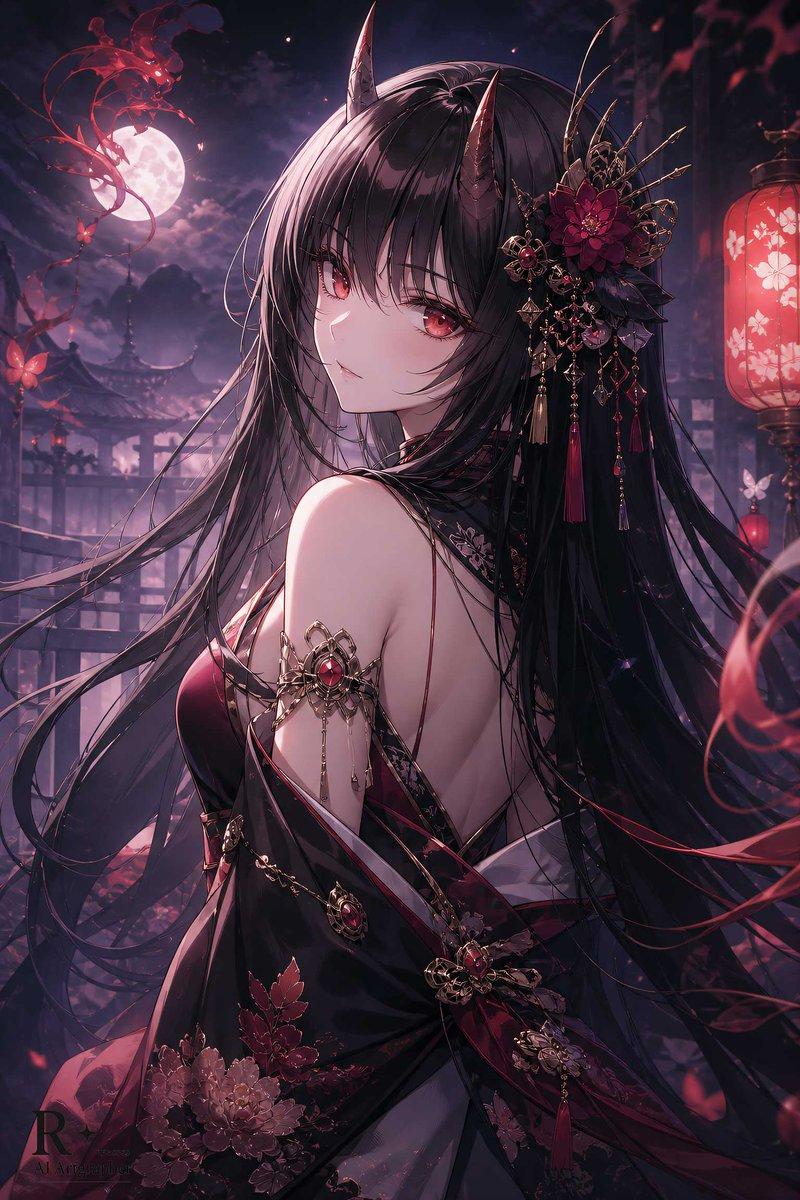
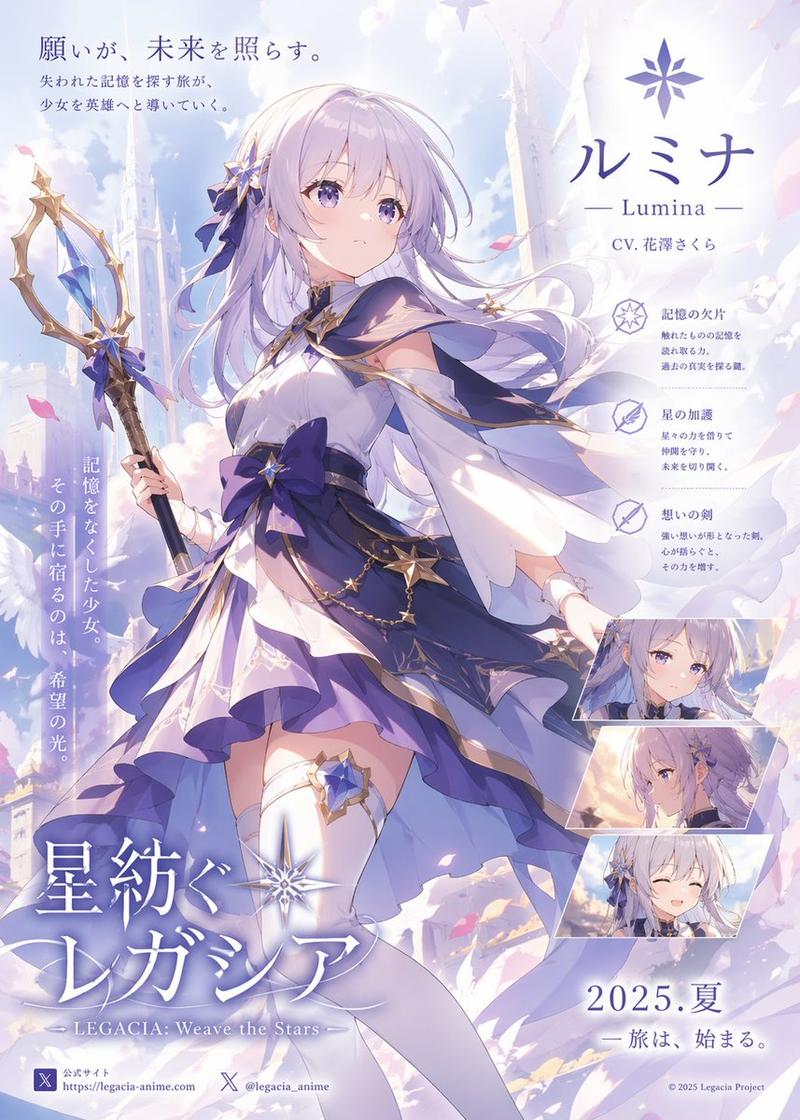
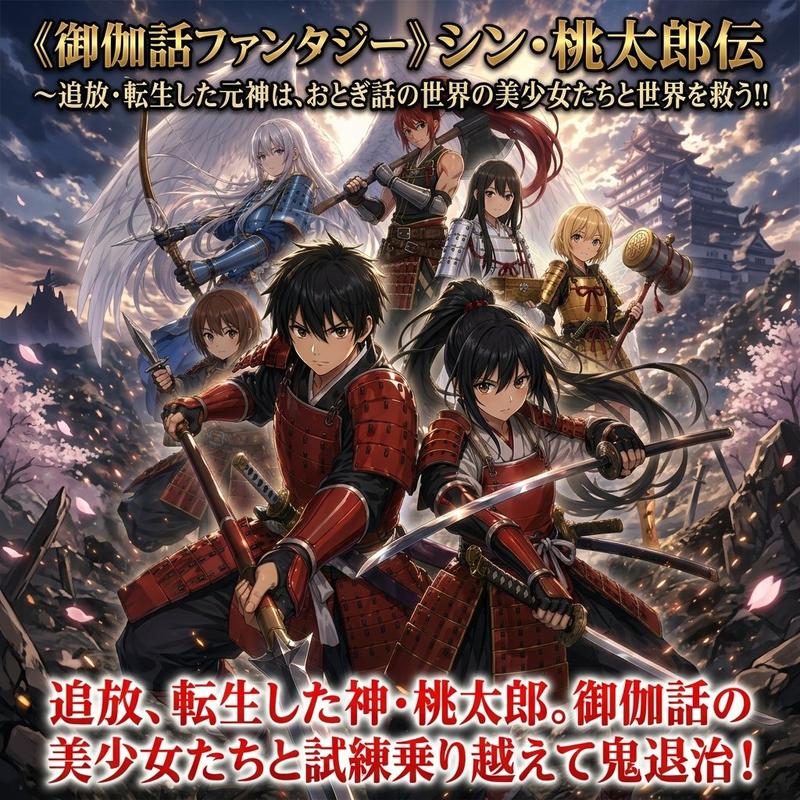
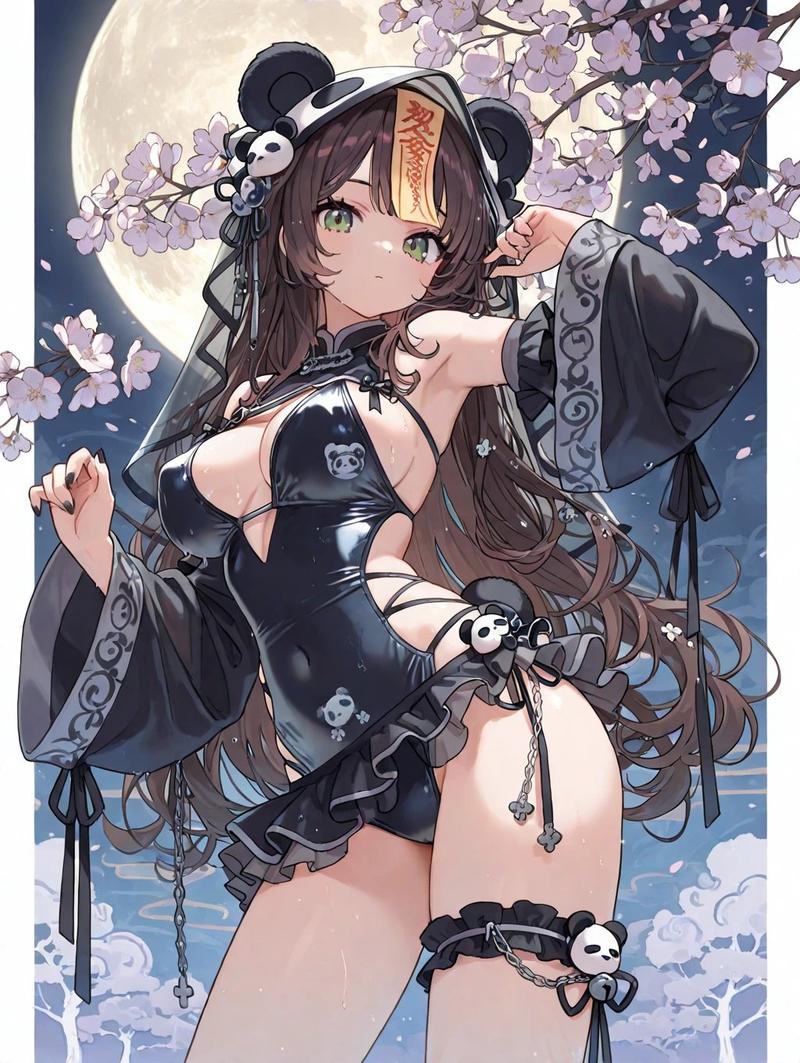
Example images

武士角色转换提示词

Prompt
Analyze the uploaded illustration carefully and transform the character into an original samurai wearing custom armor inspired entirely by the artwork’s art style, color palette, character design, atmosphere, motifs, emotional tone, and worldbuilding. Do not create generic historical armor. The helmet, mask, shoulder guards, chest armor, waist plates, sleeves, sword, scabbard, crest, patterns, materials, and silhouette must feel naturally born from the uploaded illustration.

Preserve the character’s face, eyes, hairstyle, hair color, proportions, personality, and key outfit motifs while reimagining them as a powerful warrior. The armor may blend fantasy, shrine maiden, gothic, cyberpunk, elegant, cute, or sci-fi elements depending on the source artwork.

Automatically generate a unique samurai title, nickname, or legendary epithet inspired by the uploaded illustration’s atmosphere, colors, symbolism, and worldbuilding. Display the title naturally in elegant Japanese calligraphy as if it were a famous warrior’s historical alias.

Create a {argument name="visual mood" default="dramatic"} composition: {argument name="shot angle" default="low-angle view"}, wind-blown hair and cloth, hand on sword, intense gaze, battlefield smoke, flying petals, sparks, banners, cinematic lighting, strong perspective, heroic tension, ultra detailed, masterpiece quality, no watermark.
Category
Charts & Infographics
Model
GPT Image 2
Views6
Source ID
23974
Published
Jun 3, 2026

Guide

About "武士角色转换提示词"

What is this prompt for?

"武士角色转换提示词" AI image prompt for GPT Image 2 (Charts & Infographics). 这是一个高度详细的“图生图”提示词,旨在分析现有插画并将角色转换为独特的武士。它专注于定制盔甲设计,同时保持原始调色板,并添加低角度拍摄和日式书法标题等戏剧性电影元素。 Copy…

The full copyable prompt and example visuals above are ready for AI image generation or one-click recreate in Picva.

How to use this prompt

  1. Step 1

    Open the prompt detail

    Review the example visuals, category, and full prompt text for "武士角色转换提示词".

  2. Step 2

    Copy the prompt

    Copy the prompt body from this page, or load it directly in Studio.

  3. Step 3

    Pick a model (GPT Image 2)

    Prefer GPT Image 2. If you switch models, keep subject and composition and tweak style terms.

  4. Step 4

    Generate and export

    Recreate the look in Picva, or export into your workflow for editing and publishing.

FAQ

What is the "武士角色转换提示词" prompt?
It is an AI image-generation prompt for GPT Image 2 in the Charts & Infographics category. This page includes the full prompt text, example visuals, and a one-click recreate path in Picva.
How do I use this prompt to generate an image?
Copy the prompt from this page, or use Generate / Studio. Paste it into a compatible image model, or recreate the look in Picva with optional reference images.
Which model is this prompt for?
This page lists GPT Image 2. Most descriptive prompts also transfer to nearby image models such as GPT Image, Flux, or Midjourney with light style tweaks.
Can I use the result commercially?
You can usually copy the prompt for creation, but commercial use of the final image depends on the model terms, reference-image rights, and the generated content. Follow the source author and platform rules.