16

浪漫日落海滩情侣肖像
Enlarge

浪漫日落海滩情侣肖像

Prompt
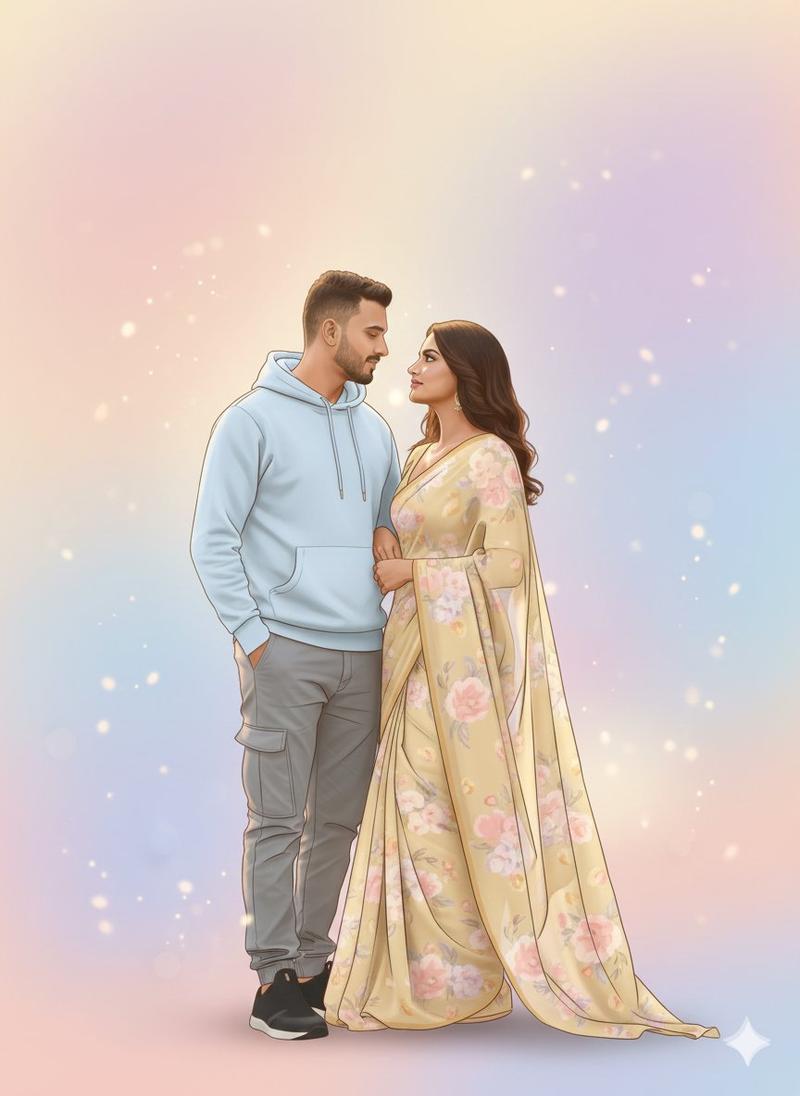
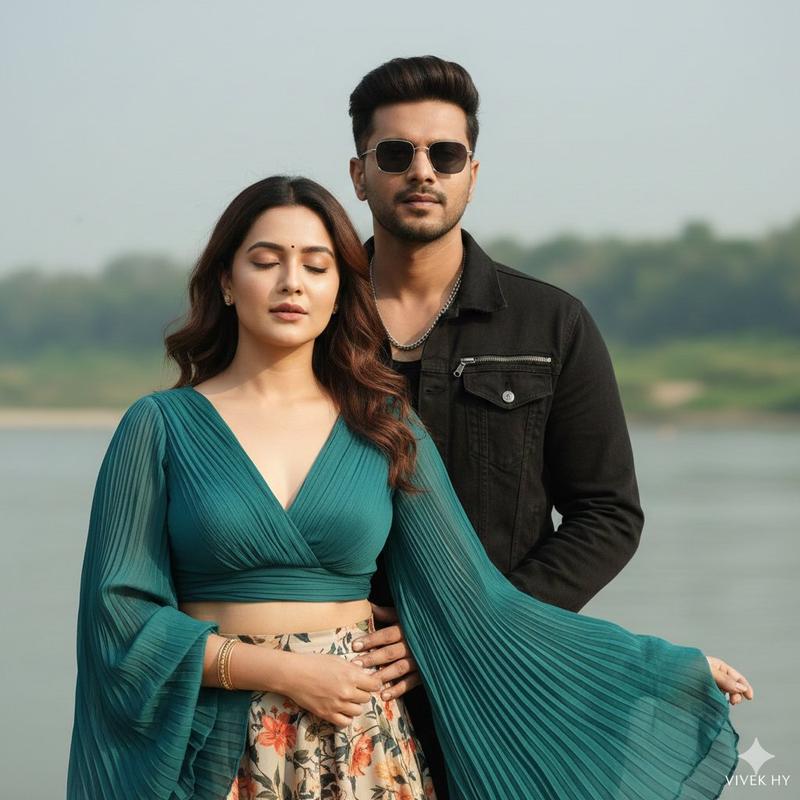
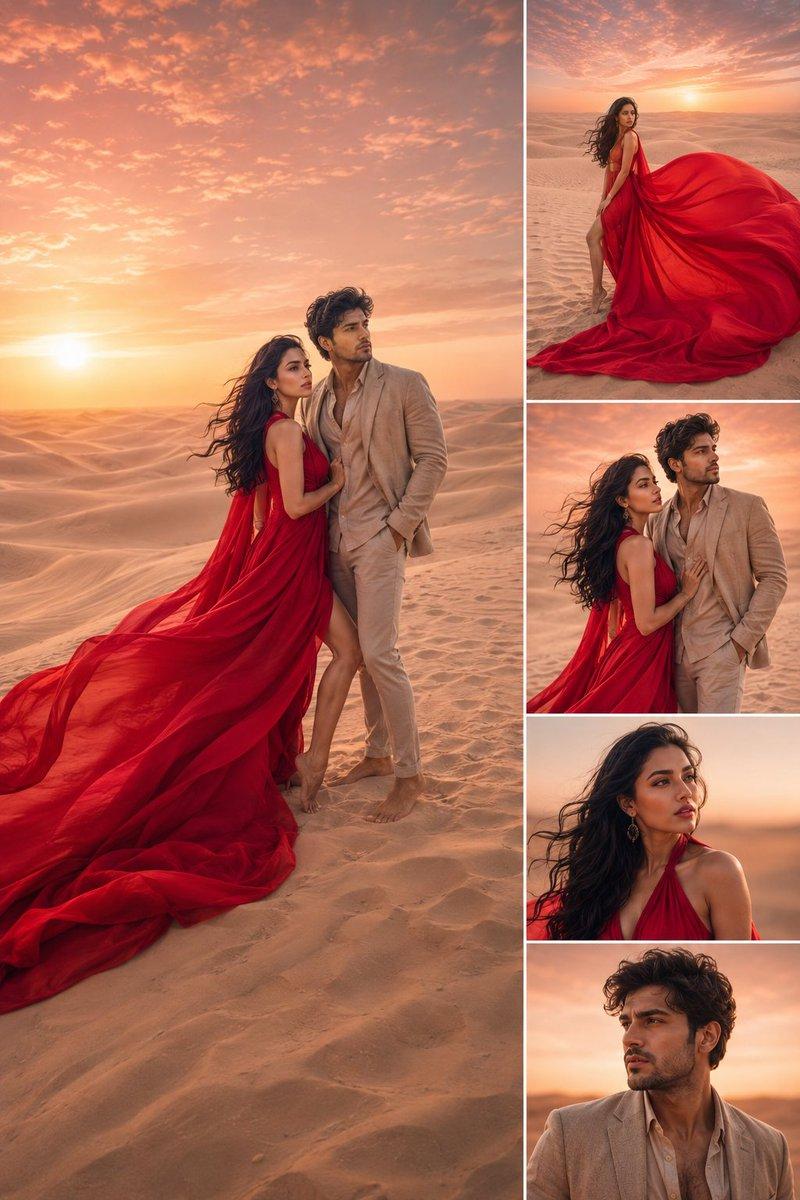
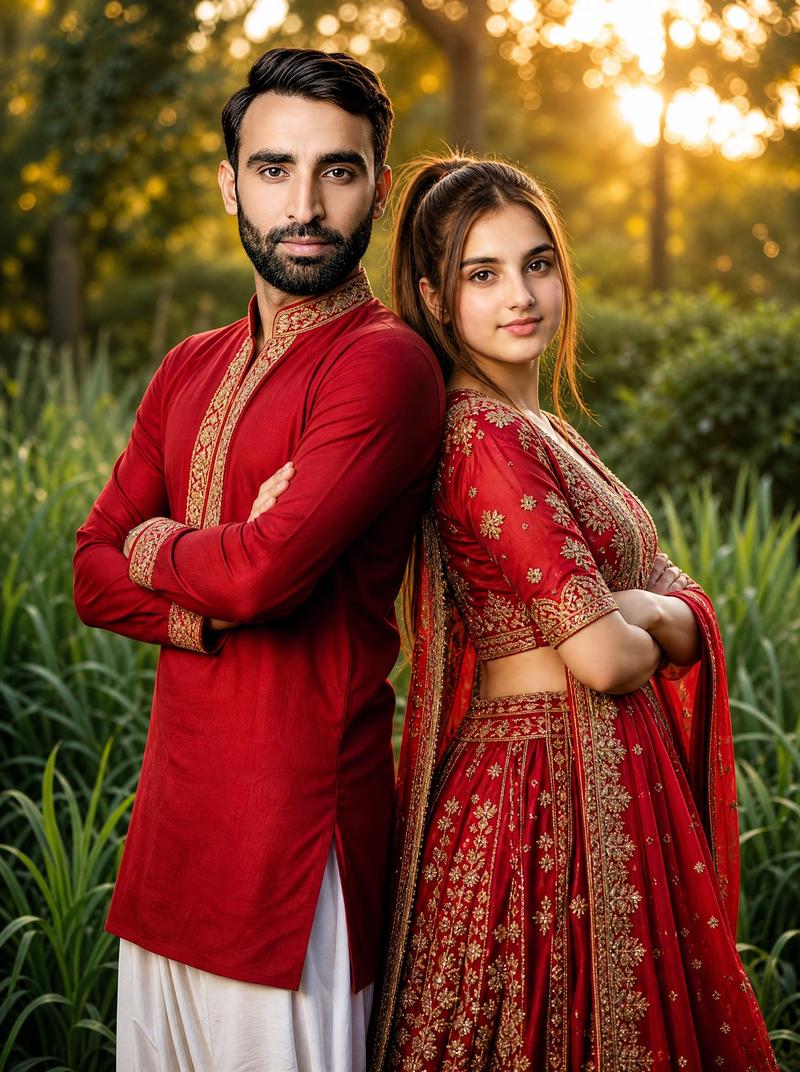
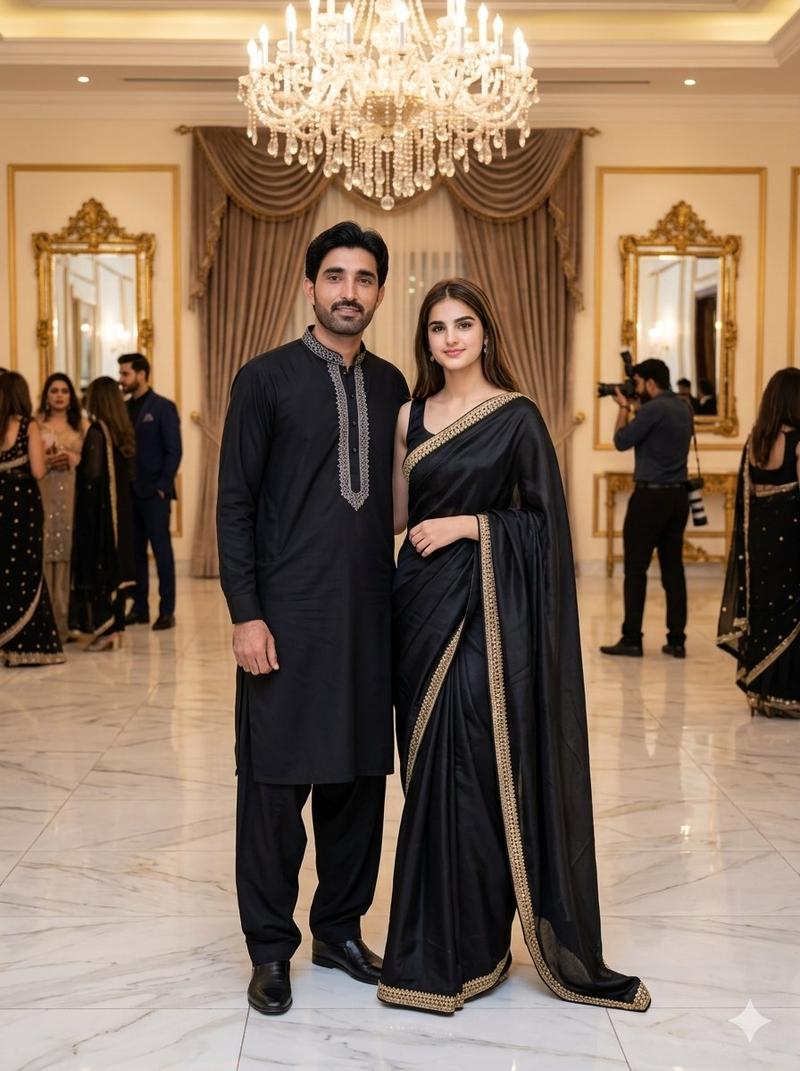
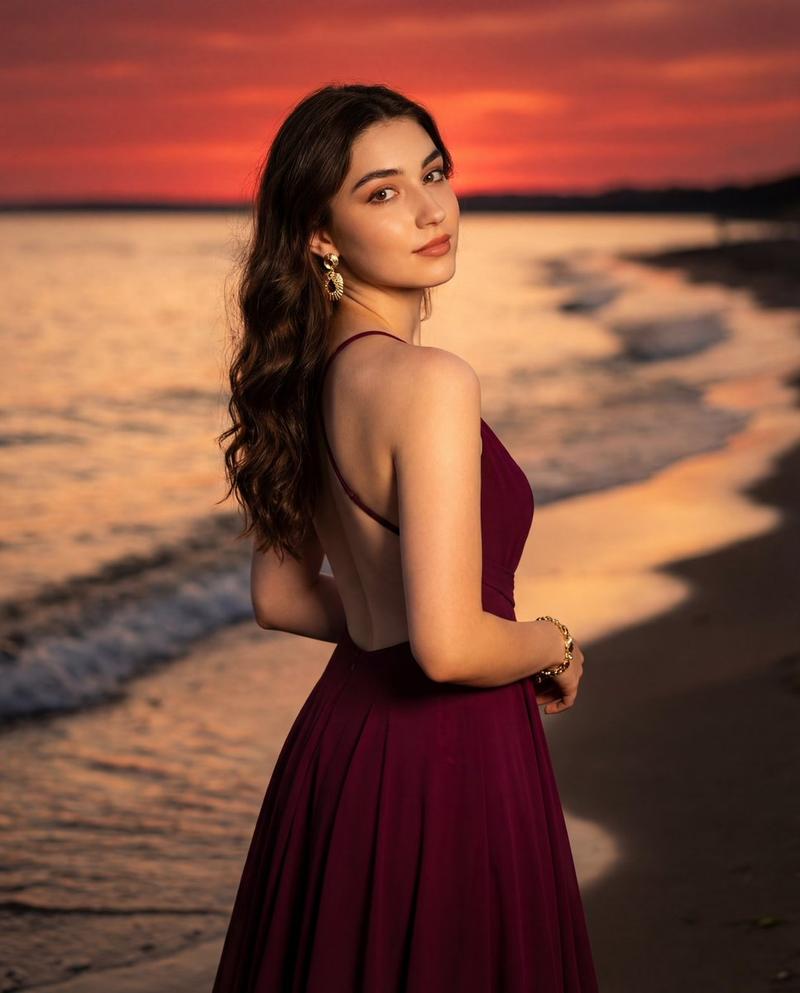
Create a realistic dreamy romantic couple portrait on a sea beach at sunset. A young couple stands full-body to three-quarter length near the shoreline, facing each other very closely, bodies slightly angled inward, holding both hands between them and gazing into each other’s eyes. The man is on the left, taller, with short dark wavy hair and light stubble, wearing a {argument name="man's shirt color" default="mustard yellow"} long-sleeve button-up shirt with sleeves rolled to the forearms, black cropped pants, and bare lower legs near the wet sand. The woman is on the right with long dark brown wavy hair, wearing a {argument name="woman's dress color" default="dusty rose pink"} flowing embroidered traditional dress with delicate beadwork and a sheer matching dupatta draped from her shoulder and trailing behind her. Use warm golden-hour lighting, orange and peach sky, soft sun low near the horizon on the left, shimmering reflections on wet sand, gentle ocean waves, a distant ship silhouette, and a few blurred beachgoers far in the background on the right. Make the scene cinematic, romantic, softly backlit, shallow depth of field, natural pose, elegant fabric details, warm color grading, high-resolution photorealistic style. Keep both faces softly anonymized/blurred with simple rectangular blur masks while preserving the romantic body language and clothing details. Vertical portrait composition, 3:4 aspect ratio, no text, no watermark.
Category
Charts & Infographics
Model
GPT Image 2
Creator
Mr. Tariq
Views29
Source ID
24065
Published
Jun 3, 2026

Guide

About "浪漫日落海滩情侣肖像"

What is this prompt for?

"浪漫日落海滩情侣肖像" AI image prompt for GPT Image 2 (Charts & Infographics). 一张照片级逼真的黄金时刻海滩情侣肖像,两人身着传统浪漫服饰并手牵手,适用于梦幻般的关系或订婚视觉效果。 Copy it on Picva and recreate the loo…

The full copyable prompt and example visuals above are ready for AI image generation or one-click recreate in Picva.

How to use this prompt

  1. Step 1

    Open the prompt detail

    Review the example visuals, category, and full prompt text for "浪漫日落海滩情侣肖像".

  2. Step 2

    Copy the prompt

    Copy the prompt body from this page, or load it directly in Studio.

  3. Step 3

    Pick a model (GPT Image 2)

    Prefer GPT Image 2. If you switch models, keep subject and composition and tweak style terms.

  4. Step 4

    Generate and export

    Recreate the look in Picva, or export into your workflow for editing and publishing.

FAQ

What is the "浪漫日落海滩情侣肖像" prompt?
It is an AI image-generation prompt for GPT Image 2 in the Charts & Infographics category. This page includes the full prompt text, example visuals, and a one-click recreate path in Picva.
How do I use this prompt to generate an image?
Copy the prompt from this page, or use Generate / Studio. Paste it into a compatible image model, or recreate the look in Picva with optional reference images.
Which model is this prompt for?
This page lists GPT Image 2. Most descriptive prompts also transfer to nearby image models such as GPT Image, Flux, or Midjourney with light style tweaks.
Can I use the result commercially?
You can usually copy the prompt for creation, but commercial use of the final image depends on the model terms, reference-image rights, and the generated content. Follow the source author and platform rules.