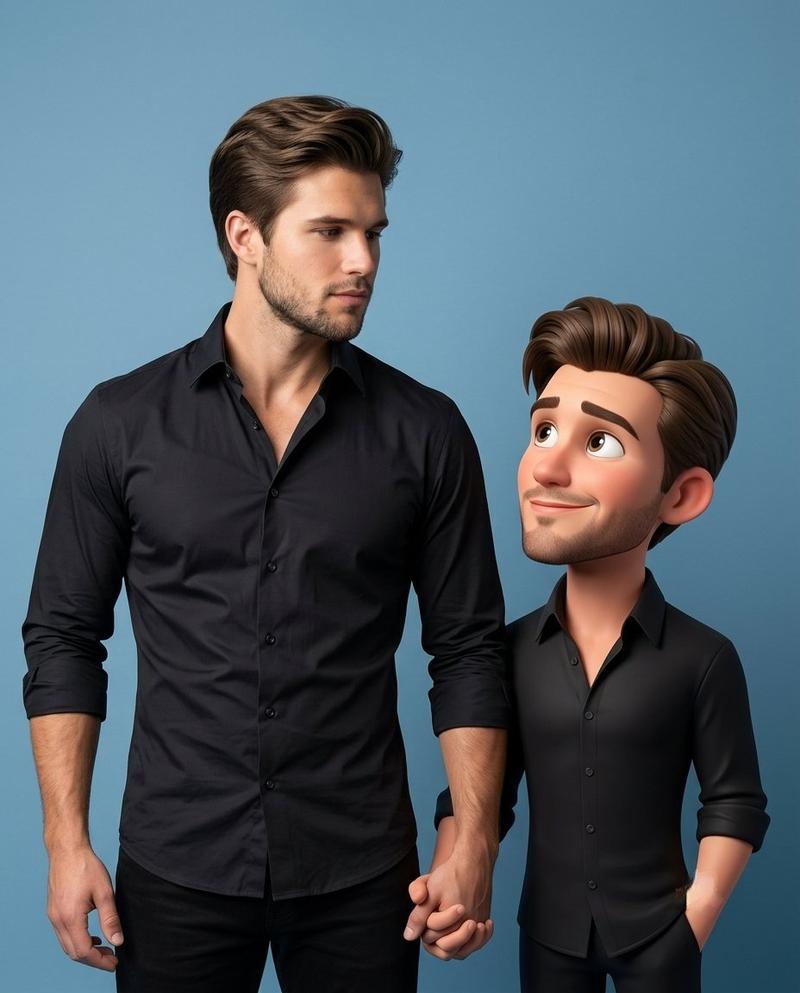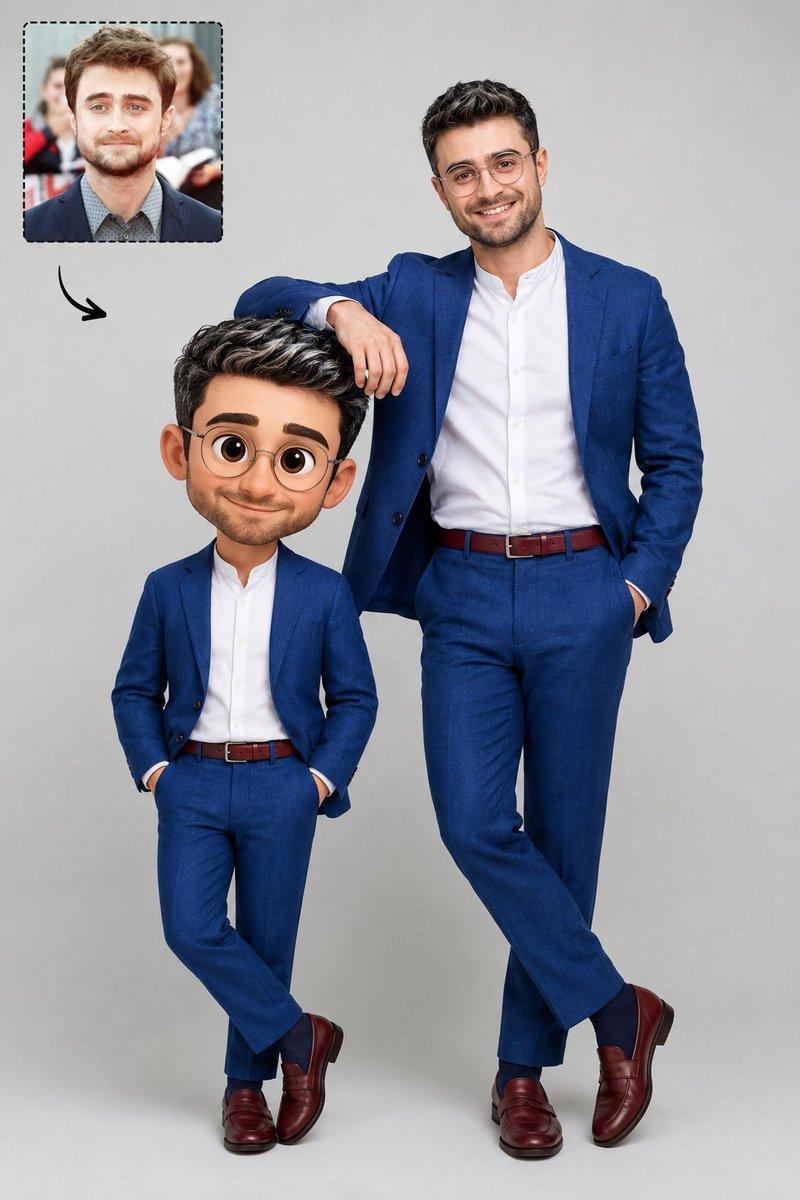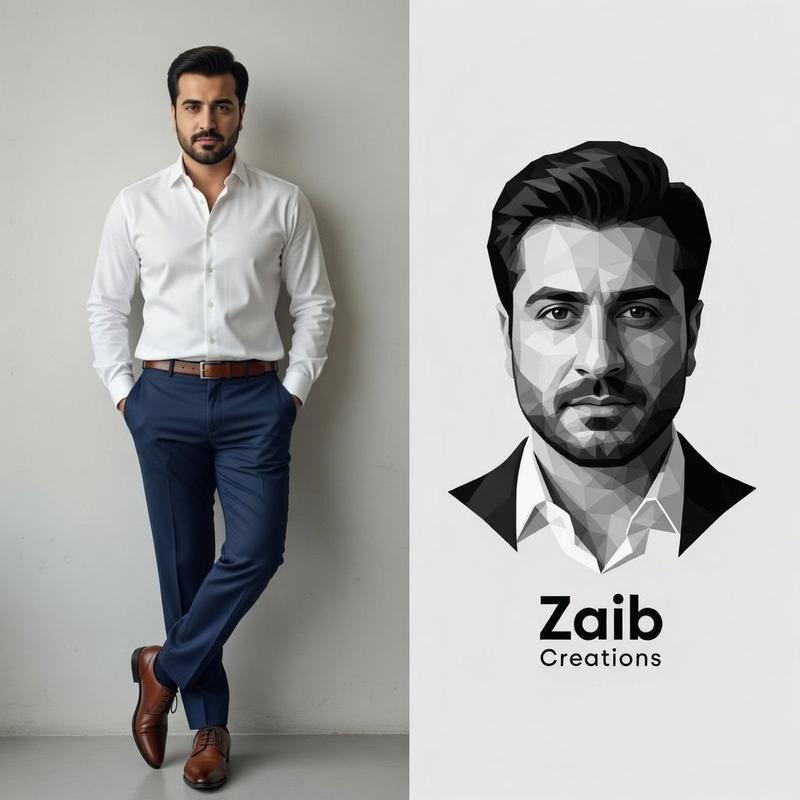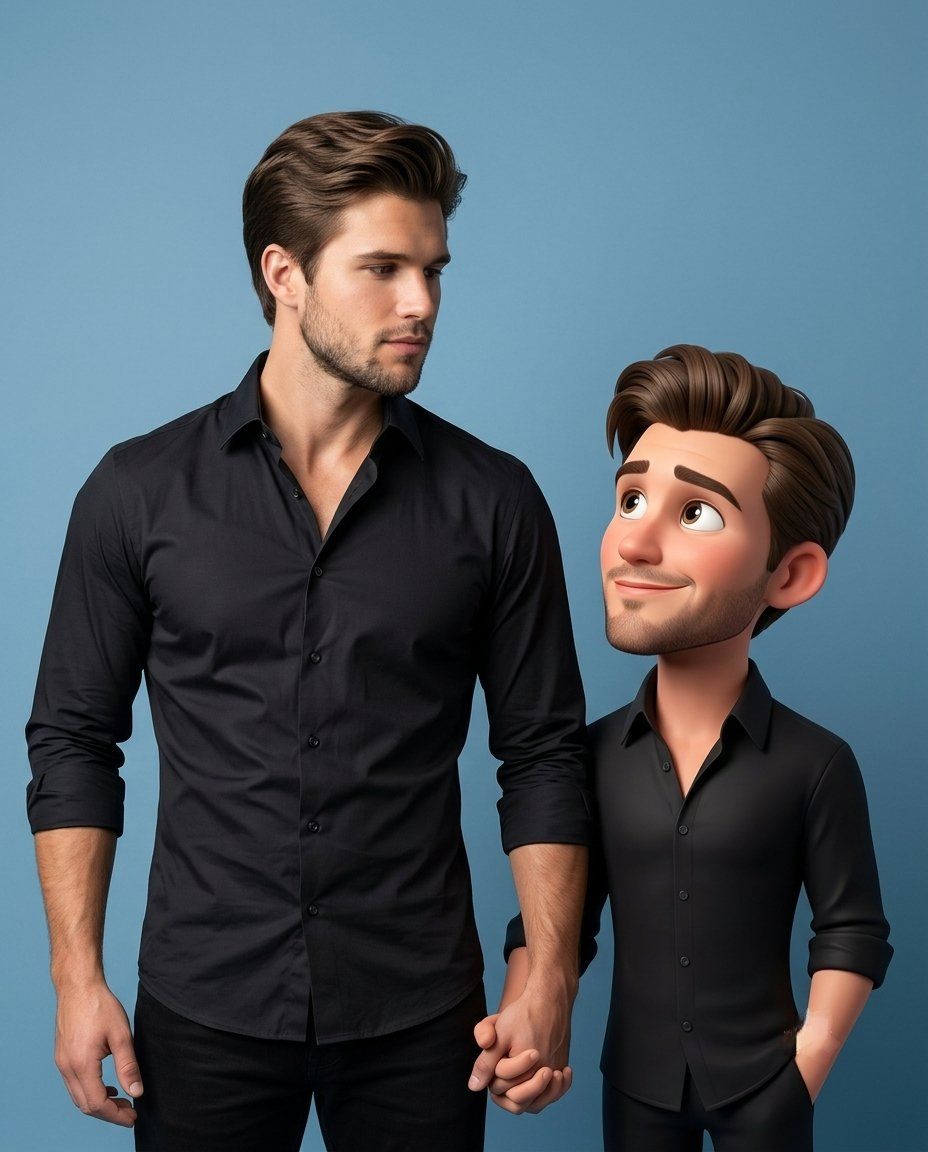
3D 卡通形象伴侣特效
Prompt
Create a premium high-quality {argument name="style" default="3D caricature companion"} of the person in the reference image while keeping the original realistic person fully present and untouched. The realistic person must remain photorealistic, highly detailed and faithful to the original photo. Create a stylized 3D caricature version of the SAME person standing beside them. Preserve the same: outfit, hairstyle, accessories, fashion styling, identity, facial resemblance, attitude and vibe.The caricature must have: large expressive eyes, slightly oversized head, smooth cinematic skin, {argument name="animation style" default="Pixar/Disney-inspired premium 3D styling"}, smaller body proportions, but still look fashionable and recognizable, NOT childish, toy-like or baby-sized.IMPORTANT: The caricature height should be approximately {argument name="size" default="shoulder to ear level"} of the real person, never tiny or child-sized. The caricature and real person must be physically and emotionally interacting naturally. Examples of interaction: holding hands, looking at each other, walking together, sharing an object, leaning, playful pose, touching shoulder, mirroring pose, reacting to each other, casual chemistry, candid companionship. The caricature should feel like a living animated version of the same person existing in the same world. Preserve original scene, lighting and perspective whenever possible. Professional photography composition, cinematic lighting, realistic shadows, luxury editorial realism mixed with premium stylized 3D animation. No tiny companion, no side mascot, no disconnected pose, no separate standing character, no toy proportions, no plastic doll look, no replacing the original person.- Category
- Brand & Logos
- Model
- GPT Image 2
- Creator
- Nexora
- Source ID
- 25354
- Published
- Jun 12, 2026
Views5