17

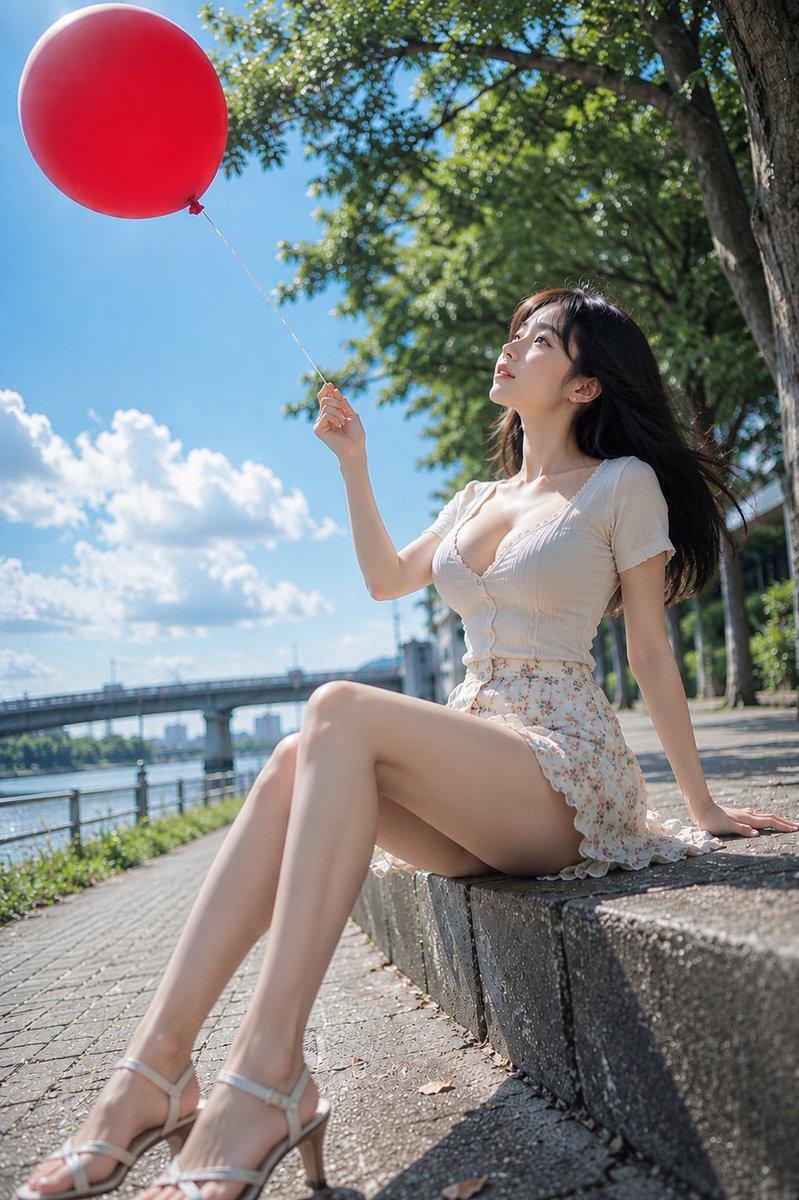
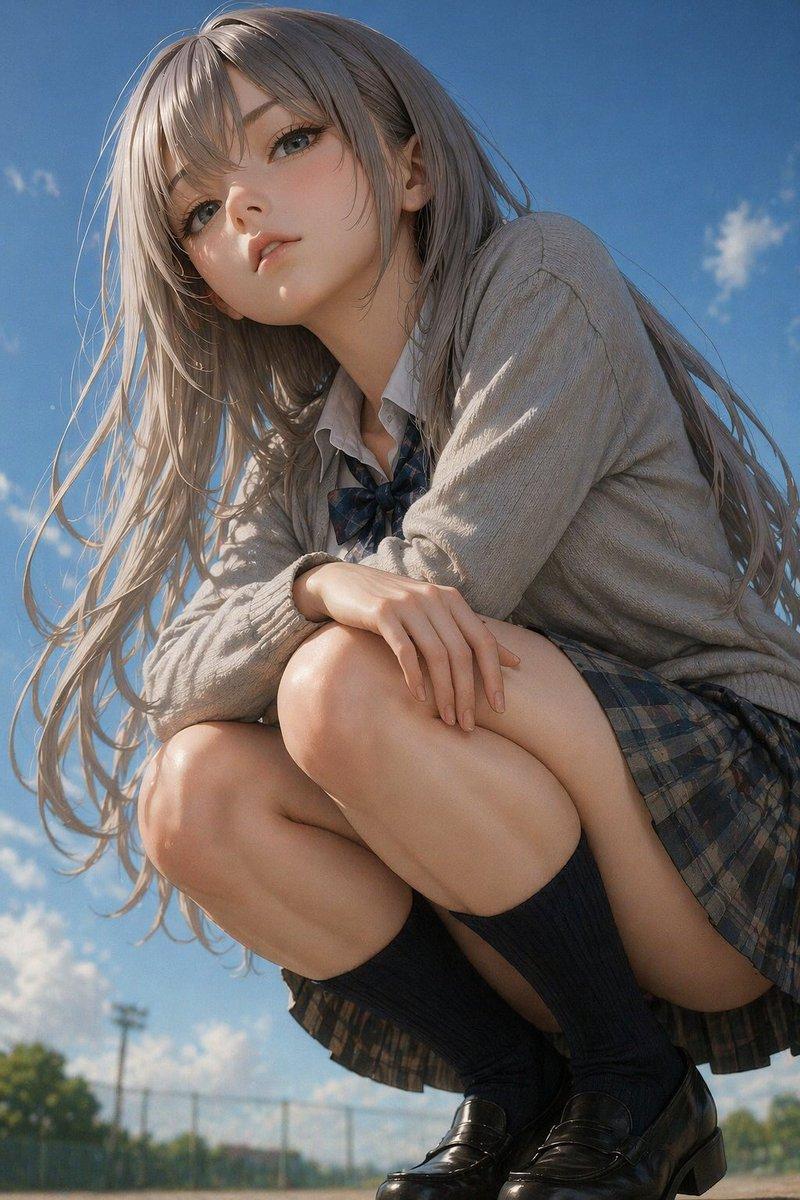
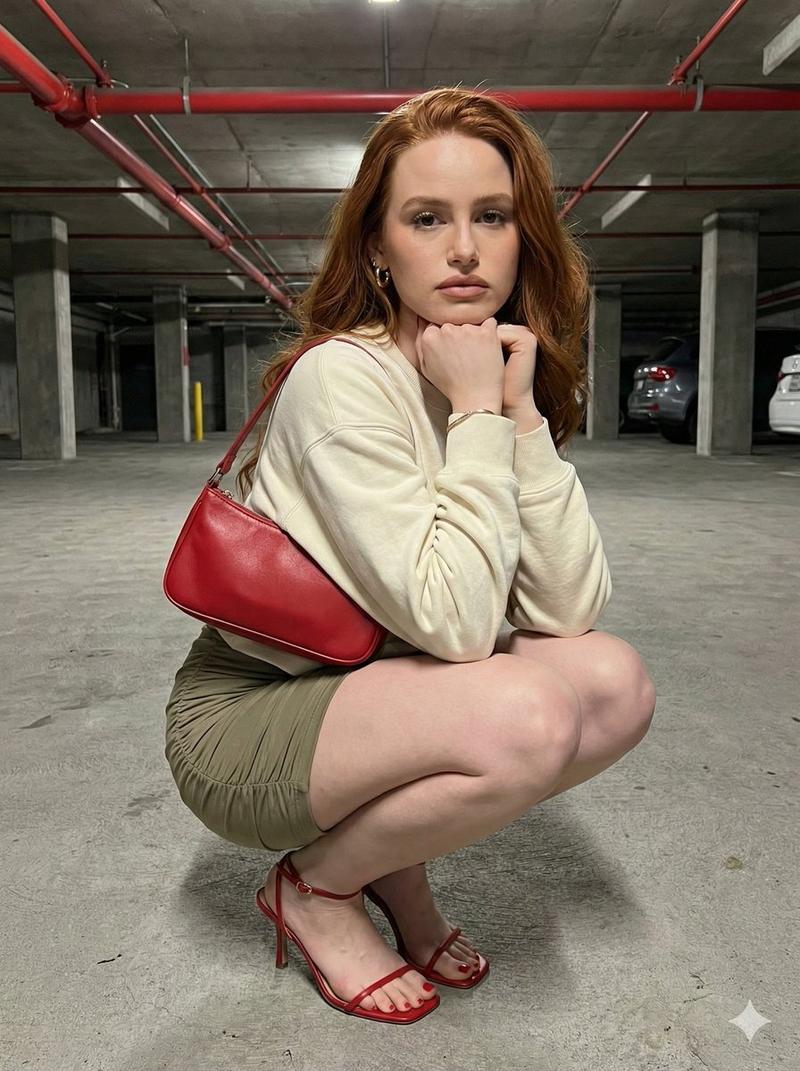
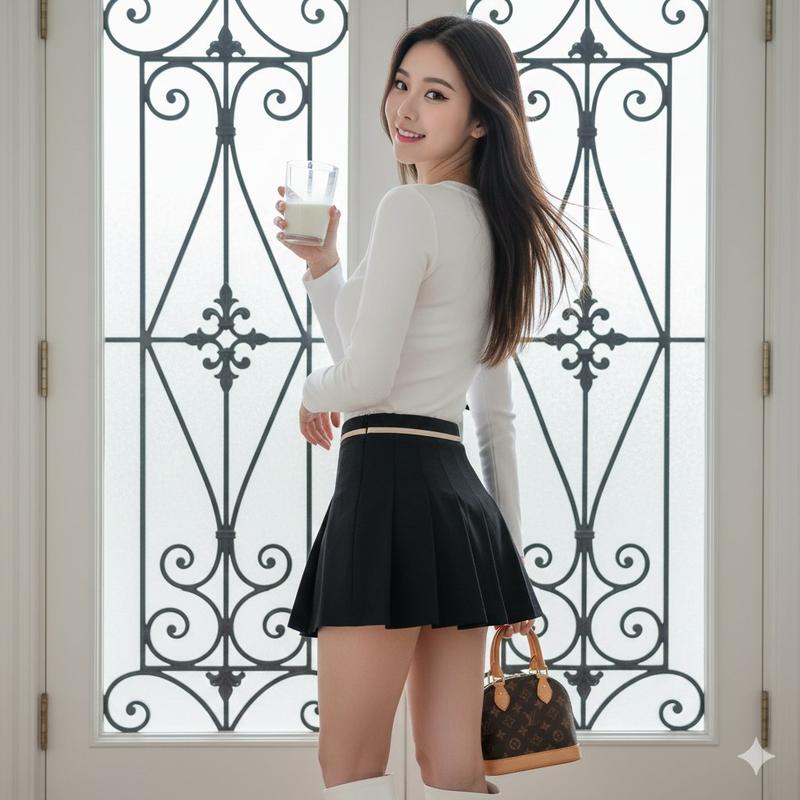
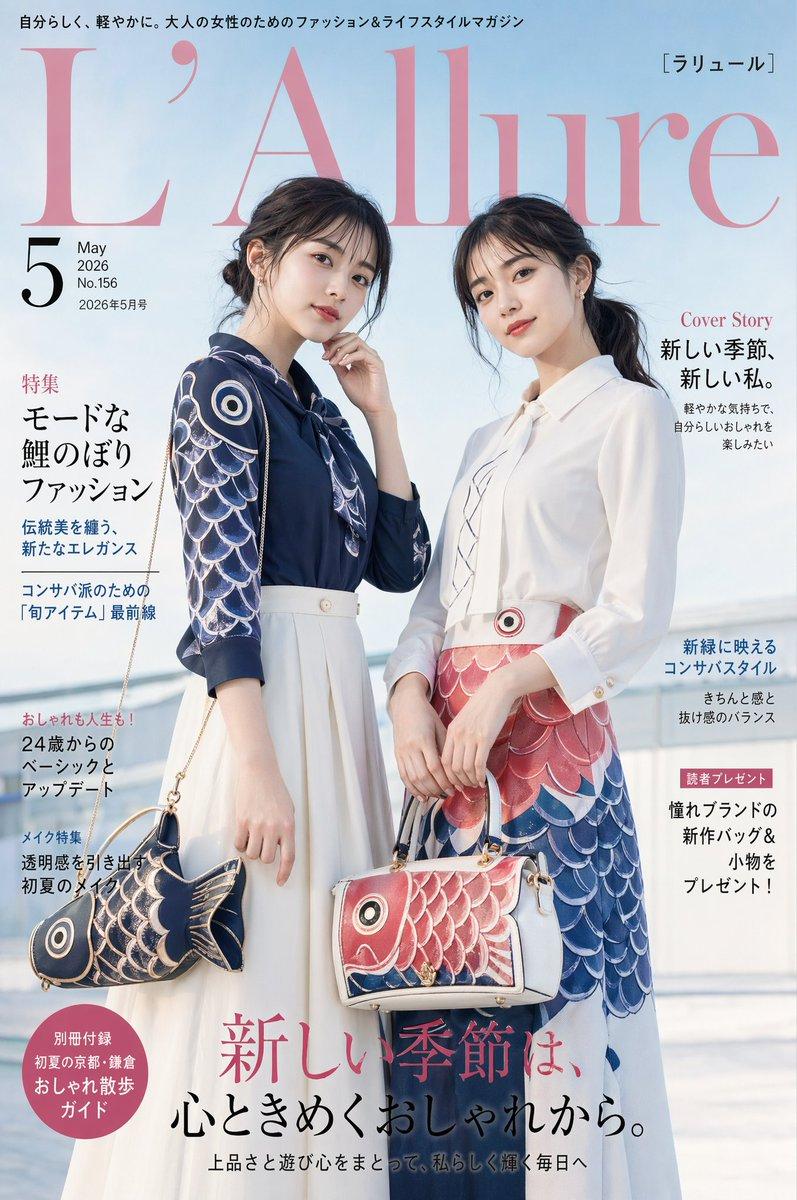
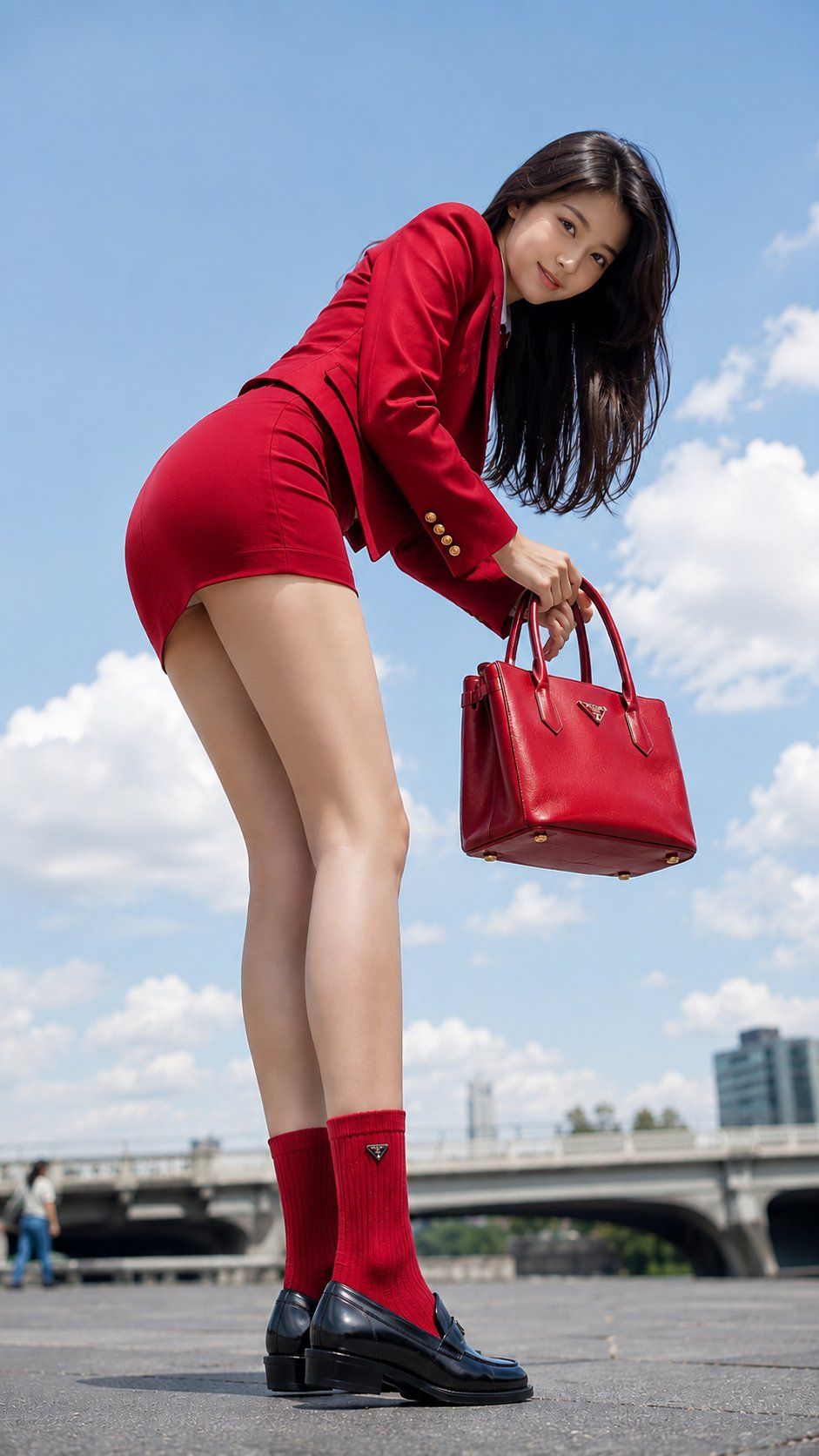
写实低角度时尚人像
Enlarge

Example images

写实低角度时尚人像

Prompt
Create a 9:16 photorealistic "{argument name="shot type" default="Low Gaze Portrait"}" of an adult {argument name="ethnicity" default="East Asian"} woman, {argument name="age range" default="22–28"}, styled as a sophisticated young urban commuter with a luxury preppy aesthetic. She wears a crisp white fitted blazer, matching white pleated mini skirt, white loafers, white crew socks, and a structured white leather handbag with silver hardware.\n\nShoot from an extreme low-angle side-rear POV, with the camera positioned near the ground beside her shoes and handbag. She stands with both legs naturally straight, bends deeply from the hips while checking inside her handbag, then gently turns her eyes back toward the camera with a soft confident smile.\n\nKeep the entire figure fully visible: head, face, hair, body, handbag, legs, socks and shoes. Bright blue sky background, soft natural daylight, realistic skin pores, natural fabric folds, premium editorial street-fashion photography, DSLR realism, shallow depth of field, cinematic composition.\n\nAvoid crouching, front-facing angle, cropped body, hidden eyes, school uniform appearance, underage look, distorted anatomy, broken hands, warped shoes, plastic skin, CGI, anime, cartoon.
Category
Posters & Typography
Model
GPT Image 2
Creator
Rossy
Views0
Source ID
27453
Published
Jul 2, 2026

Guide

About "写实低角度时尚人像"

What is this prompt for?

"写实低角度时尚人像" AI image prompt for GPT Image 2 (Posters & Typography). 一个照片级写实的时尚编辑提示词,用于从极具戏剧性的低角度拍摄精致的都市通勤者。 Copy it on Picva and recreate the look in one click.

The full copyable prompt and example visuals above are ready for AI image generation or one-click recreate in Picva.

How to use this prompt

  1. Step 1

    Open the prompt detail

    Review the example visuals, category, and full prompt text for "写实低角度时尚人像".

  2. Step 2

    Copy the prompt

    Copy the prompt body from this page, or load it directly in Studio.

  3. Step 3

    Pick a model (GPT Image 2)

    Prefer GPT Image 2. If you switch models, keep subject and composition and tweak style terms.

  4. Step 4

    Generate and export

    Recreate the look in Picva, or export into your workflow for editing and publishing.

FAQ

What is the "写实低角度时尚人像" prompt?
It is an AI image-generation prompt for GPT Image 2 in the Posters & Typography category. This page includes the full prompt text, example visuals, and a one-click recreate path in Picva.
How do I use this prompt to generate an image?
Copy the prompt from this page, or use Generate / Studio. Paste it into a compatible image model, or recreate the look in Picva with optional reference images.
Which model is this prompt for?
This page lists GPT Image 2. Most descriptive prompts also transfer to nearby image models such as GPT Image, Flux, or Midjourney with light style tweaks.
Can I use the result commercially?
You can usually copy the prompt for creation, but commercial use of the final image depends on the model terms, reference-image rights, and the generated content. Follow the source author and platform rules.