19

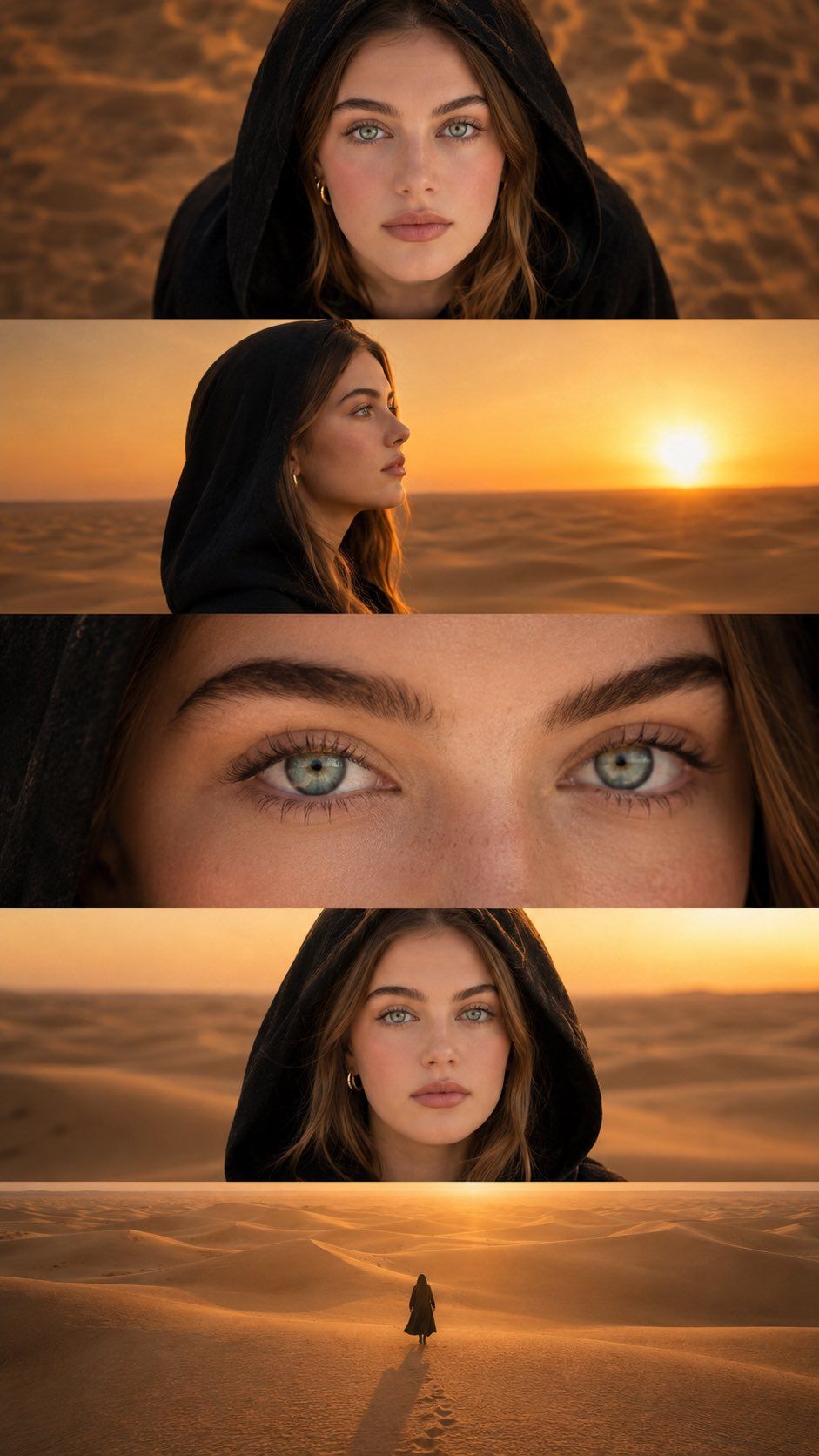
电影感多面板角色拼贴
Enlarge

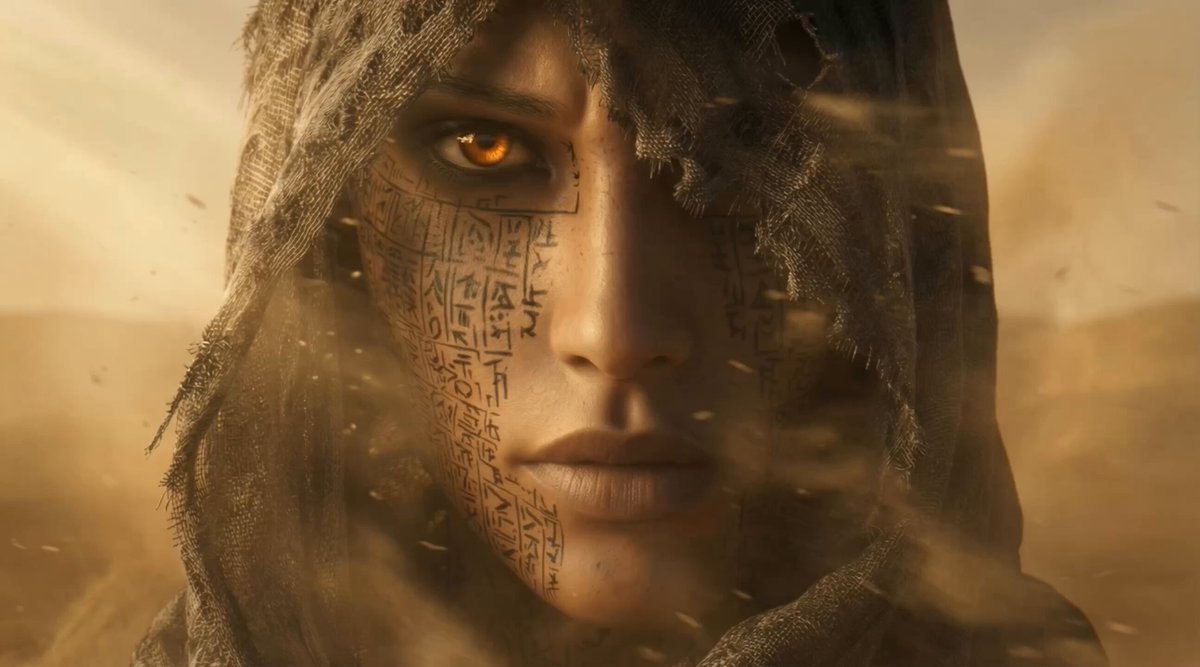
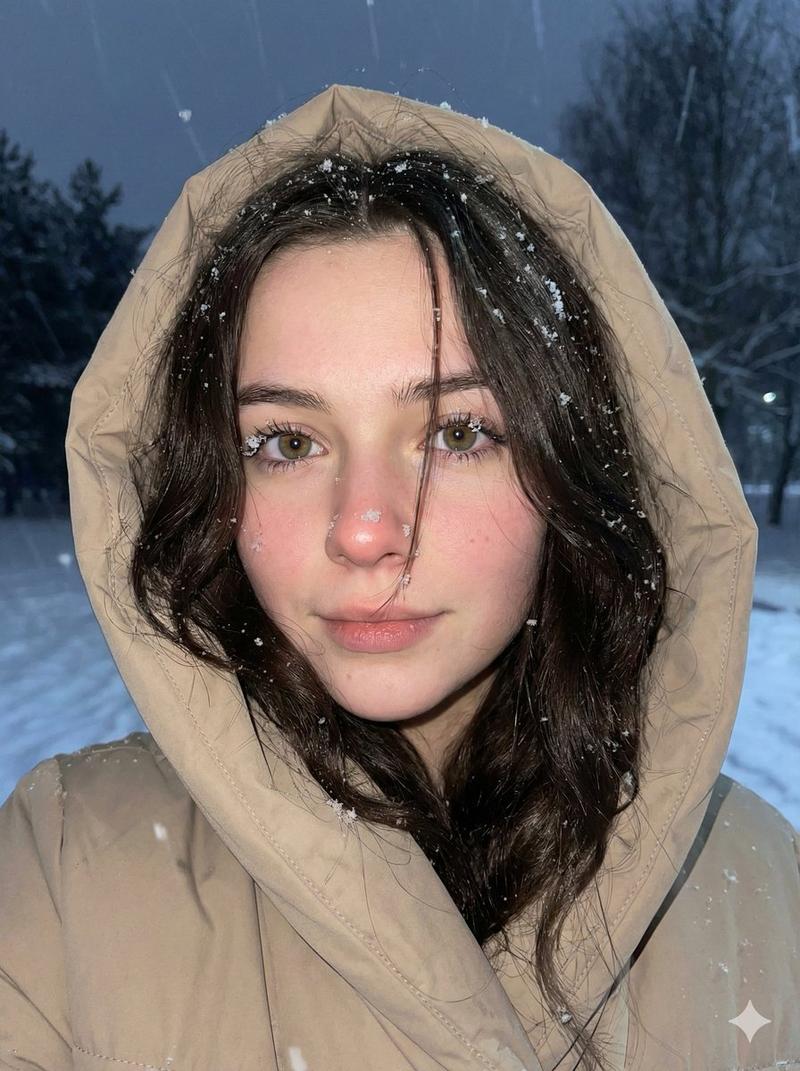
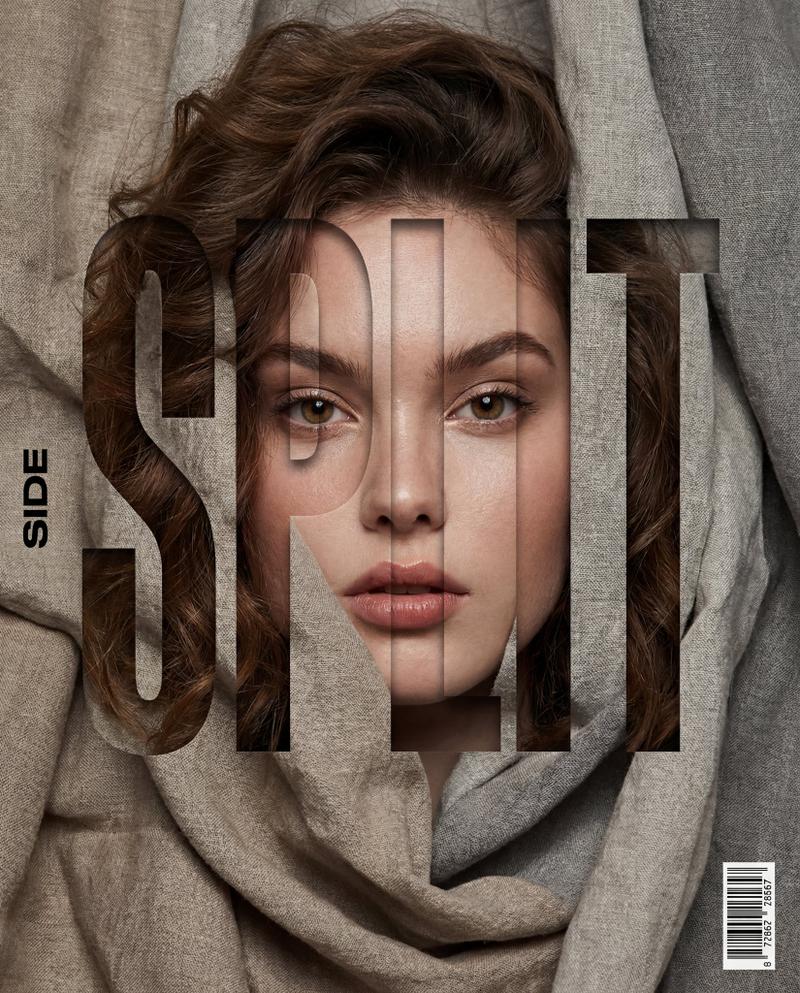
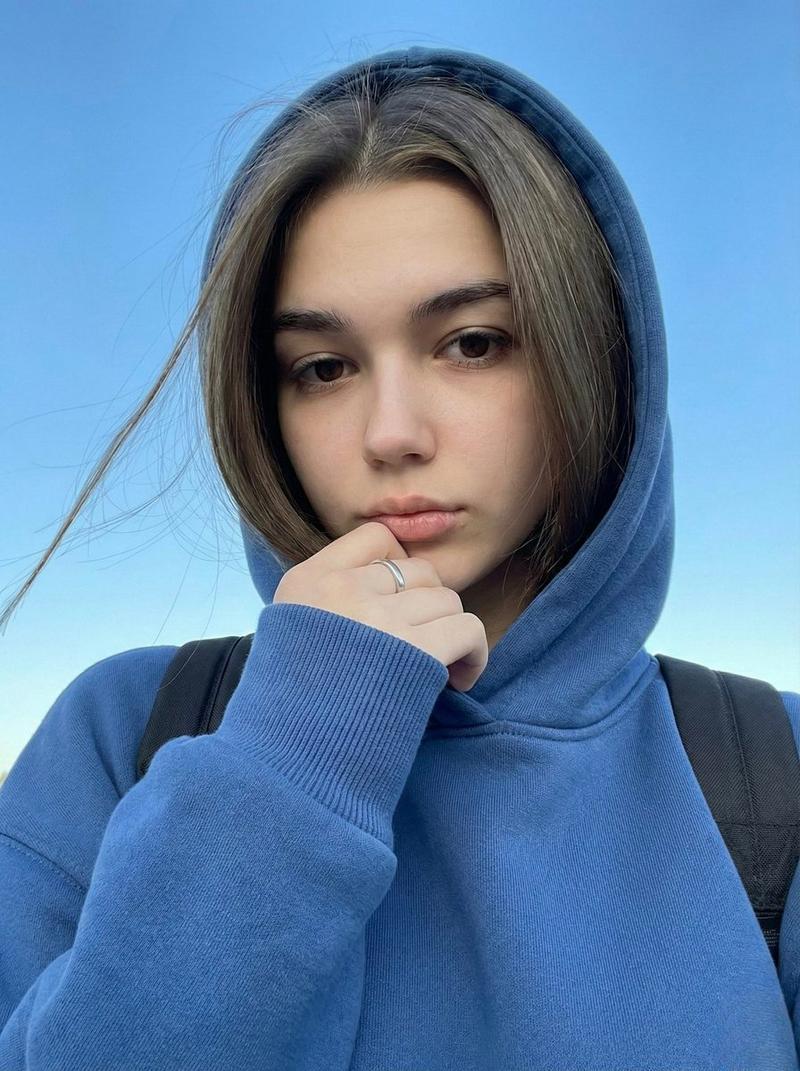
Example images

电影感多面板角色拼贴

Prompt
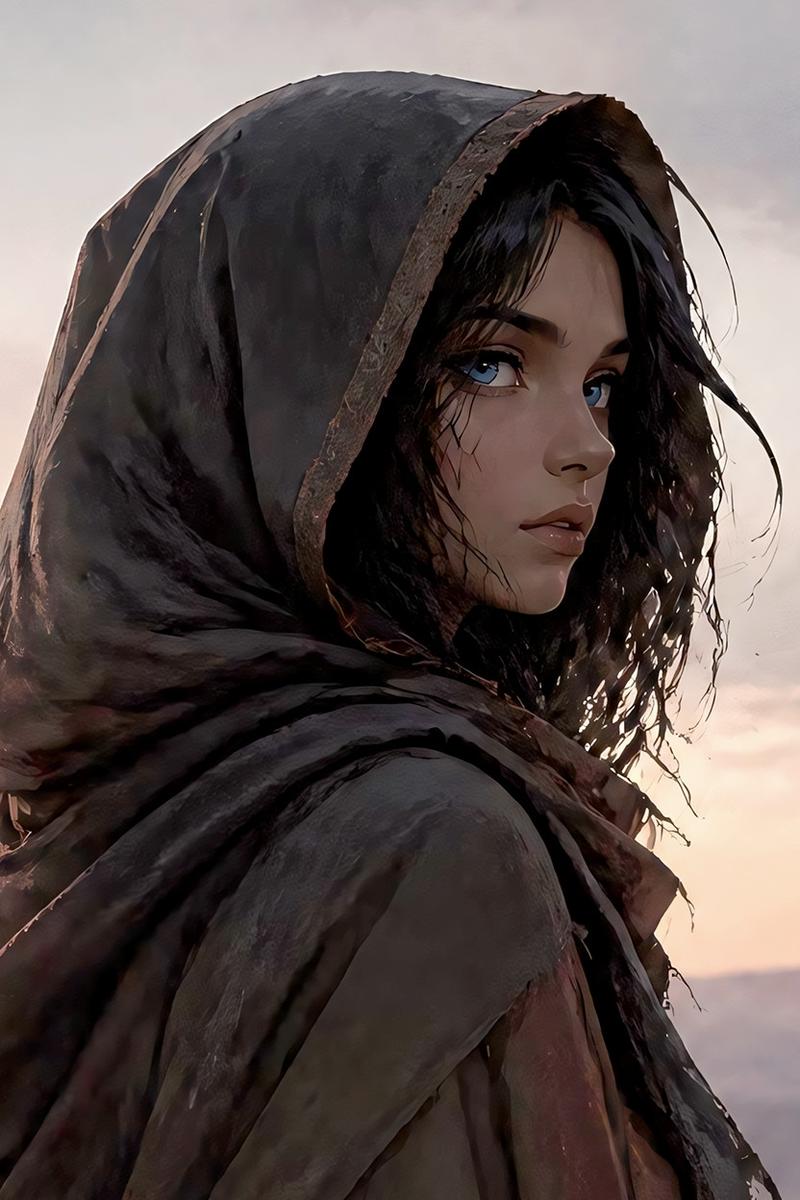
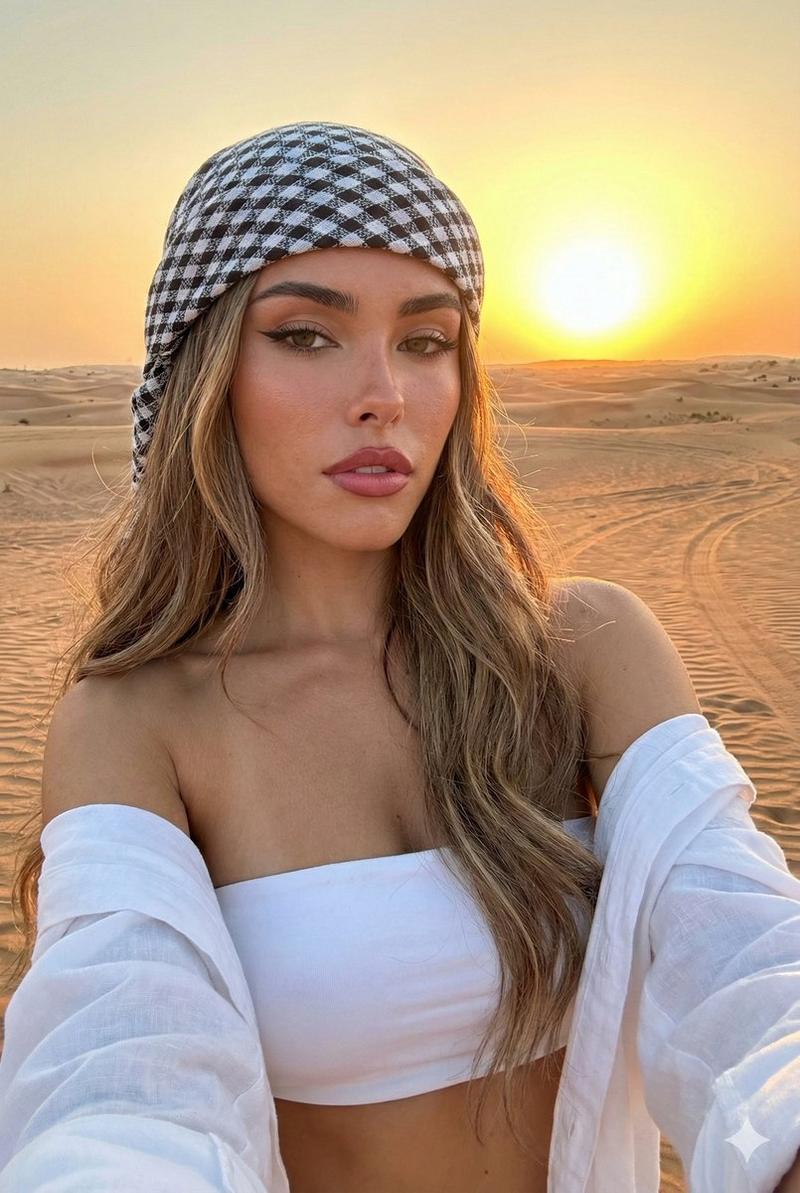
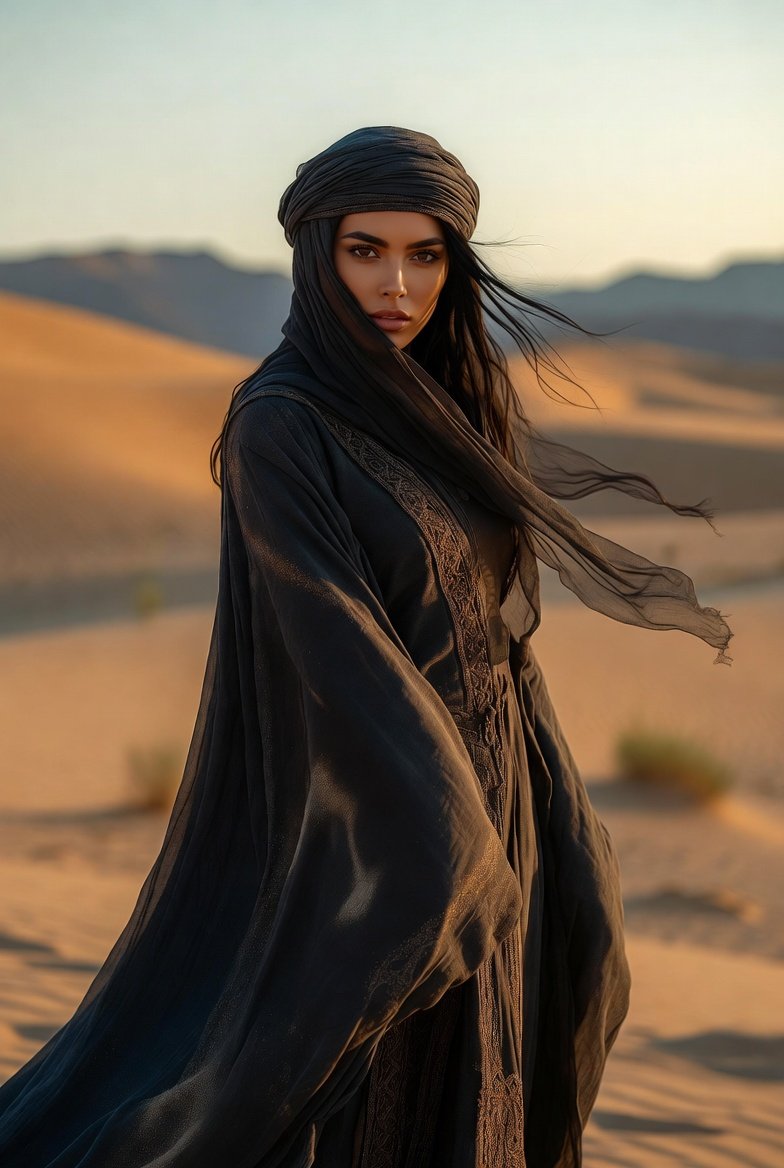
Create a premium 9:16 vertical cinematic collage featuring the exact same {argument name="character" default="female character"} across five perfectly aligned horizontal panels with no text, no labels, no watermark, no logos, and no UI elements. Each panel shows the same woman wearing a {argument name="clothing" default="black hooded cloak"} in a {argument name="setting" default="golden desert"} at sunset with warm cinematic lighting and vivid blue eyes. Panel 1: perfectly centered top-down overhead portrait looking directly into camera. Panel 2: clean side profile looking toward the horizon. Panel 3: extreme close-up of both eyes filling the frame, ultra-sharp iris and freckles. Panel 4: medium portrait facing camera with soft confident expression. Panel 5: high-altitude drone shot showing the full body walking alone across desert dunes casting long shadows. Seamless composition, identical face across all panels, consistent outfit, consistent lighting, ultra-realistic skin texture, 85mm portrait quality for close shots, aerial perspective for drone shot, HDR, cinematic color grading, premium fashion editorial photography, no text anywhere, no captions, no borders, no graphics, Instagram-ready 9:16 composition.
Category
UI & Interfaces
Model
GPT Image 2
Creator
H A J R A
Views6
Source ID
28227
Published
Jul 10, 2026

Guide

About "电影感多面板角色拼贴"

What is this prompt for?

"电影感多面板角色拼贴" AI image prompt for GPT Image 2 (UI & Interfaces). 一个用于创建五面板垂直拼贴画的提示词,展示了在沙漠背景下,同一角色在不同电影镜头中的一致表现。 Copy it on Picva and recreate the look in one c…

The full copyable prompt and example visuals above are ready for AI image generation or one-click recreate in Picva.

How to use this prompt

  1. Step 1

    Open the prompt detail

    Review the example visuals, category, and full prompt text for "电影感多面板角色拼贴".

  2. Step 2

    Copy the prompt

    Copy the prompt body from this page, or load it directly in Studio.

  3. Step 3

    Pick a model (GPT Image 2)

    Prefer GPT Image 2. If you switch models, keep subject and composition and tweak style terms.

  4. Step 4

    Generate and export

    Recreate the look in Picva, or export into your workflow for editing and publishing.

FAQ

What is the "电影感多面板角色拼贴" prompt?
It is an AI image-generation prompt for GPT Image 2 in the UI & Interfaces category. This page includes the full prompt text, example visuals, and a one-click recreate path in Picva.
How do I use this prompt to generate an image?
Copy the prompt from this page, or use Generate / Studio. Paste it into a compatible image model, or recreate the look in Picva with optional reference images.
Which model is this prompt for?
This page lists GPT Image 2. Most descriptive prompts also transfer to nearby image models such as GPT Image, Flux, or Midjourney with light style tweaks.
Can I use the result commercially?
You can usually copy the prompt for creation, but commercial use of the final image depends on the model terms, reference-image rights, and the generated content. Follow the source author and platform rules.