19

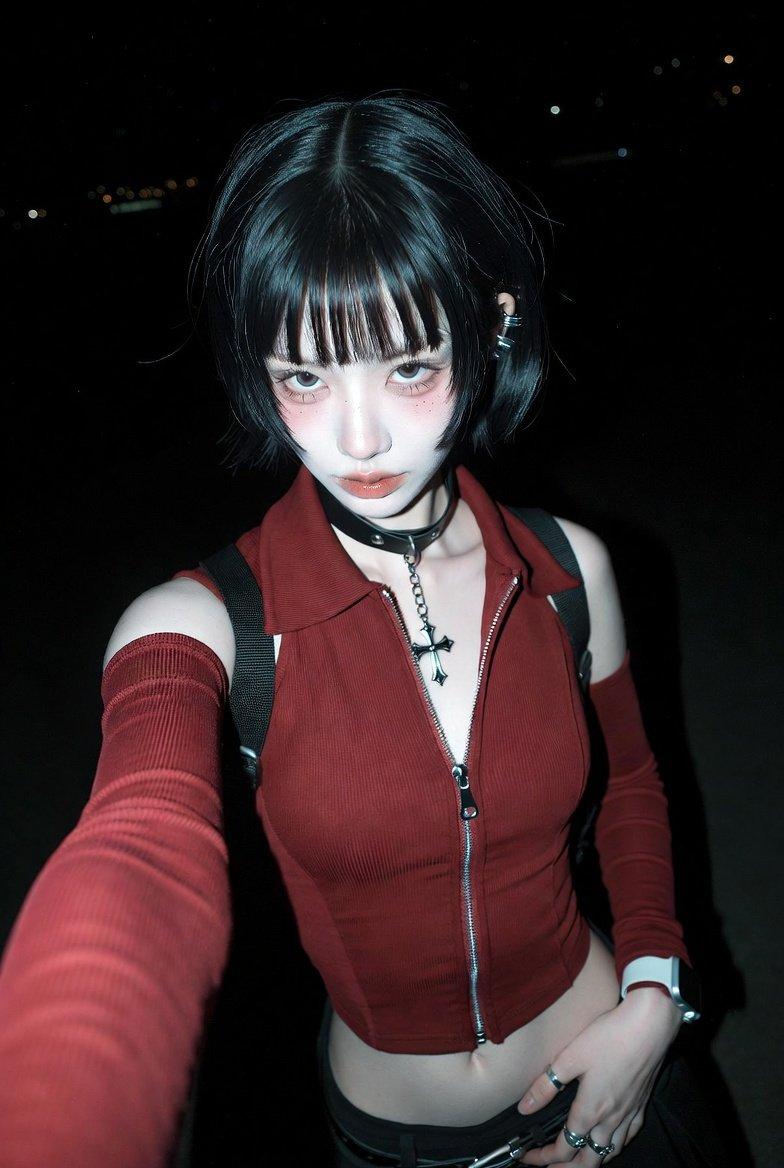
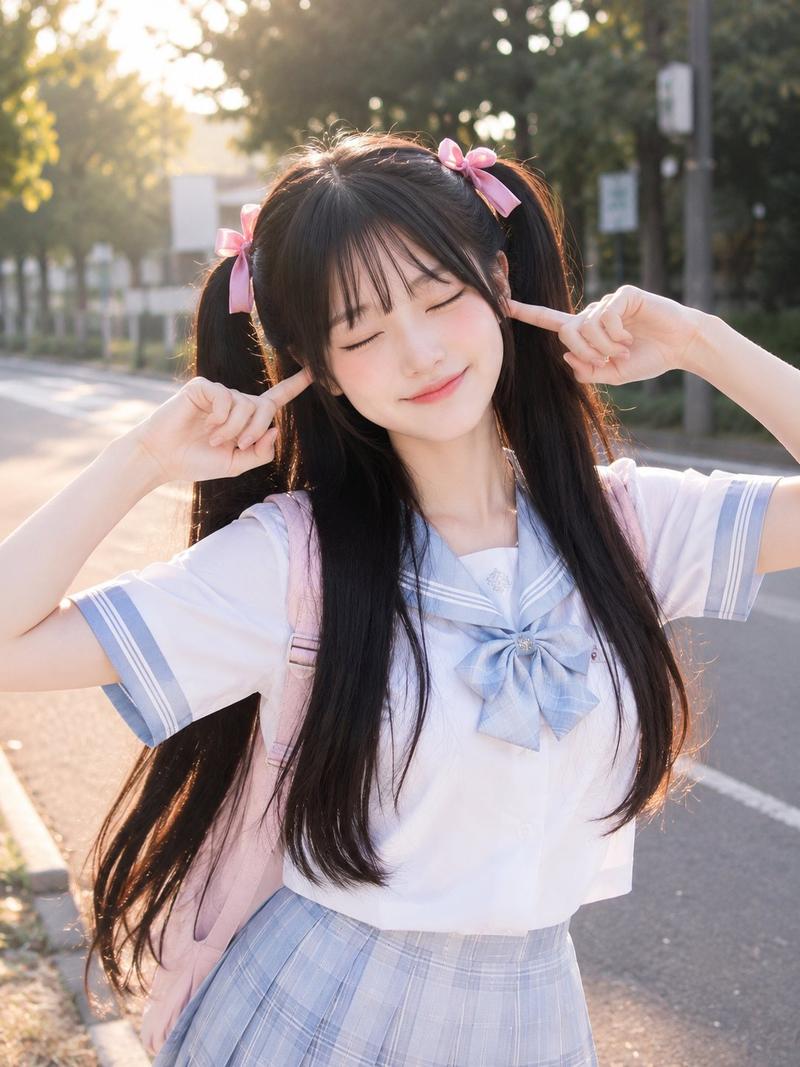
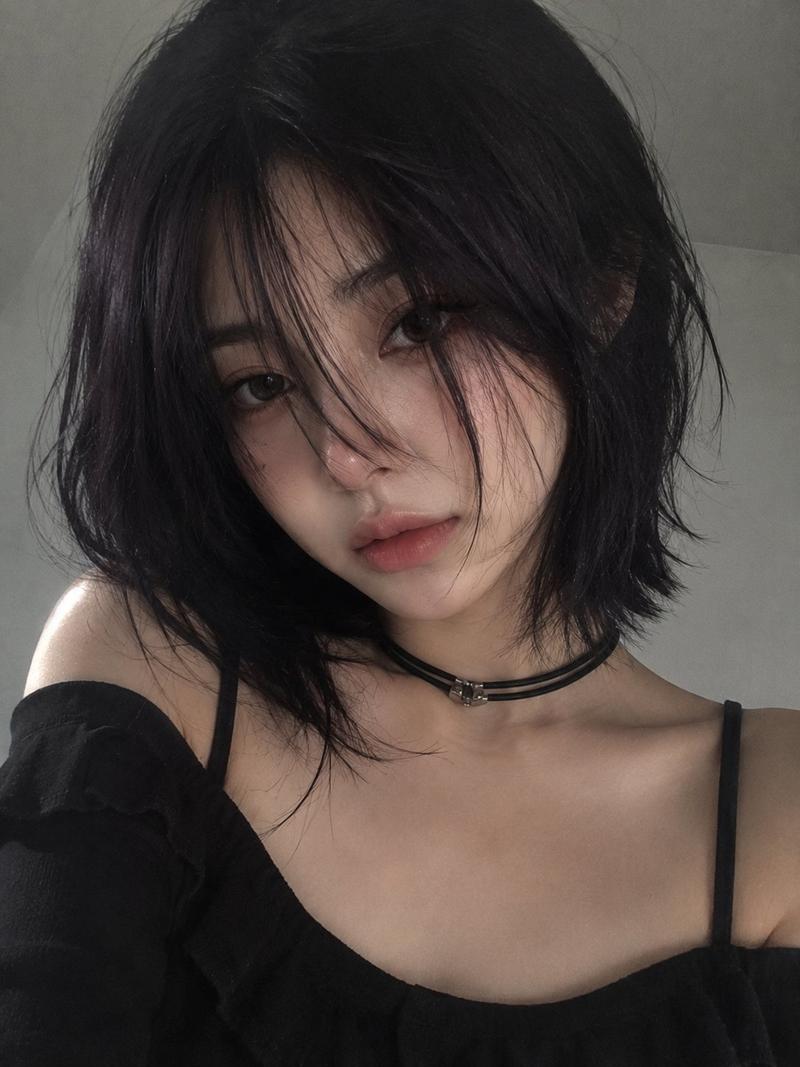
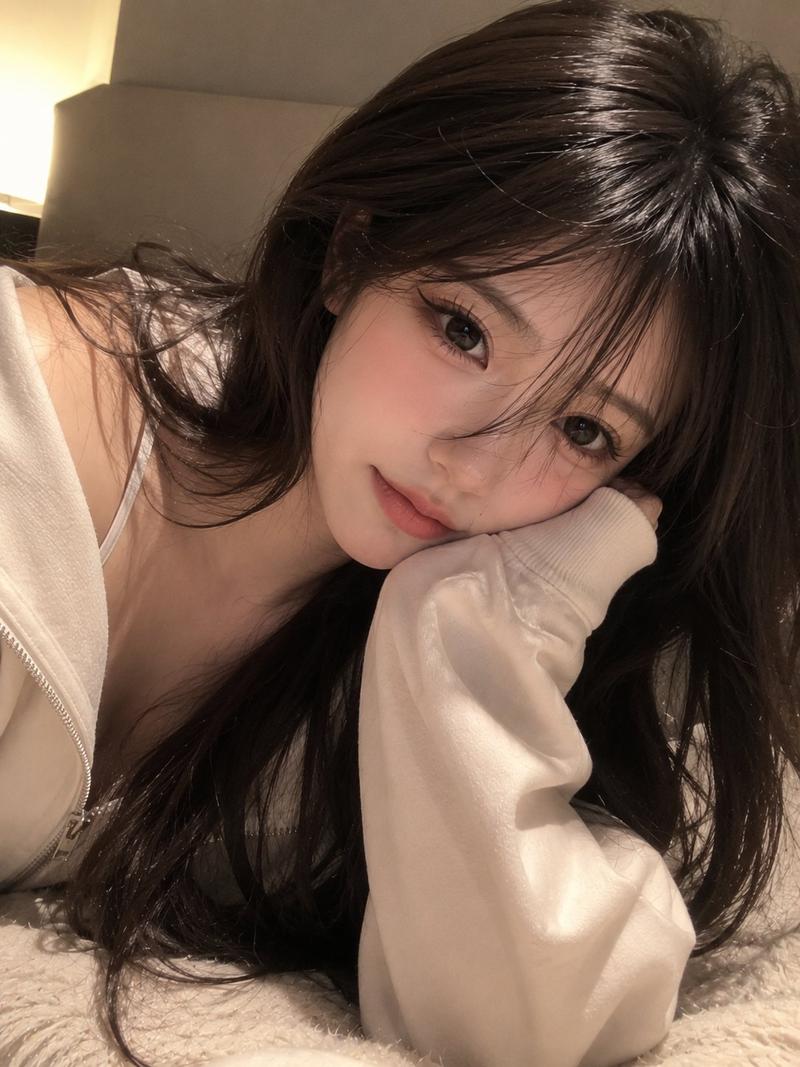
真实感智能手机自拍肖像
Enlarge

Example images

真实感智能手机自拍肖像

Prompt
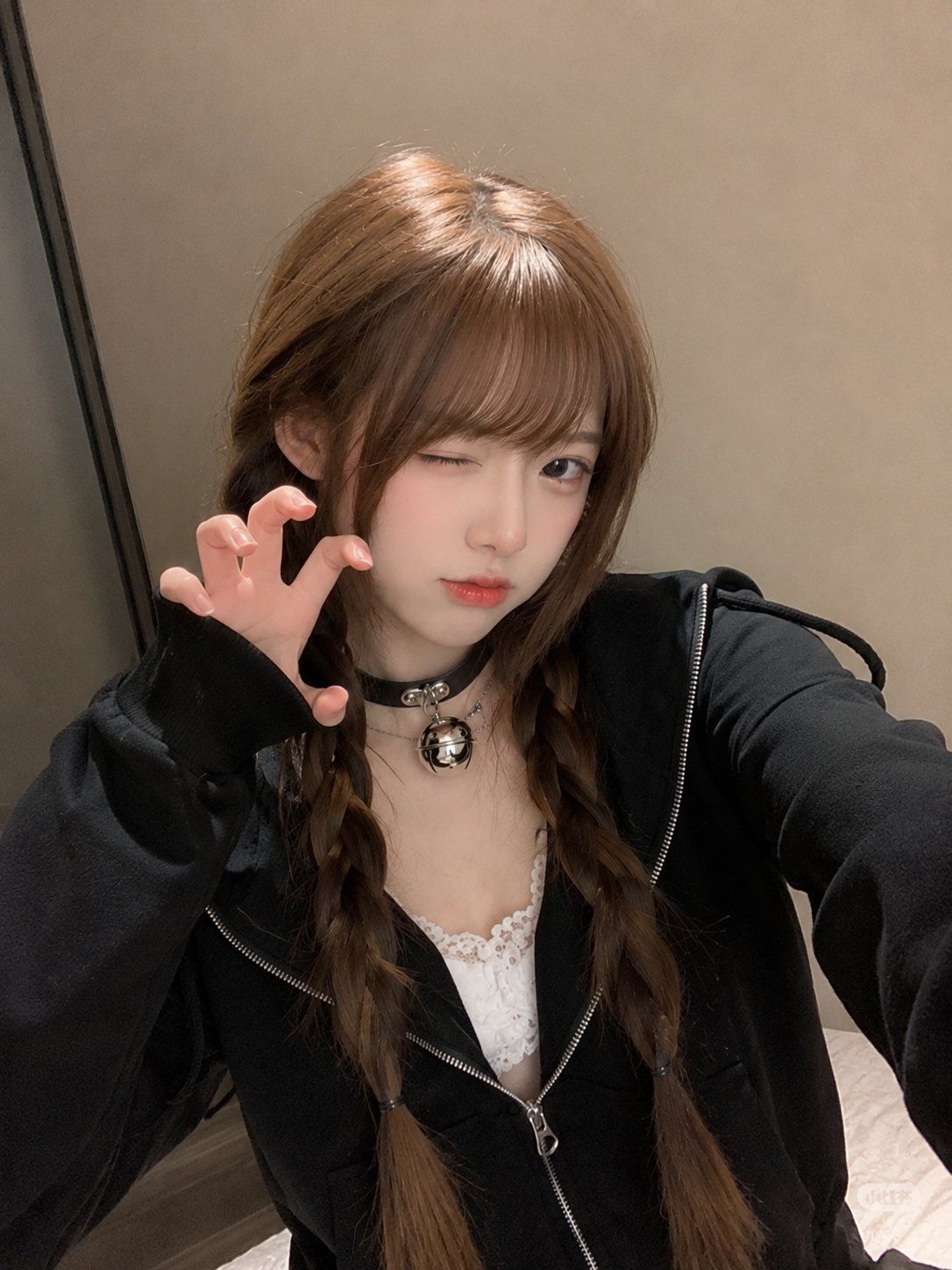
Ultra-realistic smartphone portrait, looks genuinely captured with a mobile phone, not a DSLR or AI render. A beautiful {argument name="ethnicity" default="young East Asian woman"} with fair porcelain skin, large soft brown eyes, light brown hair styled in {argument name="hair style" default="two loose braids with wispy straight bangs"} framing her face. She wears a {argument name="outfit" default="black zip-up hoodie slightly unzipped over a white lace camisole"} and a black leather choker with a silver bell pendant. Calm, slightly serious expression while looking directly into the phone camera. Casual indoor setting with a plain beige wall and warm ambient room lighting. Slight handheld framing, natural phone HDR, realistic skin texture, authentic hair strands, subtle digital noise, soft shadows, candid lifestyle aesthetic, Instagram-style portrait, high detail, photorealistic, looks like an unedited iPhone/mobile camera photo, no studio lighting, no watermark, no text, no logos.
Category
Brand & Logos
Model
GPT Image 2
Views8
Source ID
28685
Published
Jul 14, 2026

Guide

About "真实感智能手机自拍肖像"

What is this prompt for?

"真实感智能手机自拍肖像" AI image prompt for GPT Image 2 (Brand & Logos). 用于生成未经过修饰风格的智能手机自拍提示词,主角为一位扎着松散辫子的东亚女性。 Copy it on Picva and recreate the look in one click.

The full copyable prompt and example visuals above are ready for AI image generation or one-click recreate in Picva.

How to use this prompt

  1. Step 1

    Open the prompt detail

    Review the example visuals, category, and full prompt text for "真实感智能手机自拍肖像".

  2. Step 2

    Copy the prompt

    Copy the prompt body from this page, or load it directly in Studio.

  3. Step 3

    Pick a model (GPT Image 2)

    Prefer GPT Image 2. If you switch models, keep subject and composition and tweak style terms.

  4. Step 4

    Generate and export

    Recreate the look in Picva, or export into your workflow for editing and publishing.

FAQ

What is the "真实感智能手机自拍肖像" prompt?
It is an AI image-generation prompt for GPT Image 2 in the Brand & Logos category. This page includes the full prompt text, example visuals, and a one-click recreate path in Picva.
How do I use this prompt to generate an image?
Copy the prompt from this page, or use Generate / Studio. Paste it into a compatible image model, or recreate the look in Picva with optional reference images.
Which model is this prompt for?
This page lists GPT Image 2. Most descriptive prompts also transfer to nearby image models such as GPT Image, Flux, or Midjourney with light style tweaks.
Can I use the result commercially?
You can usually copy the prompt for creation, but commercial use of the final image depends on the model terms, reference-image rights, and the generated content. Follow the source author and platform rules.