15

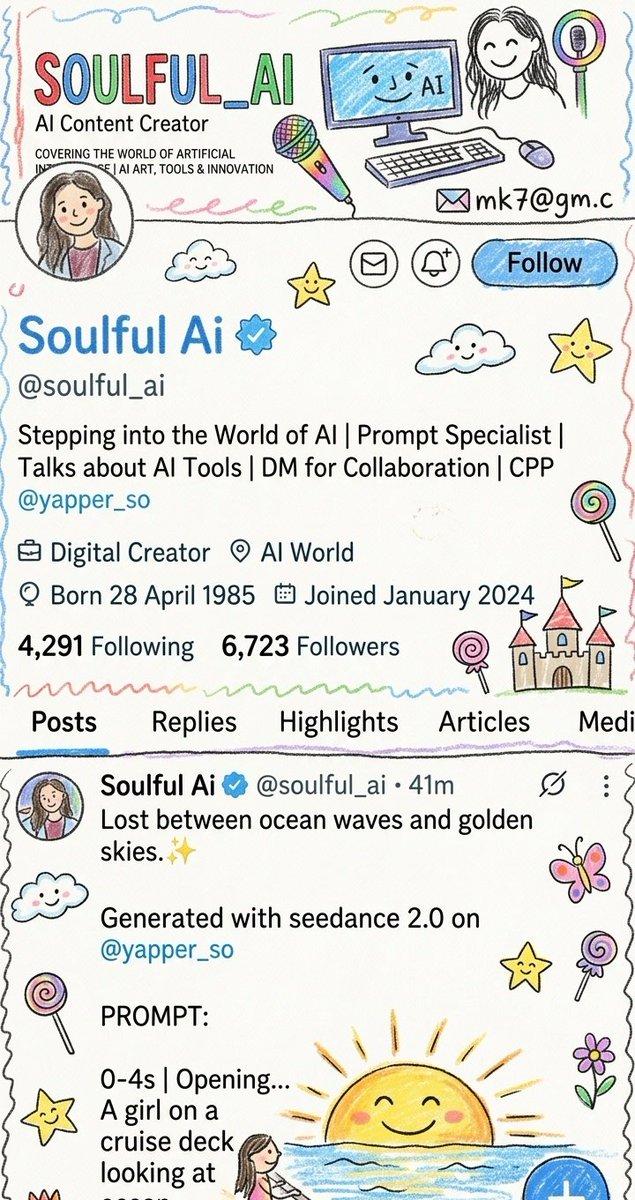
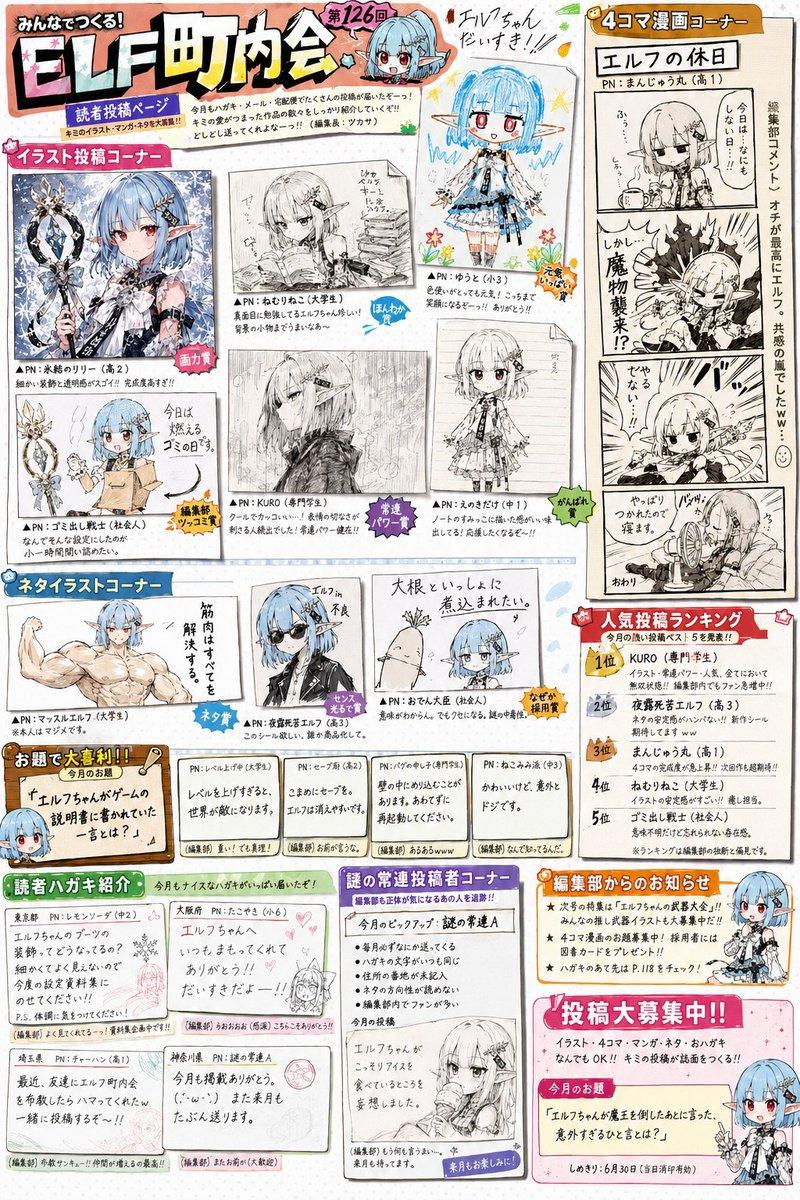
蜡笔画风格儿童画重绘
Enlarge

蜡笔画风格儿童画重绘

Prompt
Rework the given image into a {argument name="style" default="crayon-style illustration"}, transforming the entire scene into something that feels hand-drawn by a {argument name="age" default="10-year-old"}. Keep the forms simple and slightly imperfect, like a child’s drawing. Avoid using the original color palette—replace it with bright, playful crayon colors on a clean white paper background. Aim for a soft, cute, and innocent aesthetic. Incorporate fun, childlike details such as {argument name="details" default="castles or towers, candy, stars, clouds"}, and other whimsical decorations to amplify the playful vibe. The final result should feel charming, colorful, and full of childlike imagination.
Category
Scenes & Storytelling
Model
GPT Image 2
Views2
Source ID
28720
Published
Jul 14, 2026

Guide

About "蜡笔画风格儿童画重绘"

What is this prompt for?

"蜡笔画风格儿童画重绘" AI image prompt for GPT Image 2 (Scenes & Storytelling). 将现有图像转换为迷人的蜡笔插画,模仿儿童简单纯真的绘画风格,呈现明亮、活泼的色彩和奇思妙想的细节。 Copy it on Picva and recreate the look…

The full copyable prompt and example visuals above are ready for AI image generation or one-click recreate in Picva.

How to use this prompt

  1. Step 1

    Open the prompt detail

    Review the example visuals, category, and full prompt text for "蜡笔画风格儿童画重绘".

  2. Step 2

    Copy the prompt

    Copy the prompt body from this page, or load it directly in Studio.

  3. Step 3

    Pick a model (GPT Image 2)

    Prefer GPT Image 2. If you switch models, keep subject and composition and tweak style terms.

  4. Step 4

    Generate and export

    Recreate the look in Picva, or export into your workflow for editing and publishing.

FAQ

What is the "蜡笔画风格儿童画重绘" prompt?
It is an AI image-generation prompt for GPT Image 2 in the Scenes & Storytelling category. This page includes the full prompt text, example visuals, and a one-click recreate path in Picva.
How do I use this prompt to generate an image?
Copy the prompt from this page, or use Generate / Studio. Paste it into a compatible image model, or recreate the look in Picva with optional reference images.
Which model is this prompt for?
This page lists GPT Image 2. Most descriptive prompts also transfer to nearby image models such as GPT Image, Flux, or Midjourney with light style tweaks.
Can I use the result commercially?
You can usually copy the prompt for creation, but commercial use of the final image depends on the model terms, reference-image rights, and the generated content. Follow the source author and platform rules.