19

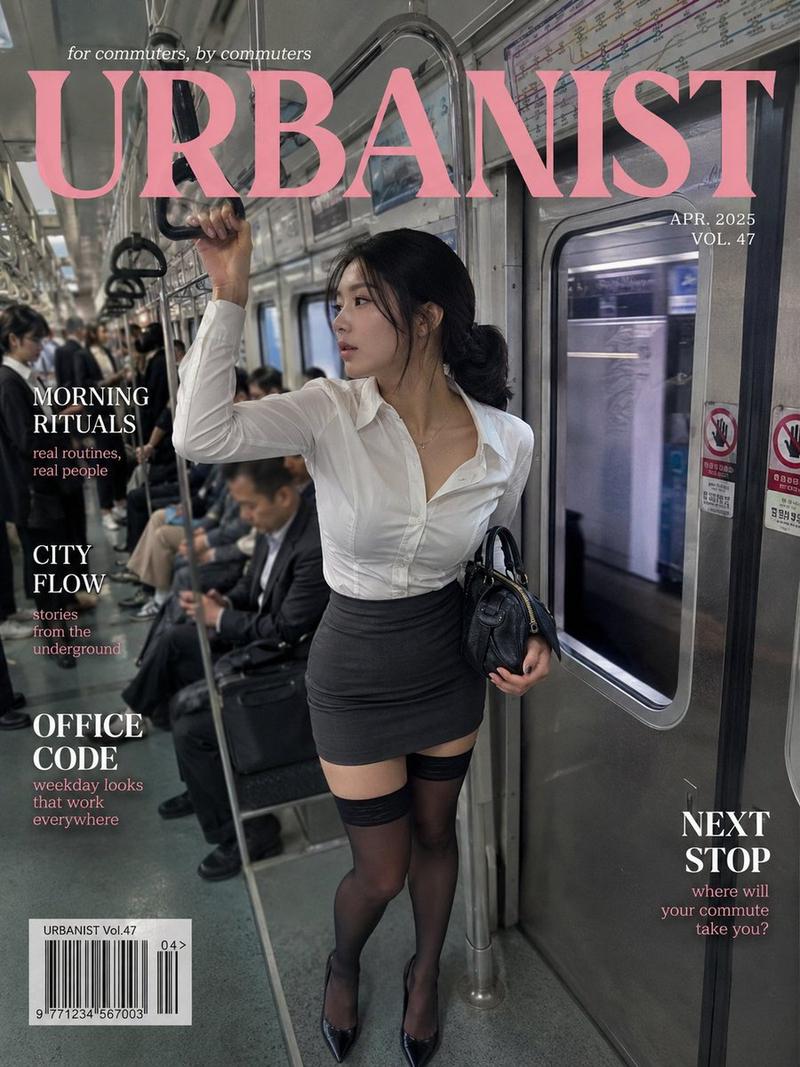
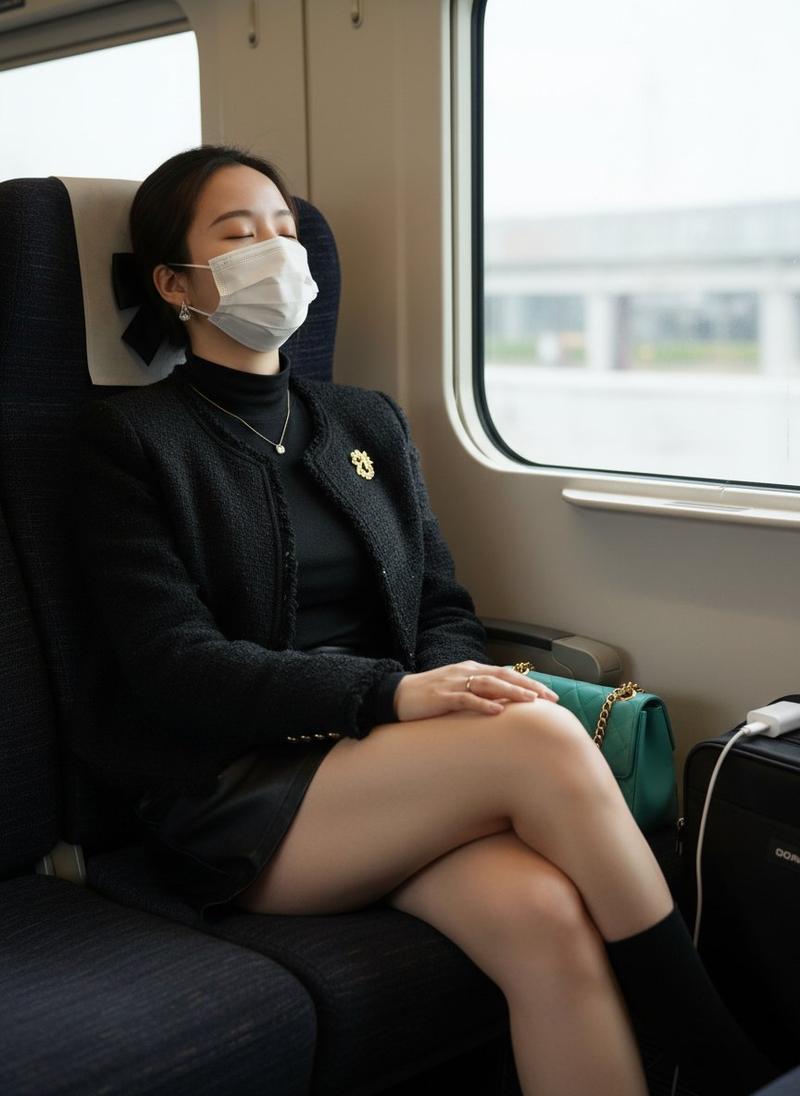
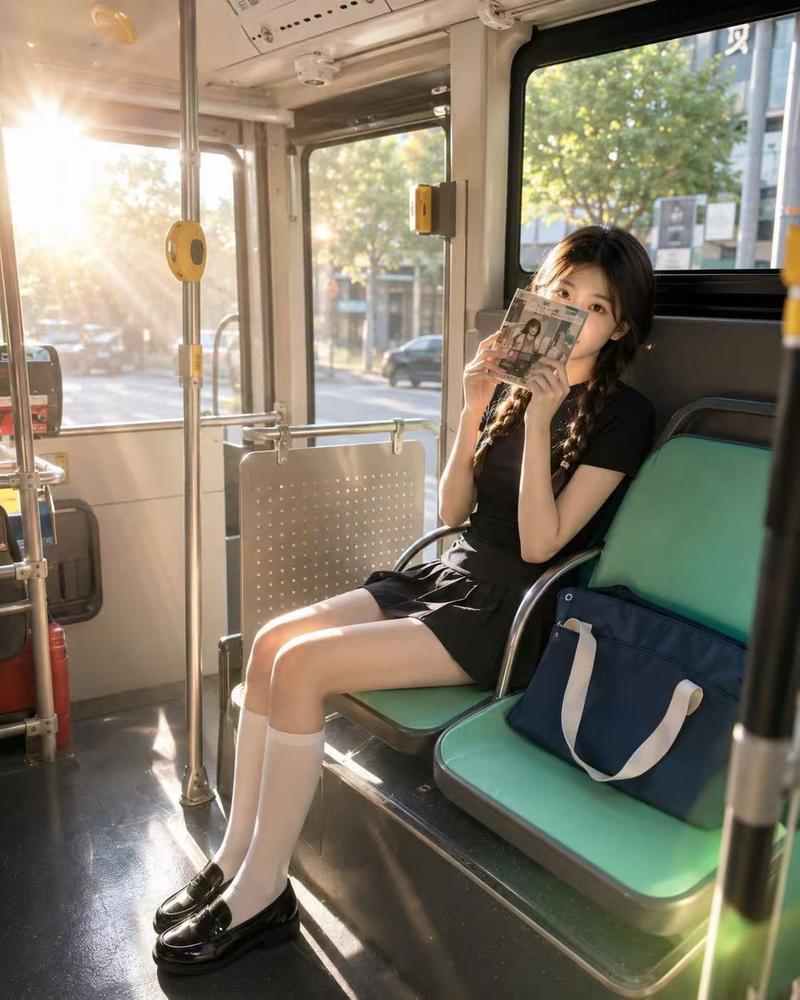
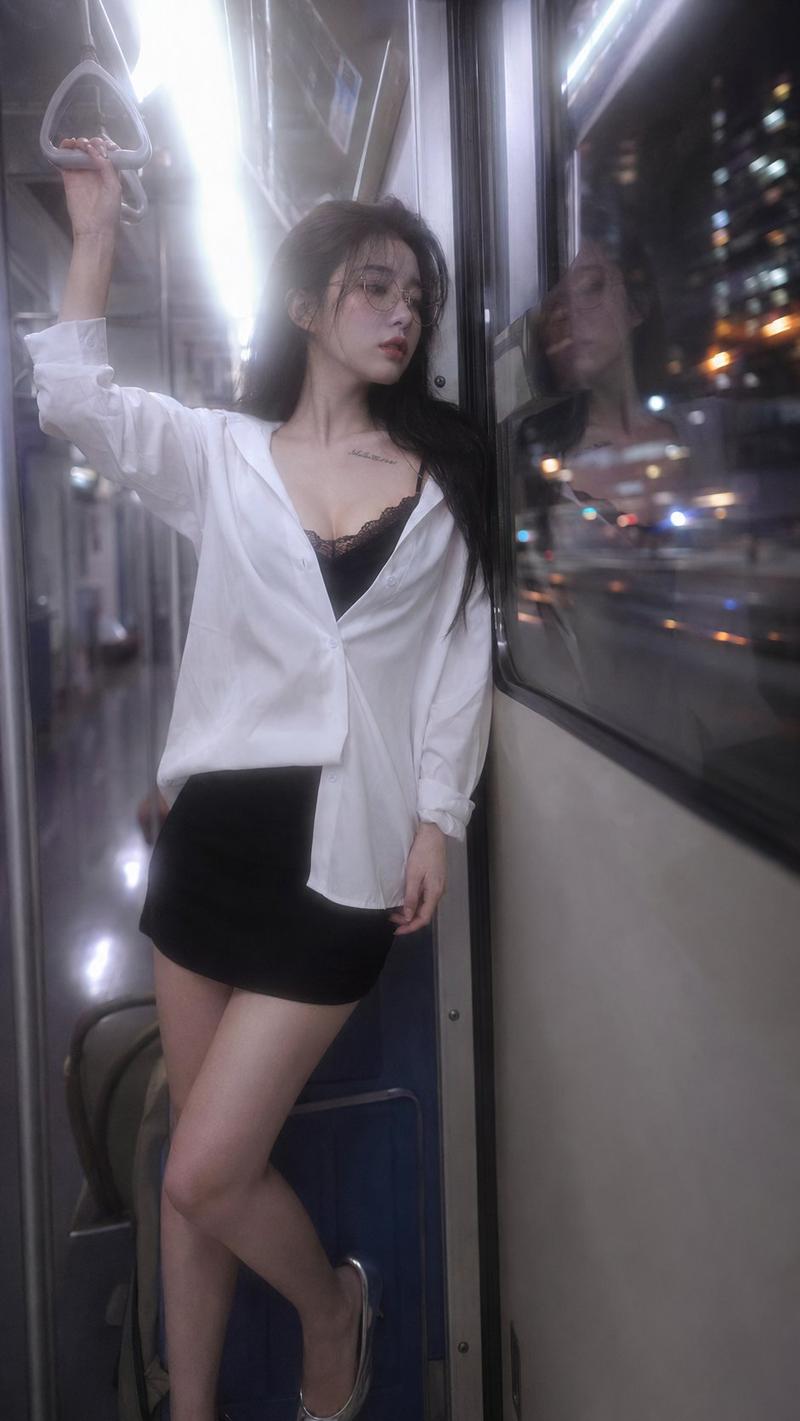
现代列车上的韩国女性
Enlarge

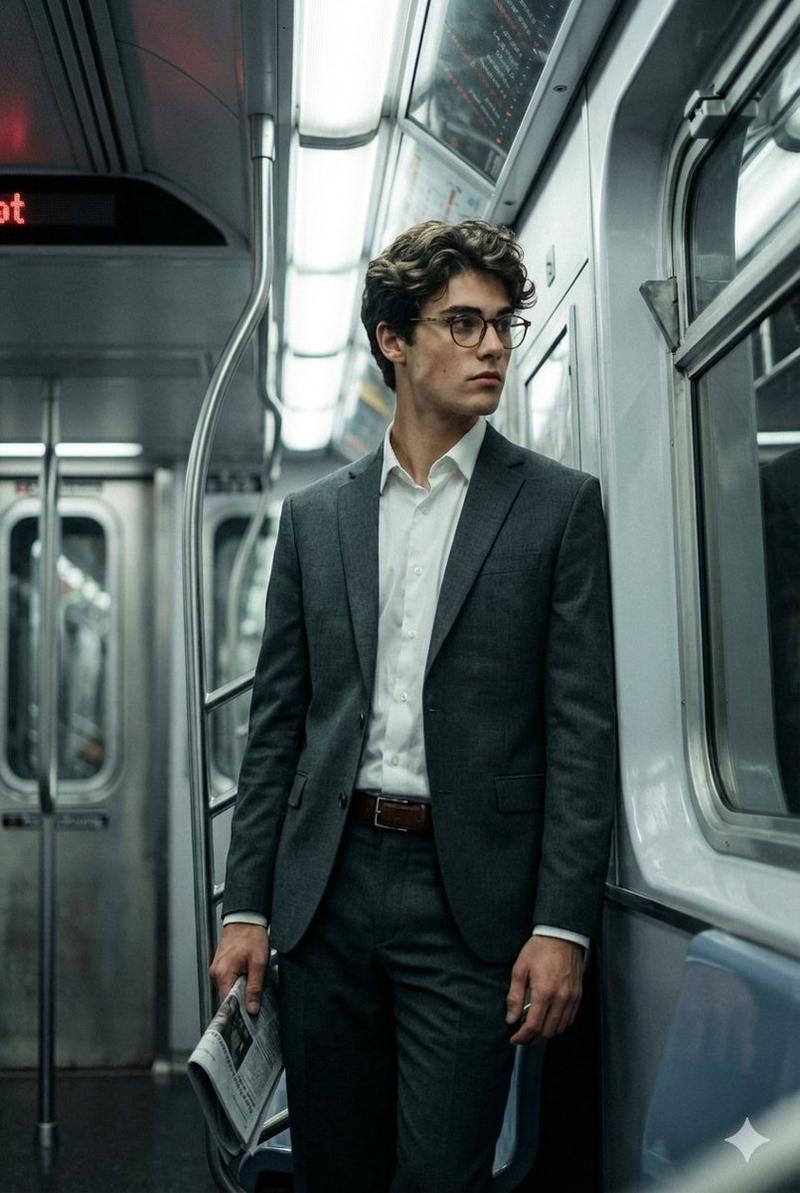
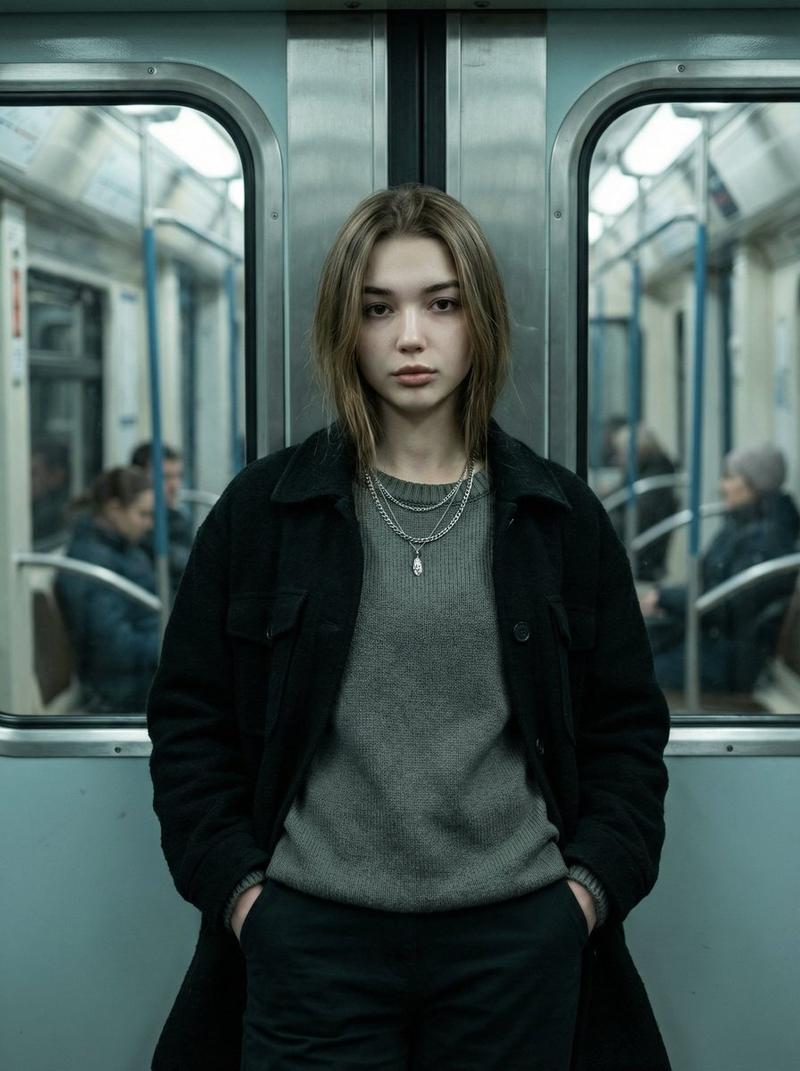
Example images

现代列车上的韩国女性

Prompt
A hyper-realistic photorealistic portrait of a beautiful young {argument name="nationality" default="Korean"} woman with smooth skin, shoulder-length {argument name="hair color" default="black"} hair with soft bangs, and a gentle smile. She is leaning casually against the interior wall of a modern train, looking directly into the camera. She is wearing a minimal {argument name="outfit color" default="beige"} crewneck cotton t-shirt tucked into a high-waisted {argument name="clothing type" default="light-wash blue denim midi skirt"}. Her casual look is completed with white crew socks and clean white platform sneakers. She is standing next to a large train window showing a blurred rural landscape outside under soft daylight. The atmosphere is warm, aesthetic, and peaceful. Shot with a 35mm lens, natural lighting, cinematic composition, sharp focus, 8k resolution, highly detailed.
Category
Posters & Typography
Model
GPT Image 2
Creator
K
Views3
Source ID
28791
Published
Jul 15, 2026

Guide

About "现代列车上的韩国女性"

What is this prompt for?

"现代列车上的韩国女性" AI image prompt for GPT Image 2 (Posters & Typography). 一张超写实的肖像照,一位年轻的韩国女性站在列车窗边,背景是模糊的乡村景观。 Copy it on Picva and recreate the look in one click.

The full copyable prompt and example visuals above are ready for AI image generation or one-click recreate in Picva.

How to use this prompt

  1. Step 1

    Open the prompt detail

    Review the example visuals, category, and full prompt text for "现代列车上的韩国女性".

  2. Step 2

    Copy the prompt

    Copy the prompt body from this page, or load it directly in Studio.

  3. Step 3

    Pick a model (GPT Image 2)

    Prefer GPT Image 2. If you switch models, keep subject and composition and tweak style terms.

  4. Step 4

    Generate and export

    Recreate the look in Picva, or export into your workflow for editing and publishing.

FAQ

What is the "现代列车上的韩国女性" prompt?
It is an AI image-generation prompt for GPT Image 2 in the Posters & Typography category. This page includes the full prompt text, example visuals, and a one-click recreate path in Picva.
How do I use this prompt to generate an image?
Copy the prompt from this page, or use Generate / Studio. Paste it into a compatible image model, or recreate the look in Picva with optional reference images.
Which model is this prompt for?
This page lists GPT Image 2. Most descriptive prompts also transfer to nearby image models such as GPT Image, Flux, or Midjourney with light style tweaks.
Can I use the result commercially?
You can usually copy the prompt for creation, but commercial use of the final image depends on the model terms, reference-image rights, and the generated content. Follow the source author and platform rules.