19

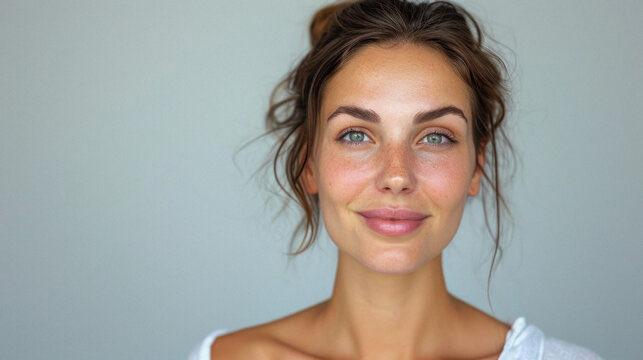
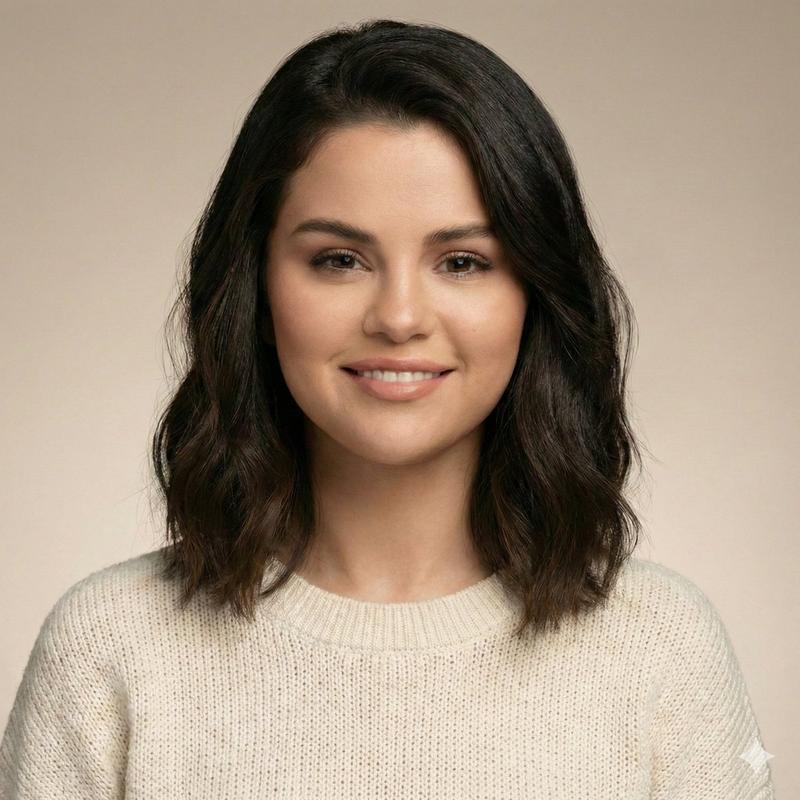
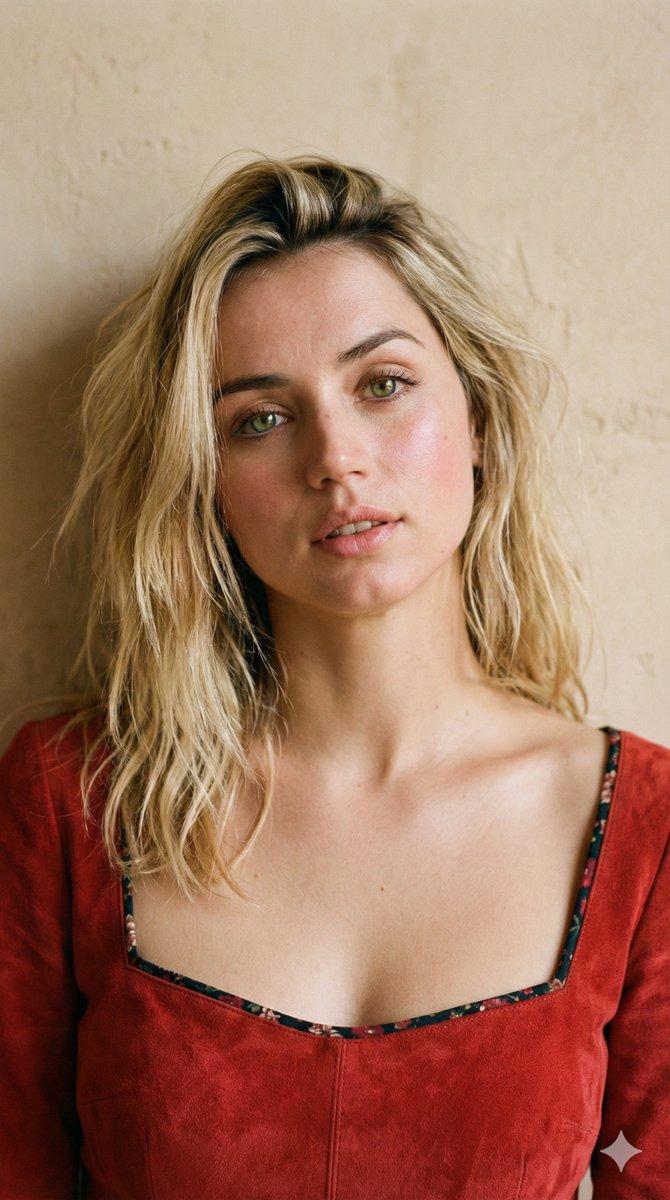
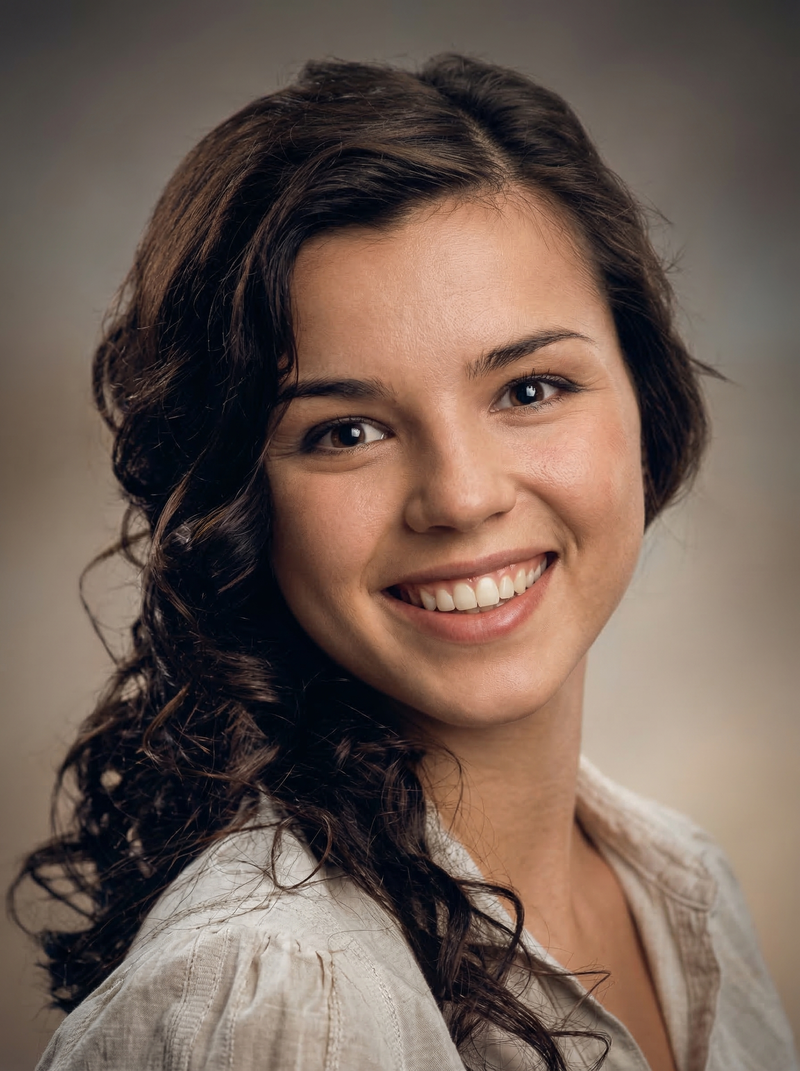
阳光雀斑风格肖像
Enlarge

阳光雀斑风格肖像

Prompt
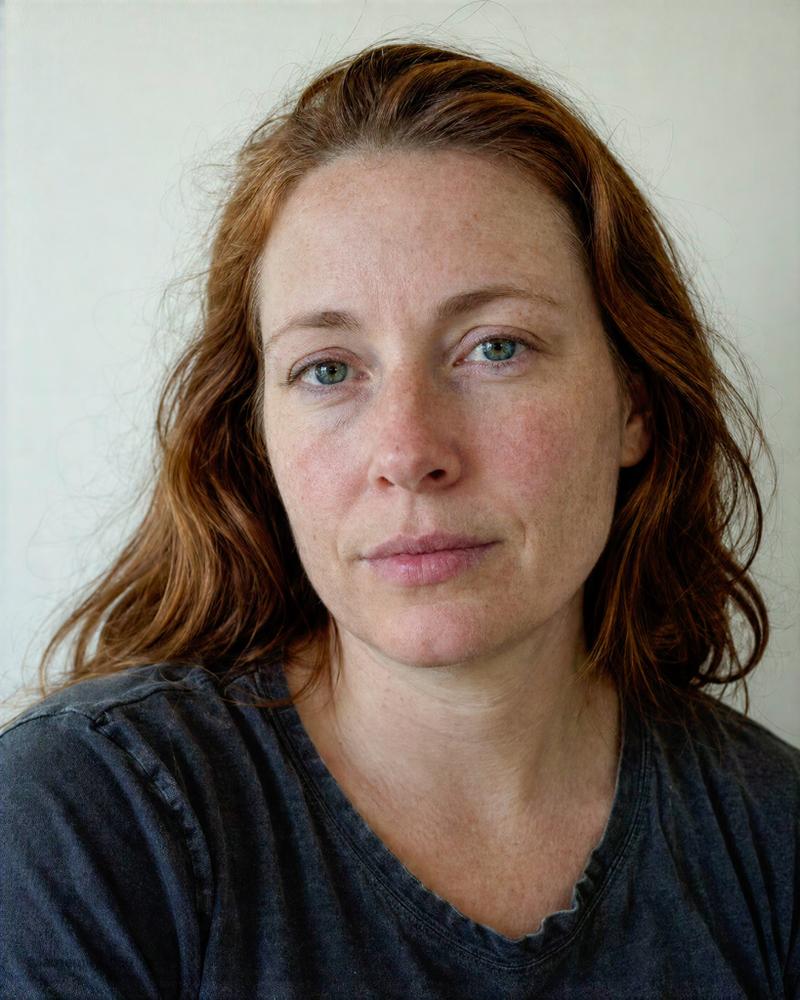
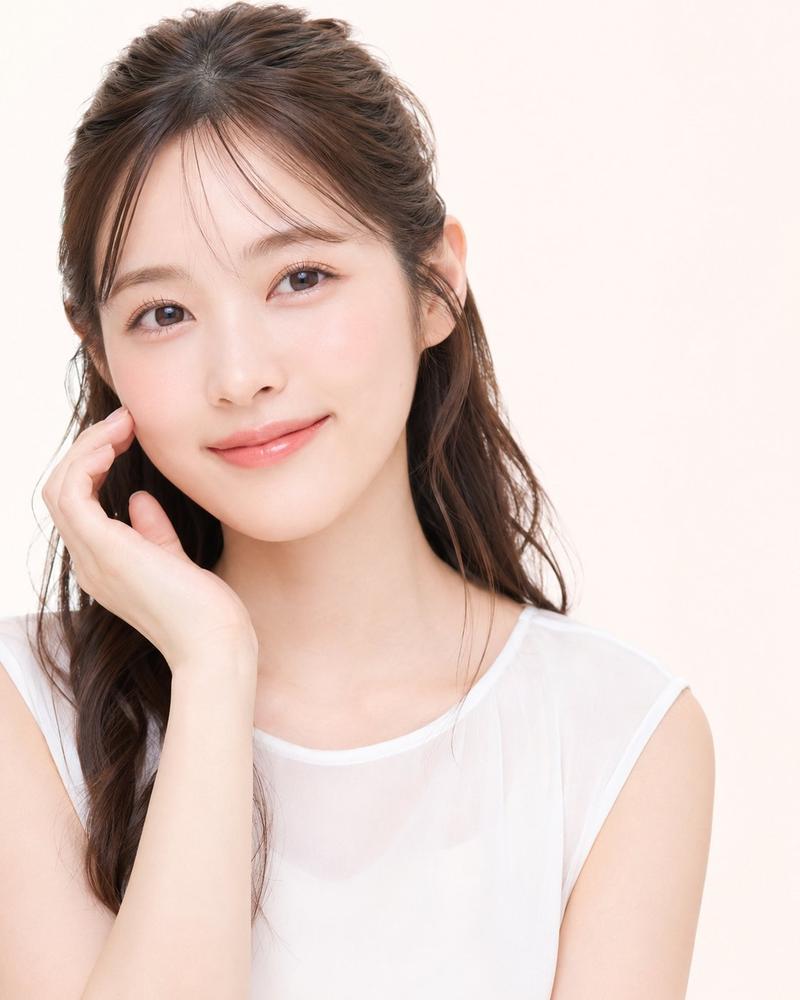
Create a soft, sunny, dreamy square profile portrait of {argument name="character name" default="Ava"}, a young woman facing the camera with a warm natural smile. She has fair sun-kissed skin with many visible freckles across her nose, cheeks, and forehead, hazel-green eyes with detailed catchlights and subtle golden corona coloring, long natural eyelashes, softly defined brows with individual brow hairs, and realistic skin texture. Her hair is {argument name="hair color" default="light golden brown"}, parted in the center, worn loose and straight with slightly wavy ends, with many fine wispy flyaway hairs catching the light. She wears small gold hoop earrings and a white sleeveless lace-trimmed top with delicate ruffled lace straps and a square neckline. Frame as a close-up head-and-shoulders profile picture, centered and symmetrical, from upper chest to just above the head, looking directly into the lens. Use warm golden-hour sunlight from the front-left, gentle highlights on the cheeks and hair, soft shadows, shallow depth of field, and a dreamy pastel {argument name="background color" default="pale lavender"} studio backdrop with very subtle paper texture. Style should be highly realistic polished portrait photography, natural beauty editorial, soft but crisp facial detail, no heavy makeup, no text, no watermark, no extra people.
Category
Photography & Realism
Model
GPT Image 2
Creator
X Girls
Views8
Source ID
28843
Published
Jul 15, 2026

Guide

About "阳光雀斑风格肖像"

What is this prompt for?

"阳光雀斑风格肖像" AI image prompt for GPT Image 2 (Photography & Realism). 生成一张柔和写实的方形个人肖像,展现一位面带微笑、长有雀斑的年轻女性,适合用作温暖梦幻的社交媒体头像。 Copy it on Picva and recreate the look…

The full copyable prompt and example visuals above are ready for AI image generation or one-click recreate in Picva.

How to use this prompt

  1. Step 1

    Open the prompt detail

    Review the example visuals, category, and full prompt text for "阳光雀斑风格肖像".

  2. Step 2

    Copy the prompt

    Copy the prompt body from this page, or load it directly in Studio.

  3. Step 3

    Pick a model (GPT Image 2)

    Prefer GPT Image 2. If you switch models, keep subject and composition and tweak style terms.

  4. Step 4

    Generate and export

    Recreate the look in Picva, or export into your workflow for editing and publishing.

FAQ

What is the "阳光雀斑风格肖像" prompt?
It is an AI image-generation prompt for GPT Image 2 in the Photography & Realism category. This page includes the full prompt text, example visuals, and a one-click recreate path in Picva.
How do I use this prompt to generate an image?
Copy the prompt from this page, or use Generate / Studio. Paste it into a compatible image model, or recreate the look in Picva with optional reference images.
Which model is this prompt for?
This page lists GPT Image 2. Most descriptive prompts also transfer to nearby image models such as GPT Image, Flux, or Midjourney with light style tweaks.
Can I use the result commercially?
You can usually copy the prompt for creation, but commercial use of the final image depends on the model terms, reference-image rights, and the generated content. Follow the source author and platform rules.