20

Scientific Concept Anchor Poster
Enlarge

Scientific Concept Anchor Poster

Prompt
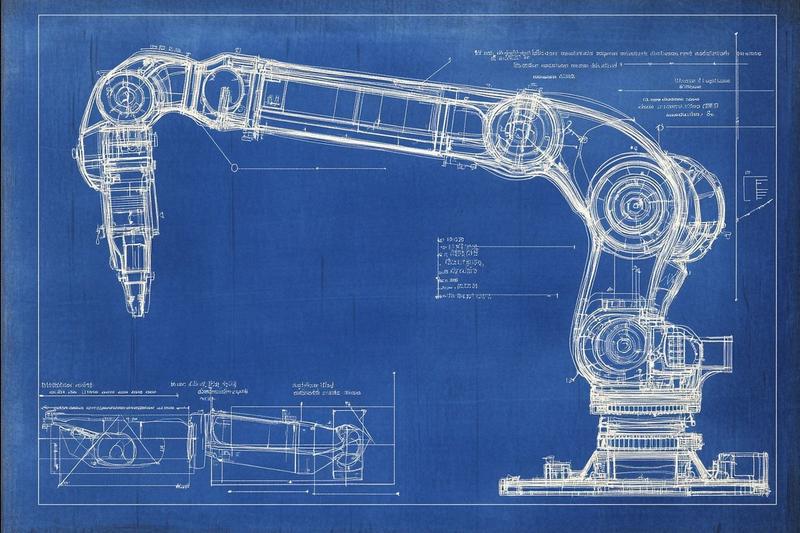
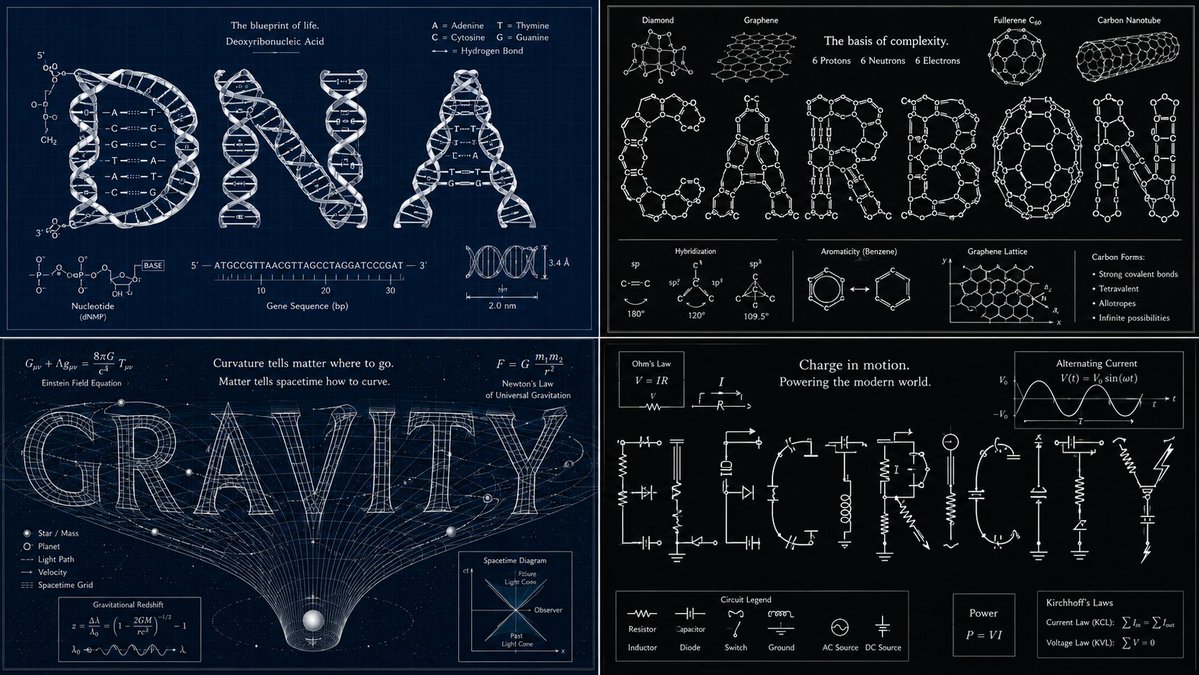
Anchor: The word "[SCIENTIFIC CONCEPT (e.g.,  CARBON / DNA / GRAVITY)]" :: where each  letter is constructed from the molecular  structure, atomic bonds, or physical  diagrams associated with that concept ::4  Morphology: DNA — letters formed from  double helix ladder rungs and backbone  curves. CARBON — letters built from  benzene ring hexagons and bond lines.  GRAVITY — letters curve and stretch  as if pulled toward a point mass,  lower strokes elongated by gravitational  lensing. All fully readable ::3  Material Physics: Scientific whiteboard  aesthetic — white chalk or marker on  dark ground. Or blueprint blue with  white diagrammatic linework ::3  Illumination: Flat, even, academic —  as if projected on a lecture screen ::2  Render Stack: Science magazine cover,  university poster, Ted Talk title card ::1  Negative: [photorealistic molecular  renders, 3D shading, color-coded  atoms in standard CPK colors,  realistic laboratory imagery] :: -1
Category
Illustration & Art
Model
GPT Image 2
Creator
Gdgtify
Views3
Source ID
evolink-gdgtify-2057297076032262574
Published
May 22, 2026

Guide

About "Scientific Concept Anchor Poster"

What is this prompt for?

"Scientific Concept Anchor Poster" AI image prompt for GPT Image 2 (Illustration & Art). Anchor: The word "[SCIENTIFIC CONCEPT (e.g., CARBON / DNA / GRAVITY)]"…

The full copyable prompt and example visuals above are ready for AI image generation or one-click recreate in Picva.

How to use this prompt

  1. Step 1

    Open the prompt detail

    Review the example visuals, category, and full prompt text for "Scientific Concept Anchor Poster".

  2. Step 2

    Copy the prompt

    Copy the prompt body from this page, or load it directly in Studio.

  3. Step 3

    Pick a model (GPT Image 2)

    Prefer GPT Image 2. If you switch models, keep subject and composition and tweak style terms.

  4. Step 4

    Generate and export

    Recreate the look in Picva, or export into your workflow for editing and publishing.

FAQ

What is the "Scientific Concept Anchor Poster" prompt?
It is an AI image-generation prompt for GPT Image 2 in the Illustration & Art category. This page includes the full prompt text, example visuals, and a one-click recreate path in Picva.
How do I use this prompt to generate an image?
Copy the prompt from this page, or use Generate / Studio. Paste it into a compatible image model, or recreate the look in Picva with optional reference images.
Which model is this prompt for?
This page lists GPT Image 2. Most descriptive prompts also transfer to nearby image models such as GPT Image, Flux, or Midjourney with light style tweaks.
Can I use the result commercially?
You can usually copy the prompt for creation, but commercial use of the final image depends on the model terms, reference-image rights, and the generated content. Follow the source author and platform rules.