20

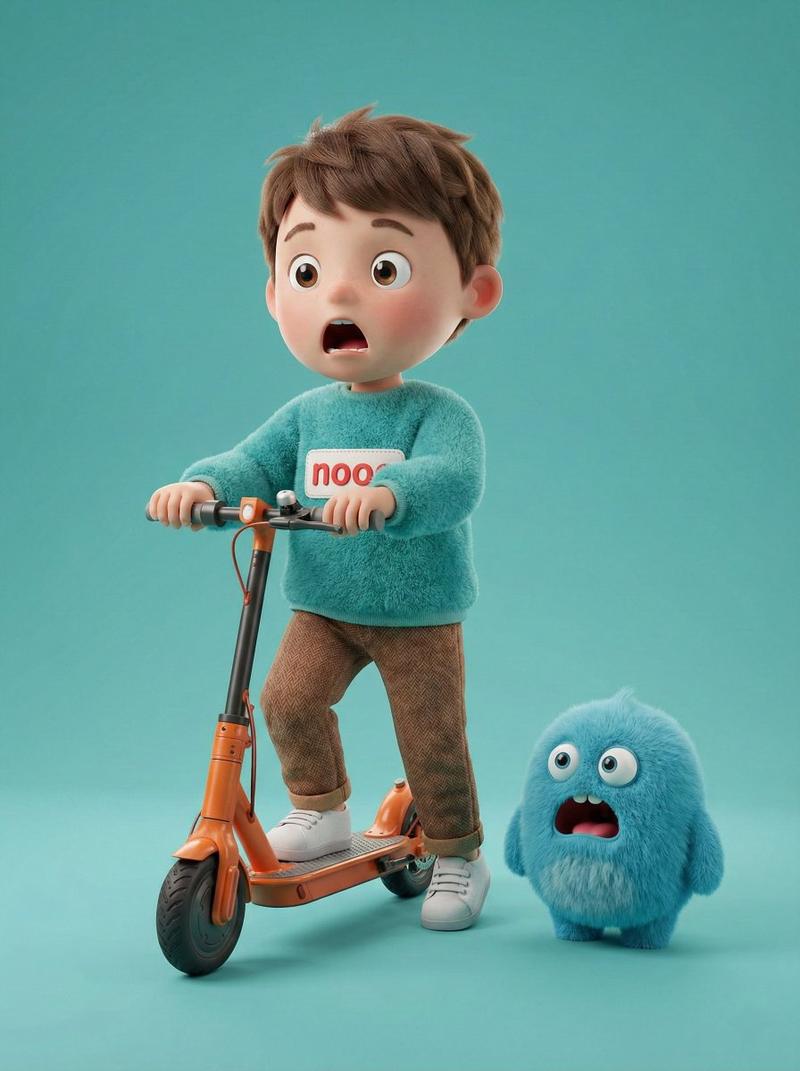
7-panel 8K studio editorial: GPT Image 2 prompt
Enlarge

7-panel 8K studio editorial: GPT Image 2 prompt

Prompt
CORE OBJECTIVE: Create a professional 8k studio editorial based on [ATTACHED_INPUT_IMAGE]. Analyze subject geometry, material, and branding to maintain logic across 7 seamless panels.

STEP 1: DYNAMIC ANALYSIS
Identify: Subject, logo (or name), and material.

Material Logic: Tech (sharp rim lights), Glass (refraction/caustics), Organic (soft light), Fashion (matte/satin sheen).

COMPOSITION & STRUCTURE
Single seamless image. Top: 1 Hero Panel. Bottom: 2x3 Grid (6 panels). Total 7 views. No text or borders (except Frame 2).

PANEL SPECIFICATIONS
MAIN HERO: Centered master portrait on infinite-curve background. Lighting highlights primary material.

F1 (Macro): Extreme close-up on material "DNA" (microscopic grain, textures, or circuitry).

F2 (Logo): 3D premium brand emblem centered on a minimalist studio backdrop.

F3 (Scale): Subject in size-appropriate context (gallery for large, pedestal for small).

F4 (Rhythm): High-angle "knolling" or grid repetition of components.

F5 (Motion): Weightless action-still with environmental cues (vapor, sparks, or splashes).

F6 (Form): High-contrast rim-lit profile focusing purely on the iconic silhouette.

VISUAL ENFORCEMENT
Style: Ultra-high-end Studio Editorial.

Consistency: 100% identical color and design details across all views.

Technical: 8k, ray-traced reflections, professional grading, global illumination.
Category
Photography & Realism
Model
GPT Image 2
Views0
Source ID
2033941378279883011
Published
Mar 17, 2026

Guide

About "7-panel 8K studio editorial: GPT Image 2 prompt"

What is this prompt for?

"7-panel 8K studio editorial: GPT Image 2 prompt" AI image prompt for GPT Image 2 (Photography & Realism). CORE OBJECTIVE: Create a professional 8k studio edit…

The full copyable prompt and example visuals above are ready for AI image generation or one-click recreate in Picva.

How to use this prompt

  1. Step 1

    Open the prompt detail

    Review the example visuals, category, and full prompt text for "7-panel 8K studio editorial: GPT Image 2 prompt".

  2. Step 2

    Copy the prompt

    Copy the prompt body from this page, or load it directly in Studio.

  3. Step 3

    Pick a model (GPT Image 2)

    Prefer GPT Image 2. If you switch models, keep subject and composition and tweak style terms.

  4. Step 4

    Generate and export

    Recreate the look in Picva, or export into your workflow for editing and publishing.

FAQ

What is the "7-panel 8K studio editorial: GPT Image 2 prompt" prompt?
It is an AI image-generation prompt for GPT Image 2 in the Photography & Realism category. This page includes the full prompt text, example visuals, and a one-click recreate path in Picva.
How do I use this prompt to generate an image?
Copy the prompt from this page, or use Generate / Studio. Paste it into a compatible image model, or recreate the look in Picva with optional reference images.
Which model is this prompt for?
This page lists GPT Image 2. Most descriptive prompts also transfer to nearby image models such as GPT Image, Flux, or Midjourney with light style tweaks.
Can I use the result commercially?
You can usually copy the prompt for creation, but commercial use of the final image depends on the model terms, reference-image rights, and the generated content. Follow the source author and platform rules.