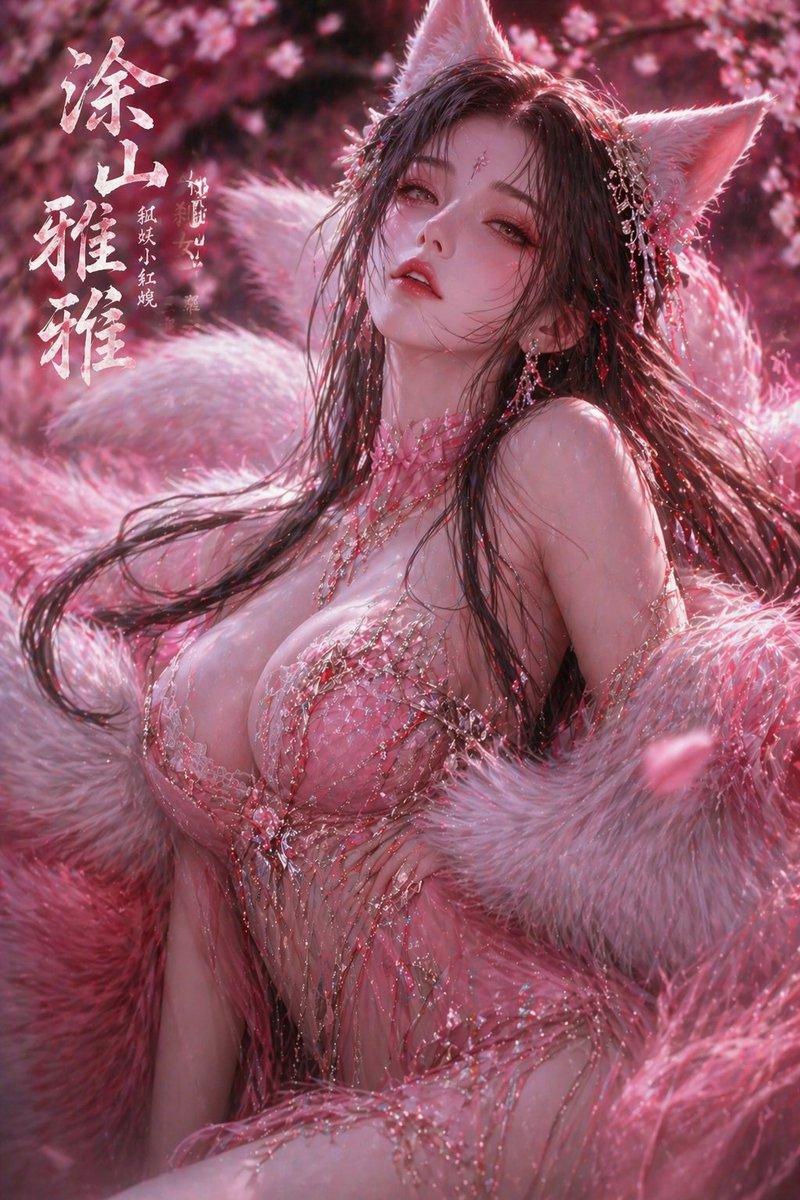
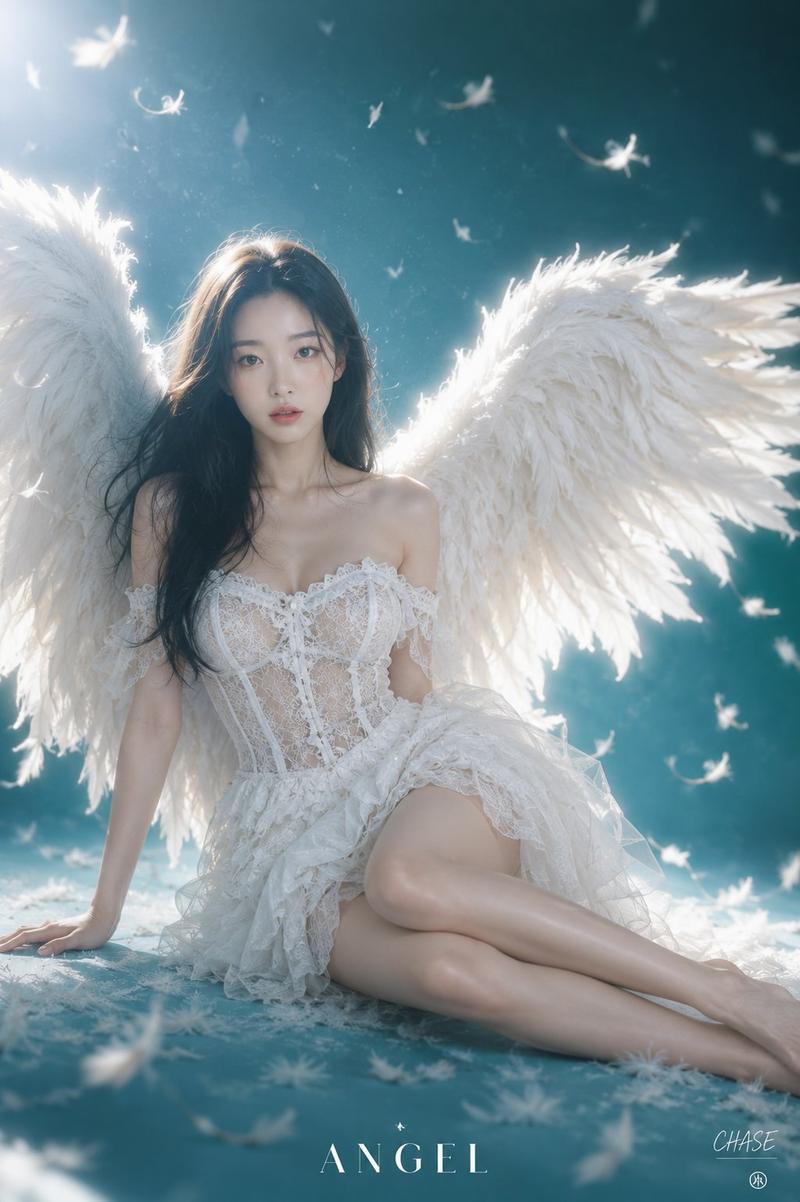
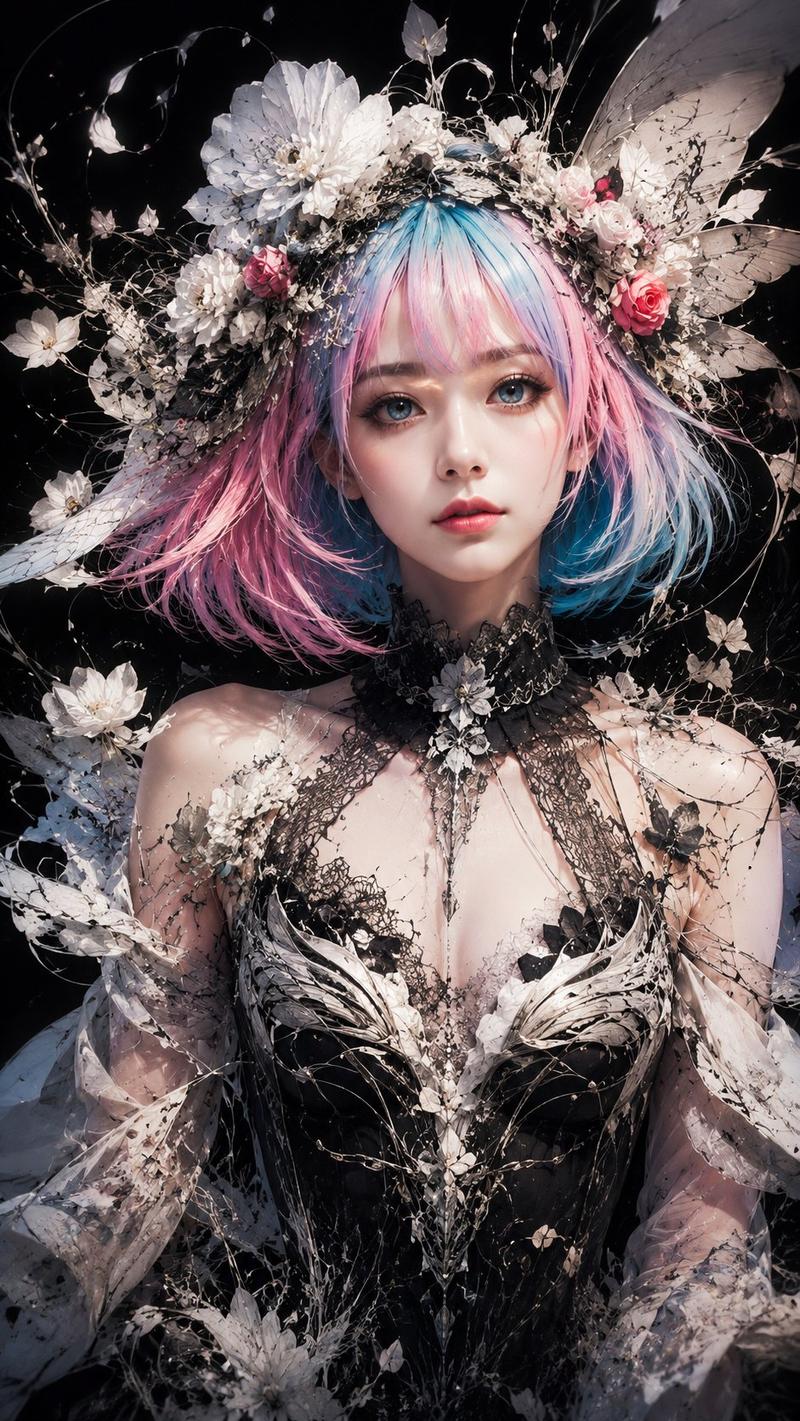
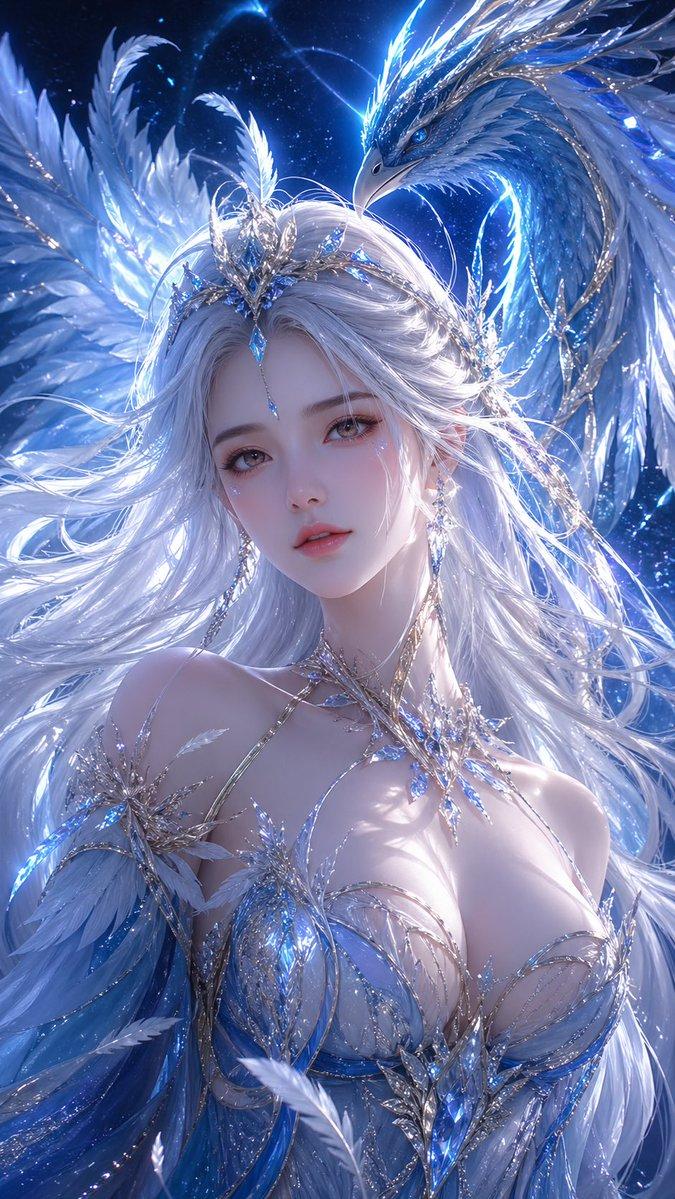
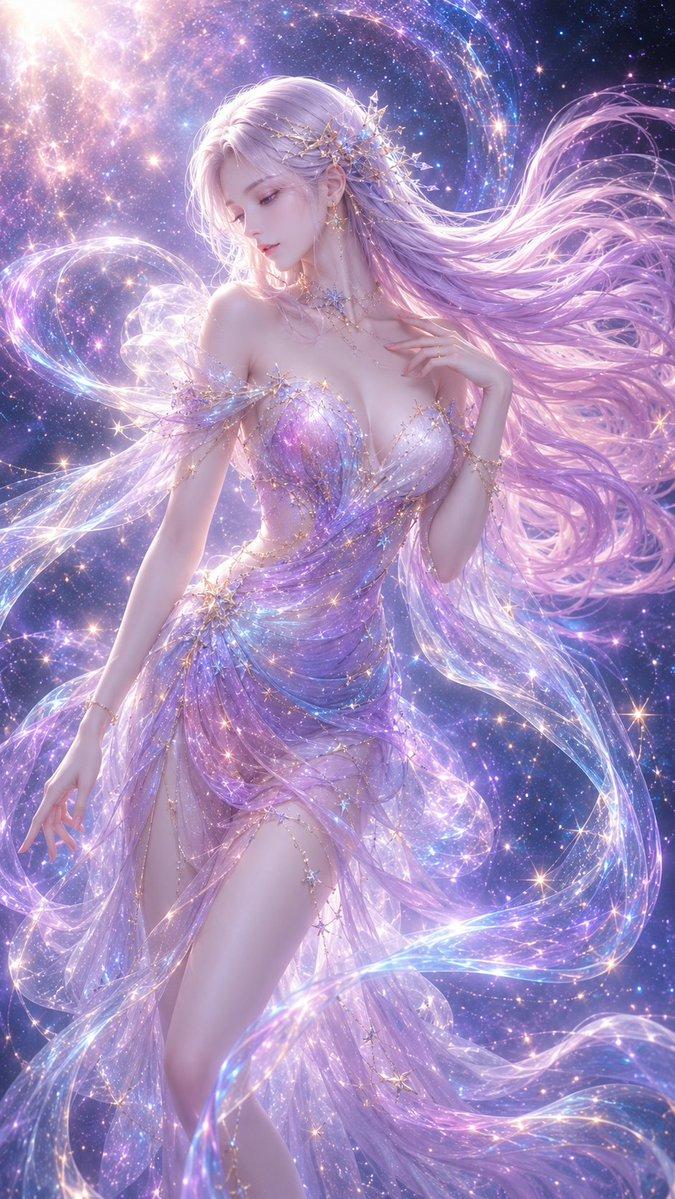
国风山海经十二神兽唯美变装秀
Prompt
@Image Chinese style Shan Hai Jing exotic beast transformation, 0-12 seconds frame-by-frame switching of fairy dresses, paired with corresponding spiritual ears and hair crowns + exclusive light effects, soft light special effects throughout, lively, cute and full of aura 1. 0-1s: Nine-tailed Fox fairy dress, fox ear hair crown, fox tail floating, soft and cute lively 2. 1-2s: Turn around transform into Yinglong scale pattern dress, dragon horn hair crown, dragon aura surrounding, noble and lively 3. 2-3s: Hand blocking transform into Baize fairy dress, Baize ear accessories, holding jade Ruyi, auspicious fairy aura 4. 3-4s: Gather arms transform into Phoenix feather dress, phoenix feather hair crown, flowing light dancing, stunningly beautiful lively 5. 4-5s: Look up transform into Qilin brocade dress, Qilin hair crown, golden light protecting body, atmospheric cute 6. 5-6s: Turn around transform into Taotie dark pattern dress, beast ear hair crown, aura cold yet cute 7. 6-7s: Fix hair transform into Qiongqi wind sand dress, wind pattern hair crown, elegant and lively 8. 7-8s: Lift sleeve transform into Blue Bird feather dress, feather crown, light as a flying bird 9. 8-9s: Move hand transform into Vermilion Flame Fire Fox dress, flame fox ears, warm light surrounding 10. 9-10s: Swing sleeve transform into Cangxuan Green Dragon dress, green jade hair crown, cool and high-class 11. 10-11s: Side body transform into Shan Hai Emperor dress, Shan Hai beast crown, majestic pressure and fairy aura coexist 12. 11-12s: Return to Nine-tailed Fox fairy dress, spiritual charm light effect ending
- Category
- Video Prompts
- Model
- Seedance 2.0
- Creator
- @johnAGI168
- Source ID
- 7195
- Published
- Mar 12, 2026
Views570