18

卧室舒适氛围感自然少女写真
Enlarge

卧室舒适氛围感自然少女写真

Prompt
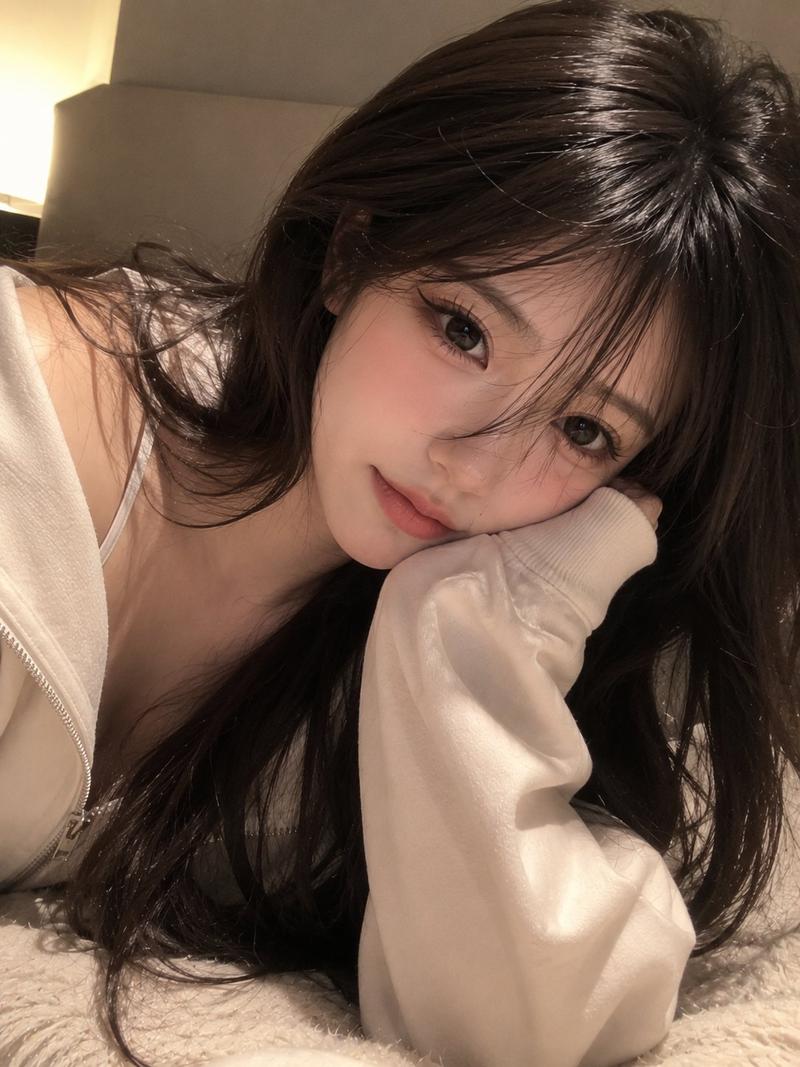
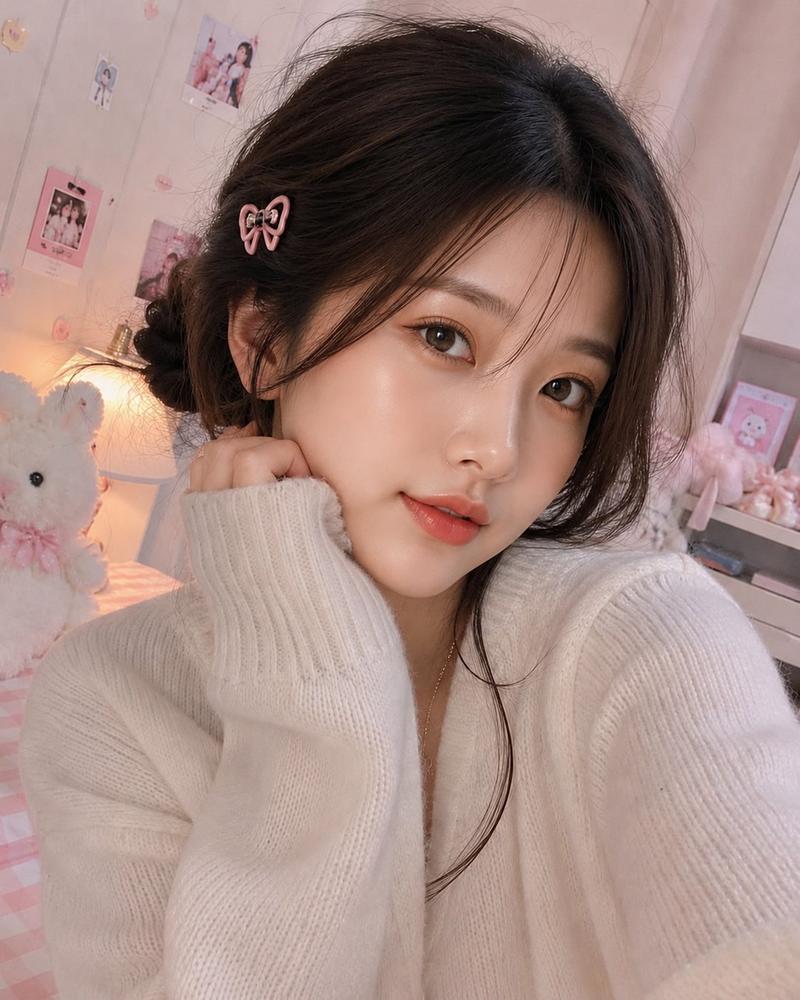
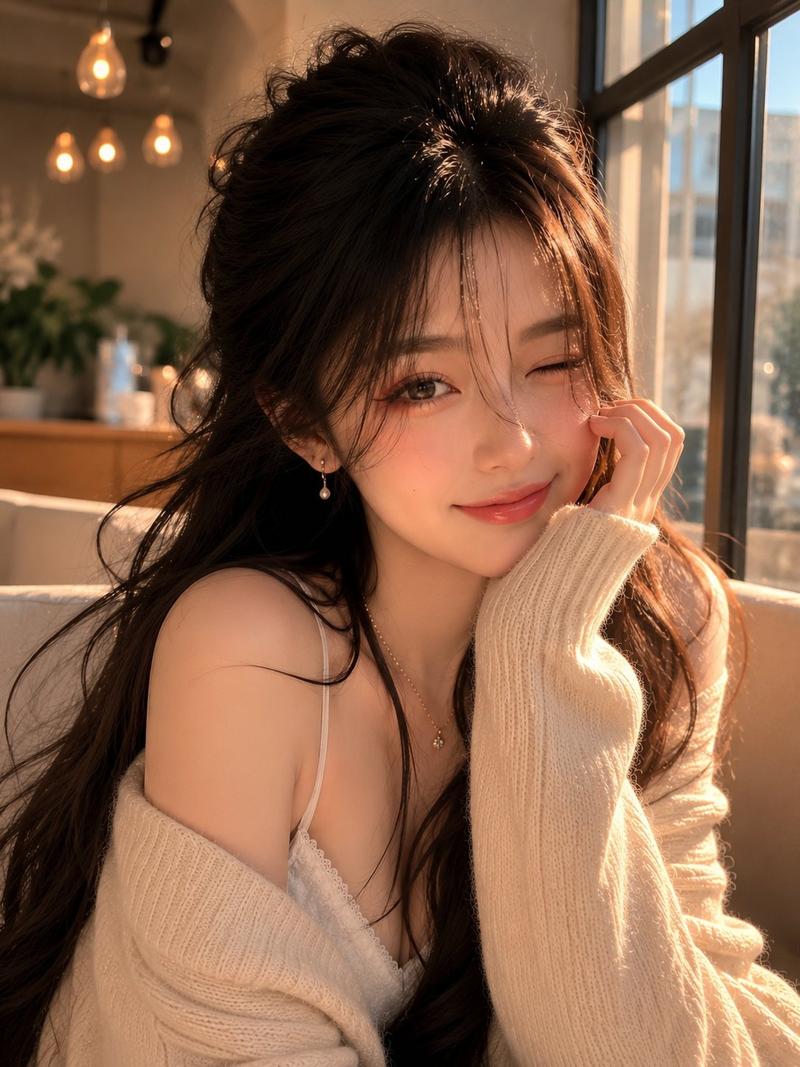
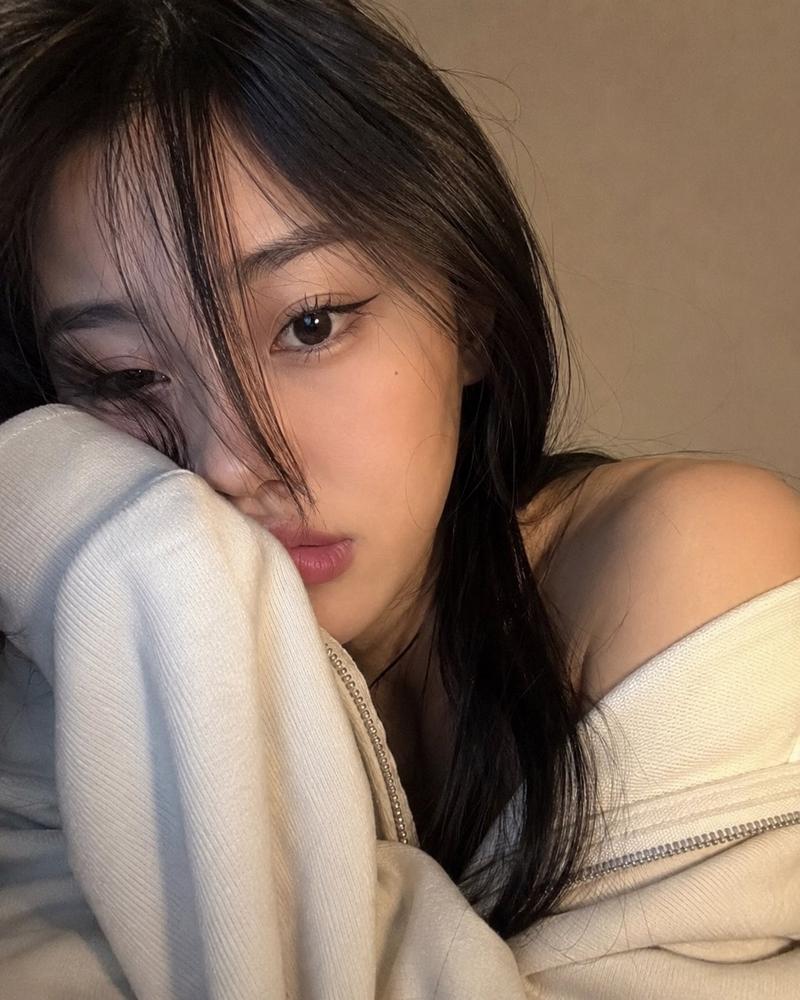
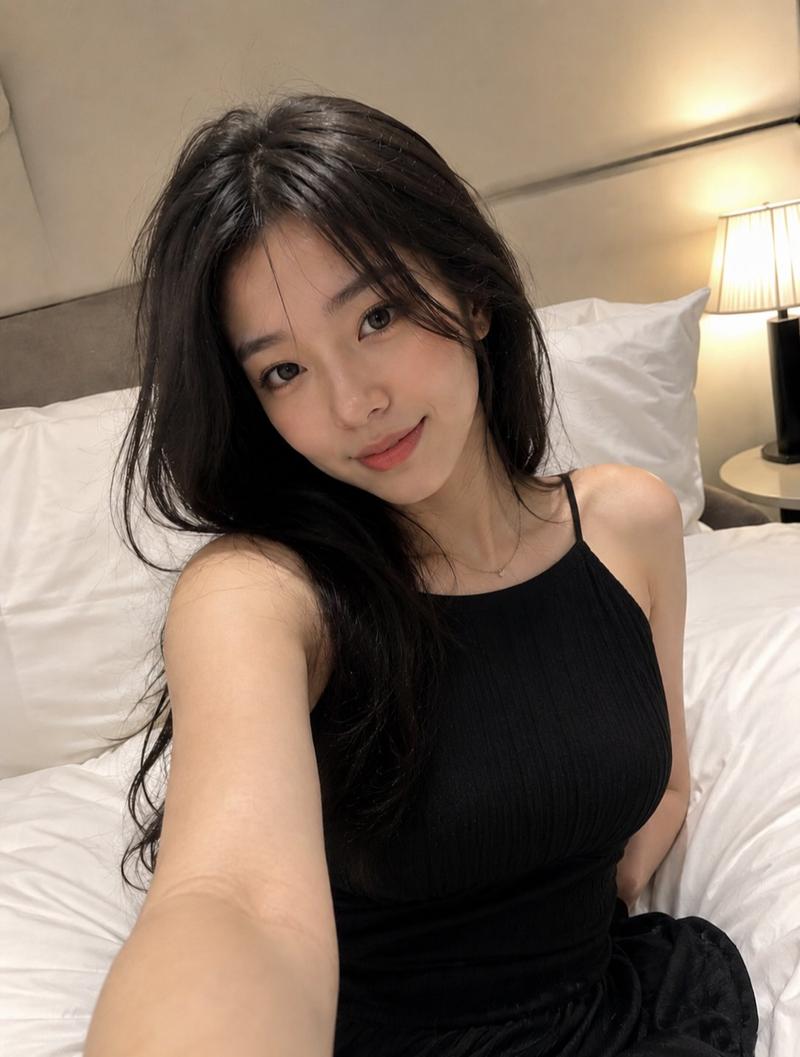
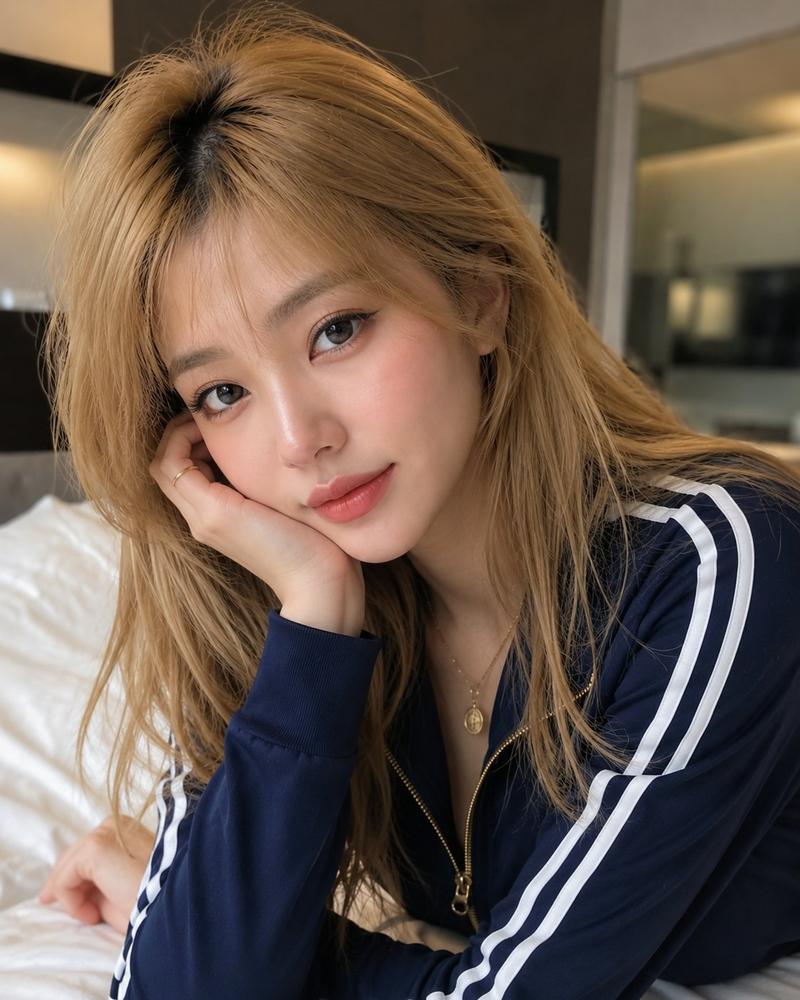
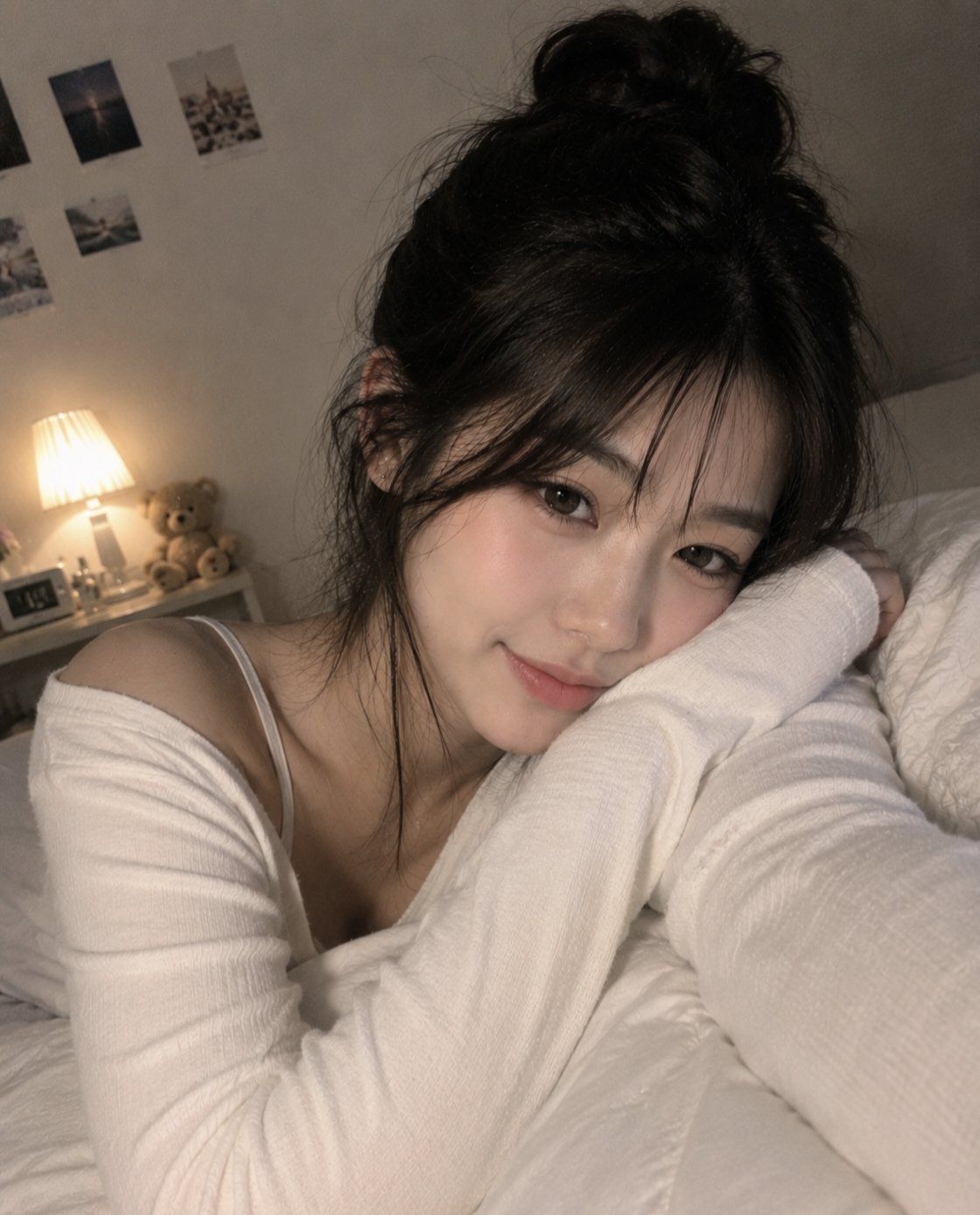
A series of intimate and cozy portraits captures a young woman with a natural, youthful aesthetic, relaxing in a comfortable, dimly lit bedroom environment. She is styled with her dark hair often worn in a relaxed bun or ponytail, featuring soft, face-framing bangs that add to the effortless, dreamy look. Her outfits consist of casual, comfortable loungewear, such as simple white or light-colored long-sleeve tops. The lighting is warm and ambient, created by a bedside lamp, which highlights her gentle expressions—ranging from a sweet smile to a playful wink—as she rests on her bed or takes casual mirror selfies. The background remains subtle, featuring personal touches like a small teddy bear and light wall decor, all of which contribute to an atmosphere of warmth, comfort, and candid, relatable charm.
Category
Charts & Infographics
Model
ChatGPT
Views0
Source ID
17376
Published
Jul 4, 2026

Guide

About "卧室舒适氛围感自然少女写真"

What is this prompt for?

"卧室舒适氛围感自然少女写真" AI image prompt for ChatGPT (Charts & Infographics). 一系列亲密且舒适的肖像捕捉了一位拥有自然、青春美感的年轻女性,她正放松地处在一个舒适、光线昏暗的卧室环境中。她的造型通常是将深色头发扎成随性的发髻或马尾,并配以柔软的修饰脸型的刘海…

The full copyable prompt and example visuals above are ready for AI image generation or one-click recreate in Picva.

How to use this prompt

  1. Step 1

    Open the prompt detail

    Review the example visuals, category, and full prompt text for "卧室舒适氛围感自然少女写真".

  2. Step 2

    Copy the prompt

    Copy the prompt body from this page, or load it directly in Studio.

  3. Step 3

    Pick a model (ChatGPT)

    Prefer ChatGPT. If you switch models, keep subject and composition and tweak style terms.

  4. Step 4

    Generate and export

    Recreate the look in Picva, or export into your workflow for editing and publishing.

FAQ

What is the "卧室舒适氛围感自然少女写真" prompt?
It is an AI image-generation prompt for ChatGPT in the Charts & Infographics category. This page includes the full prompt text, example visuals, and a one-click recreate path in Picva.
How do I use this prompt to generate an image?
Copy the prompt from this page, or use Generate / Studio. Paste it into a compatible image model, or recreate the look in Picva with optional reference images.
Which model is this prompt for?
This page lists ChatGPT. Most descriptive prompts also transfer to nearby image models such as GPT Image, Flux, or Midjourney with light style tweaks.
Can I use the result commercially?
You can usually copy the prompt for creation, but commercial use of the final image depends on the model terms, reference-image rights, and the generated content. Follow the source author and platform rules.