16

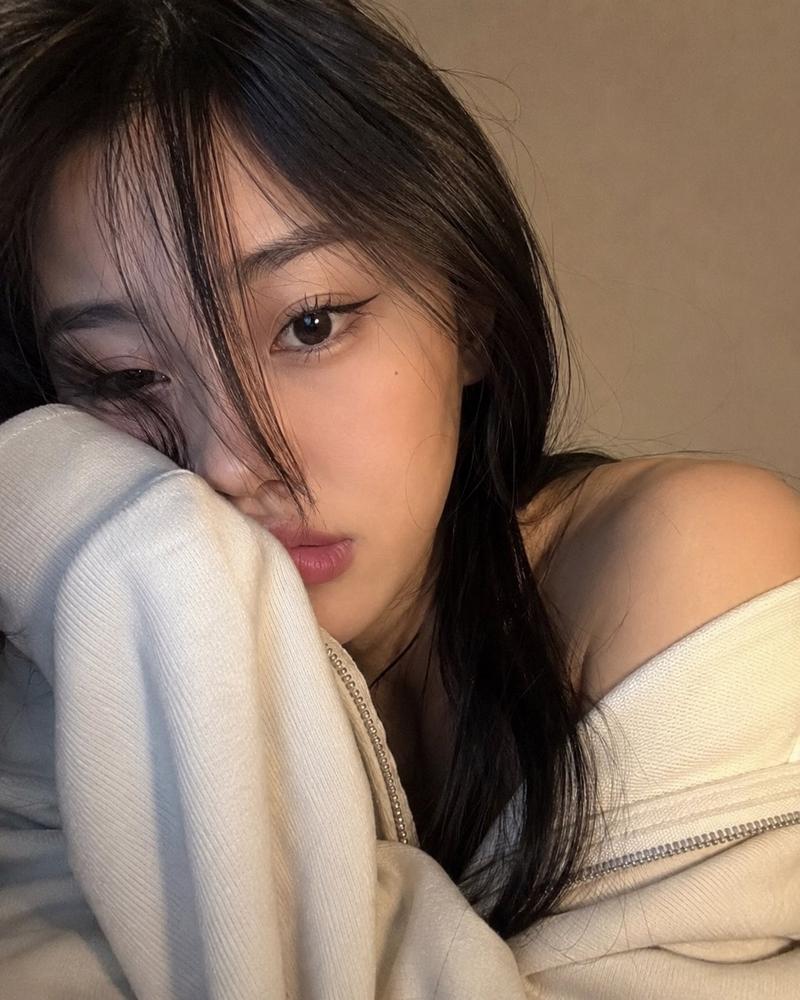
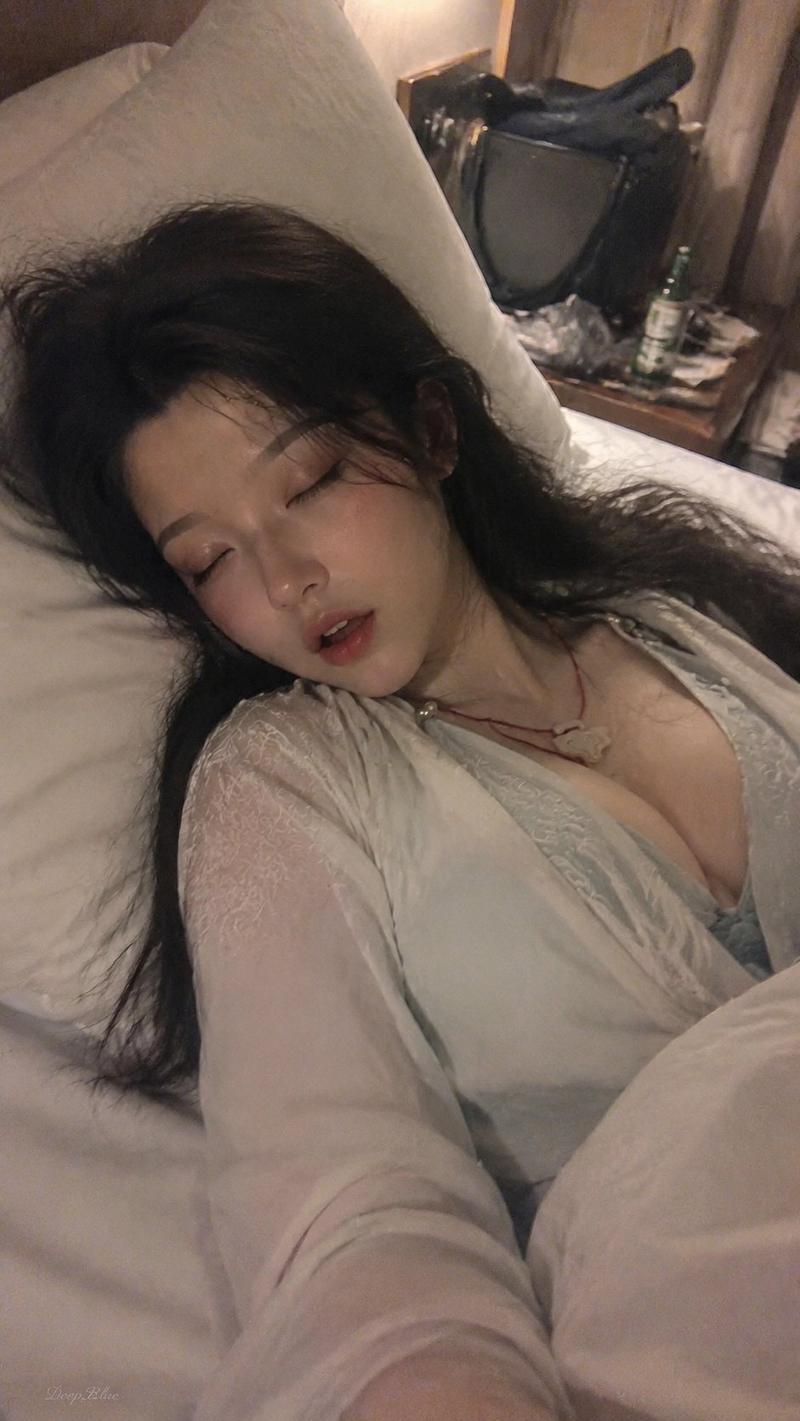
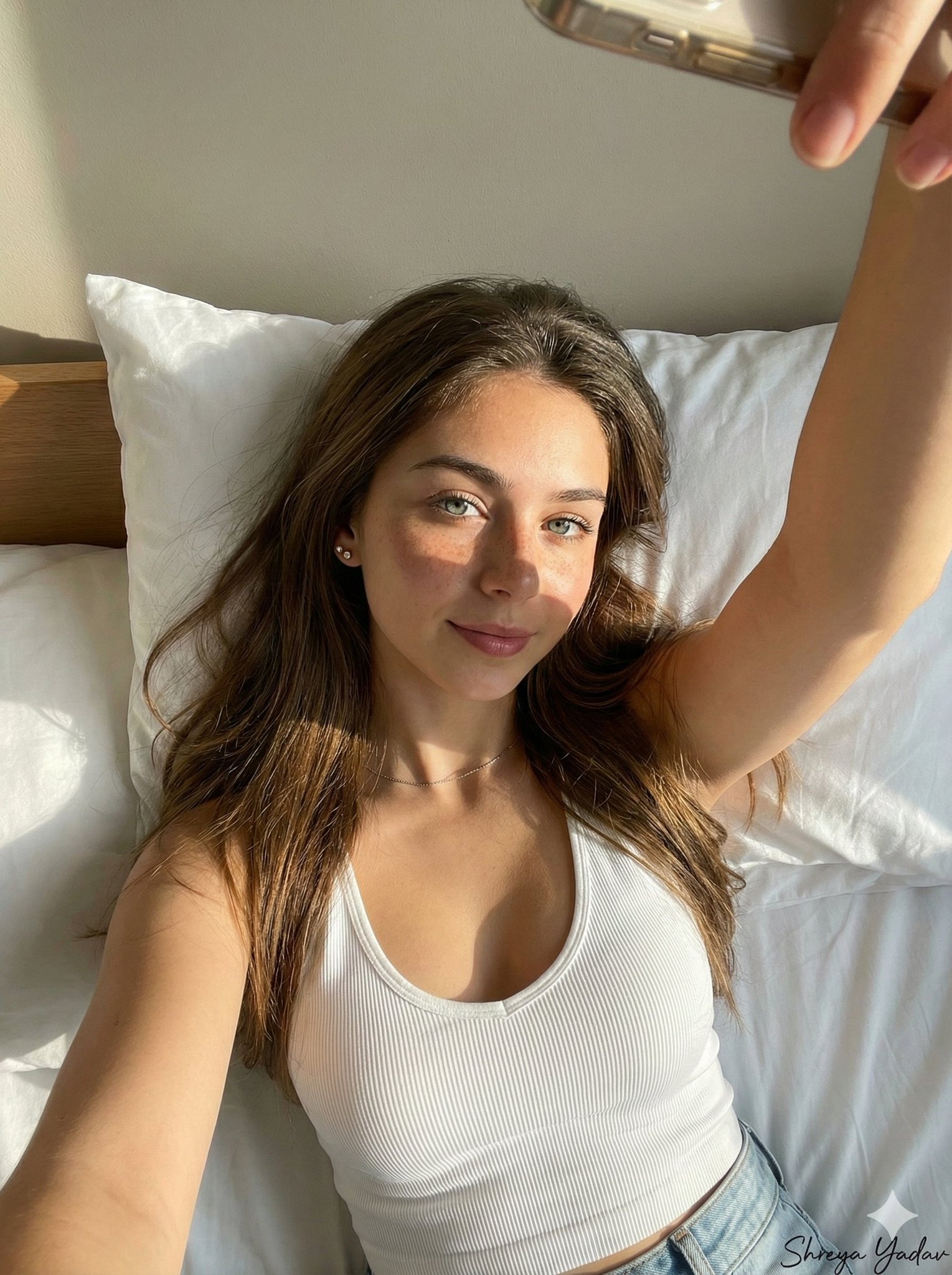
晨间慵懒半梦半醒日本女性人像
Enlarge

Example images

晨间慵懒半梦半醒日本女性人像

Prompt
Portrait shot on 85mm f/1.2, close-up of a Japanese woman in her early 20s, long dark hair disheveled and loose, heavy curtain bangs, eyes half-lidded with drowsy unfocused gaze looking slightly downward, lips parted just slightly, expression: between sleep and wakefulness. She wears a soft white oversized cotton t-shirt, collar slipped off one shoulder.

Upper body portrait, lying or reclining on a white bed, pillow and rumpled linen in frame corners, morning ambient light.

Early morning window light, cool and hazy, low angle diffused, soft grey-white tones, underexposed overall, dreamy quality.

Photographic texture and quality: ISO 800 film grain throughout, stray hairs disturbed by movement, skin with natural morning texture, subtle dryness around lips, photographic texture not CG render smoothness.

Avoid: bright sunlight, vivid colors, alert expression.

--ar 9:16
Category
Charts & Infographics
Model
ChatGPT
Views2
Source ID
17478
Published
Jul 6, 2026

Guide

About "晨间慵懒半梦半醒日本女性人像"

What is this prompt for?

"晨间慵懒半梦半醒日本女性人像" AI image prompt for ChatGPT (Charts & Infographics). 85mm f/1.2 肖像拍摄,一名 20 岁出头的日本女性特写,黑色长发凌乱而散开,厚重的帘状刘海,眼皮半合,眼神朦胧且无焦点,略微向下看,嘴唇微张,表情:介于睡梦与清醒之间。…

The full copyable prompt and example visuals above are ready for AI image generation or one-click recreate in Picva.

How to use this prompt

  1. Step 1

    Open the prompt detail

    Review the example visuals, category, and full prompt text for "晨间慵懒半梦半醒日本女性人像".

  2. Step 2

    Copy the prompt

    Copy the prompt body from this page, or load it directly in Studio.

  3. Step 3

    Pick a model (ChatGPT)

    Prefer ChatGPT. If you switch models, keep subject and composition and tweak style terms.

  4. Step 4

    Generate and export

    Recreate the look in Picva, or export into your workflow for editing and publishing.

FAQ

What is the "晨间慵懒半梦半醒日本女性人像" prompt?
It is an AI image-generation prompt for ChatGPT in the Charts & Infographics category. This page includes the full prompt text, example visuals, and a one-click recreate path in Picva.
How do I use this prompt to generate an image?
Copy the prompt from this page, or use Generate / Studio. Paste it into a compatible image model, or recreate the look in Picva with optional reference images.
Which model is this prompt for?
This page lists ChatGPT. Most descriptive prompts also transfer to nearby image models such as GPT Image, Flux, or Midjourney with light style tweaks.
Can I use the result commercially?
You can usually copy the prompt for creation, but commercial use of the final image depends on the model terms, reference-image rights, and the generated content. Follow the source author and platform rules.