18

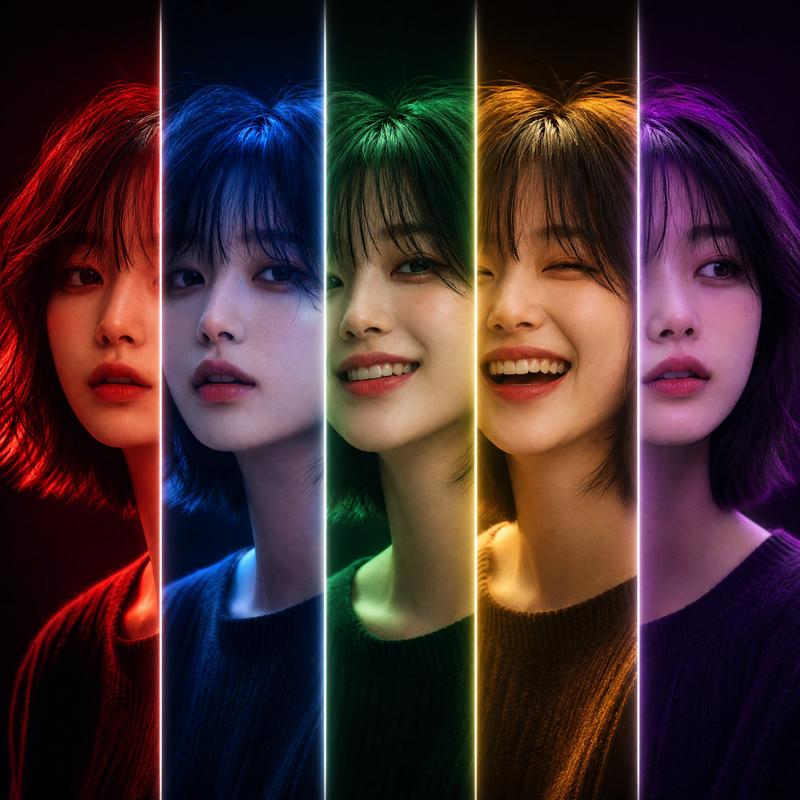
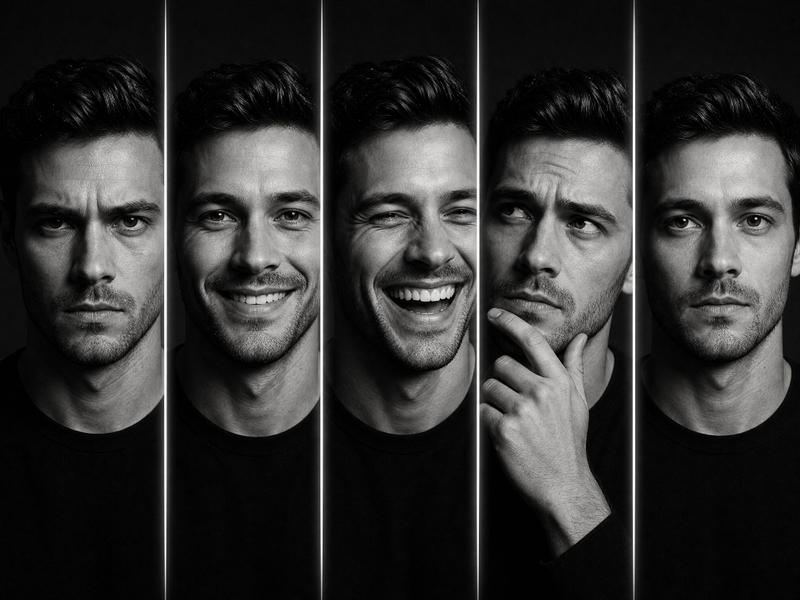
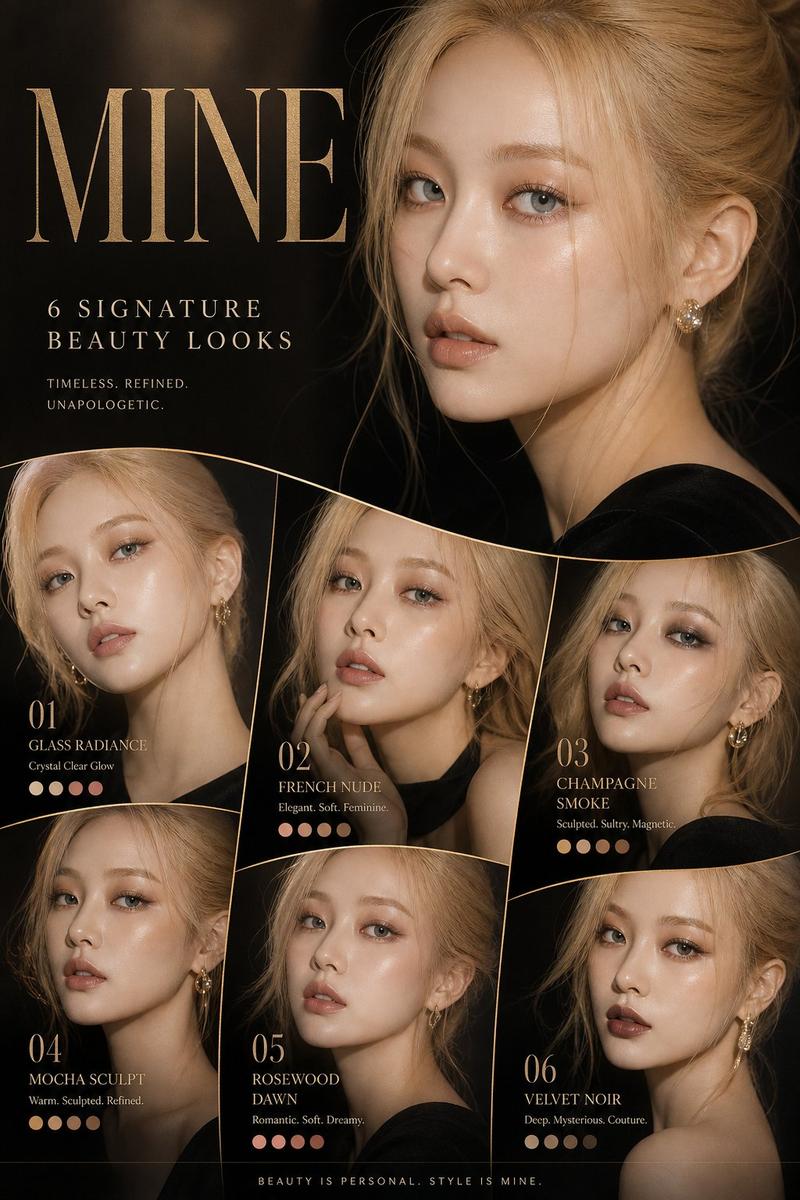
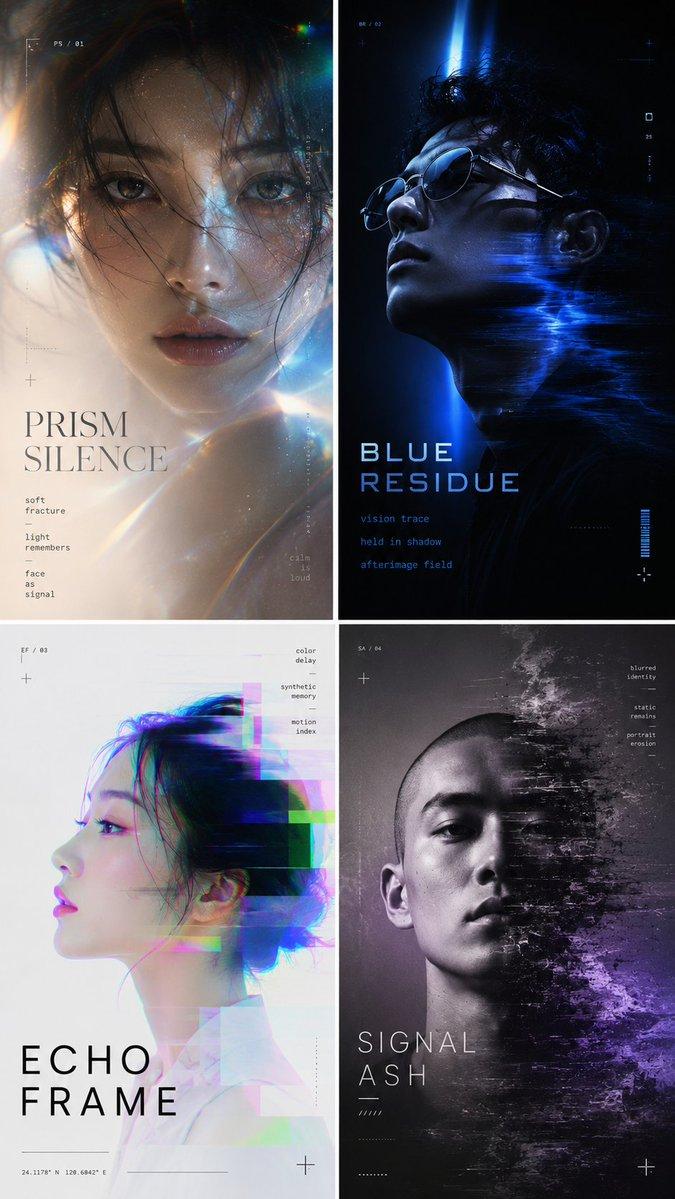
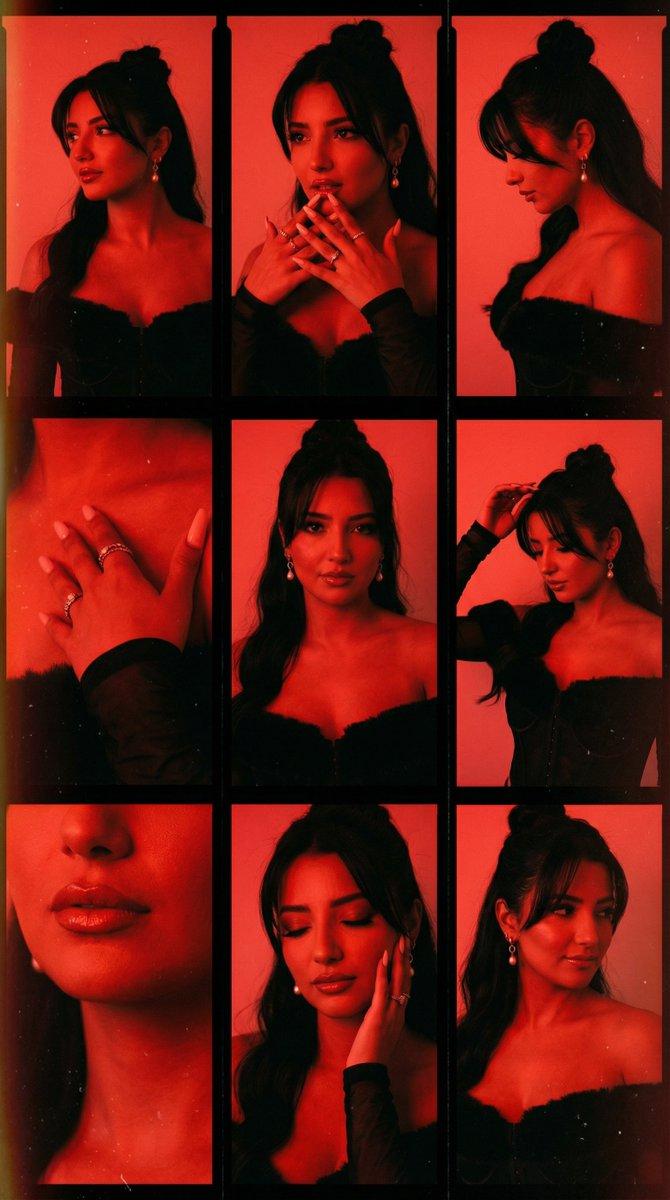
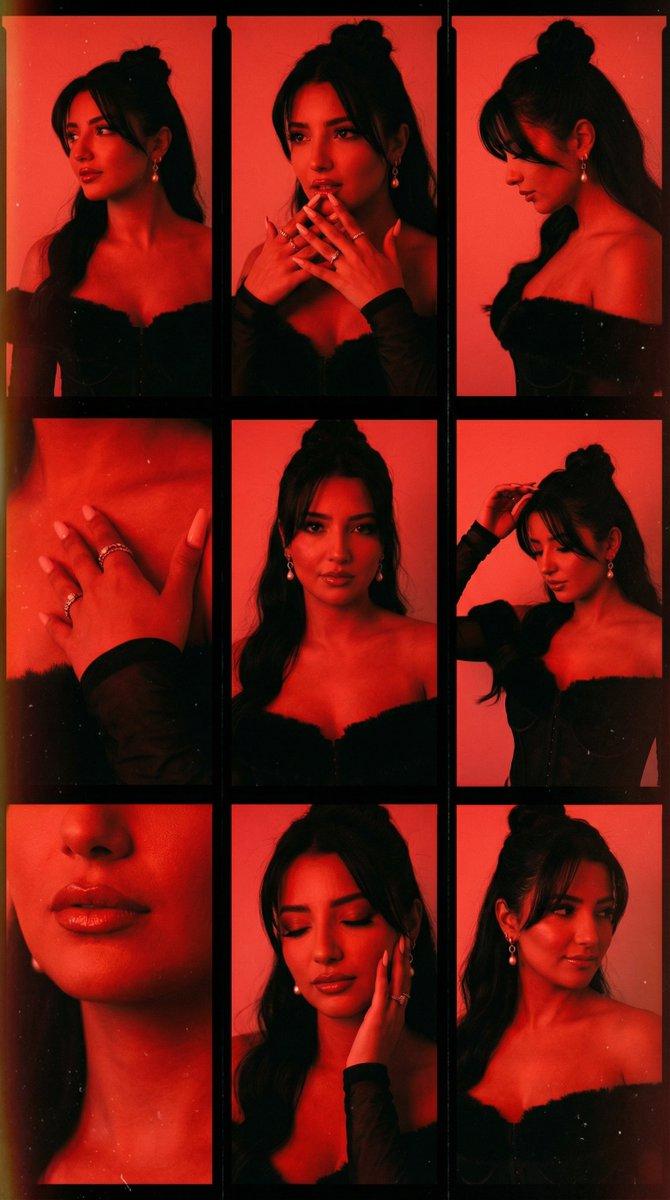
一幅超写实的竖幅拼贴画
Enlarge

一幅超写实的竖幅拼贴画

Prompt
Ultra-realistic vertical collage of an angelic girl in five portrait strips, side by side, each showing a different emotion and lighting. She has delicate features, luminous skin, and flowing hair, with ethereal expressions: serene, joyful, contemplative, mystical, and fading into radiant light. Soft, flowing garments in airy fabrics, minimal accessories. Studio setup with cinematic soft lighting, background fading seamlessly between warm gold, pearlescent white, and pastel blue. High-key, gentle rim lights, subtle glow creating an angelic atmosphere. No props; focus on facial expression, ethereal aura, and lighting transitions. Close-up framing, tight on face, hyper-detailed, cinematic clarity, soft film grain, gentle shadows. Serene, mystical, emotionally layered tone. Color palette: soft gold, pearlescent white, pastel blue, subtle iridescent highlights, delicate shadows. Poster-like composition, timeless, angelic mood, ultra-realistic, high-resolution.
Category
Posters & Typography
Model
Nano Banana Pro
Views121
Source ID
1884
Published
Jan 8, 2026

Guide

About "一幅超写实的竖幅拼贴画"

What is this prompt for?

"一幅超写实的竖幅拼贴画" AI image prompt for Nano Banana Pro (Posters & Typography). 一幅超写实的竖幅拼贴画,由五张并排的肖像条组成,描绘了一位天使般的女孩,每张都展现出不同的情绪和光影。她五官精致,肌肤透亮,秀发飘逸,表情空灵缥缈:宁静、喜悦、沉思、神秘…

The full copyable prompt and example visuals above are ready for AI image generation or one-click recreate in Picva.

How to use this prompt

  1. Step 1

    Open the prompt detail

    Review the example visuals, category, and full prompt text for "一幅超写实的竖幅拼贴画".

  2. Step 2

    Copy the prompt

    Copy the prompt body from this page, or load it directly in Studio.

  3. Step 3

    Pick a model (Nano Banana Pro)

    Prefer Nano Banana Pro. If you switch models, keep subject and composition and tweak style terms.

  4. Step 4

    Generate and export

    Recreate the look in Picva, or export into your workflow for editing and publishing.

FAQ

What is the "一幅超写实的竖幅拼贴画" prompt?
It is an AI image-generation prompt for Nano Banana Pro in the Posters & Typography category. This page includes the full prompt text, example visuals, and a one-click recreate path in Picva.
How do I use this prompt to generate an image?
Copy the prompt from this page, or use Generate / Studio. Paste it into a compatible image model, or recreate the look in Picva with optional reference images.
Which model is this prompt for?
This page lists Nano Banana Pro. Most descriptive prompts also transfer to nearby image models such as GPT Image, Flux, or Midjourney with light style tweaks.
Can I use the result commercially?
You can usually copy the prompt for creation, but commercial use of the final image depends on the model terms, reference-image rights, and the generated content. Follow the source author and platform rules.