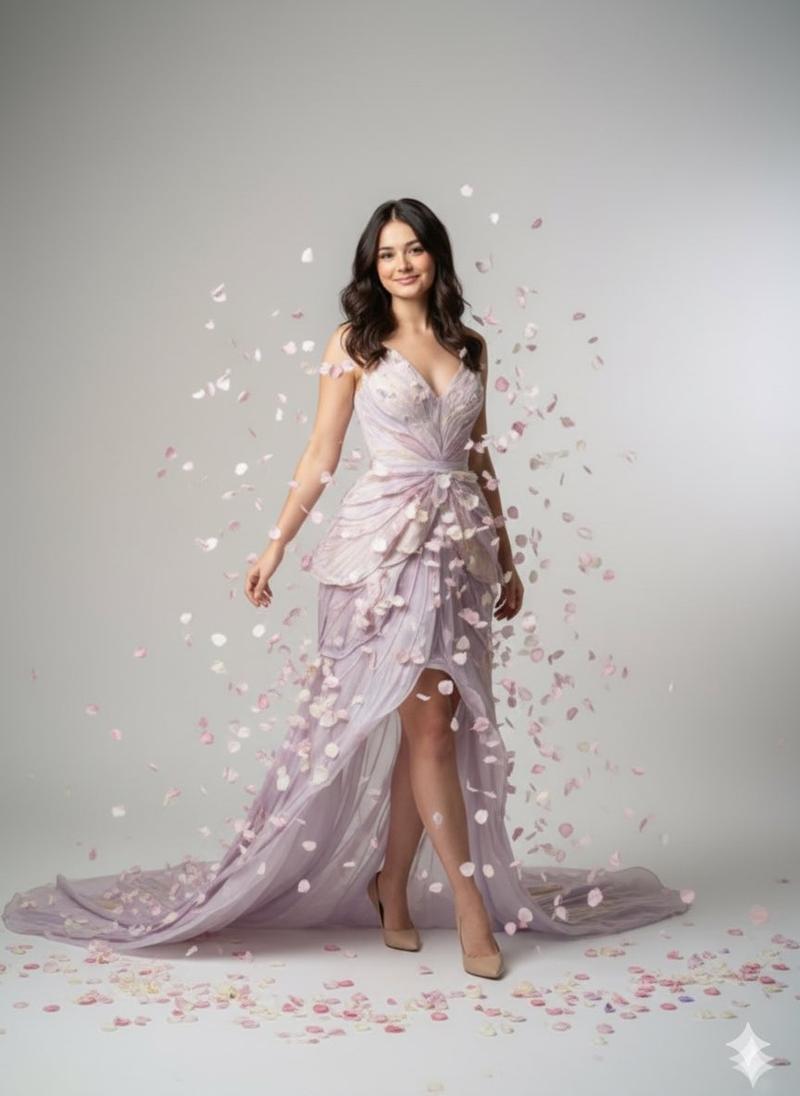
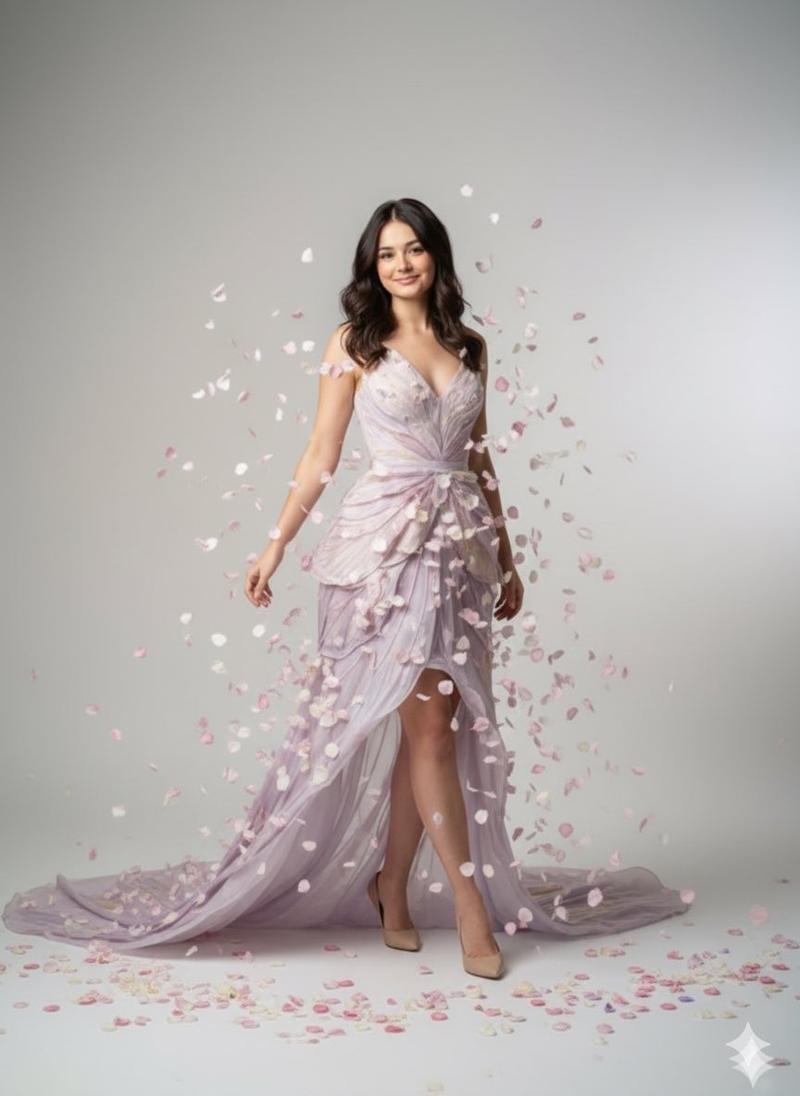
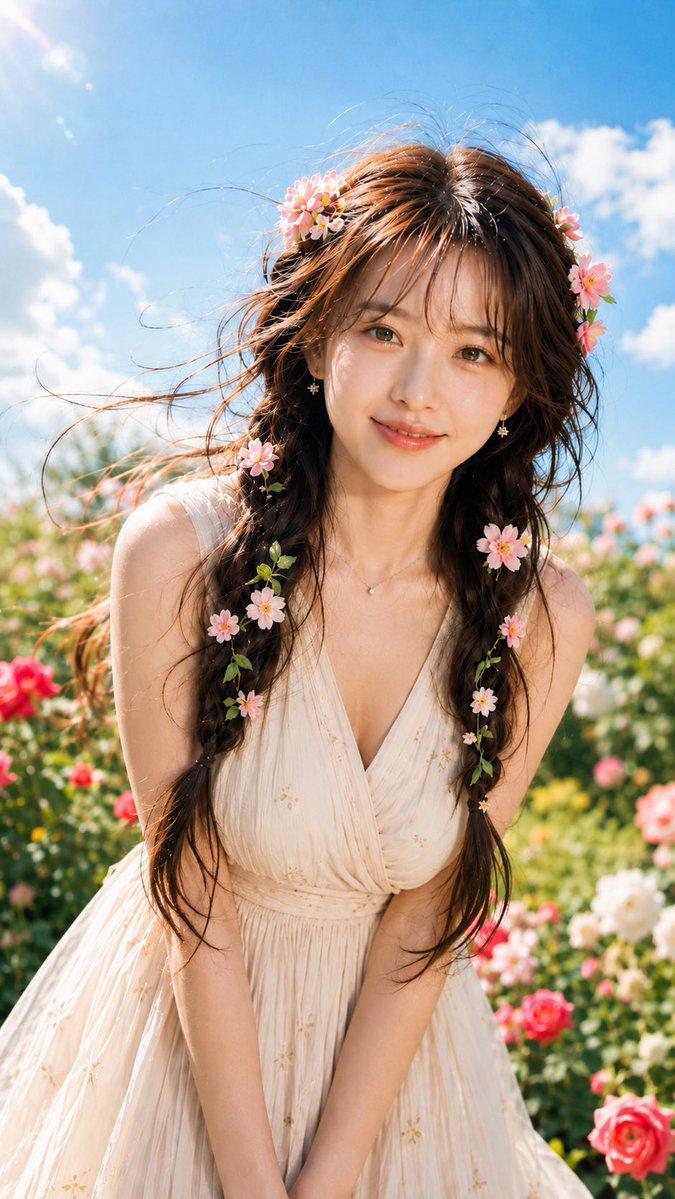
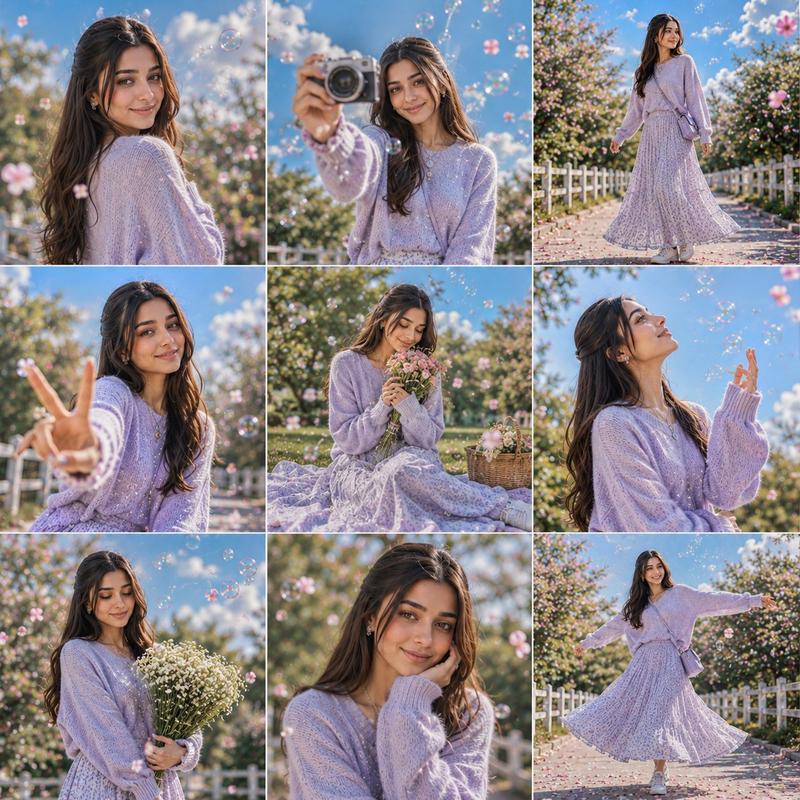
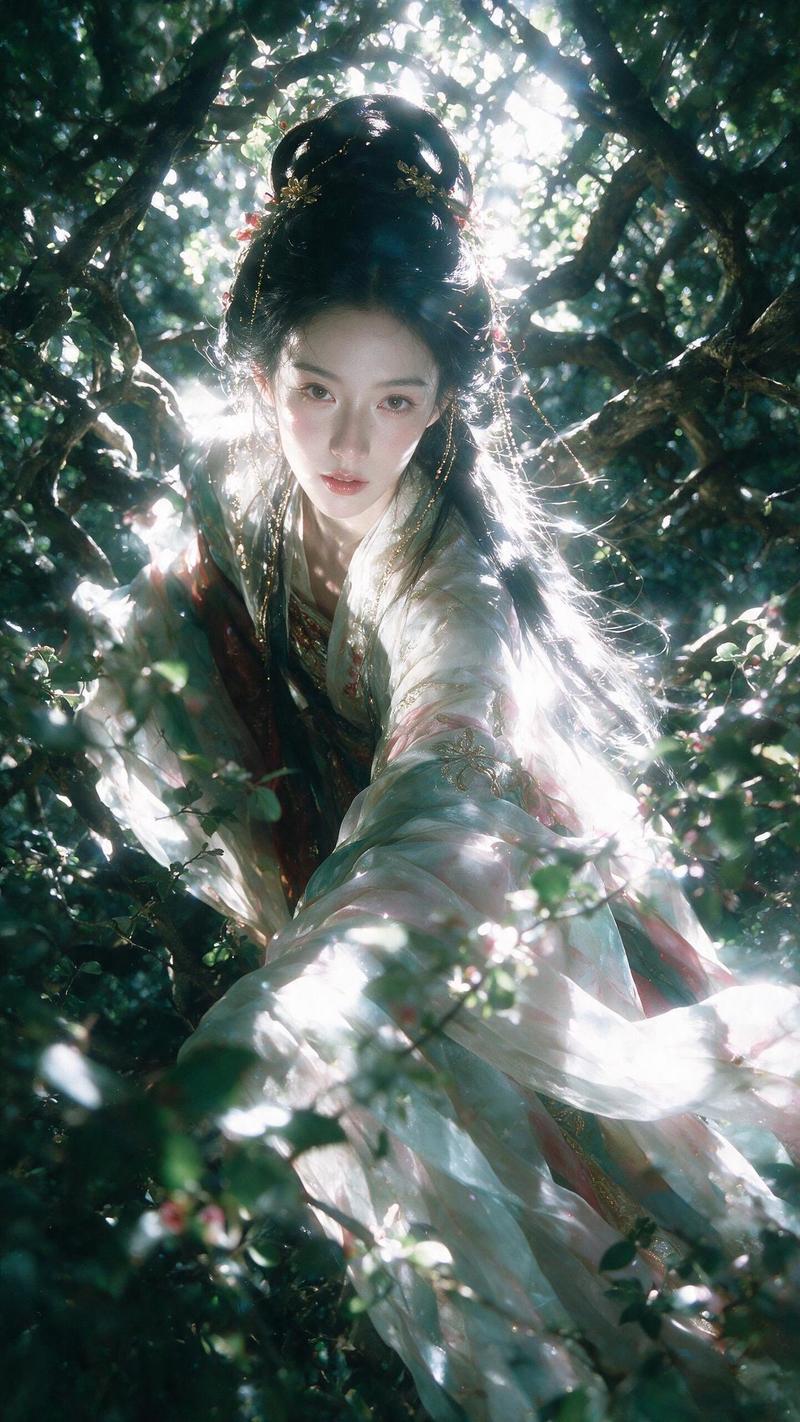
风中玫瑰庄园写实电影感人像
Prompt
Use the uploaded portrait only as the identity reference. Accurately preserve the person’s real facial identity, face shape, facial features, skin tone, hairstyle, hair volume, and natural real-life appearance. Do not change the person into someone else. Do not copy the original clothes, background, lighting, pose, or image quality from the uploaded portrait.

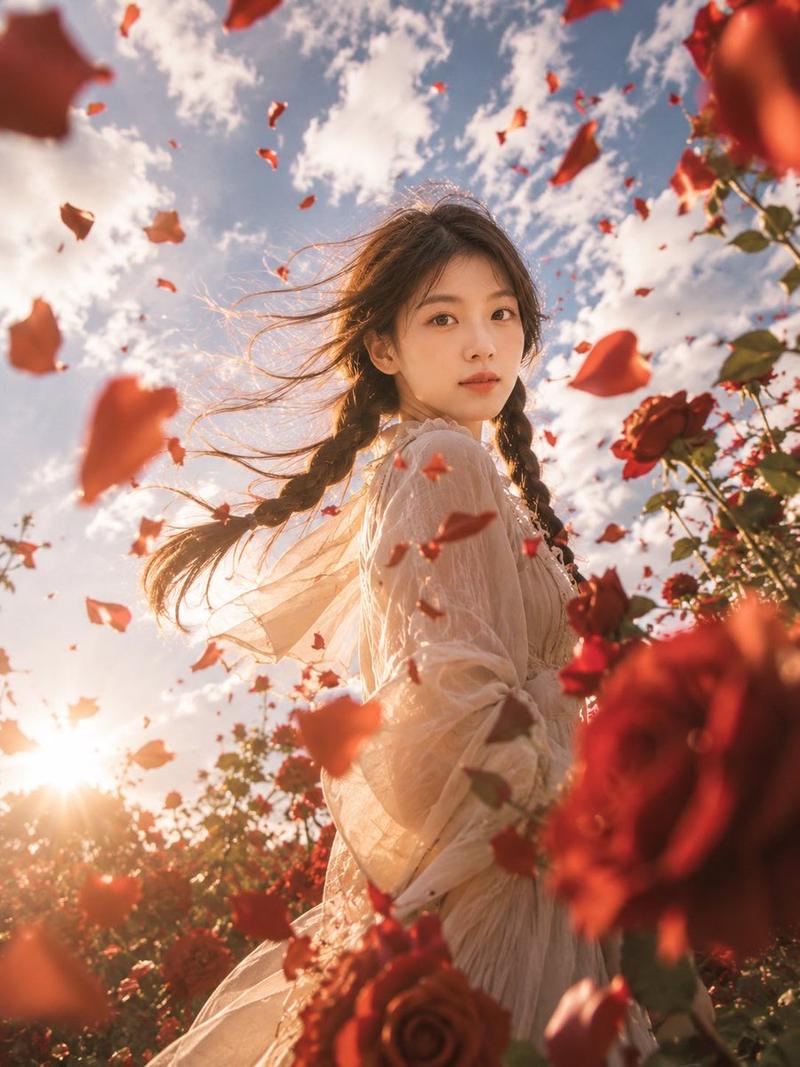
Create a highly realistic cinematic portrait of the same person standing in a dramatic rose garden during a strong wind. The scene is shot from an extreme low-angle perspective, looking upward toward the subject and the bright sky, creating a powerful romantic fantasy feeling while still remaining photorealistic.

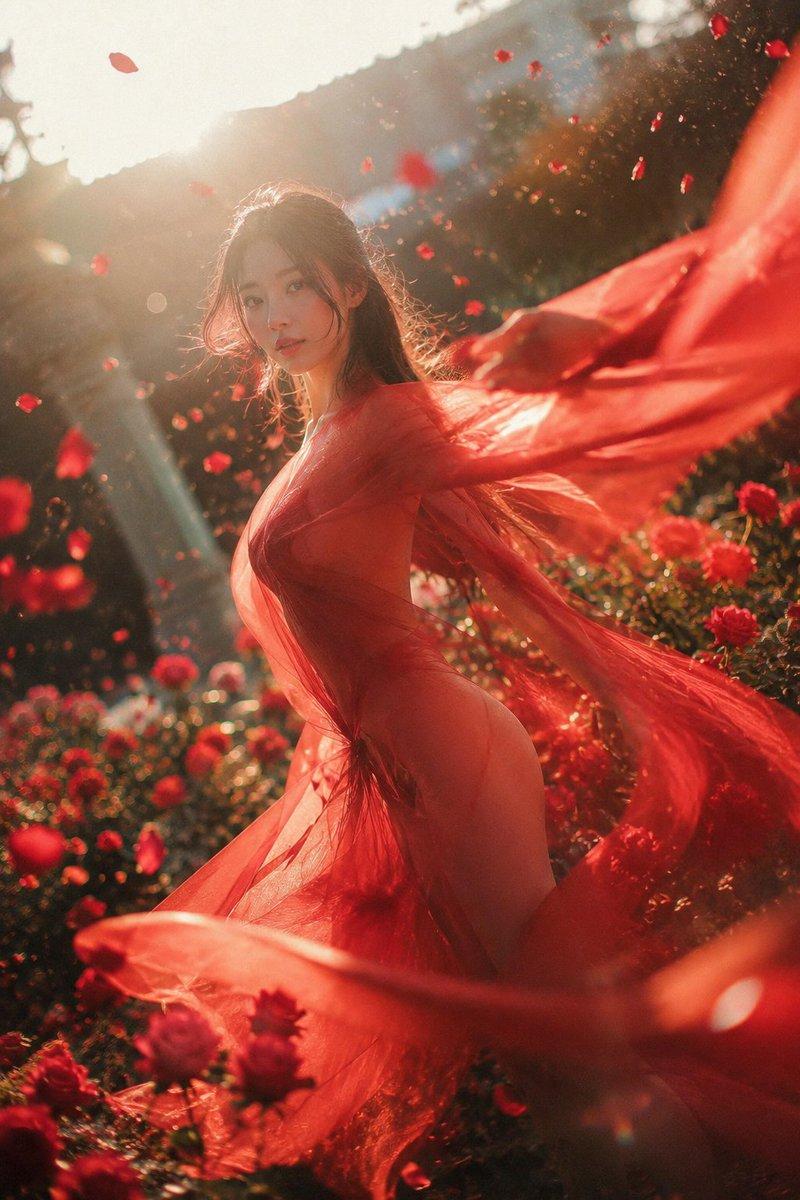
The person is surrounded by countless flying red rose petals, rose leaves, and soft floral debris blown through the air. Large red roses and petals appear very close to the camera in the foreground, heavily blurred by depth of field and motion blur, creating a strong sense of immersion. More petals fly across the midground and background, forming a swirling rose-storm atmosphere around the subject.

The subject is shown in a graceful side-profile or three-quarter side pose, slightly turning away from the camera, with hair naturally blown by the wind. The expression should be calm, elegant, and cinematic, not overly posed. Generate suitable clothing automatically based on the uploaded person’s appearance and temperament. The outfit should feel romantic, flowing, elegant, and visually compatible with the rose-garden atmosphere, but do not fix the exact clothing design. The fabric should have natural movement, soft folds, and translucent layered textures when appropriate.

Use golden-hour backlighting with a bright sun near the edge of the frame, soft lens flare, glowing rim light on the hair and body, warm highlights, and realistic shadow transitions. The sky should be blue with white clouds, intense sunlight, and a dreamy but natural photographic atmosphere. The lighting must affect the whole scene consistently, including the face, clothing, flowers, and flying petals. The person must look physically present in the scene, not pasted in.

Camera style: ultra-realistic cinematic photography, low-angle wide lens, dynamic perspective, shallow depth of field, foreground blur, realistic motion blur, natural skin texture, real hair strands, high dynamic range, soft golden sunlight, dramatic composition, immersive floral atmosphere, photorealistic editorial portrait, no anime style, no plastic skin, no over-smoothed face.

Vertical portrait composition, full-body or three-quarter-body framing, subject placed slightly off-center, strong depth, large foreground roses, flying petals across the whole image, cinematic romantic realism.

Negative Prompt:

watermark, logo, text, signature, subtitles, AI-generated label, low quality, blurry face, distorted face, wrong identity, different person, face swap look, pasted face, unnatural lighting, inconsistent shadows, plastic skin, overly smooth skin, anime, cartoon, CGI, doll-like face, over-beautified face, exaggerated body proportions, broken hands, extra fingers, missing fingers, deformed limbs, distorted clothing, messy fabric, unrealistic petals, duplicated flowers, fake background, flat lighting, harsh flash, bad composition, overexposed face, underexposed face, noise, artifacts, compression artifacts, oversaturated colors, cheap fantasy poster style.
- Category
- Posters & Typography
- Model
- ChatGPT
- Creator
- @Shinning1010
- Source ID
- 14753
- Published
- May 20, 2026
Views147