19

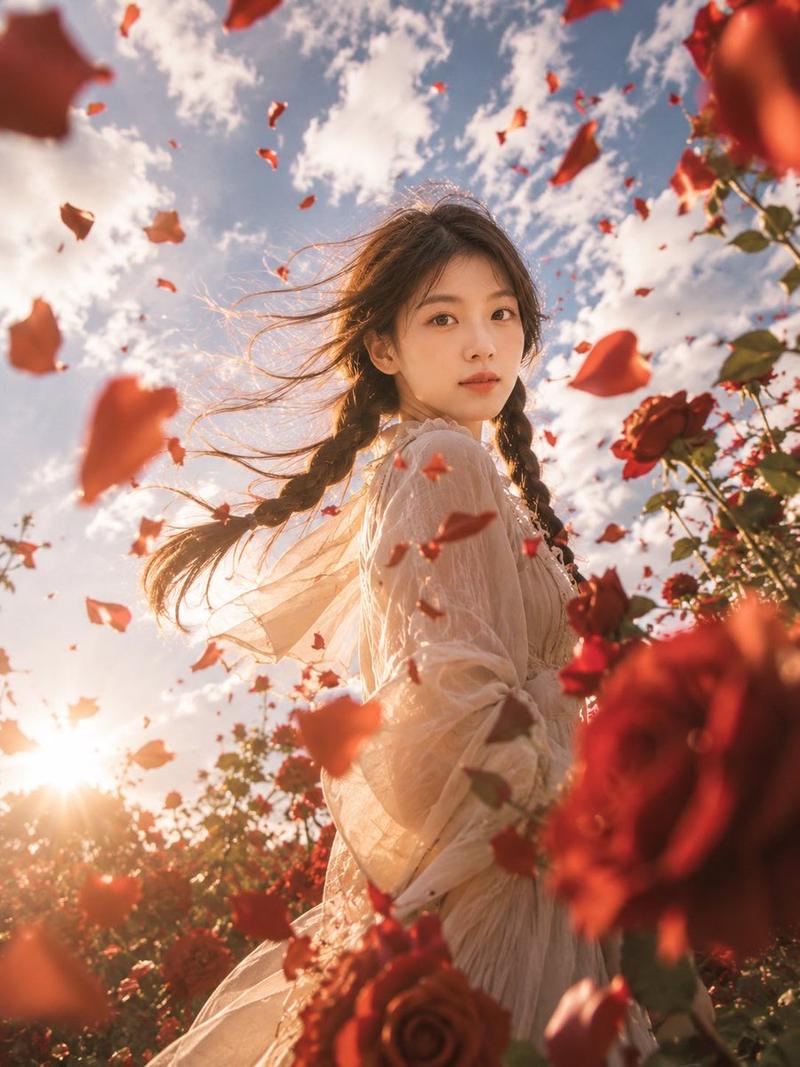
深红玫瑰园时尚人像
Enlarge

深红玫瑰园时尚人像

Prompt
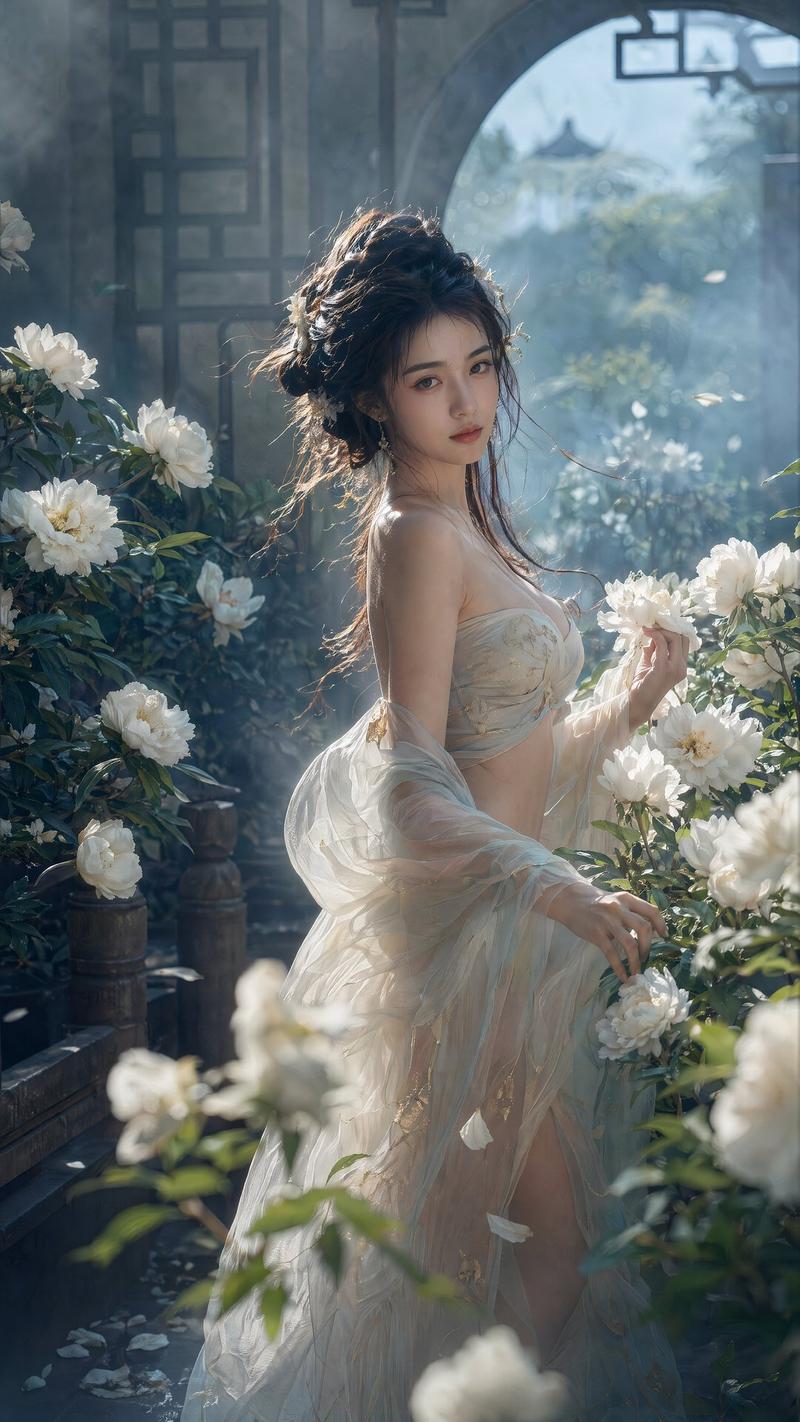
Create a vertical 2:3 cinematic fashion photograph of one adult woman standing in profile in a lush rose garden at golden hour, surrounded by abundant red roses and airborne red petals. The subject is {argument name="character description" default="a graceful young woman with long dark brown hair"}, her face softly obscured by backlight and motion blur for an anonymous dreamy look. She wears {argument name="fabric color" default="translucent crimson red"} sheer chiffon fabric wrapped around her body like a flowing dress, with one long scarf-like section streaming dramatically to the right and another sweeping across the foreground, creating elegant motion trails. The pose is calm and statuesque, torso turned slightly toward camera, hair rim-lit by sunlight, the fabric semi-transparent but tasteful and non-explicit. Set the scene in {argument name="location" default="a romantic outdoor rose garden with classical stone columns and a shadowy building silhouette in the background"}. Lighting should be {argument name="lighting mood" default="warm backlit sunset with lens flare, glowing haze, and sparkling dust in the air"}. Use shallow depth of field, soft bokeh, film grain, high dynamic range, rich reds and warm amber highlights, romantic editorial photography, 35mm lens feel, low-angle composition, diagonal flowing fabric, dreamy ethereal atmosphere. Keep exactly one main human subject, no text, no watermark, no extra people, no visible modern objects.
Category
Charts & Infographics
Model
GPT Image 2
Views9
Source ID
23522
Published
May 31, 2026

Guide

About "深红玫瑰园时尚人像"

What is this prompt for?

"深红玫瑰园时尚人像" AI image prompt for GPT Image 2 (Charts & Infographics). 一个电影感提示词,用于创作一张浪漫的背光时尚人像,描绘一位身披深红色雪纺纱的女性置身于玫瑰与花瓣之中。 Copy it on Picva and recreate the look…

The full copyable prompt and example visuals above are ready for AI image generation or one-click recreate in Picva.

How to use this prompt

  1. Step 1

    Open the prompt detail

    Review the example visuals, category, and full prompt text for "深红玫瑰园时尚人像".

  2. Step 2

    Copy the prompt

    Copy the prompt body from this page, or load it directly in Studio.

  3. Step 3

    Pick a model (GPT Image 2)

    Prefer GPT Image 2. If you switch models, keep subject and composition and tweak style terms.

  4. Step 4

    Generate and export

    Recreate the look in Picva, or export into your workflow for editing and publishing.

FAQ

What is the "深红玫瑰园时尚人像" prompt?
It is an AI image-generation prompt for GPT Image 2 in the Charts & Infographics category. This page includes the full prompt text, example visuals, and a one-click recreate path in Picva.
How do I use this prompt to generate an image?
Copy the prompt from this page, or use Generate / Studio. Paste it into a compatible image model, or recreate the look in Picva with optional reference images.
Which model is this prompt for?
This page lists GPT Image 2. Most descriptive prompts also transfer to nearby image models such as GPT Image, Flux, or Midjourney with light style tweaks.
Can I use the result commercially?
You can usually copy the prompt for creation, but commercial use of the final image depends on the model terms, reference-image rights, and the generated content. Follow the source author and platform rules.