19

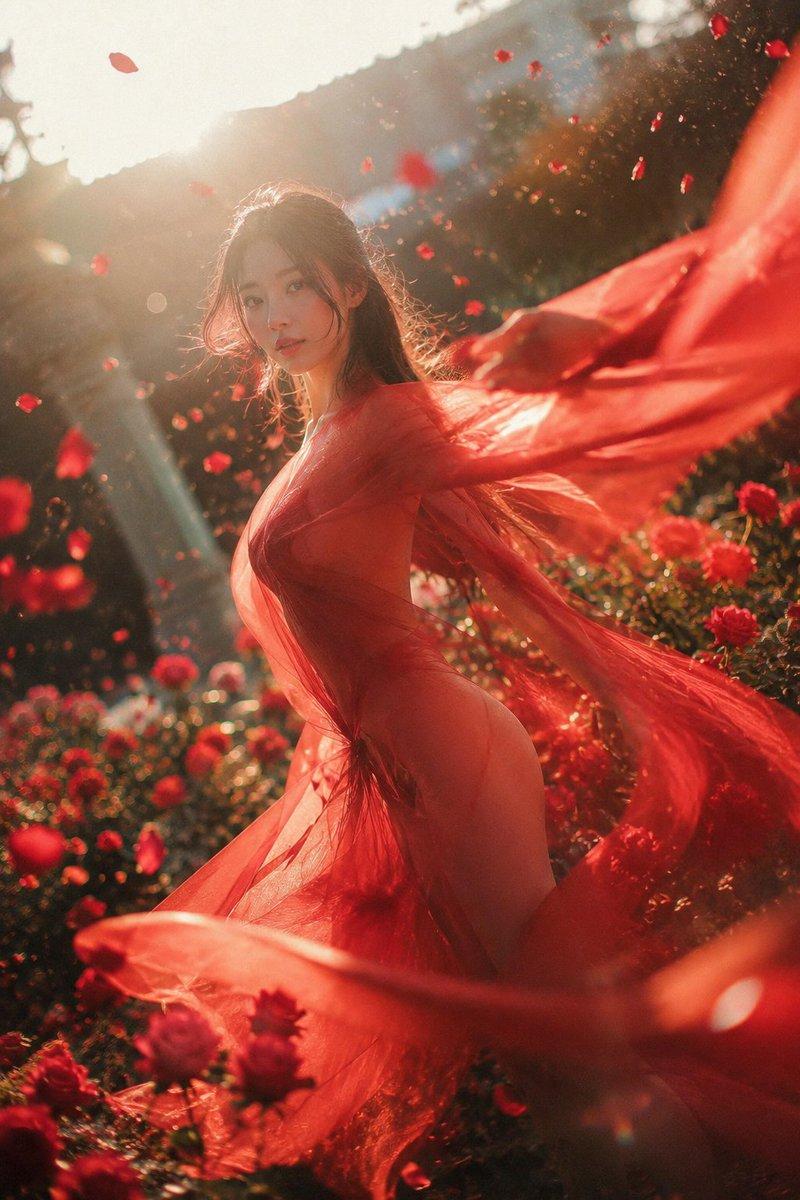
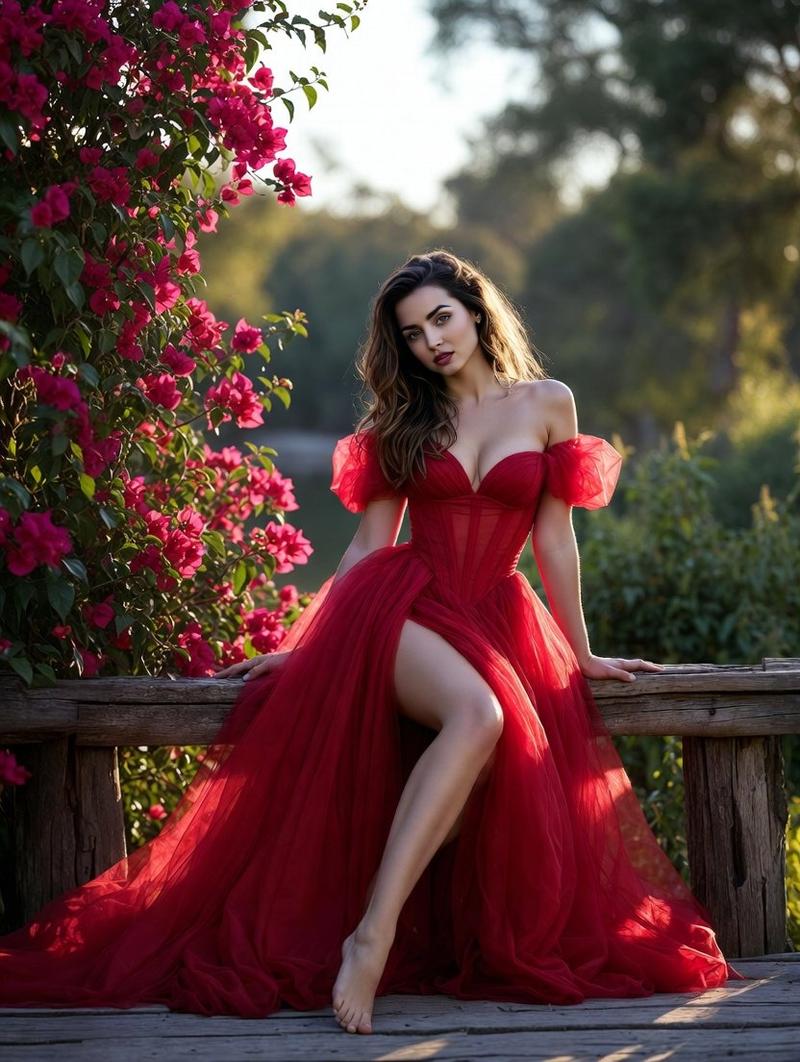
深红雪纺玫瑰园肖像
Enlarge

深红雪纺玫瑰园肖像

Prompt
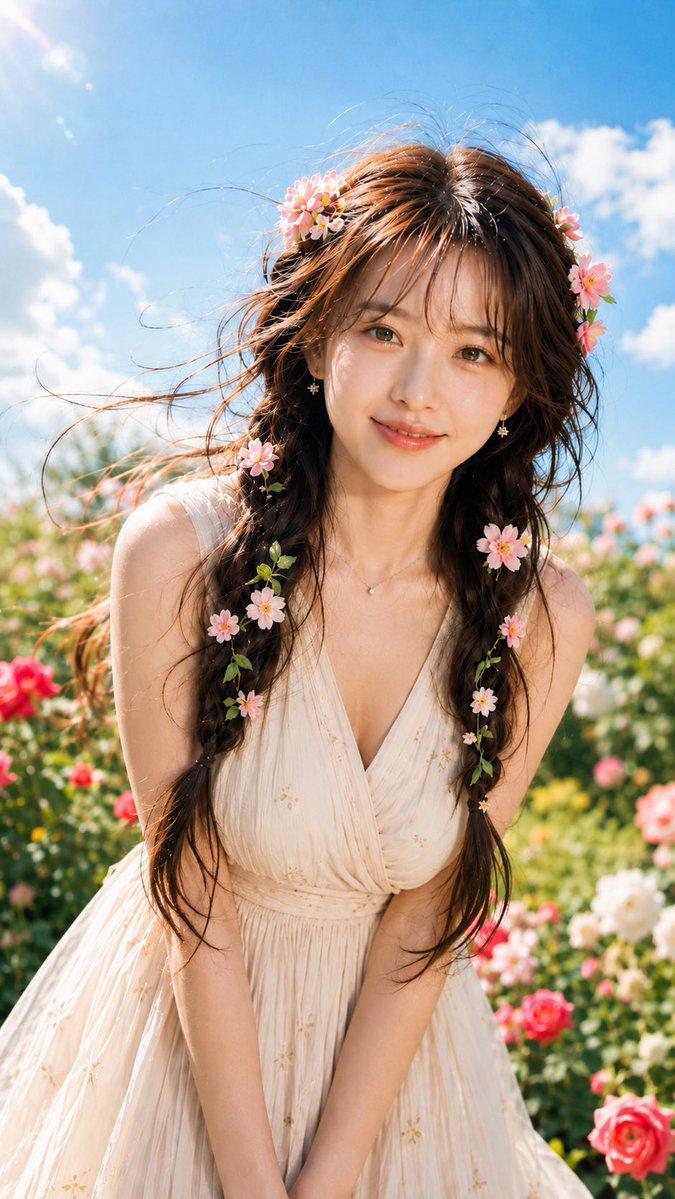
Create a cinematic vertical fashion portrait of {argument name="character description" default="a young woman with long dark wavy hair"} standing in a lush rose garden at golden hour, captured mid-turn as if dancing. She wears {argument name="dress description" default="a flowing translucent crimson red chiffon dress with off-shoulder styling and long sheer fabric panels"}; the fabric billows dramatically to the right and around her body, backlit so the gauze glows orange-red. Her face is intentionally obscured by a smooth rectangular skin-toned privacy block with no facial features. Surround her with exactly 4 main visible rose categories: blooming red roses in the lower foreground, red roses on bushes at midground left and right, scattered airborne red petals across the upper sky, and soft blurred red flowers near the bottom edge. Use warm sunset sunlight from the upper left, strong rim light on hair, dreamy lens flare, shallow depth of field, soft bokeh greenery, romantic atmospheric haze, high-detail realistic photography, dynamic wind motion, elegant sensual pose with shoulders and back partially visible, no text, no watermark, no extra people. Set the mood to {argument name="mood" default="quiet passion, romantic and poetic"}, with a rich red-and-gold color palette and an editorial fine-art look.
Category
Charts & Infographics
Model
GPT Image 2
Views3
Source ID
23519
Published
May 31, 2026

Guide

About "深红雪纺玫瑰园肖像"

What is this prompt for?

"深红雪纺玫瑰园肖像" AI image prompt for GPT Image 2 (Charts & Infographics). 一张电影质感的黄金时刻时尚肖像,描绘了一位身穿飘逸红色半透明连衣裙的女性,置身于玫瑰花丛与随风飘落的花瓣之中。 Copy it on Picva and recreate the…

The full copyable prompt and example visuals above are ready for AI image generation or one-click recreate in Picva.

How to use this prompt

  1. Step 1

    Open the prompt detail

    Review the example visuals, category, and full prompt text for "深红雪纺玫瑰园肖像".

  2. Step 2

    Copy the prompt

    Copy the prompt body from this page, or load it directly in Studio.

  3. Step 3

    Pick a model (GPT Image 2)

    Prefer GPT Image 2. If you switch models, keep subject and composition and tweak style terms.

  4. Step 4

    Generate and export

    Recreate the look in Picva, or export into your workflow for editing and publishing.

FAQ

What is the "深红雪纺玫瑰园肖像" prompt?
It is an AI image-generation prompt for GPT Image 2 in the Charts & Infographics category. This page includes the full prompt text, example visuals, and a one-click recreate path in Picva.
How do I use this prompt to generate an image?
Copy the prompt from this page, or use Generate / Studio. Paste it into a compatible image model, or recreate the look in Picva with optional reference images.
Which model is this prompt for?
This page lists GPT Image 2. Most descriptive prompts also transfer to nearby image models such as GPT Image, Flux, or Midjourney with light style tweaks.
Can I use the result commercially?
You can usually copy the prompt for creation, but commercial use of the final image depends on the model terms, reference-image rights, and the generated content. Follow the source author and platform rules.