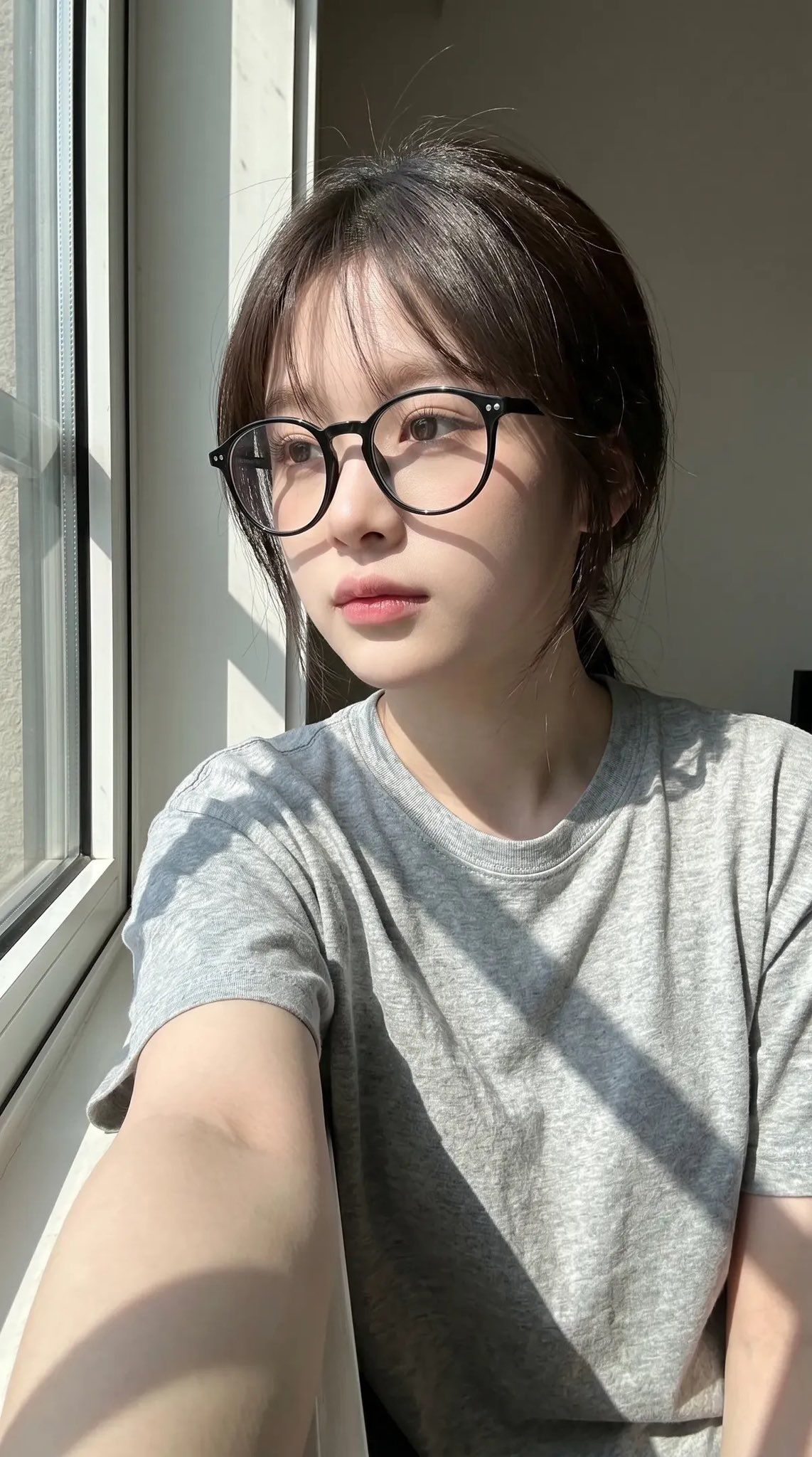
窗边自然光女性手机自拍写实人像
Prompt
Surrealistic smartphone selfie portrait, depicting a young East Asian woman sitting indoors by a large window in bright natural daylight. Maintain high similarity to the uploaded facial reference: soft oval face shape, delicate jawline, natural narrow nasal bridge, slightly defined lips, subtle cheekbone structure, realistic eye spacing, calm and relaxed expression, and authentic skin tone with visible natural textures and pores. Retain realistic asymmetry, avoiding beauty enhancements or stylized treatments. The subject adopts a close-up three-quarter profile, looking slightly out towards the window with a calm and contemplative gaze. Neutral and natural expression, relaxed eyelids, soft mouth corners without tension. No exaggerated emotions or posed glamour expressions. Hair is long and deep dark brown, naturally thick and slightly messy, cascading over shoulders, with soft uneven strands catching the sunlight. Hair texture is realistic, with individual flyaway strands visible in the backlight. She wears oversized round black glasses with glossy plastic frames. Clothing is a simple, form-fitting light gray short-sleeved T-shirt made of soft cotton fabric, with realistic wrinkles, stretching, and natural fabric compression at the shoulders and torso. Lighting is strong directional morning or afternoon sunlight entering from the window on the right, creating realistic high-contrast illumination on the face and arms. Retain natural shadow bands cast by the window frame, slanting across the skin. Highlights should maintain physical accuracy, avoiding HDR over-processing. Skin should show realistic subsurface scattering, slight sheen in illuminated areas, and natural tone variations. The environment is minimal and realistic: light neutral-toned interior walls, adjacent to vertical window frames. No decorative background elements. Maintain a quiet casual indoor atmosphere. Camera behavior should mimic a real smartphone front-facing camera selfie: vertical 9:16 composition, slightly low arm-length perspective, foreground arm with slight wide-angle distortion, shallow and realistic smartphone depth of field, natural exposure gradients, authentic digital image grain/noise, realistic lens softness and contrast behavior. Composition preservation: subject occupies the left-center of the frame, outstretched arm visible in the foreground, window on the right edge, tight cropping of the upper body and head, casual non-professional composition. Photorealism priority: authentic skin textures, realistic optical imperfections, physically correct anatomical structure, natural light behavior, no CGI appearance, no cinematic color grading, no artificial sharpening, no beauty retouching, no stylized anime or influencer aesthetics.
- Category
- Architecture & Spaces
- Model
- ChatGPT
- Creator
- @ChillaiKalan__
- Source ID
- 15171
- Published
- May 29, 2026
Views176