17

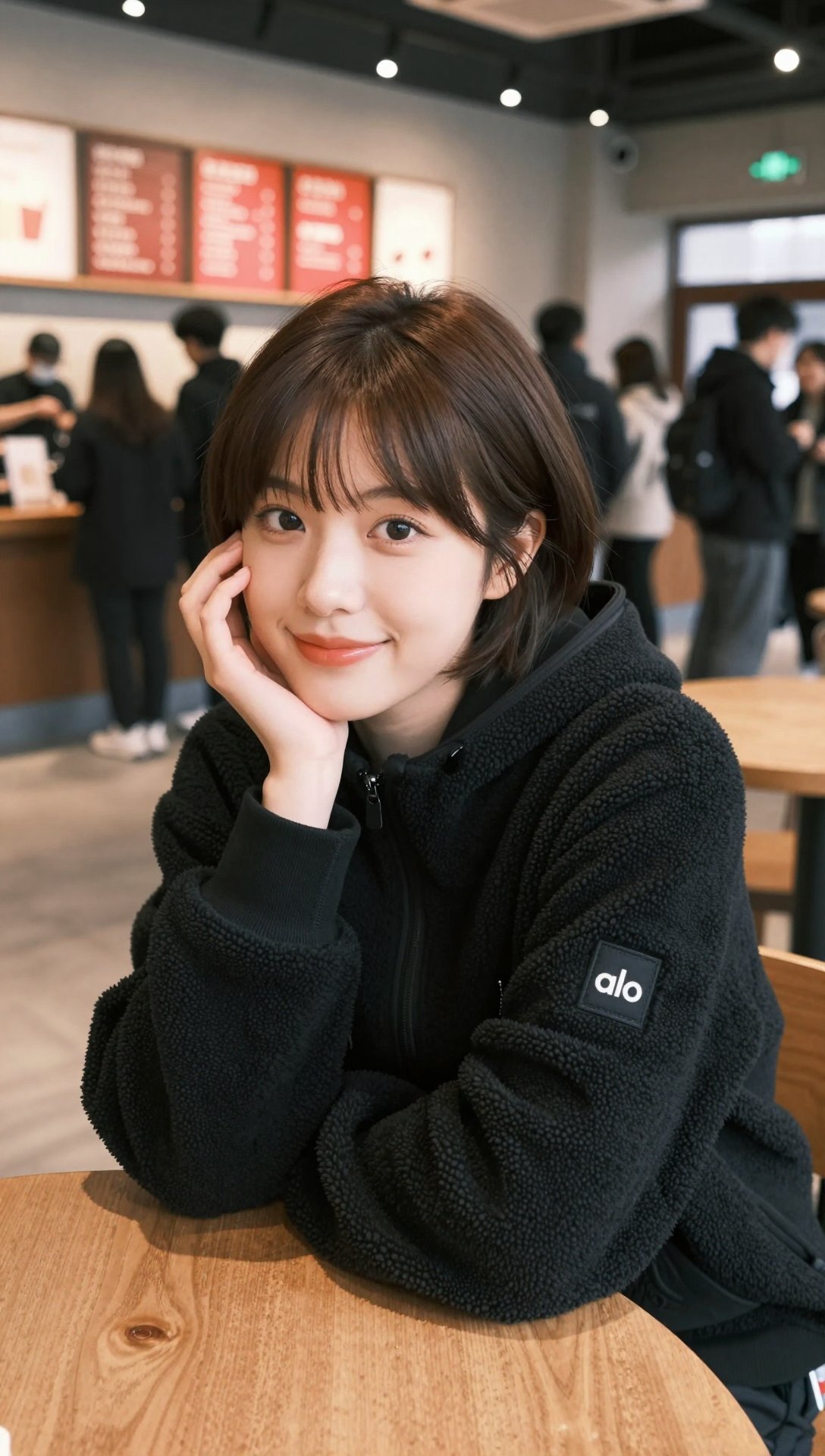
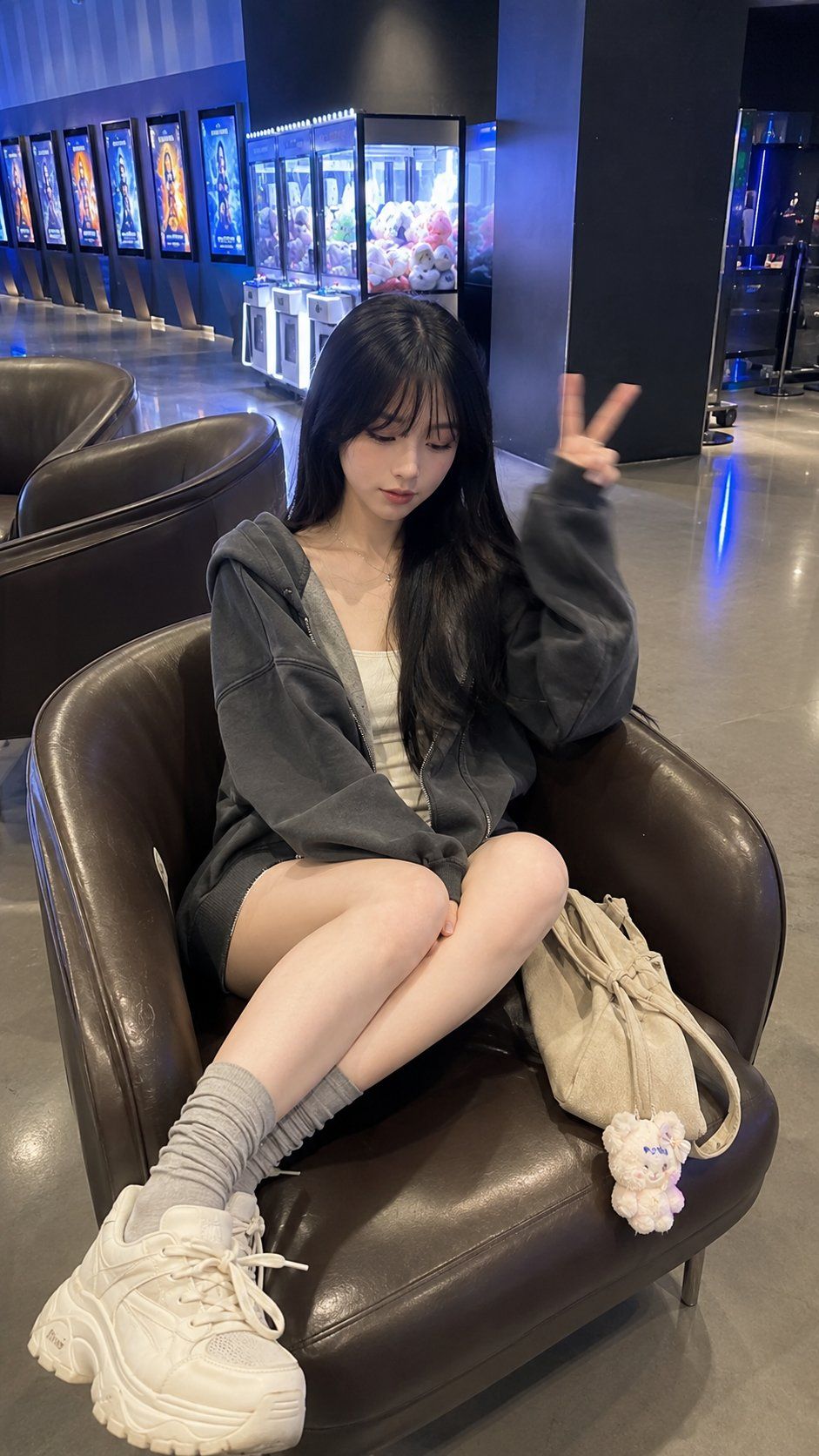
影院大堂休息的东亚年轻女性人像
Enlarge

影院大堂休息的东亚年轻女性人像

Prompt
A young East Asian woman in her early 20s sits diagonally in a dark brown leather lounge chair inside a modern cinema lobby. Both legs folded on the chair, left over right, with a chunky cream sneaker closer to camera due to wide-angle perspective. Left hand raised in a relaxed peace sign with slight motion blur, right hand resting on shin. Head tilted slightly down-right, eyes lowered, calm neutral expression.

Long straight black hair with wispy bangs, soft natural volume. Outfit: oversized charcoal hoodie, cream top, gray socks, chunky cream sneakers, beige tote bag with plush keychains.

Vertical 9:16 smartphone photo, slight elevated angle, 24–26mm lens look. Modern cinema lobby with leather chairs, claw machines, movie posters, polished floors. Cool-white ambient lighting with subtle blue tones, natural skin color, cinematic realism, ultra-photorealistic lifestyle photography. or filters
Category
Charts & Infographics
Model
ChatGPT
Views0
Source ID
17356
Published
Jul 3, 2026

Guide

About "影院大堂休息的东亚年轻女性人像"

What is this prompt for?

"影院大堂休息的东亚年轻女性人像" AI image prompt for ChatGPT (Charts & Infographics). 一名20岁出头的东亚年轻女性斜坐在现代电影院大堂内的深棕色皮革躺椅上。双腿折叠在椅子上,左腿叠在右腿上,由于广角透视,一只厚实的奶油色运动鞋更靠近镜头。左手举起放松的和平手势,…

The full copyable prompt and example visuals above are ready for AI image generation or one-click recreate in Picva.

How to use this prompt

  1. Step 1

    Open the prompt detail

    Review the example visuals, category, and full prompt text for "影院大堂休息的东亚年轻女性人像".

  2. Step 2

    Copy the prompt

    Copy the prompt body from this page, or load it directly in Studio.

  3. Step 3

    Pick a model (ChatGPT)

    Prefer ChatGPT. If you switch models, keep subject and composition and tweak style terms.

  4. Step 4

    Generate and export

    Recreate the look in Picva, or export into your workflow for editing and publishing.

FAQ

What is the "影院大堂休息的东亚年轻女性人像" prompt?
It is an AI image-generation prompt for ChatGPT in the Charts & Infographics category. This page includes the full prompt text, example visuals, and a one-click recreate path in Picva.
How do I use this prompt to generate an image?
Copy the prompt from this page, or use Generate / Studio. Paste it into a compatible image model, or recreate the look in Picva with optional reference images.
Which model is this prompt for?
This page lists ChatGPT. Most descriptive prompts also transfer to nearby image models such as GPT Image, Flux, or Midjourney with light style tweaks.
Can I use the result commercially?
You can usually copy the prompt for creation, but commercial use of the final image depends on the model terms, reference-image rights, and the generated content. Follow the source author and platform rules.