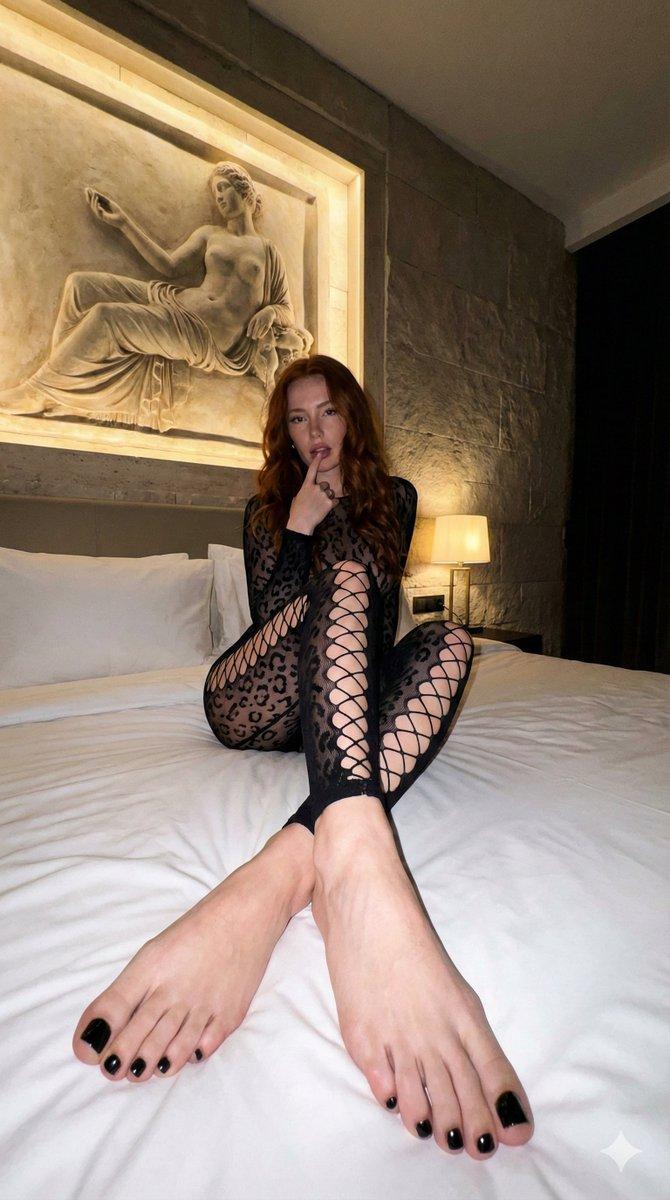
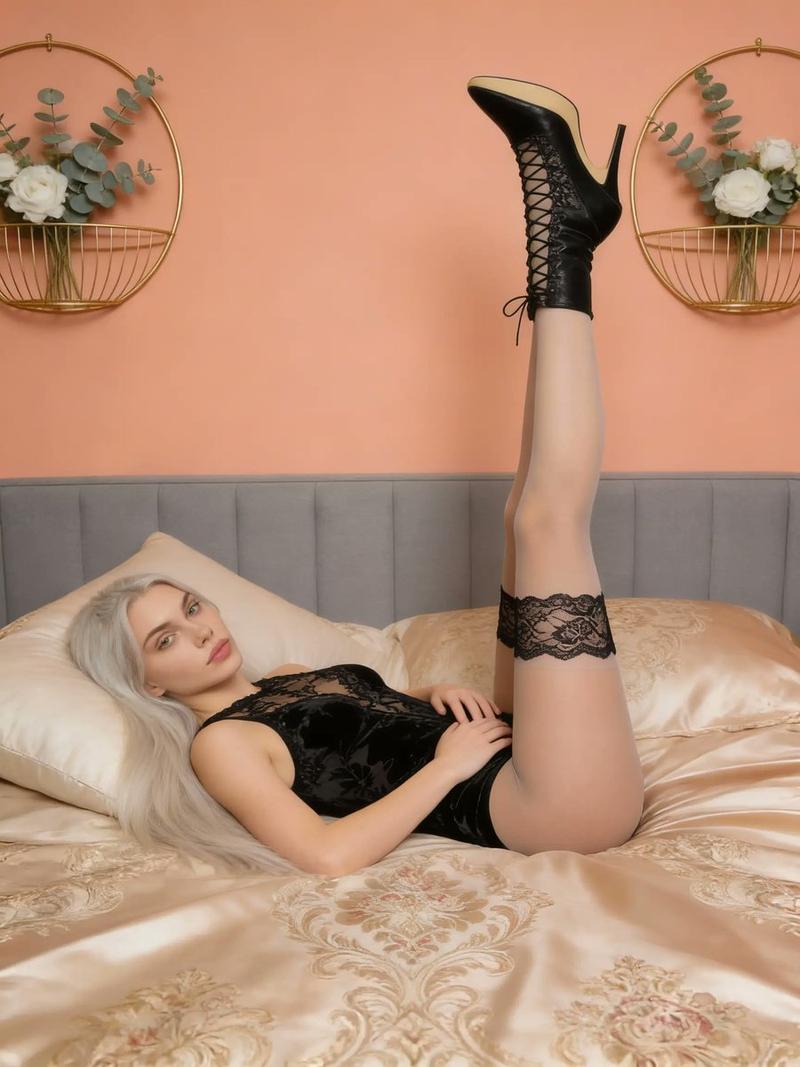
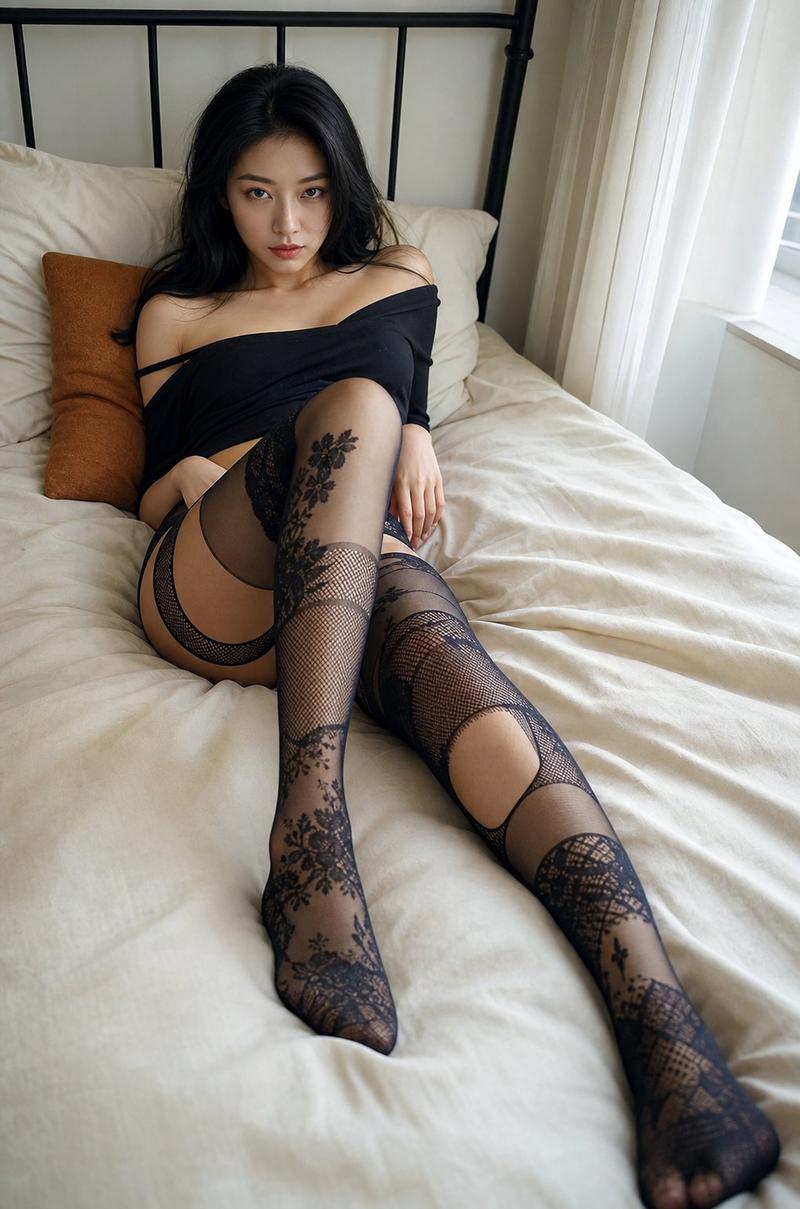
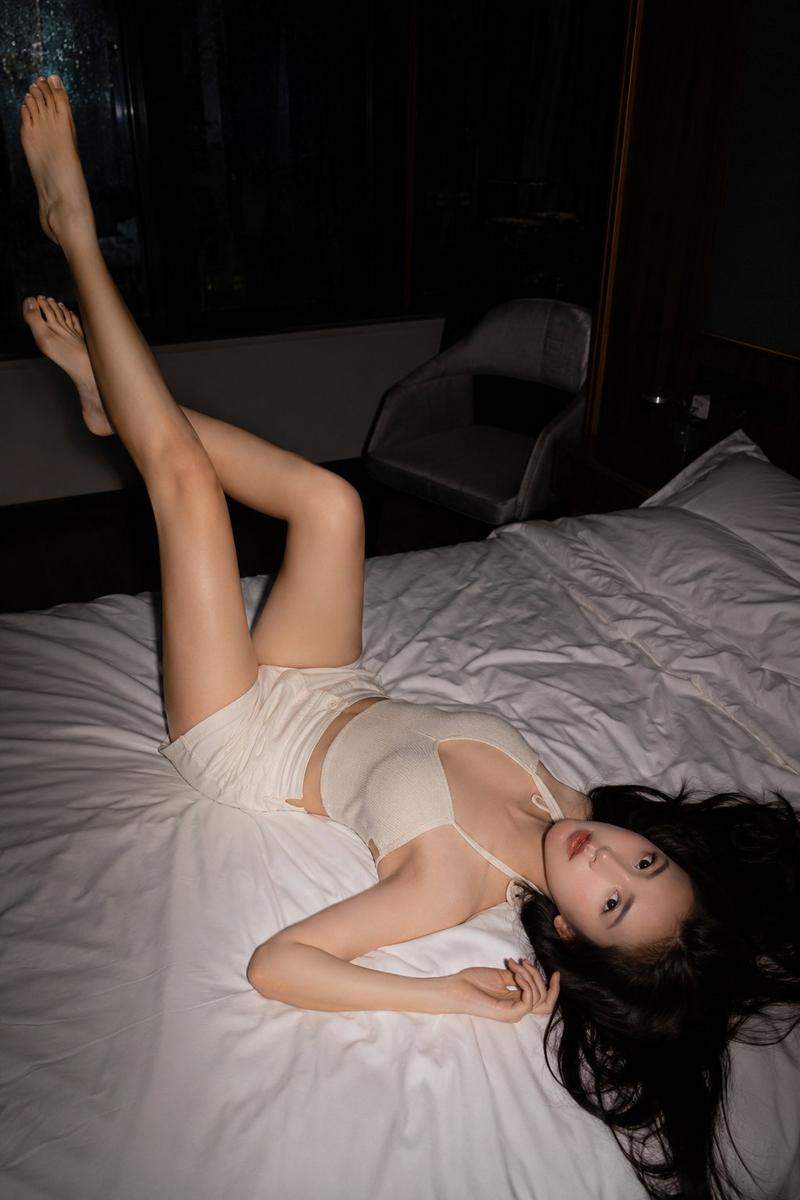
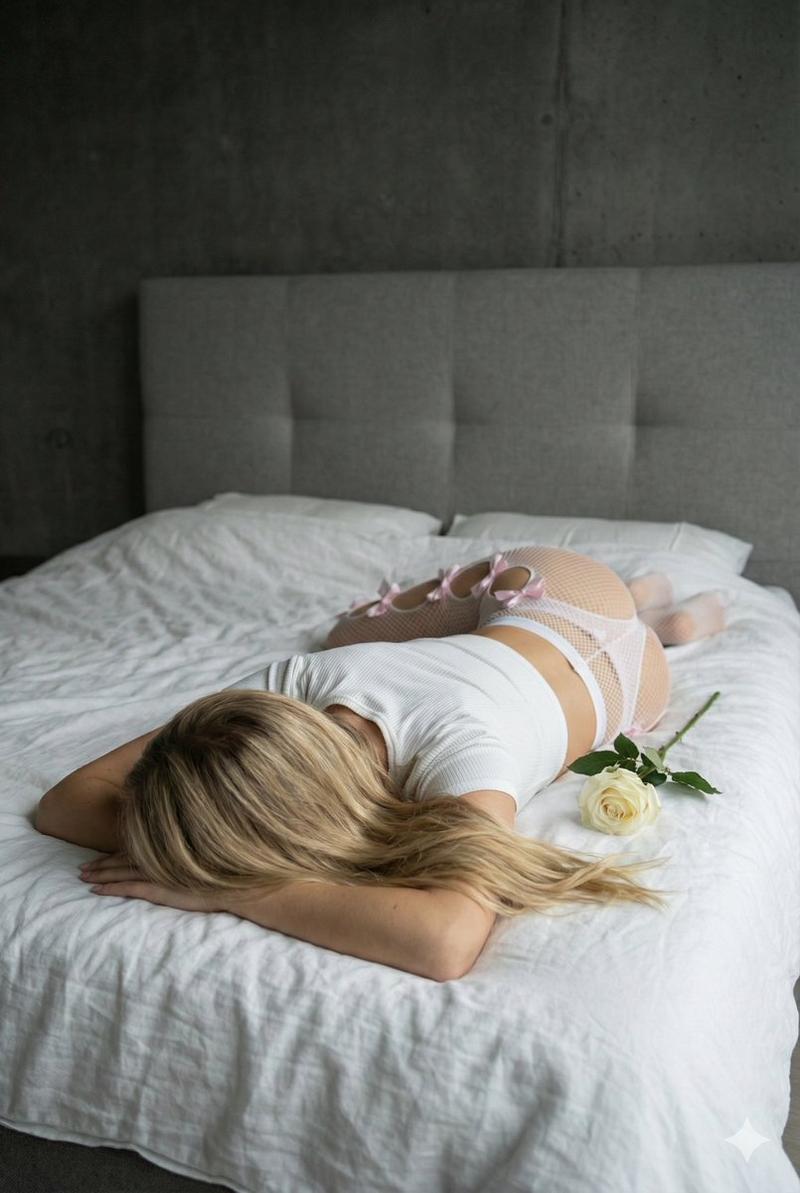
Coquette 风格卧室姿势(抬腿)
Prompt
{
  "scene": "indoor bedroom, lying on back pose, legs raised, looking at camera",
  "subject": {
    "character": "YOUNG WOMAN, blonde hair, slender frame",

    "face": {
      "structure": "soft delicate features, youthful",
      "skin": "fair porcelain, natural clear",
      "eyes": {
        "shape": "large",
        "color": "blue/green",
        "expression": "direct gaze at camera, soft neutral expression"
      },
      "mouth": {
        "lips": "full, natural pink, relaxed"
      },
      "makeup": "minimal natural, barely there"
    },

    "hair": {
      "color": "BLONDE",
      "length": "long",
      "texture": "soft waves, voluminous",
      "style": "loose, resting on pillow",
      "shine": "healthy shine, silky",
      "visible": "fully visible"
    },

    "accessories": {
      "hat": null,
      "bag": null
    }
  },

  "pose": {
    "overall": "lying on back on bed, legs raised vertically",

    "position": {
      "base": "lying flat on white linen bed",
      "orientation": "face up, body aligned vertically"
    },

    "legs": {
      "position": "raised straight up into the air",
      "thighs": "vertical",
      "feet": "pointed towards the ceiling"
    },

    "hips": {
      "position": "flat on the bed",
      "emphasis": "neutral"
    },

    "torso": {
      "direction": "facing up",
      "back": "on the mattress",
      "twist": "none"
    },

    "arms": {
      "position": "resting on chest, holding a {argument name="item held" default="white rose"}"
    },

    "head": {
      "turn": "facing straight up at camera",
      "expression": "soft, calm, direct gaze"
    }
  },

  "outfit": {
    "top": {
      "type": "white ribbed crop top",
      "style": "short sleeve, fitted",
      "color": "white",
      "back": "covered"
    },

    "bottom": {
      "type": "white fishnet tights",
      "wash": null,
      "fit": "tight",
      "details": "cutouts along the side of legs held by small pastel pink ribbon bows",
      "style": "coquette aesthetic"
    },

    "shoes": {
      "type": "none",
      "style": null,
      "color": null
    }
  },

  "body": {
    "type": "slender",
    "back": "on bed",
    "skin": "fair"
  },

  "environment": {
    "location": "indoor, modern bedroom",

    "background": {
     "wall": "dark grey concrete finish",
     "headboard": "textured grey upholstered"
    },

    "ground": {
      "surface": "bed with white linen bedding",
    }
  },

  "lighting": {
    "type": "soft natural daylight",

    "quality": {
      "intensity": "soft, diffused, even",
      "mood": "gentle, intimate"
    },

    "on_subject": {
      "skin": "soft even lighting from the left",
      "hair": "illuminated from the side"
    }
  },

  "photography": {
    "angle": "medium shot, vertical orientation, looking down slightly",
    "framing": "full body on bed"
  }
}- Category
- 创意图片
- Model
- Nano Banana Pro
- Creator
- Kai | Neural Art
- Source ID
- ace624e3-5b9d-4fa2-a48b-f090b2995de6
- Published
- Mar 8, 2026
Views5