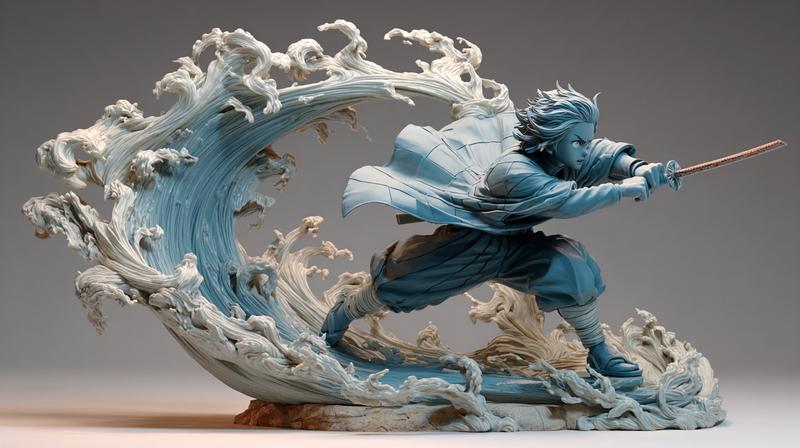
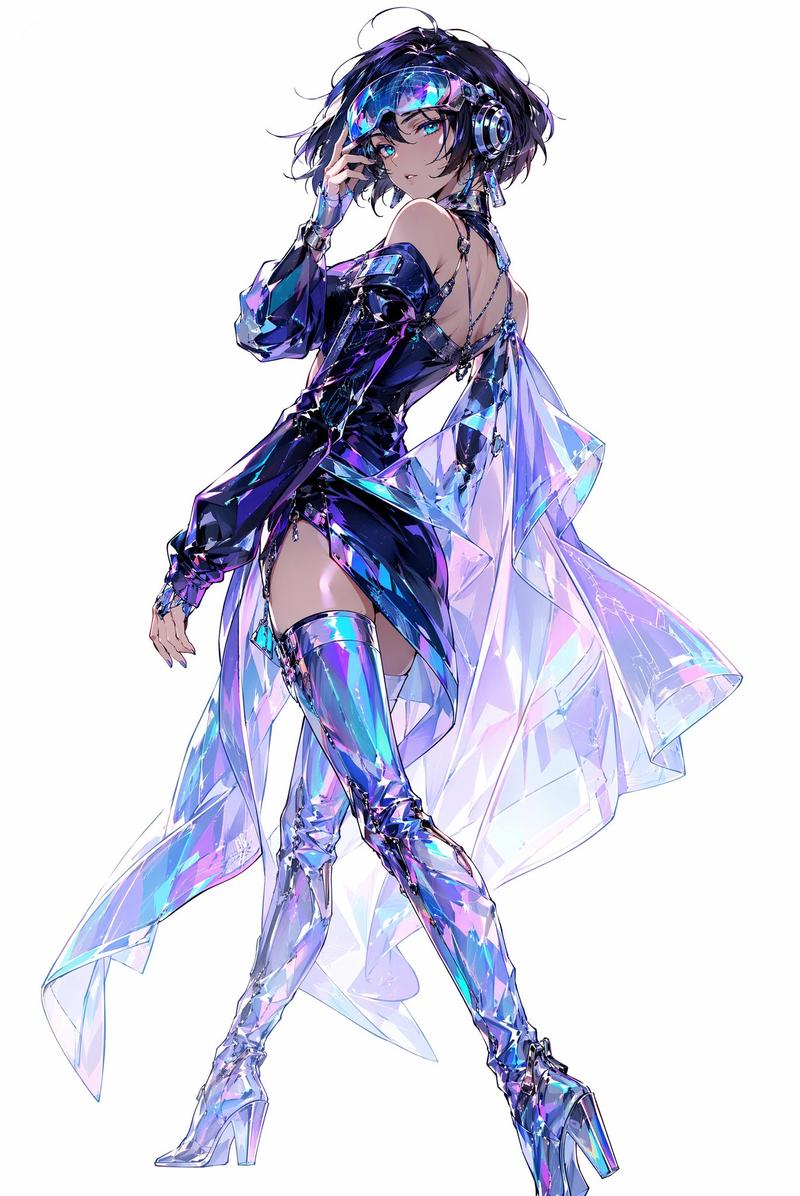
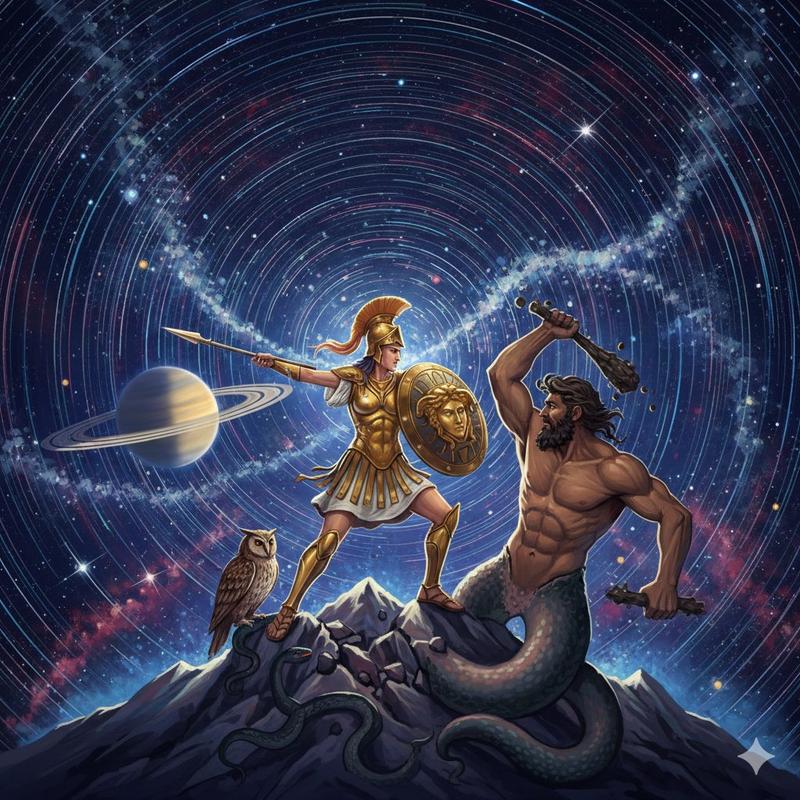
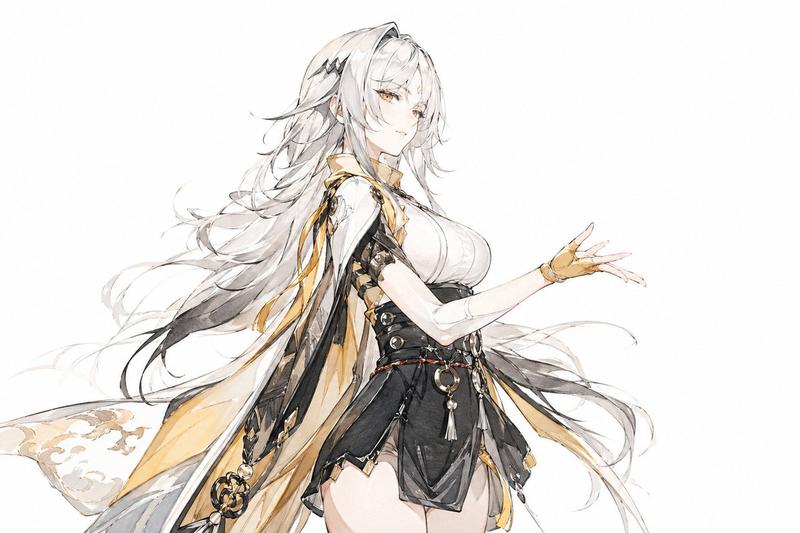
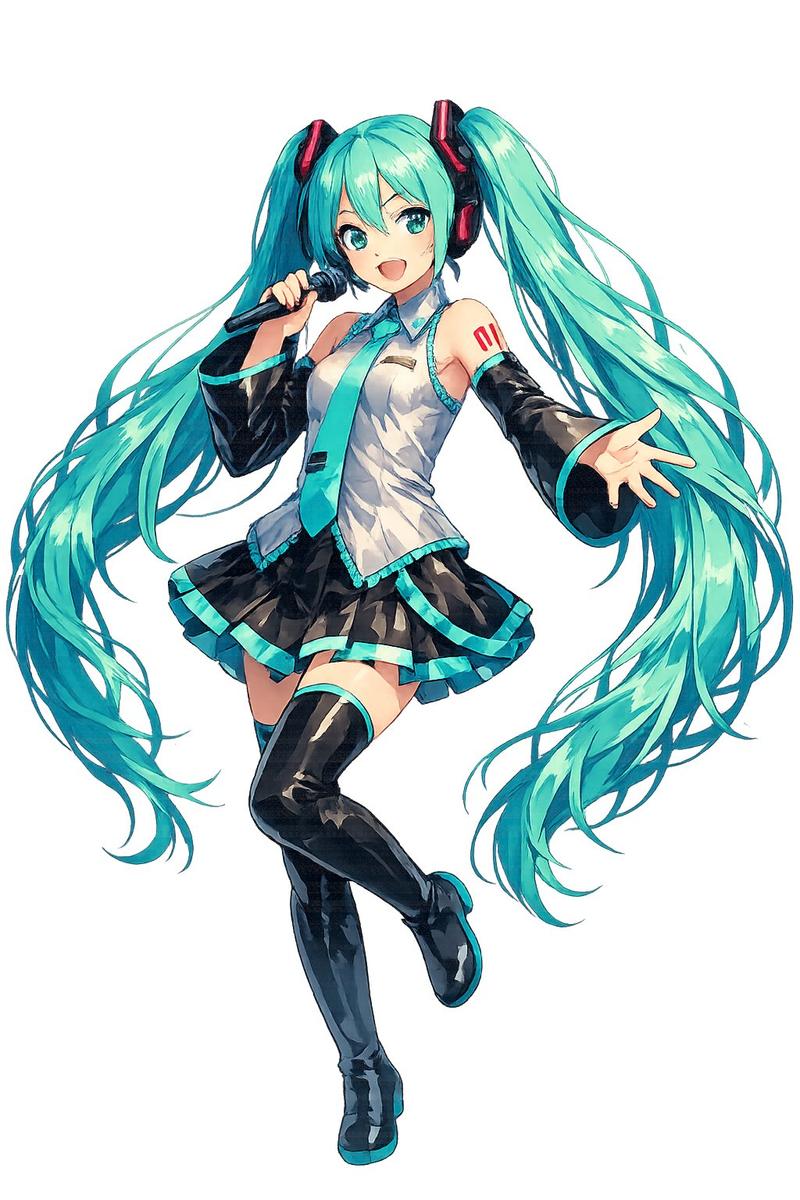
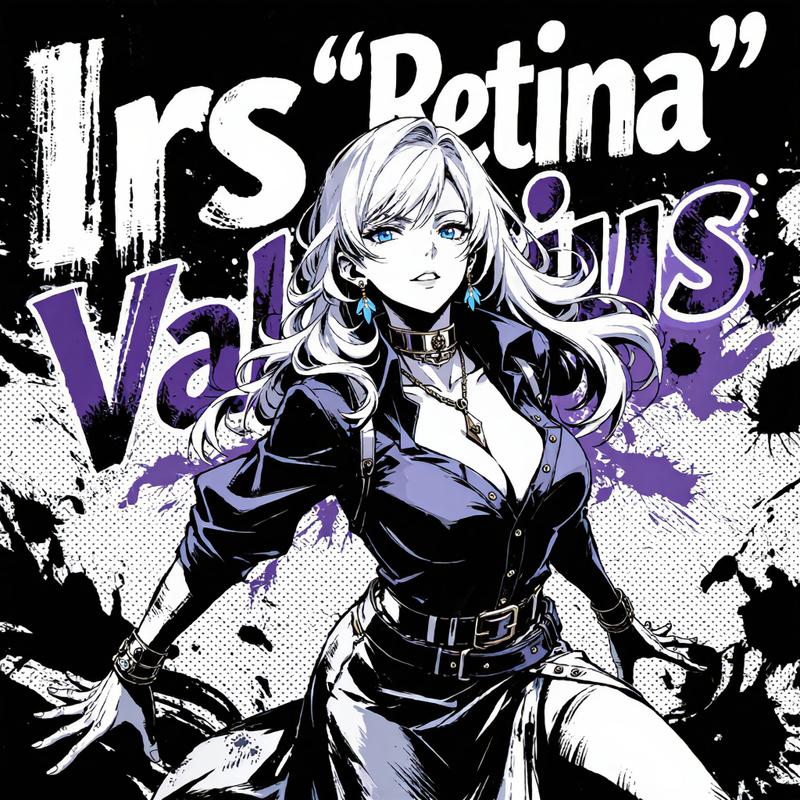
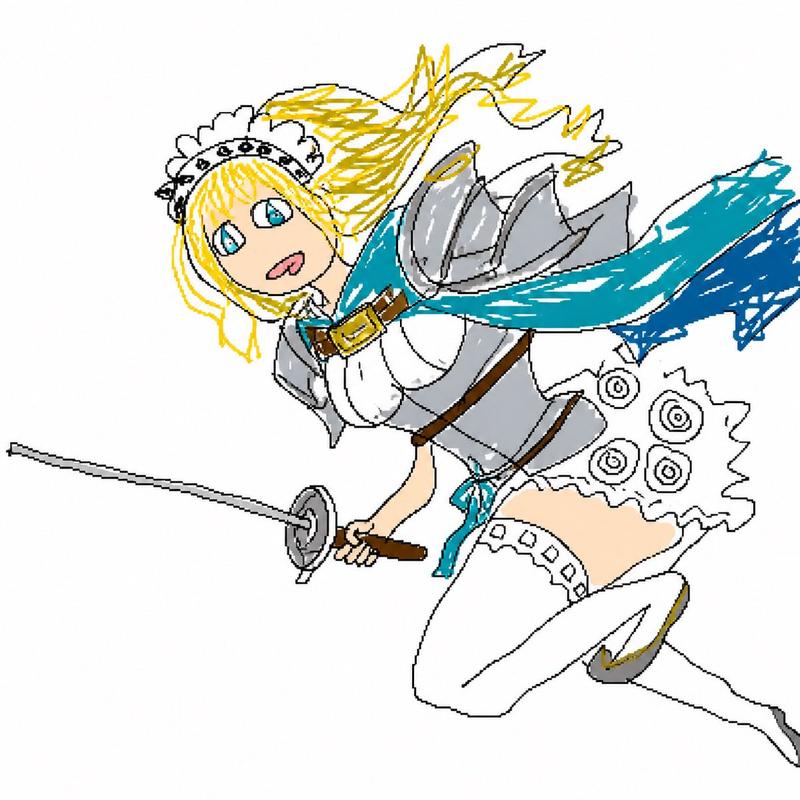
NanoBanana 石化表情提示
Prompt
彫刻の荒いエッジ, 石の塊を彫った髪の毛, 厚みのある布
- Category
- 创意图片
- Model
- Nano Banana Pro
- Creator
- のりまし
- Source ID
- 9e81138e-8f1f-4c8d-a6de-777aba778004
- Published
- Mar 8, 2026
Views0
20

彫刻の荒いエッジ, 石の塊を彫った髪の毛, 厚みのある布
Guide
"NanoBanana 石化表情提示" AI image prompt for Nano Banana Pro (创意图片). 一位用户分享了使用 NanoBanana 制作石化效果的发现,指出“雕塑的粗糙边缘”、“从石块中雕刻出的头发”和“厚布料”等短语效果很好。 --- 雕塑粗糙的边缘,由一块石头雕刻而成的头发,…
The full copyable prompt and example visuals above are ready for AI image generation or one-click recreate in Picva.
Step 1
Review the example visuals, category, and full prompt text for "NanoBanana 石化表情提示".
Step 2
Copy the prompt body from this page, or load it directly in Studio.
Step 3
Prefer Nano Banana Pro. If you switch models, keep subject and composition and tweak style terms.
Step 4
Recreate the look in Picva, or export into your workflow for editing and publishing.