20

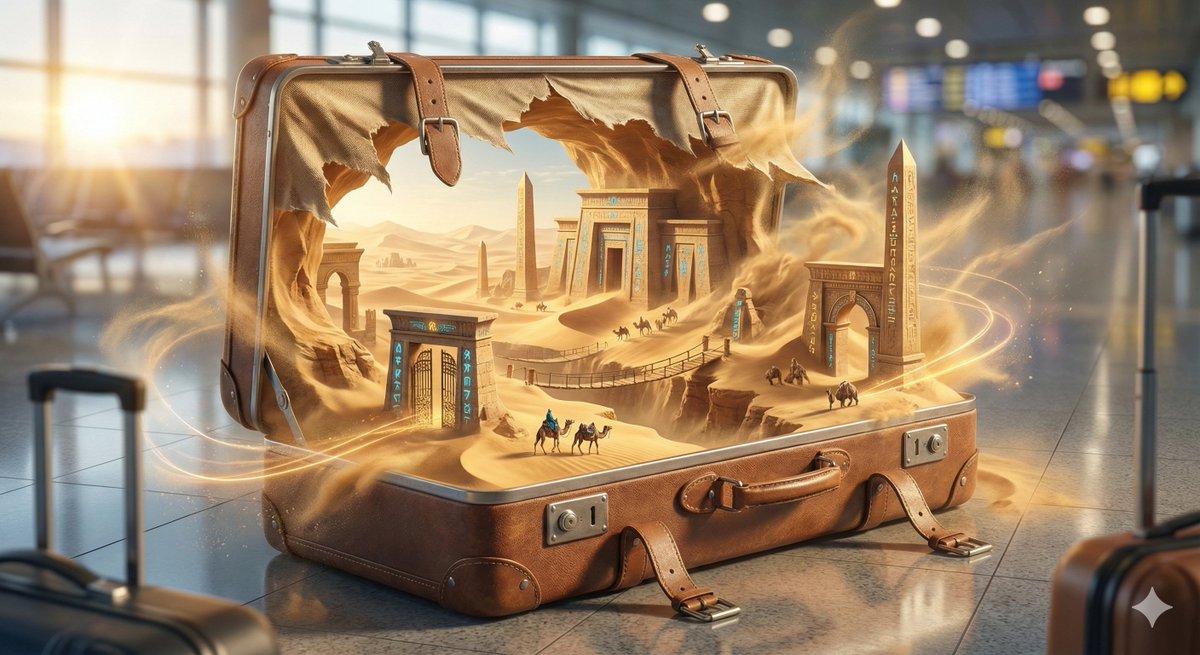
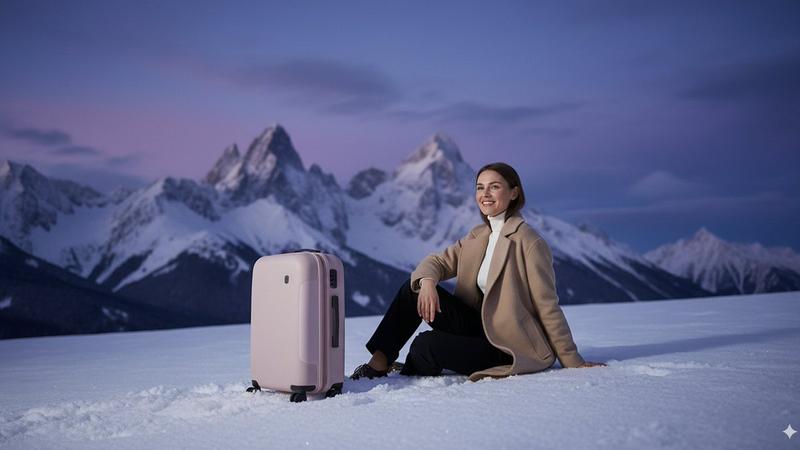
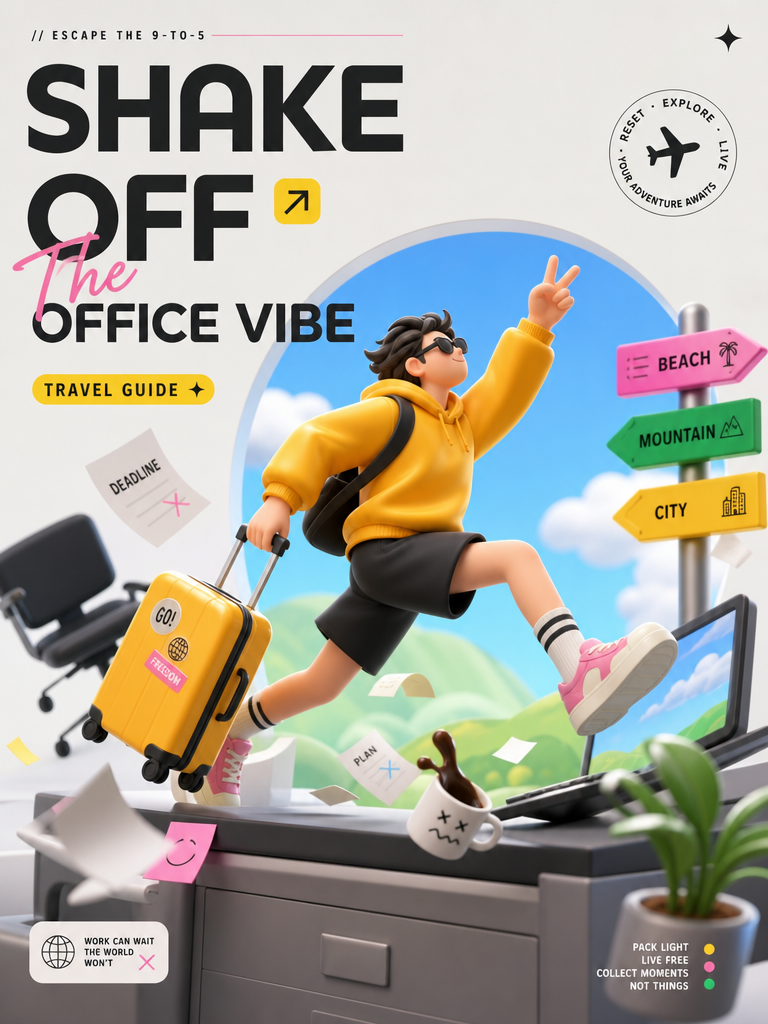
A premium travel advertising poster
Enlarge

A premium travel advertising poster

Prompt
A premium travel advertising poster.Central Subject:
A single modern hard-shell suitcase standing upright in the center.Design Style:
Modern lifestyle branding mixed with premium editorial design.Background:
Bright turquoise backdrop with warm orange graphic accents.Graphic Elements:
Oversized circular shapes, travel-inspired lines, abstract directional arrows, and minimal geometric layers.Typography:
Huge bold typography reading:"GO FURTHER"The typography sits behind the suitcase and interacts naturally with the composition.Materials:
Premium polycarbonate shell, metallic handles, realistic textures and reflections.Lighting:
Luxury commercial product photography lighting.Mood:
Optimistic, adventurous, highly commercial.Aspect Ratio:
9:16 vertical poster.Ultra detailed.
8K masterpiece.
Category
Posters & Typography
Model
GPT Image 2
Views39
Source ID
18779
Published
Jun 10, 2026

Guide

About "A premium travel advertising poster"

What is this prompt for?

"A premium travel advertising poster" AI image prompt for GPT Image 2 (Posters & Typography). A premium travel advertising poster.Central Subject: A single mod…

The full copyable prompt and example visuals above are ready for AI image generation or one-click recreate in Picva.

How to use this prompt

  1. Step 1

    Open the prompt detail

    Review the example visuals, category, and full prompt text for "A premium travel advertising poster".

  2. Step 2

    Copy the prompt

    Copy the prompt body from this page, or load it directly in Studio.

  3. Step 3

    Pick a model (GPT Image 2)

    Prefer GPT Image 2. If you switch models, keep subject and composition and tweak style terms.

  4. Step 4

    Generate and export

    Recreate the look in Picva, or export into your workflow for editing and publishing.

FAQ

What is the "A premium travel advertising poster" prompt?
It is an AI image-generation prompt for GPT Image 2 in the Posters & Typography category. This page includes the full prompt text, example visuals, and a one-click recreate path in Picva.
How do I use this prompt to generate an image?
Copy the prompt from this page, or use Generate / Studio. Paste it into a compatible image model, or recreate the look in Picva with optional reference images.
Which model is this prompt for?
This page lists GPT Image 2. Most descriptive prompts also transfer to nearby image models such as GPT Image, Flux, or Midjourney with light style tweaks.
Can I use the result commercially?
You can usually copy the prompt for creation, but commercial use of the final image depends on the model terms, reference-image rights, and the generated content. Follow the source author and platform rules.