20

Vibrant Impasto: Floral Rhythms
Enlarge

Vibrant Impasto: Floral Rhythms

Prompt
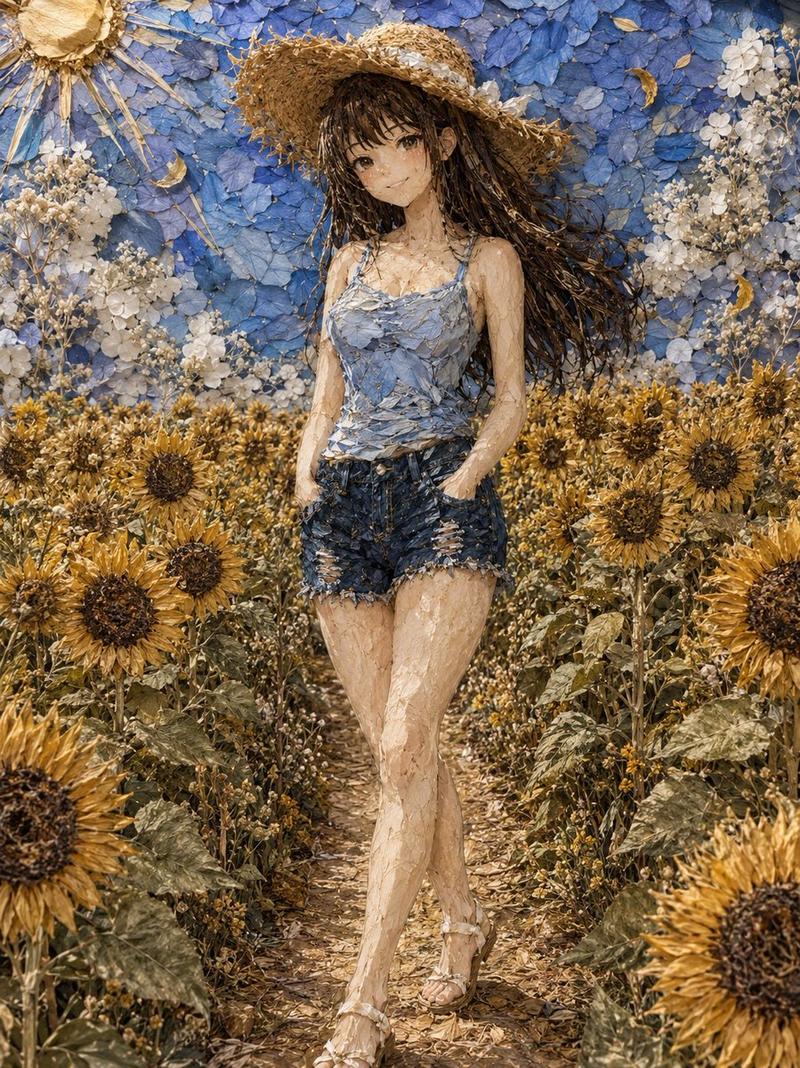
A vivid oil painting in the lineage of post-impressionist impasto, featuring a dense garden of sunflowers and irises. The paint is applied in thick, rhythmic swirls and heavy dollops with a palette knife, creating a tangible 3D texture on the canvas. The color palette is an explosion of 'Chrome Yellow', 'Deep Ultramarine', and 'Vermilion Red', with visible strokes of white lead to indicate shimmering light. The composition is a tight, chaotic floral arrangement that seems to vibrate with energy. The lighting is harsh midday sun, which creates deep shadows within the ridges of the thick paint. There are no flat surfaces; every inch of the 'canvas' is covered in expressive, turbulent movement. The overall effect is one of raw emotion and the physical presence of the medium, focusing on the light-play over the peaks of the oil paint.
Category
Illustration & Art
Model
GPT Image 2
Creator
wuyoscar
Views3
Source ID
136

Guide

About "Vibrant Impasto: Floral Rhythms"

What is this prompt for?

"Vibrant Impasto: Floral Rhythms" AI image prompt for GPT Image 2 (Illustration & Art). A vivid oil painting in the lineage of post-impressionist impasto, feat…

The full copyable prompt and example visuals above are ready for AI image generation or one-click recreate in Picva.

How to use this prompt

  1. Step 1

    Open the prompt detail

    Review the example visuals, category, and full prompt text for "Vibrant Impasto: Floral Rhythms".

  2. Step 2

    Copy the prompt

    Copy the prompt body from this page, or load it directly in Studio.

  3. Step 3

    Pick a model (GPT Image 2)

    Prefer GPT Image 2. If you switch models, keep subject and composition and tweak style terms.

  4. Step 4

    Generate and export

    Recreate the look in Picva, or export into your workflow for editing and publishing.

FAQ

What is the "Vibrant Impasto: Floral Rhythms" prompt?
It is an AI image-generation prompt for GPT Image 2 in the Illustration & Art category. This page includes the full prompt text, example visuals, and a one-click recreate path in Picva.
How do I use this prompt to generate an image?
Copy the prompt from this page, or use Generate / Studio. Paste it into a compatible image model, or recreate the look in Picva with optional reference images.
Which model is this prompt for?
This page lists GPT Image 2. Most descriptive prompts also transfer to nearby image models such as GPT Image, Flux, or Midjourney with light style tweaks.
Can I use the result commercially?
You can usually copy the prompt for creation, but commercial use of the final image depends on the model terms, reference-image rights, and the generated content. Follow the source author and platform rules.