20

Monolithic Scifi: The Obsidian Gate
Enlarge

Monolithic Scifi: The Obsidian Gate

Prompt
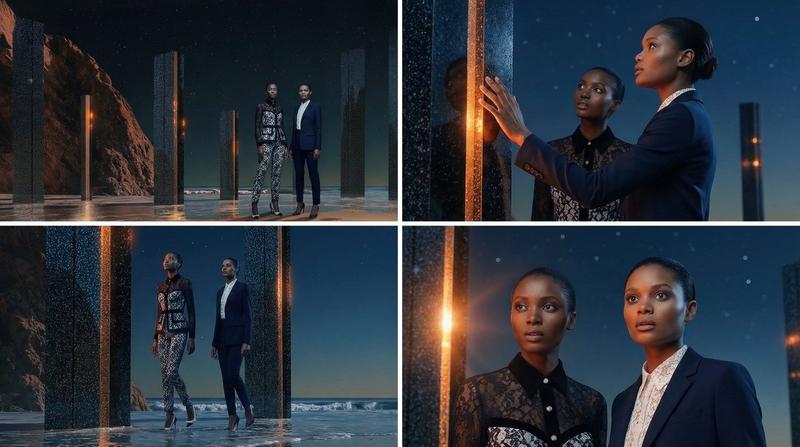
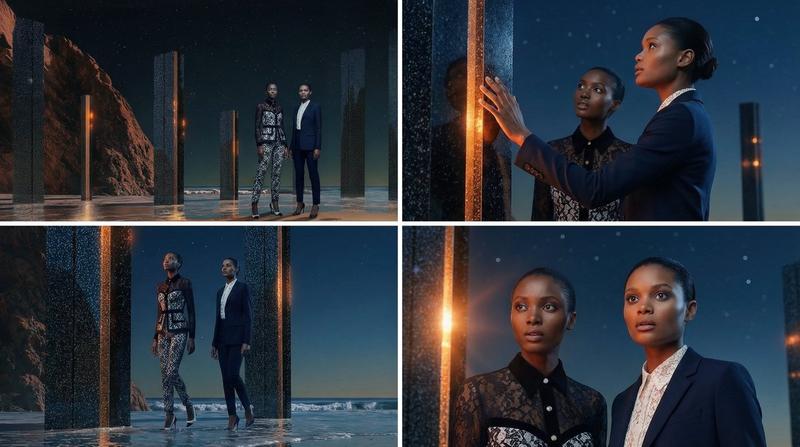
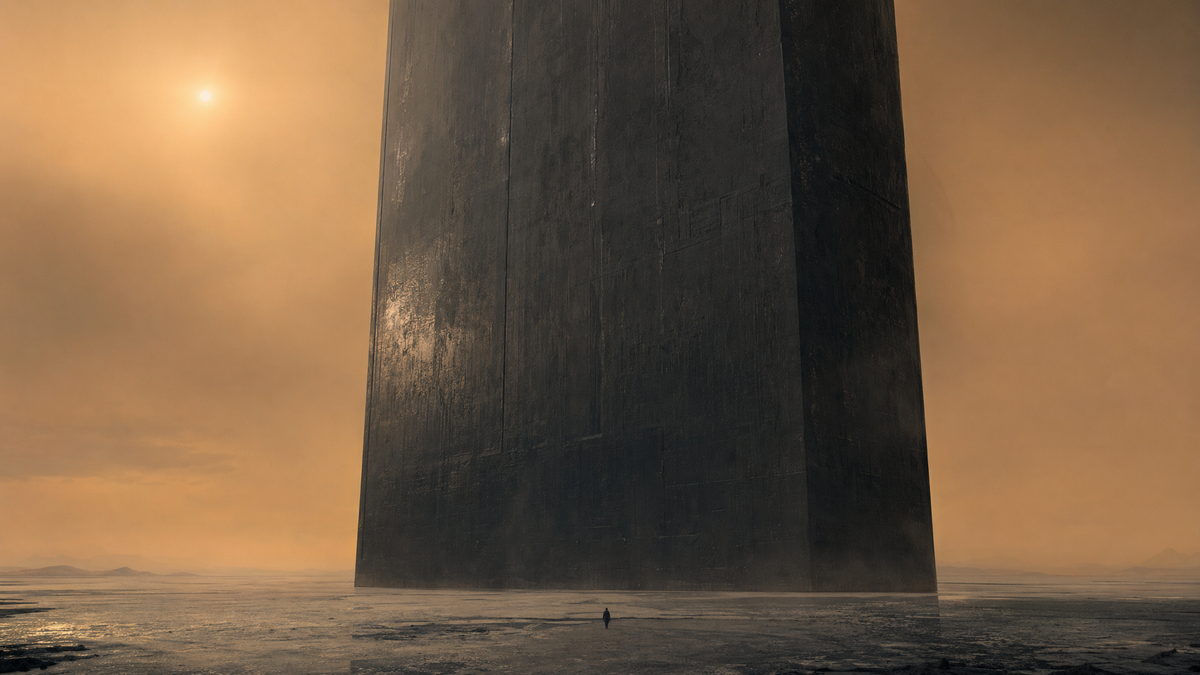
A breathtaking cinematic wide shot in the lineage of Denis Villeneuve's monolithic sci-fi. A lone, tiny figure stands before a gargantuan, featureless obsidian slab that rises miles into a dusty orange sky. The scale is incomprehensible, making the person look like a grain of sand. The environment is a vast, flat salt plain under a hazy, dim sun. The lighting is low-contrast and atmospheric, with the monolith's surface reflecting a dull, oily sheen. The color palette is 'Industrial Monochrome': deep blacks, slate greys, and a muted, sandy ochre. There is a sense of immense weight and ancient silence. The camera uses a wide-angle lens with a deep focus to emphasize the terrifying scale of the structure. The mood is one of awe, dread, and the sublime mystery of an advanced, alien intelligence. Minimalist and brutalist in design.
Category
Scenes & Storytelling
Model
GPT Image 2
Creator
wuyoscar
Views3
Source ID
148

Guide

About "Monolithic Scifi: The Obsidian Gate"

What is this prompt for?

"Monolithic Scifi: The Obsidian Gate" AI image prompt for GPT Image 2 (Scenes & Storytelling). A breathtaking cinematic wide shot in the lineage of Denis Ville…

The full copyable prompt and example visuals above are ready for AI image generation or one-click recreate in Picva.

How to use this prompt

  1. Step 1

    Open the prompt detail

    Review the example visuals, category, and full prompt text for "Monolithic Scifi: The Obsidian Gate".

  2. Step 2

    Copy the prompt

    Copy the prompt body from this page, or load it directly in Studio.

  3. Step 3

    Pick a model (GPT Image 2)

    Prefer GPT Image 2. If you switch models, keep subject and composition and tweak style terms.

  4. Step 4

    Generate and export

    Recreate the look in Picva, or export into your workflow for editing and publishing.

FAQ

What is the "Monolithic Scifi: The Obsidian Gate" prompt?
It is an AI image-generation prompt for GPT Image 2 in the Scenes & Storytelling category. This page includes the full prompt text, example visuals, and a one-click recreate path in Picva.
How do I use this prompt to generate an image?
Copy the prompt from this page, or use Generate / Studio. Paste it into a compatible image model, or recreate the look in Picva with optional reference images.
Which model is this prompt for?
This page lists GPT Image 2. Most descriptive prompts also transfer to nearby image models such as GPT Image, Flux, or Midjourney with light style tweaks.
Can I use the result commercially?
You can usually copy the prompt for creation, but commercial use of the final image depends on the model terms, reference-image rights, and the generated content. Follow the source author and platform rules.