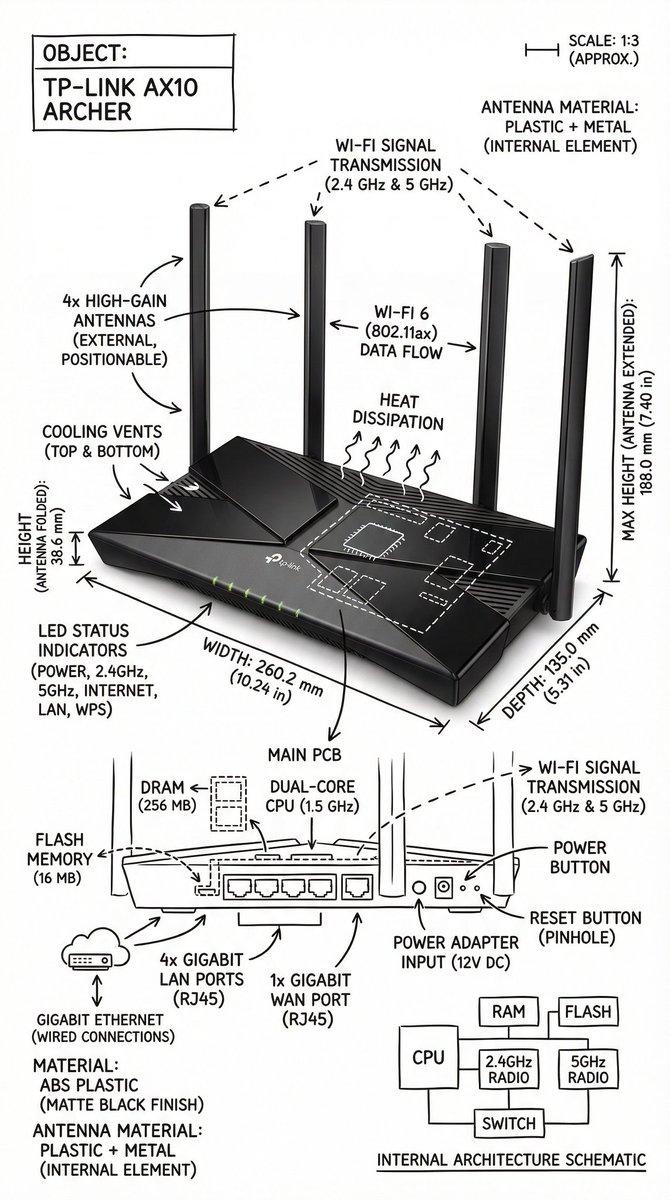
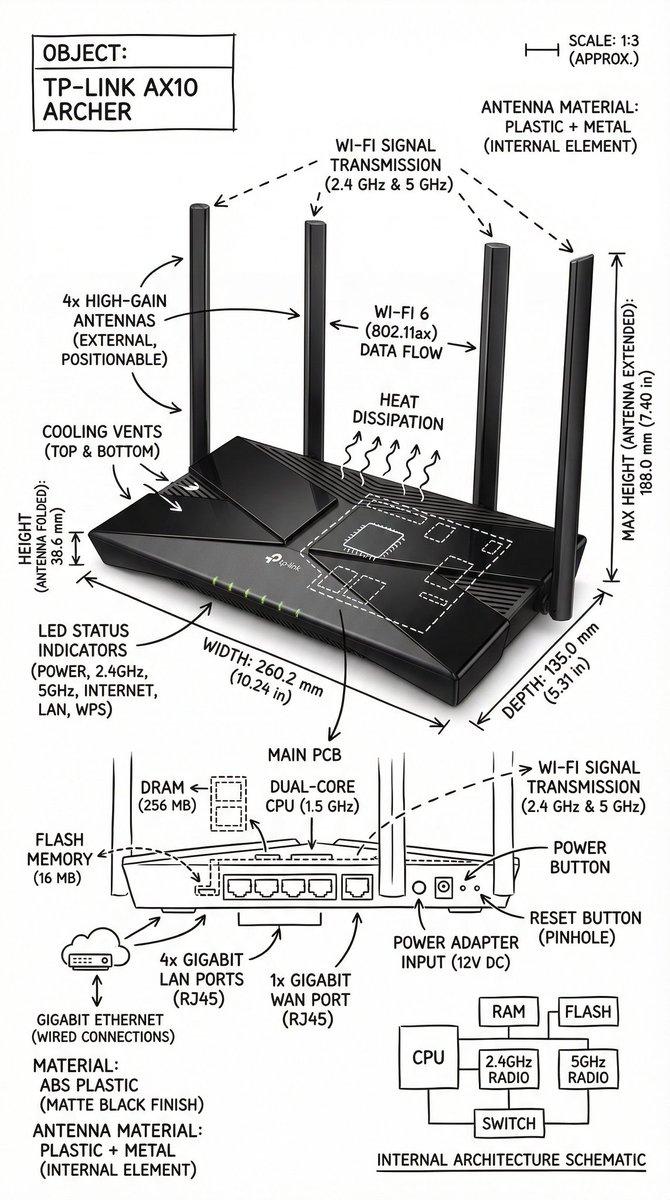
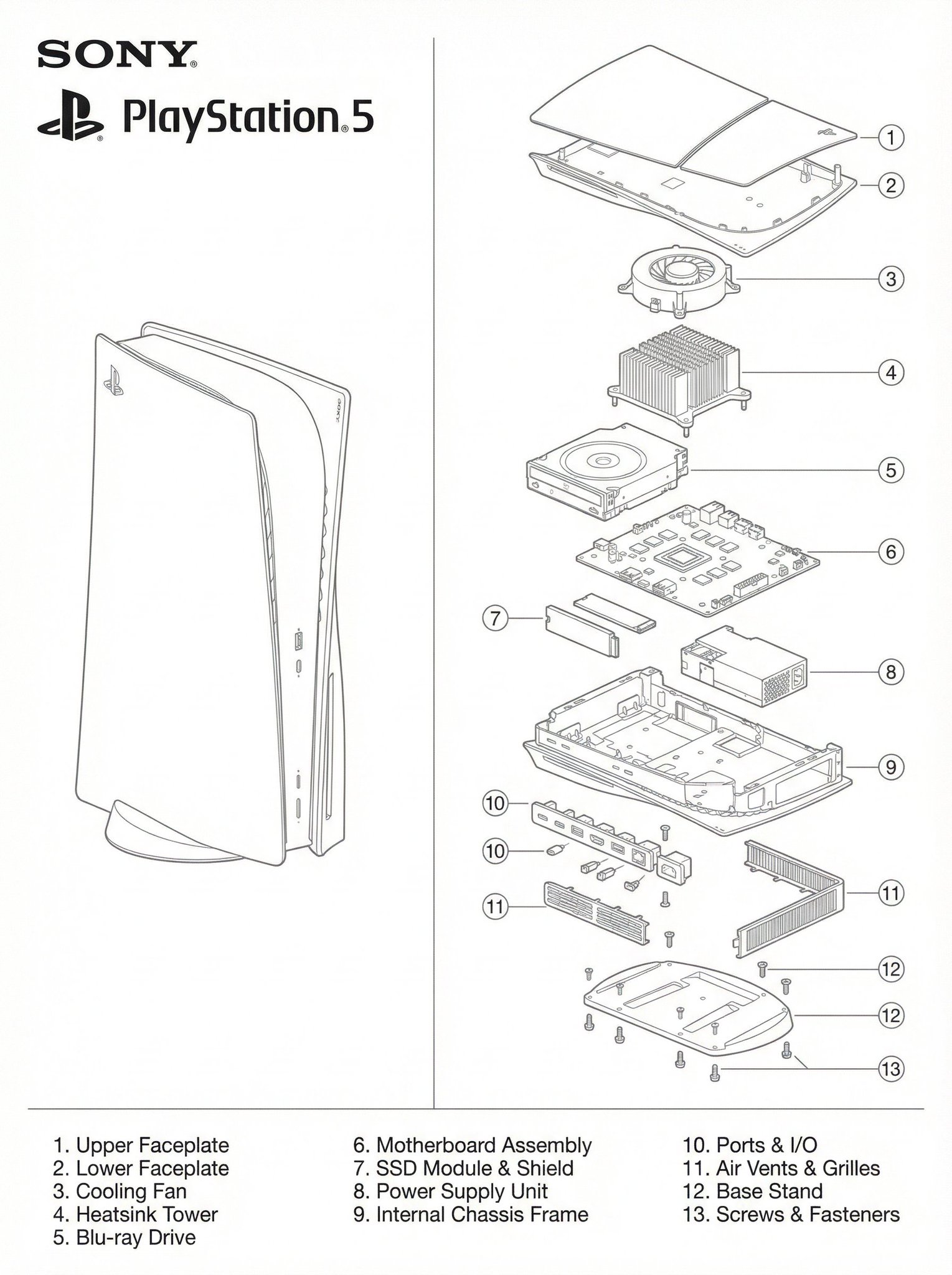
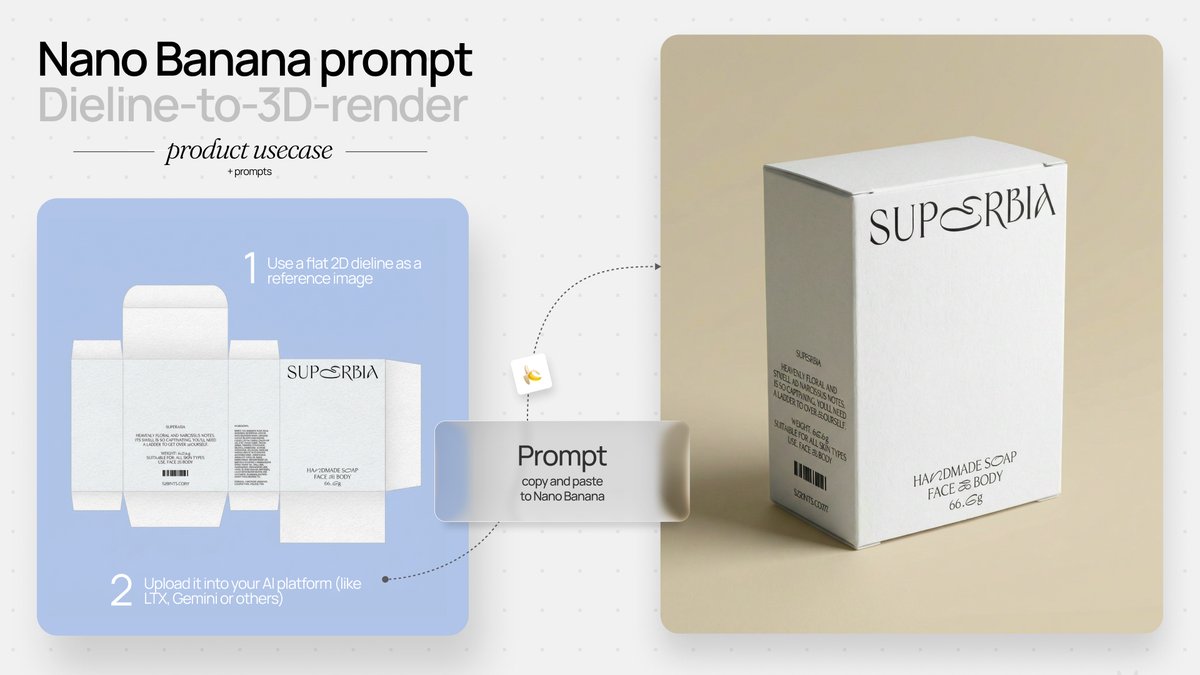
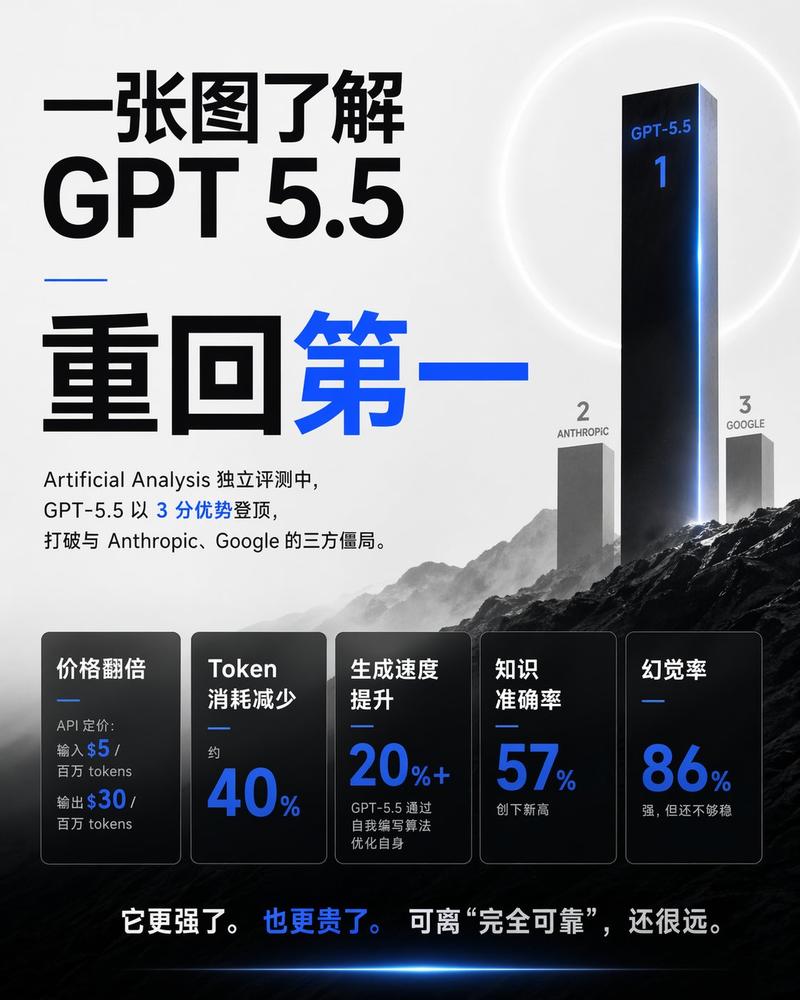
路由器详情页完整落地方案参考
Prompt
路由器详情页完整落地方案参考
https://djpebti7u6ik.jp.larksuite.com/wiki/PqpFwXC8Wipz4tkVsbwjB06Ap2L
- Category
- UI & Interfaces
- Model
- Unknown
- Creator
- hanfeer
- Source ID
- router-detail-page-comprehensive-implementation-plan-reference
Views4
16

路由器详情页完整落地方案参考 https://djpebti7u6ik.jp.larksuite.com/wiki/PqpFwXC8Wipz4tkVsbwjB06Ap2L
Guide
"路由器详情页完整落地方案参考" AI image prompt for Unknown (UI & Interfaces). 路由器详情页完整落地方案参考 https://djpebti7u6ik.jp.larksuite.com/wiki/PqpFwXC8Wipz4tkVsbwjB06Ap2L Copy it o…
The full copyable prompt and example visuals above are ready for AI image generation or one-click recreate in Picva.
Step 1
Review the example visuals, category, and full prompt text for "路由器详情页完整落地方案参考".
Step 2
Copy the prompt body from this page, or load it directly in Studio.
Step 3
Prefer Unknown. If you switch models, keep subject and composition and tweak style terms.
Step 4
Recreate the look in Picva, or export into your workflow for editing and publishing.