20

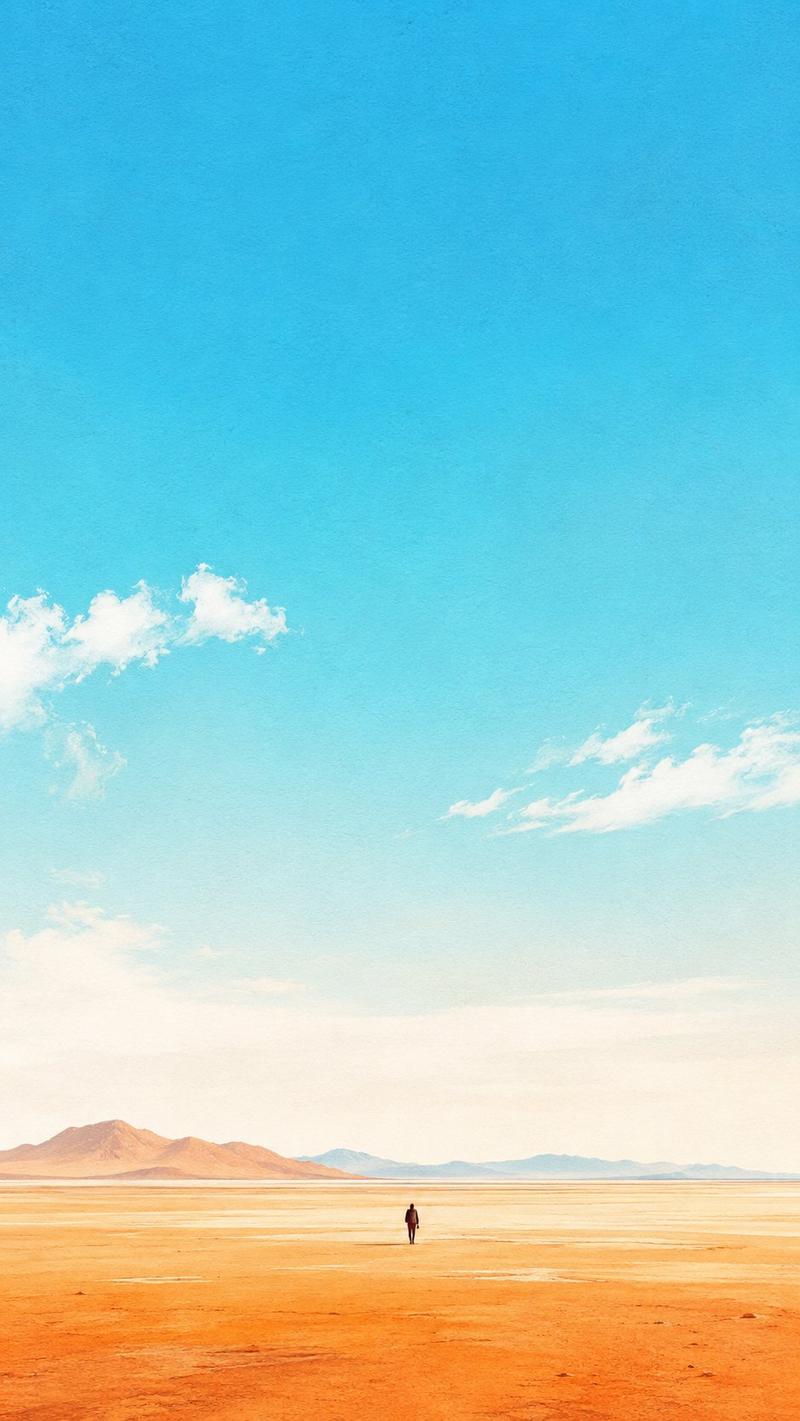
广袤草地与两只羊的航拍视角
Enlarge

广袤草地与两只羊的航拍视角

Prompt
An aerial drone shot of an expansive, perfectly flat, {argument name="terrain color" default="vibrant green"} grassy plain stretching endlessly to a distant horizon. In the lower foreground, exactly two {argument name="animal" default="fluffy white sheep"} are standing and grazing. Bright, clear daylight casts sharp, dark shadows from the animals towards the left. Above the horizon is a {argument name="sky condition" default="clear, pale blue sky with a few faint, wispy clouds"}. The composition emphasizes the vast emptiness and scale of the landscape compared to the small animals.
Category
Photography & Realism
Model
GPT Image 2
Creator
nic
Views0
Source ID
14265
Published
Apr 20, 2026

Guide

About "广袤草地与两只羊的航拍视角"

What is this prompt for?

"广袤草地与两只羊的航拍视角" AI image prompt for GPT Image 2 (Photography & Realism). 生成一张广阔平坦草地的航拍风景照片,画面中包含两只小动物,强调尺度感与极简主义风格。 Copy it on Picva and recreate the look in o…

The full copyable prompt and example visuals above are ready for AI image generation or one-click recreate in Picva.

How to use this prompt

  1. Step 1

    Open the prompt detail

    Review the example visuals, category, and full prompt text for "广袤草地与两只羊的航拍视角".

  2. Step 2

    Copy the prompt

    Copy the prompt body from this page, or load it directly in Studio.

  3. Step 3

    Pick a model (GPT Image 2)

    Prefer GPT Image 2. If you switch models, keep subject and composition and tweak style terms.

  4. Step 4

    Generate and export

    Recreate the look in Picva, or export into your workflow for editing and publishing.

FAQ

What is the "广袤草地与两只羊的航拍视角" prompt?
It is an AI image-generation prompt for GPT Image 2 in the Photography & Realism category. This page includes the full prompt text, example visuals, and a one-click recreate path in Picva.
How do I use this prompt to generate an image?
Copy the prompt from this page, or use Generate / Studio. Paste it into a compatible image model, or recreate the look in Picva with optional reference images.
Which model is this prompt for?
This page lists GPT Image 2. Most descriptive prompts also transfer to nearby image models such as GPT Image, Flux, or Midjourney with light style tweaks.
Can I use the result commercially?
You can usually copy the prompt for creation, but commercial use of the final image depends on the model terms, reference-image rights, and the generated content. Follow the source author and platform rules.