18

极简时尚风格项目穿搭
Enlarge

Example images

极简时尚风格项目穿搭

Prompt
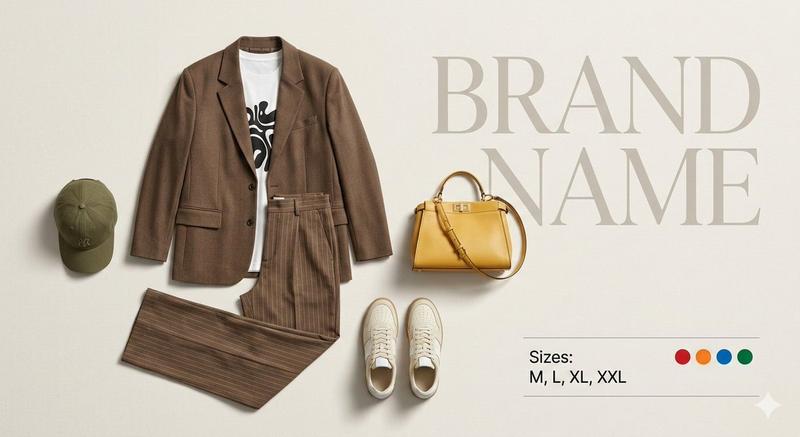
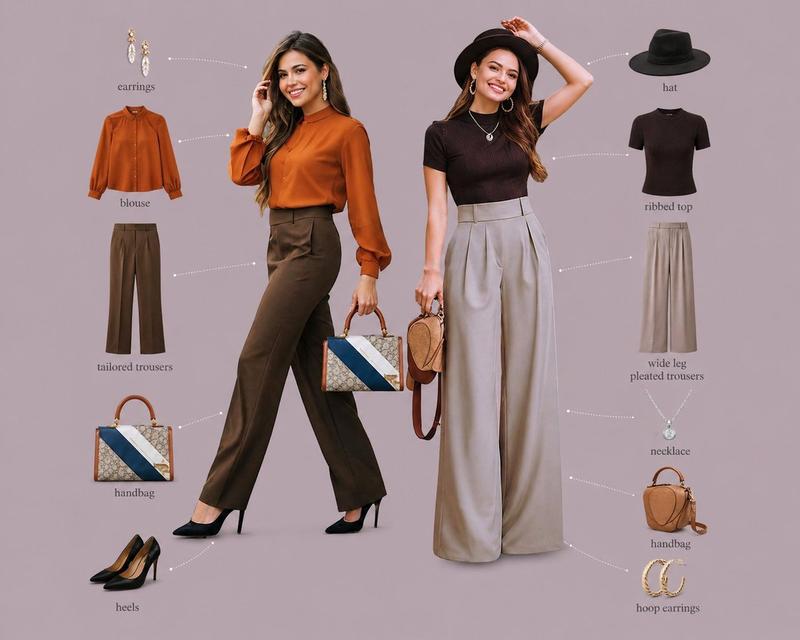
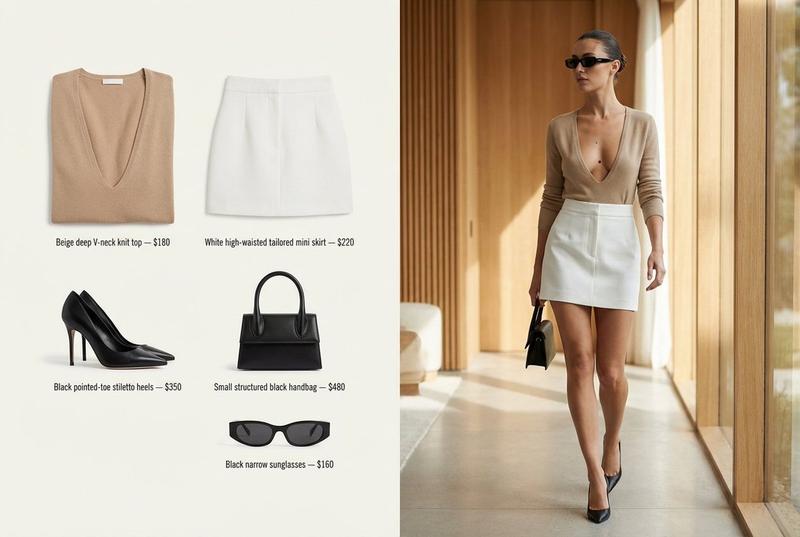
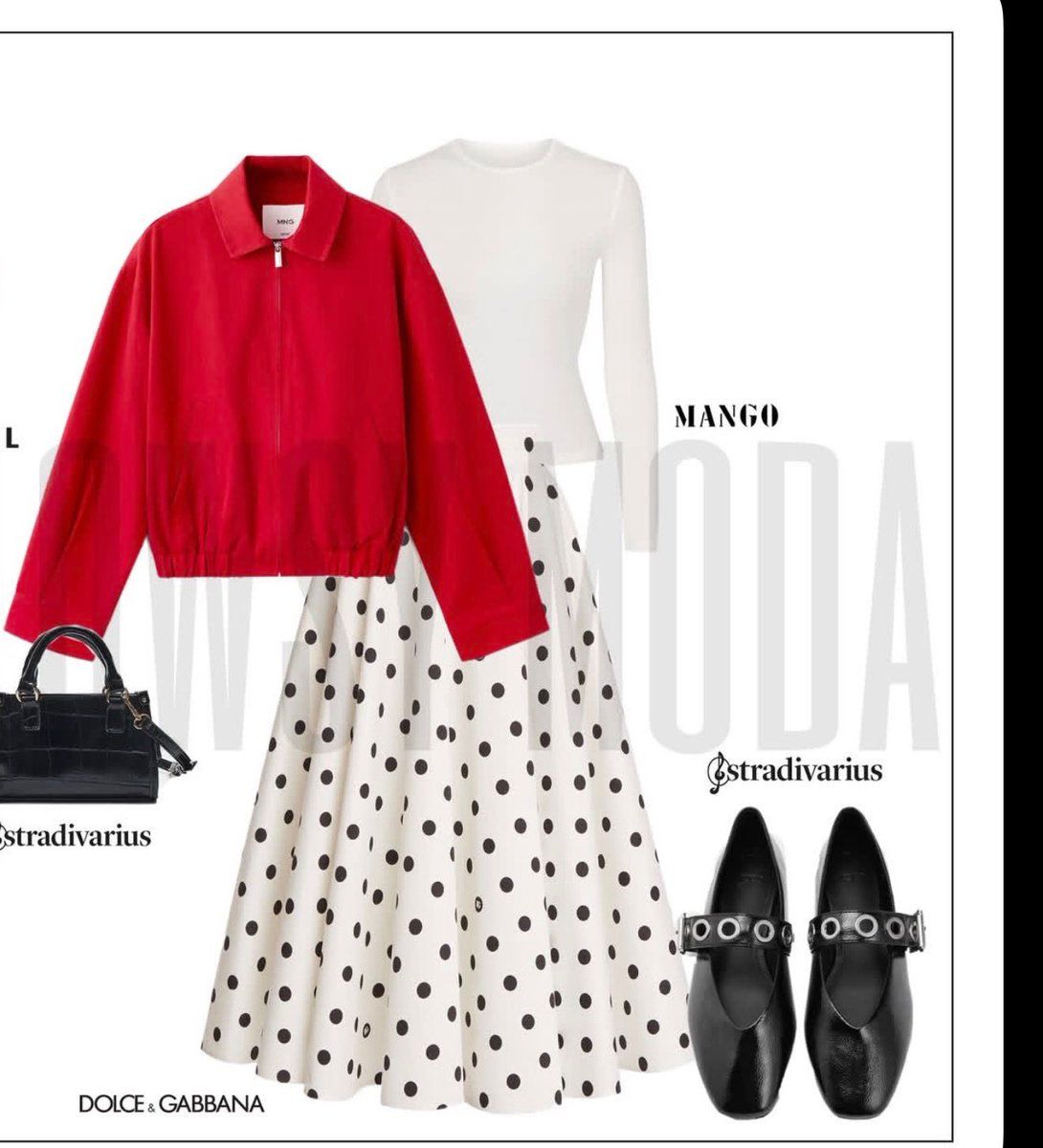
A clean editorial fashion collage on a light gray-white background with a thin black rectangular border, styled like a minimalist magazine outfit board. Center the outfit as a flat lay style composition with 5 visible fashion items: a bright {argument name="jacket color" default="crimson red"} cropped zip-front jacket with a pointed collar and elastic hem placed slightly left and layered on top; underneath it, a fitted {argument name="top color" default="white"} long-sleeve crew-neck knit top visible at the shoulders and sleeves; below, a voluminous mid-calf A-line skirt in off-white with evenly spaced large black polka dots; at lower left, a structured small black handbag with short top handles and a subtle glossy crocodile texture; at lower right, one pair of black square-toe Mary Jane flats with wide straps and silver grommet-ring hardware. Add oversized very pale gray background typography reading {argument name="background brand text" default="MANGO"} stretched large across the middle behind the clothing. Place smaller black fashion-brand wordmarks around the layout: {argument name="top right logo" default="MANGO"} near the upper right of the outfit, "Stradivarius" near the handbag and again near the shoes, and "DOLCE & GABBANA" at the lower left near the skirt hem. The composition should feel balanced, chic, and contemporary, with soft studio lighting, no shadows or only faint soft shadows, crisp cutout edges, and a polished social-media fashion moodboard aesthetic.
Category
Charts & Infographics
Model
GPT Image 2
Creator
虎小象
Views4
Source ID
14455
Published
Apr 21, 2026

Guide

About "极简时尚风格项目穿搭"

What is this prompt for?

"极简时尚风格项目穿搭" AI image prompt for GPT Image 2 (Charts & Infographics). 此提示词可生成带有品牌风格的干净编辑风穿搭拼贴图,适用于时尚灵感项目、社交媒体帖子及数字衣橱概念。 Copy it on Picva and recreate the look…

The full copyable prompt and example visuals above are ready for AI image generation or one-click recreate in Picva.

How to use this prompt

  1. Step 1

    Open the prompt detail

    Review the example visuals, category, and full prompt text for "极简时尚风格项目穿搭".

  2. Step 2

    Copy the prompt

    Copy the prompt body from this page, or load it directly in Studio.

  3. Step 3

    Pick a model (GPT Image 2)

    Prefer GPT Image 2. If you switch models, keep subject and composition and tweak style terms.

  4. Step 4

    Generate and export

    Recreate the look in Picva, or export into your workflow for editing and publishing.

FAQ

What is the "极简时尚风格项目穿搭" prompt?
It is an AI image-generation prompt for GPT Image 2 in the Charts & Infographics category. This page includes the full prompt text, example visuals, and a one-click recreate path in Picva.
How do I use this prompt to generate an image?
Copy the prompt from this page, or use Generate / Studio. Paste it into a compatible image model, or recreate the look in Picva with optional reference images.
Which model is this prompt for?
This page lists GPT Image 2. Most descriptive prompts also transfer to nearby image models such as GPT Image, Flux, or Midjourney with light style tweaks.
Can I use the result commercially?
You can usually copy the prompt for creation, but commercial use of the final image depends on the model terms, reference-image rights, and the generated content. Follow the source author and platform rules.