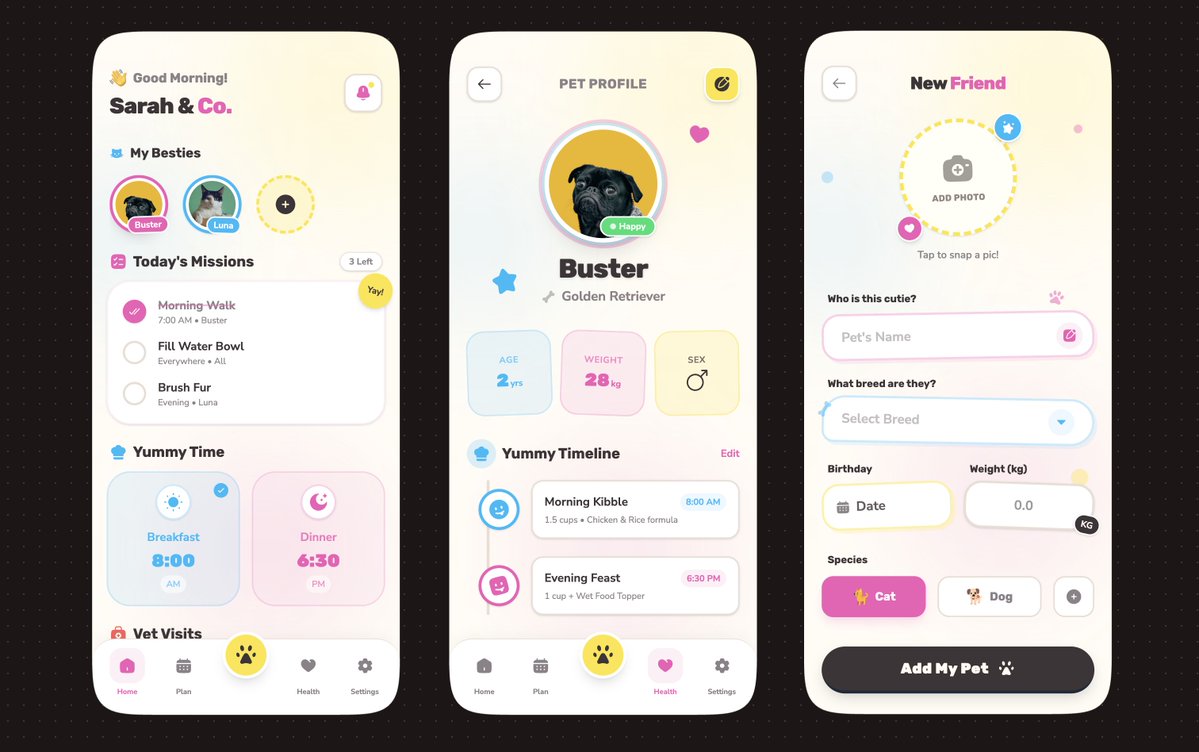
带有树懒吉祥物的柔和色调跑步 App UI
Prompt
{"type":"mobile fitness app UI mockup","style":"clean modern pastel app design, soft beige and warm white surfaces, muted sage green accents, rounded cards and buttons, subtle shadows, thin minimalist line icons, friendly playful branding with a sloth mascot, dribbble-style presentation on a dark brown dotted background","theme":"running tracker app","layout":{"device_count":3,"arrangement":"three tall smartphone screens side by side, evenly spaced, front view","background":"very dark brown with a faint evenly spaced dot grid","screens":[{"position":"left","screen_type":"home dashboard","header":{"greeting":"Good morning, Runner! 👋","left_icon":"none","right_icon":"notification bell"},"hero_card":{"headline":"Ready for a great day?","subcard_text_line_1":"Every step forward is a win.","subcard_text_line_2":"Let's make it count. 🌱","illustration":"cute sloth wearing a cream headband and mint-green workout outfit, standing and waving inside the card on the right"},"sections":[{"title":"This Week","position":"upper middle","count":3,"labels":["Runs","Distance","Time"],"values":["3","12.6 km","1h 45m"],"presentation":"single rounded stats card with three equal columns and pale green circular icons"},{"title":"NEXT GOAL","position":"middle lower","count":1,"labels":["20 km this month"],"values":["63%"],"presentation":"rounded progress card with green progress bar and small waving sloth illustration on the right"},{"title":"Recent Activity","position":"lower","count":1,"labels":["Recent Activity"],"presentation":"top edge of another rounded card visible, cropped by the bottom navigation"}],"bottom_nav":{"count":4,"labels":["Home","Run","Progress","Profile"],"active":"Home"}},{"position":"center","screen_type":"run summary","header":{"left_icon":"back chevron","center_text":"Great job!","subtext":"You did it. Time to celebrate. 🎉","right_icon":"share"},"hero_illustration":"cute sloth wearing a headband, mint athletic outfit, and a gold medal, both arms raised in celebration","stats_row":{"count":3,"labels":["DISTANCE","TIME","PACE"],"values":["5.00km","32:15","6:27"],"presentation":"three rounded statistic pills"},"achievement_card":{"count":1,"title":"New Personal Best! 🌟","subtitle":"You shaved 1:12 off your previous 5K.","icon":"small gold medal badge"},"table_section":{"title":"Splits","count":2,"columns":["KM","PACE","TIME"],"rows":[["1","6:35","6:35"],["2","6:23","12:58"]],"presentation":"rounded white table card with light dividers"}},{"position":"right","screen_type":"run goal setup","header":{"left_icon":"close x","center_text":"Time to run!","subtext":"You've got this. We'll take it slow. 🦥","right_icon":"settings gear"},"goal_visual":{"type":"circular progress selector","top_label":"CHOOSE A GOAL","main_value":"5.00","unit":"kilometers","ring":"thick partial sage-green arc on a pale beige circle","illustration":"small sloth stretching on the upper-right edge of the circle"},"goal_options":{"count":4,"labels":["2 km","5 km","10 km","Half"],"active":"5 km"},"primary_cta":{"label":"Start Run","style":"large rounded sage-green button"},"secondary_action":{"label":"Just Track","icon":"location pin"},"bottom_nav":{"count":4,"labels":["Home","Run","Progress","Profile"],"active":"Run"}}]}}- Category
- Charts & Infographics
- Model
- GPT Image 2
- Creator
- Mattia
- Source ID
- 15794
- Published
- Apr 24, 2026
Views9