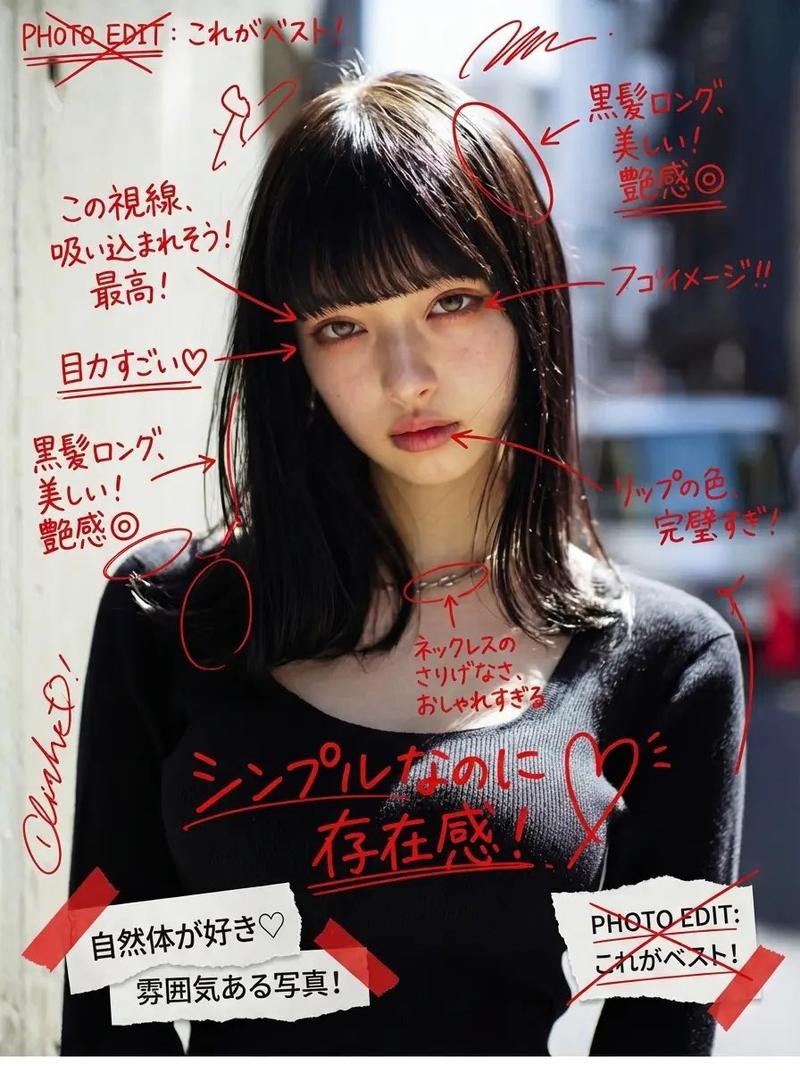
18

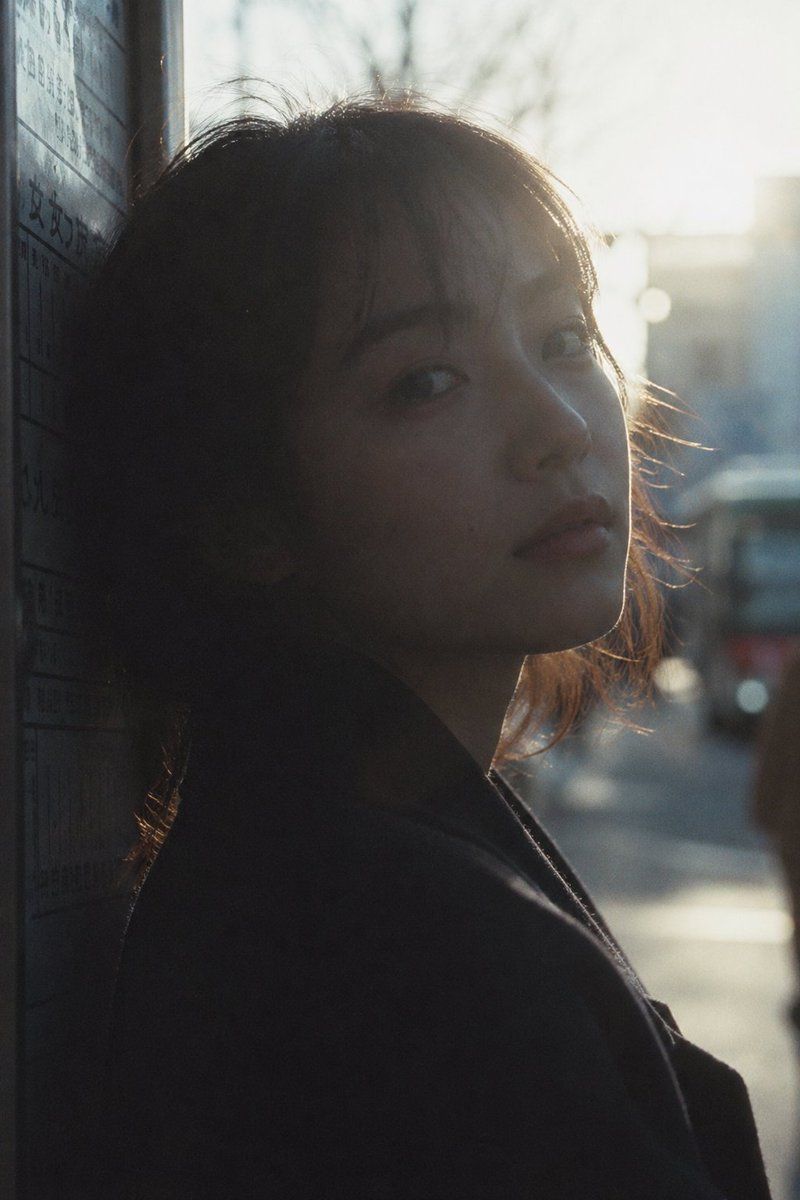
电影感城市剪影肖像
Enlarge

电影感城市剪影肖像

Prompt
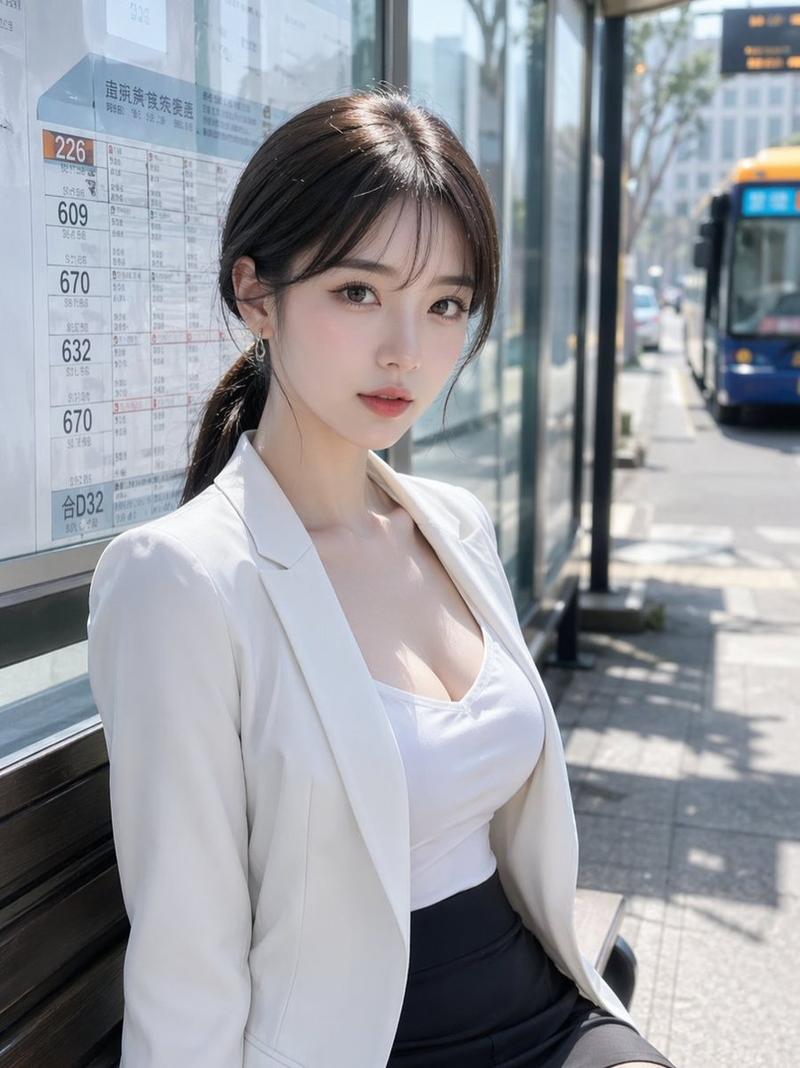
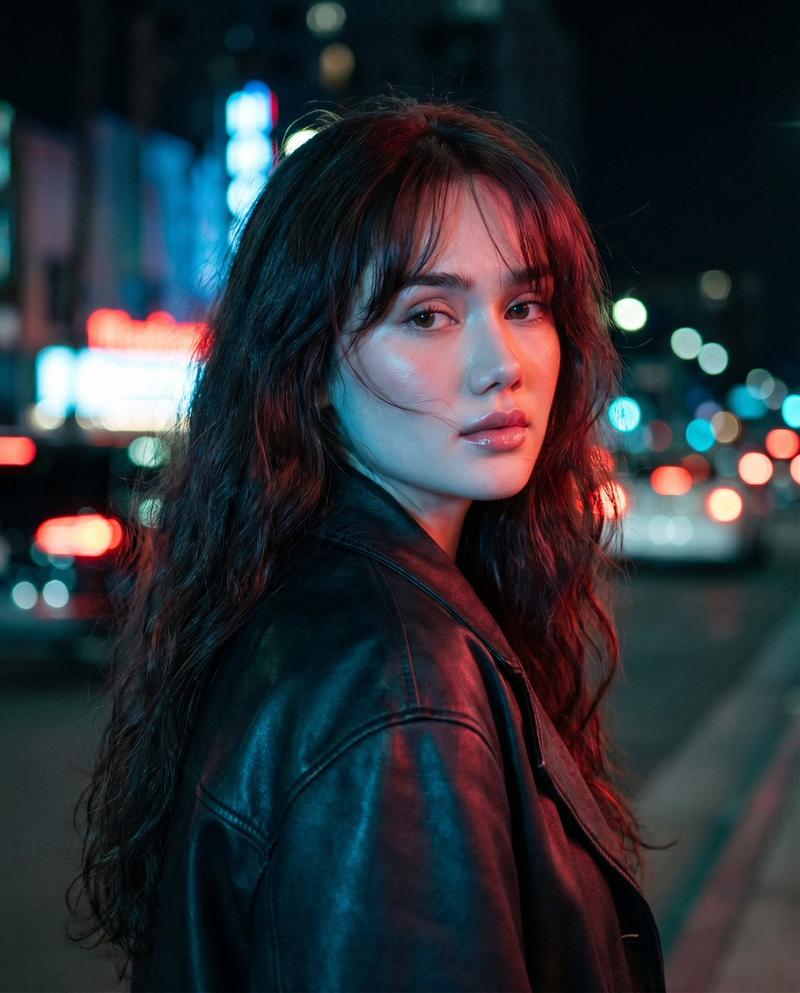
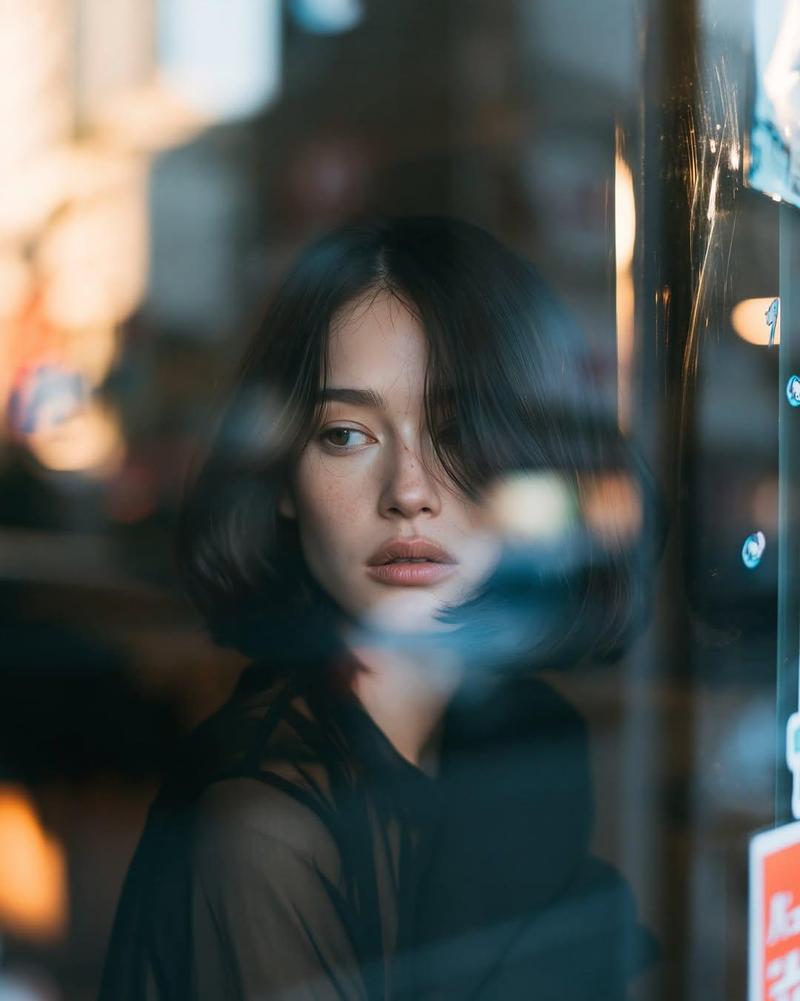
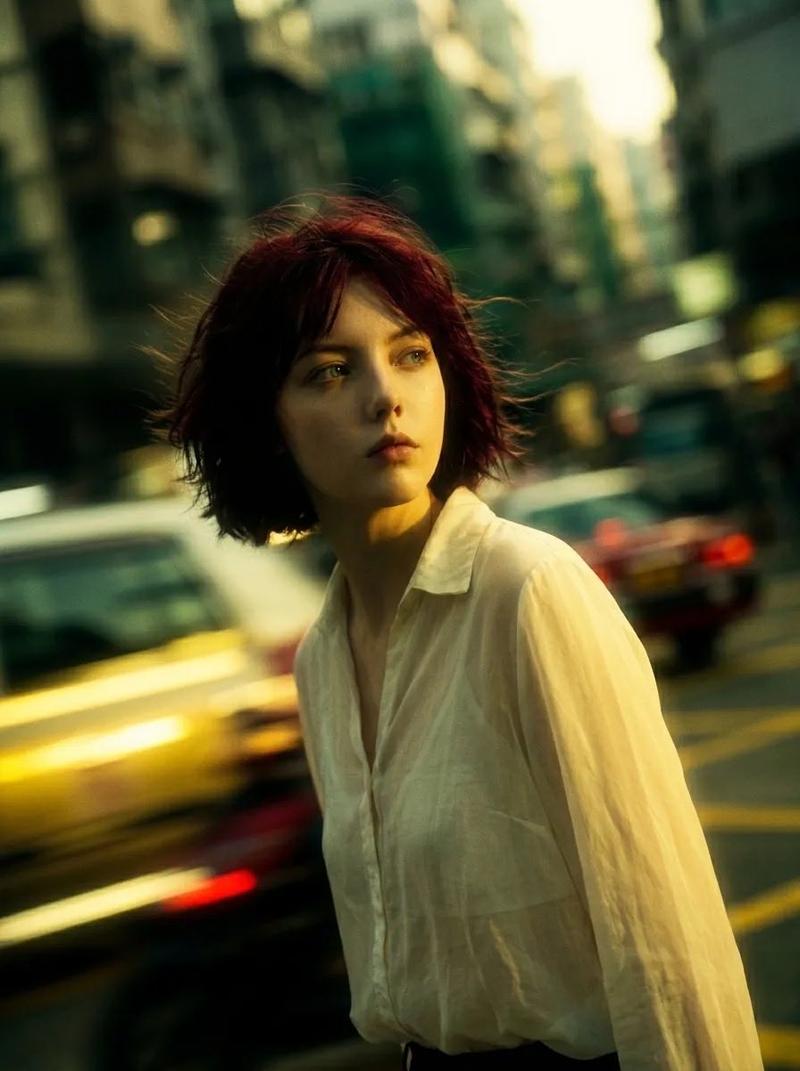
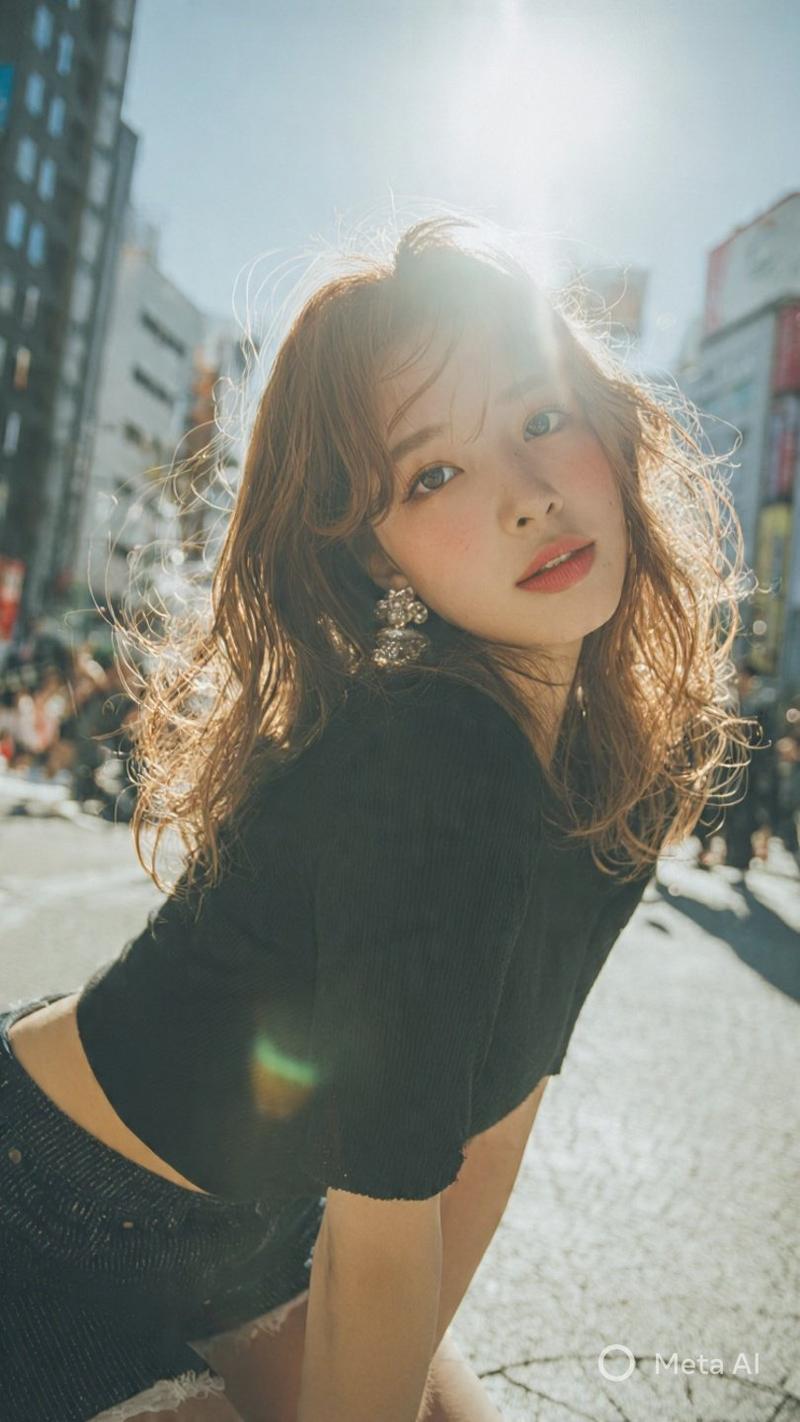
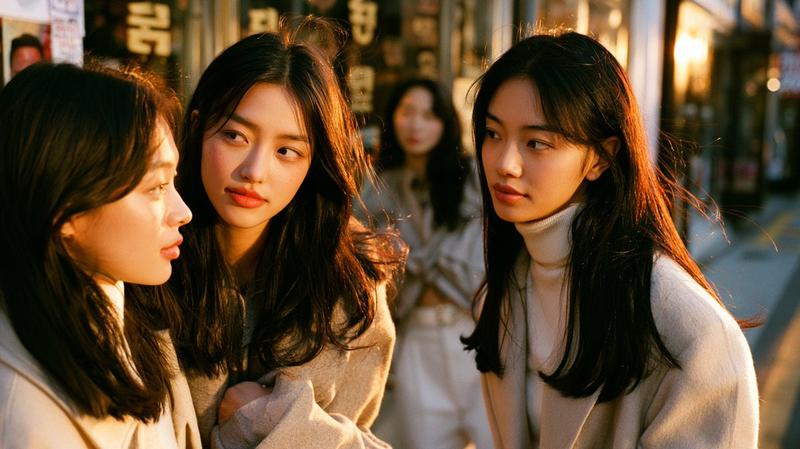
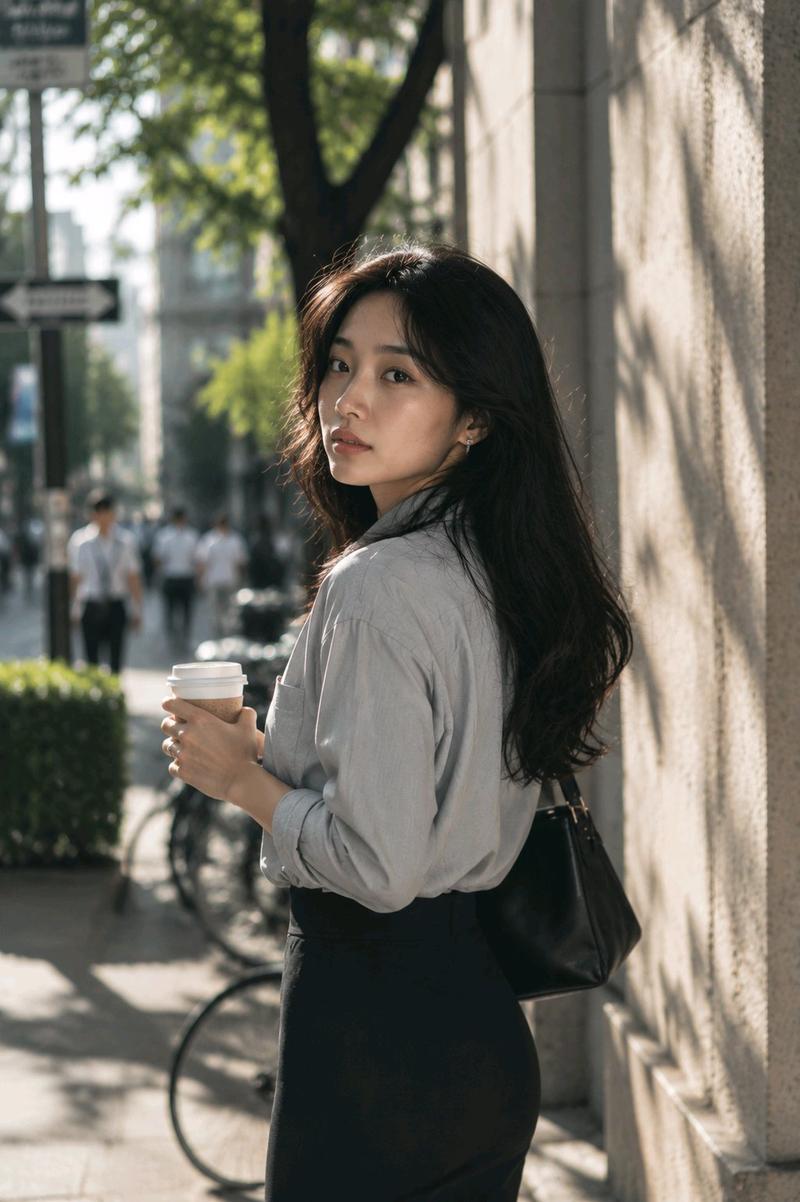
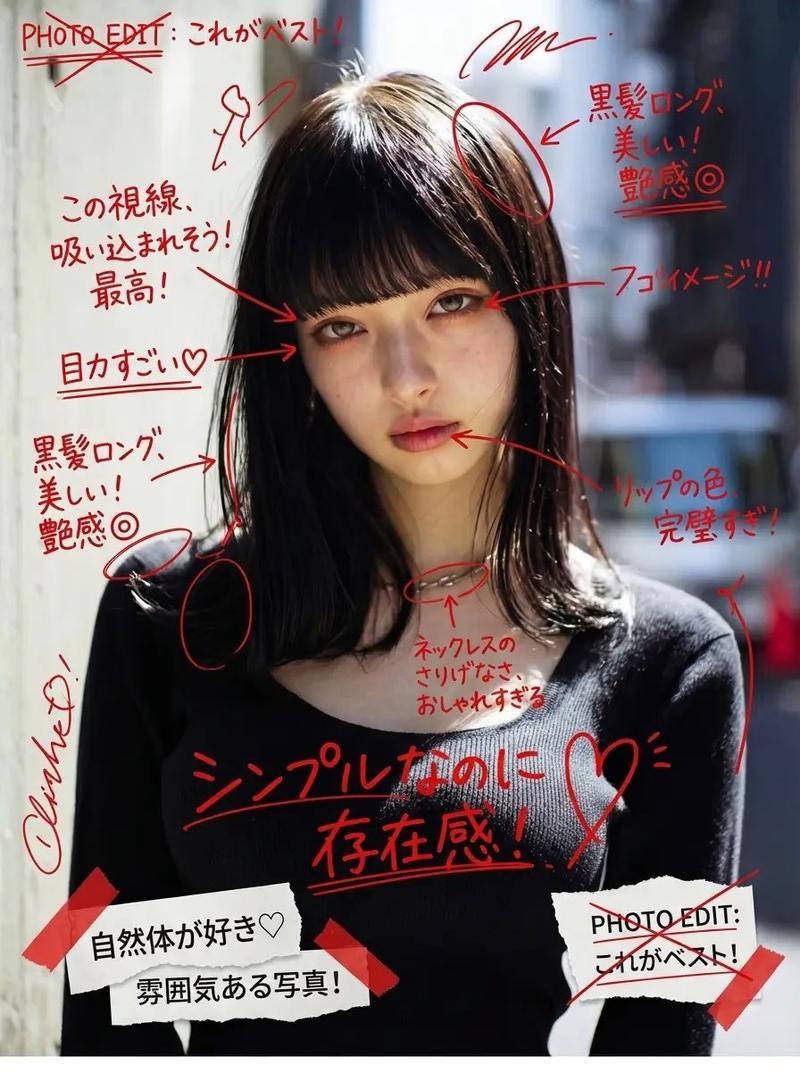
{argument name="style" default="Japanese negative film aesthetic"}, close-up street silhouette portrait at {argument name="setting" default="bus stop"}, tight framing, head-and-shoulder composition, subject positioned very close to camera, soft but directional backlight, slight overexposure highlights, low contrast color base, muted faded tones, subtle film grain

a stunning beautiful {argument name="subject" default="japanese girl"} leaning lightly against {argument name="prop" default="bus stop panel"}, side profile close-up, face and outline clearly defined but mostly in shadow, rim light tracing hair and facial contour, face fully visible (no obstruction), calm gaze slightly toward light or softly toward camera, natural and unposed expression

background compressed and minimal, urban elements blurred and partially cropped, strong light source behind subject, imperfect composition (tight crop, partial cut-off), quiet waiting mood, cinematic but understated, “memory-like realism” --2:3
Category
Architecture & Spaces
Model
GPT Image 2
Views2
Source ID
16225
Published
Apr 26, 2026

Guide

About "电影感城市剪影肖像"

What is this prompt for?

"电影感城市剪影肖像" AI image prompt for GPT Image 2 (Architecture & Spaces). 一个采用日系胶片美学的城市肖像提示词,用于创作人物在公交车站的背光剪影。 Copy it on Picva and recreate the look in one click.

The full copyable prompt and example visuals above are ready for AI image generation or one-click recreate in Picva.

How to use this prompt

  1. Step 1

    Open the prompt detail

    Review the example visuals, category, and full prompt text for "电影感城市剪影肖像".

  2. Step 2

    Copy the prompt

    Copy the prompt body from this page, or load it directly in Studio.

  3. Step 3

    Pick a model (GPT Image 2)

    Prefer GPT Image 2. If you switch models, keep subject and composition and tweak style terms.

  4. Step 4

    Generate and export

    Recreate the look in Picva, or export into your workflow for editing and publishing.

FAQ

What is the "电影感城市剪影肖像" prompt?
It is an AI image-generation prompt for GPT Image 2 in the Architecture & Spaces category. This page includes the full prompt text, example visuals, and a one-click recreate path in Picva.
How do I use this prompt to generate an image?
Copy the prompt from this page, or use Generate / Studio. Paste it into a compatible image model, or recreate the look in Picva with optional reference images.
Which model is this prompt for?
This page lists GPT Image 2. Most descriptive prompts also transfer to nearby image models such as GPT Image, Flux, or Midjourney with light style tweaks.
Can I use the result commercially?
You can usually copy the prompt for creation, but commercial use of the final image depends on the model terms, reference-image rights, and the generated content. Follow the source author and platform rules.