19

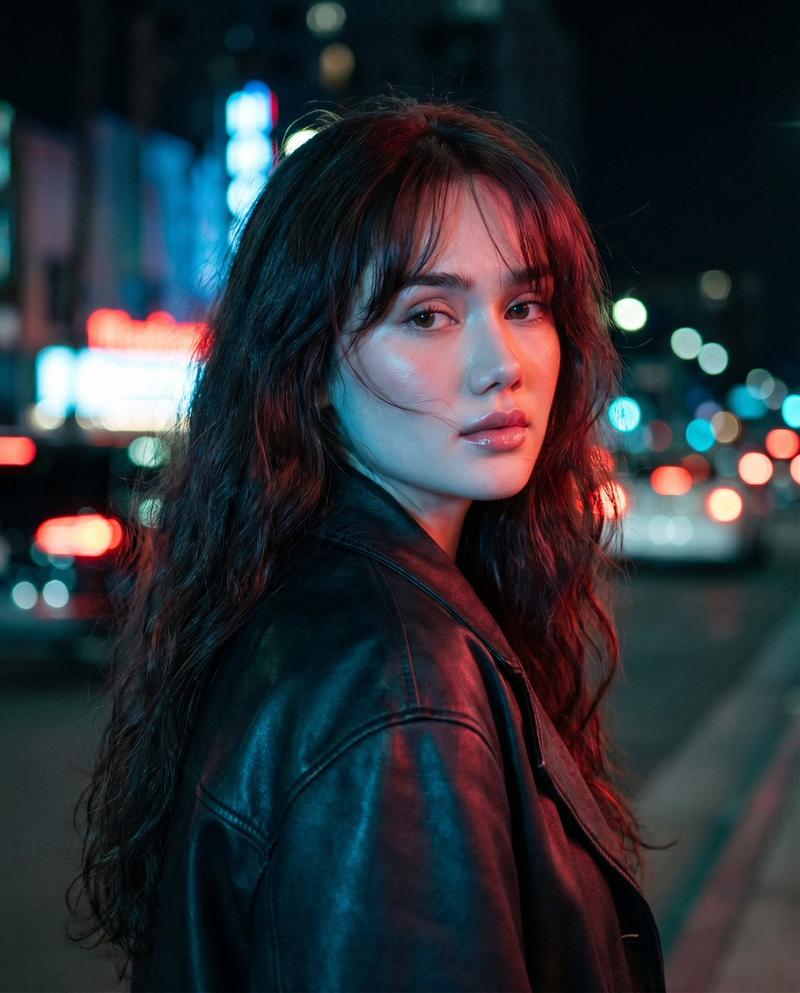
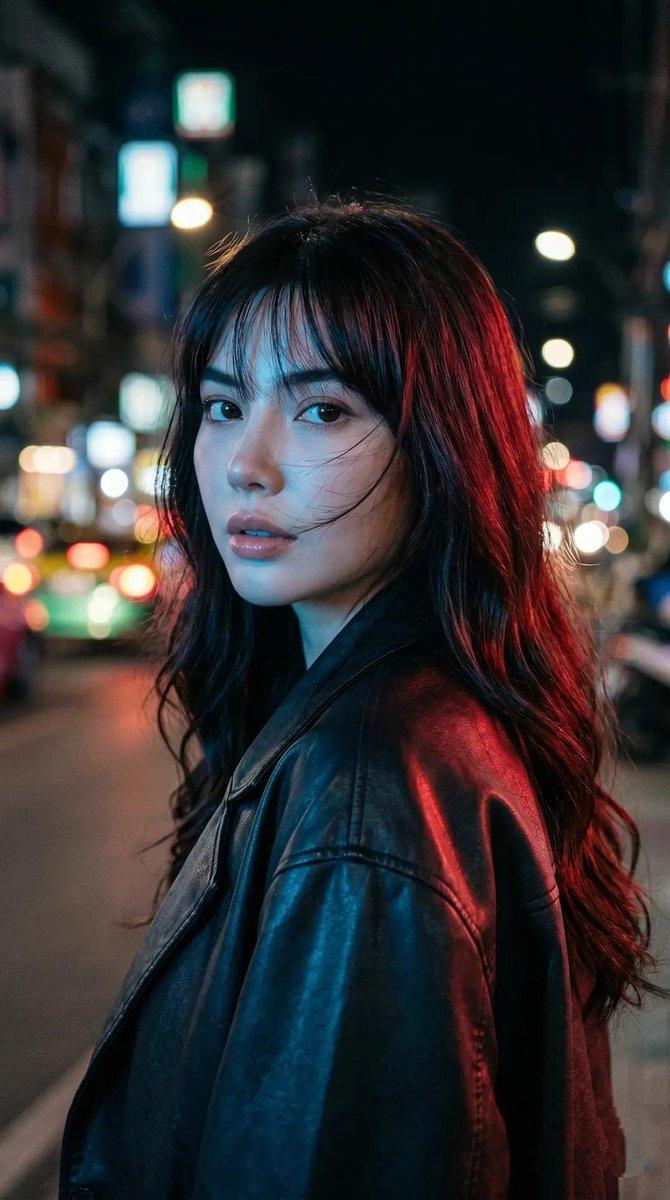
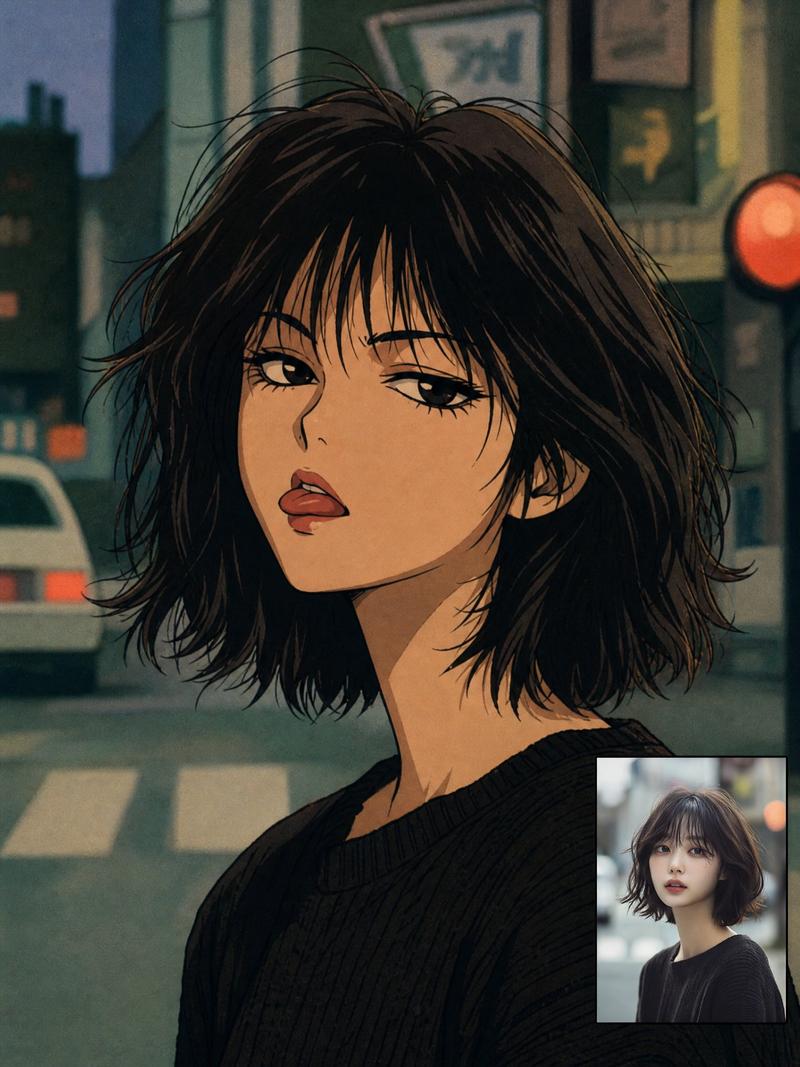
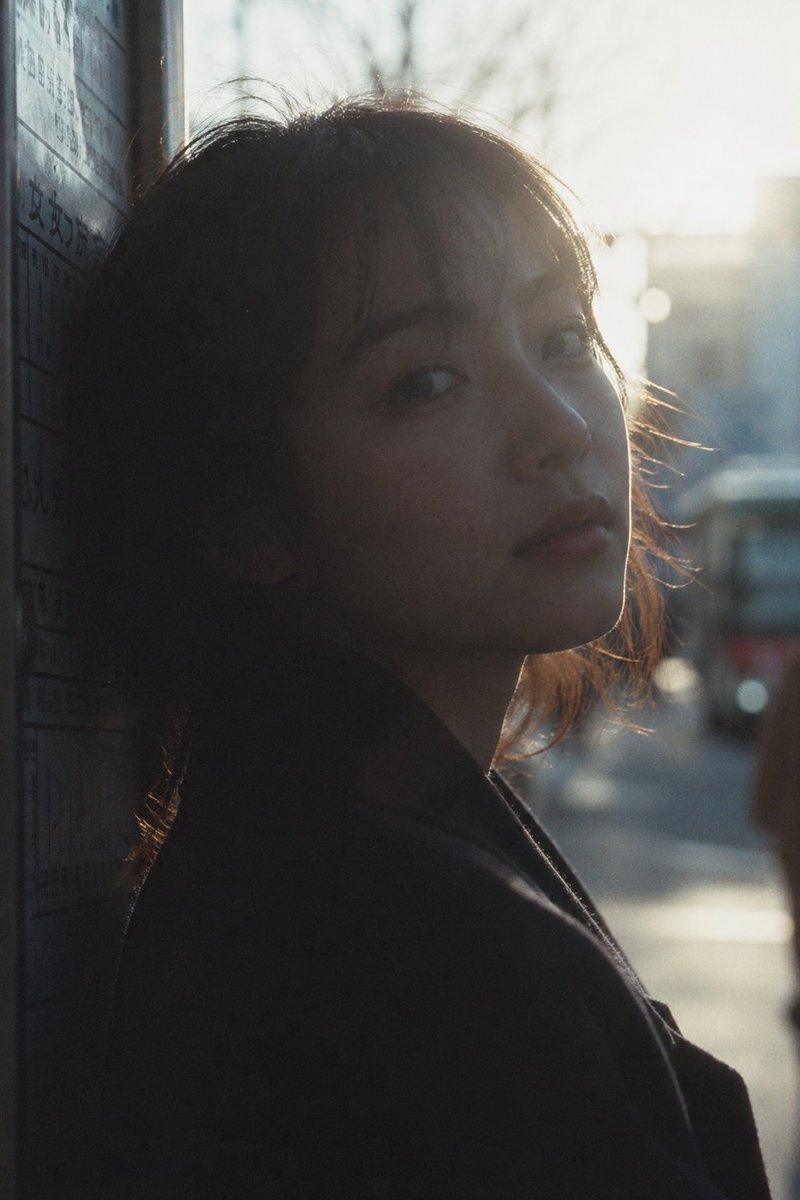
电影感都市街头肖像
Enlarge

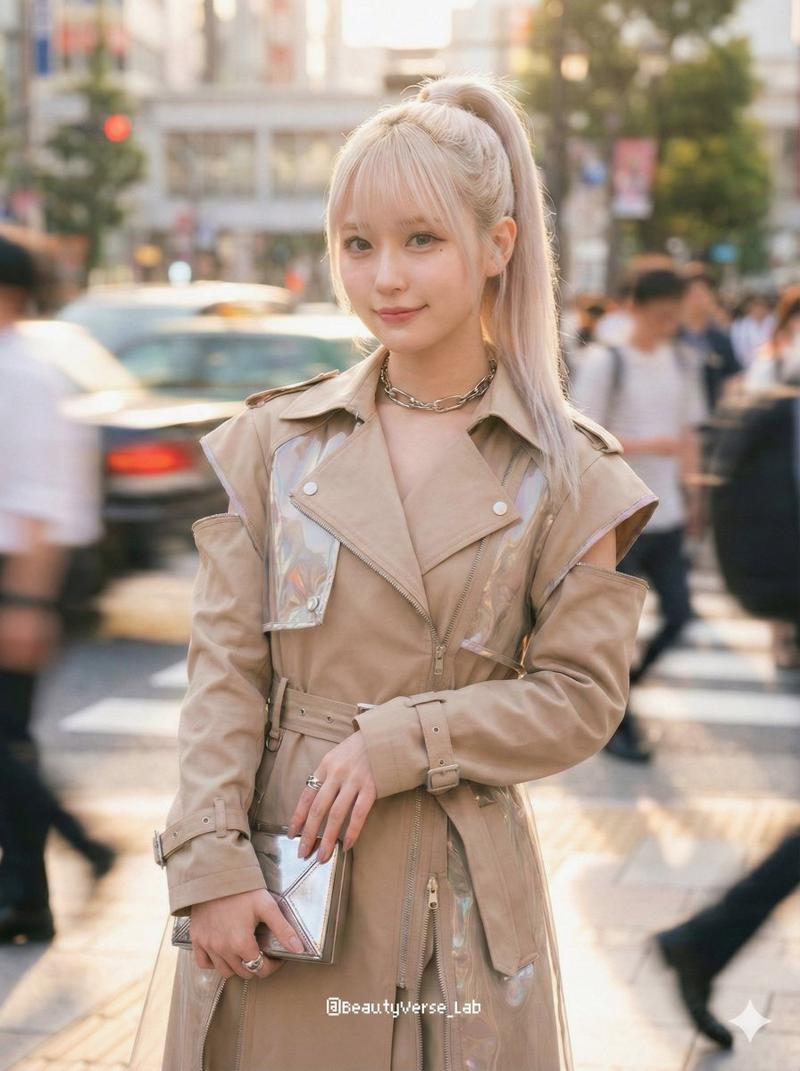
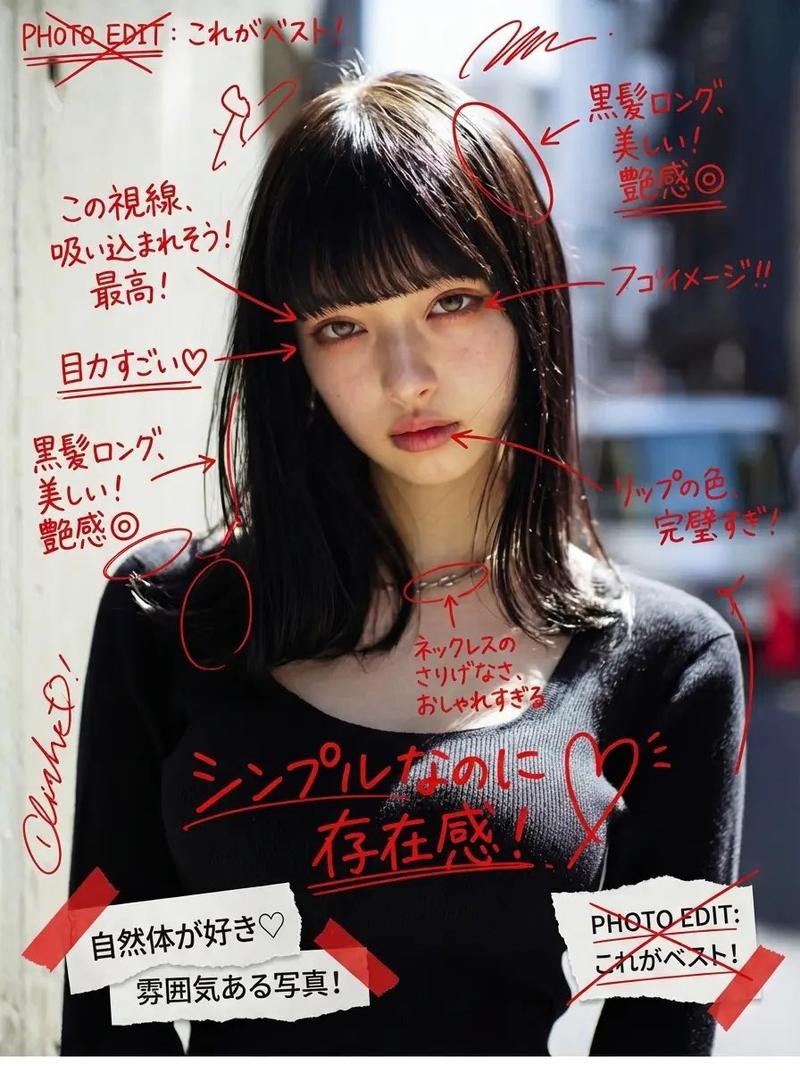
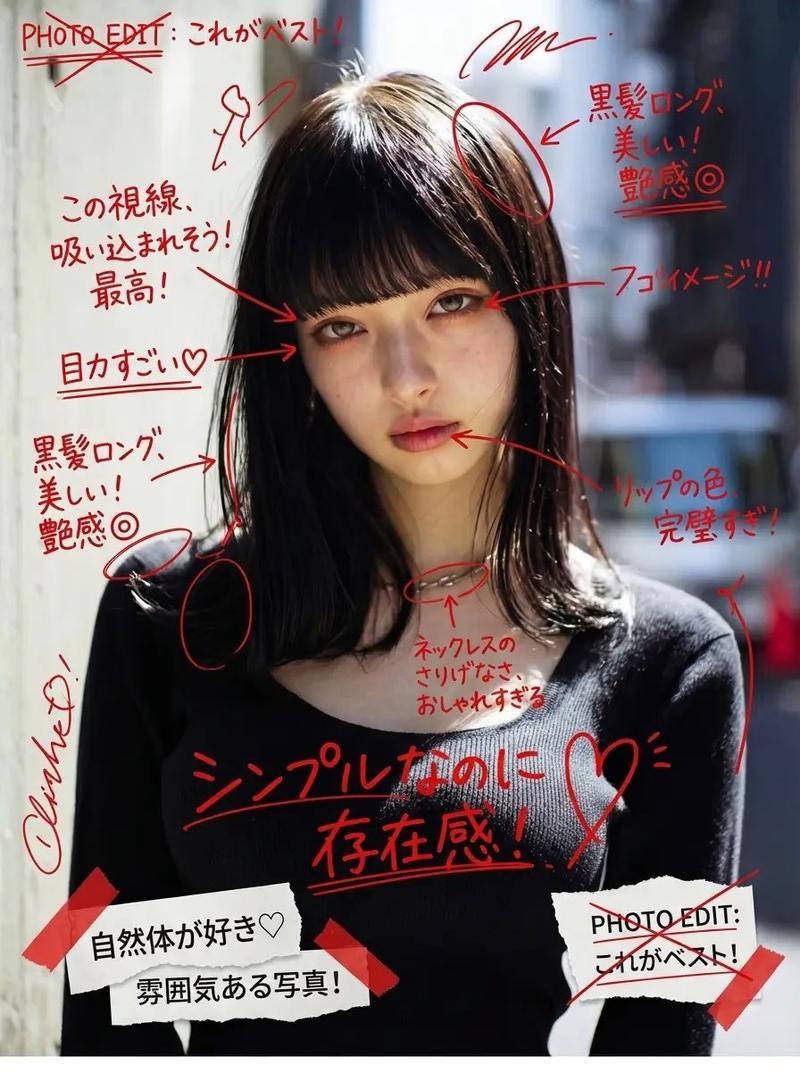
Example images

电影感都市街头肖像

Prompt
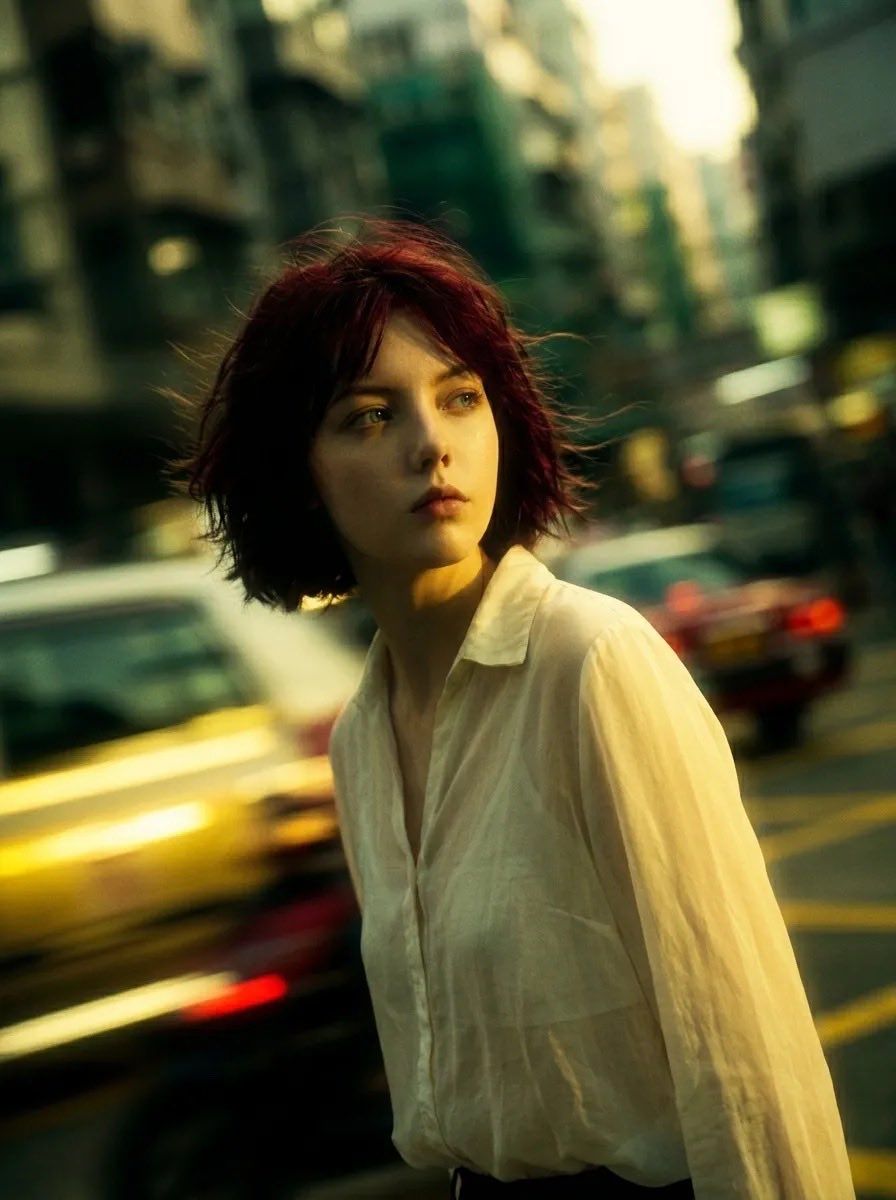
Cinematic portrait photography of a {argument name="subject" default="pale young woman with short messy dark red bob hair"}, wearing a {argument name="outfit" default="loose white linen blouse"}, standing alone in an {argument name="location" default="urban street"} during golden hour, soft wind blowing through her hair, looking away with a melancholic expression, shallow depth of field, motion-blurred cars passing behind her, dreamy atmosphere, teal and warm yellow color grading, natural skin texture, moody lighting, film grain, realistic photography, 35mm lens, soft bokeh, cinematic composition, emotional storytelling, slightly desaturated tones, high detail, indie movie aesthetic, candid street photography style
Category
Charts & Infographics
Model
GPT Image 2
Creator
Sairah
Views2
Source ID
22985
Published
May 28, 2026

Guide

About "电影感都市街头肖像"

What is this prompt for?

"电影感都市街头肖像" AI image prompt for GPT Image 2 (Charts & Infographics). 一个用于生成黄金时刻忧郁电影感都市肖像的高质量提示词,具备 35mm 胶片美学。 Copy it on Picva and recreate the look in one cli…

The full copyable prompt and example visuals above are ready for AI image generation or one-click recreate in Picva.

How to use this prompt

  1. Step 1

    Open the prompt detail

    Review the example visuals, category, and full prompt text for "电影感都市街头肖像".

  2. Step 2

    Copy the prompt

    Copy the prompt body from this page, or load it directly in Studio.

  3. Step 3

    Pick a model (GPT Image 2)

    Prefer GPT Image 2. If you switch models, keep subject and composition and tweak style terms.

  4. Step 4

    Generate and export

    Recreate the look in Picva, or export into your workflow for editing and publishing.

FAQ

What is the "电影感都市街头肖像" prompt?
It is an AI image-generation prompt for GPT Image 2 in the Charts & Infographics category. This page includes the full prompt text, example visuals, and a one-click recreate path in Picva.
How do I use this prompt to generate an image?
Copy the prompt from this page, or use Generate / Studio. Paste it into a compatible image model, or recreate the look in Picva with optional reference images.
Which model is this prompt for?
This page lists GPT Image 2. Most descriptive prompts also transfer to nearby image models such as GPT Image, Flux, or Midjourney with light style tweaks.
Can I use the result commercially?
You can usually copy the prompt for creation, but commercial use of the final image depends on the model terms, reference-image rights, and the generated content. Follow the source author and platform rules.