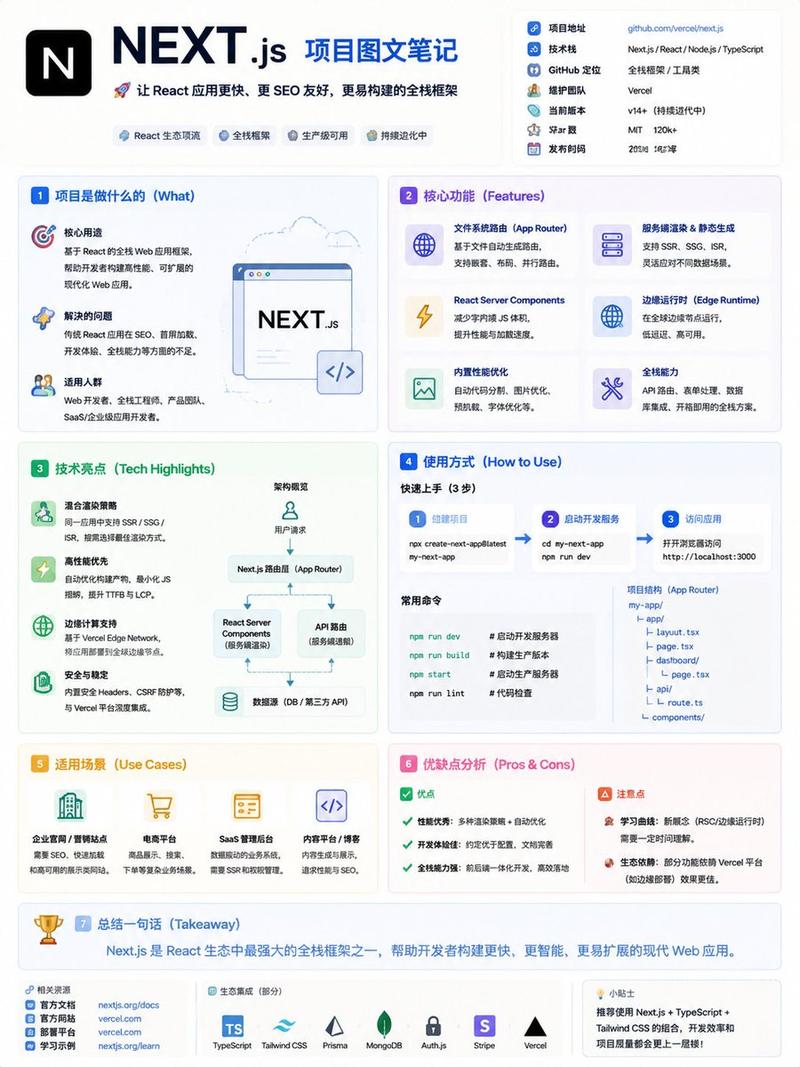
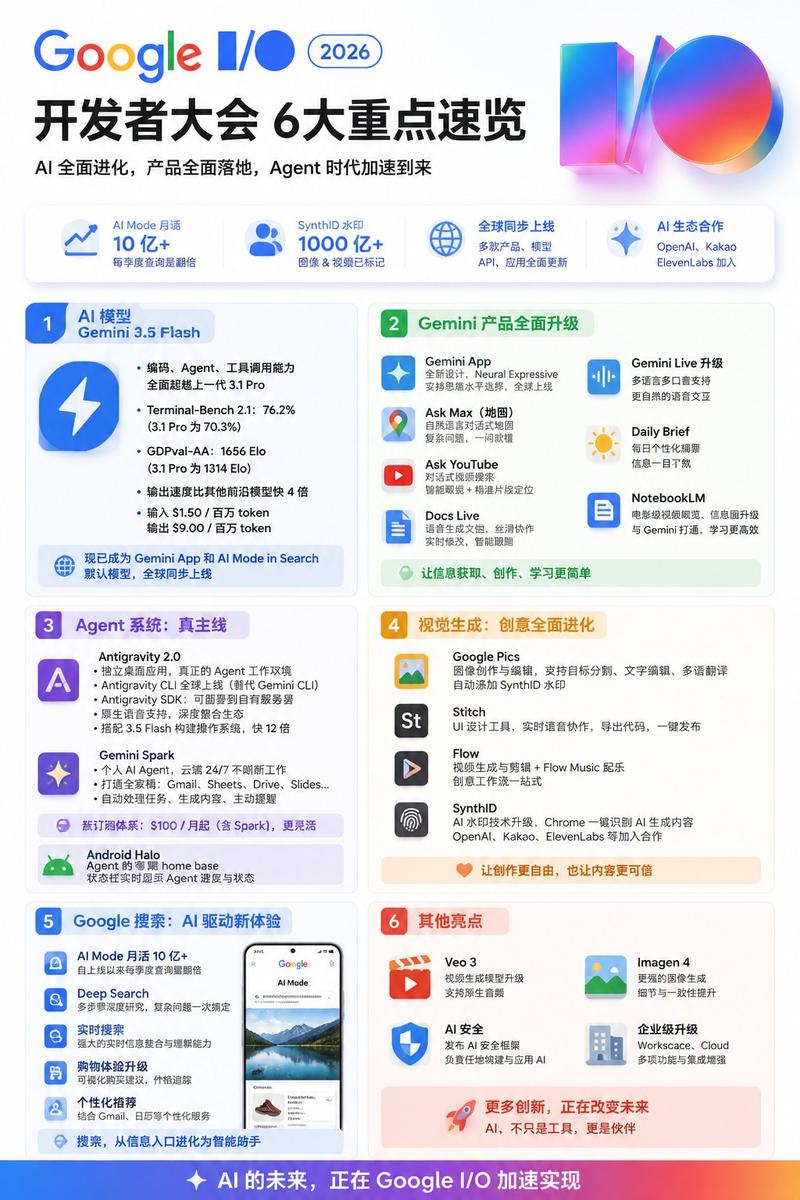
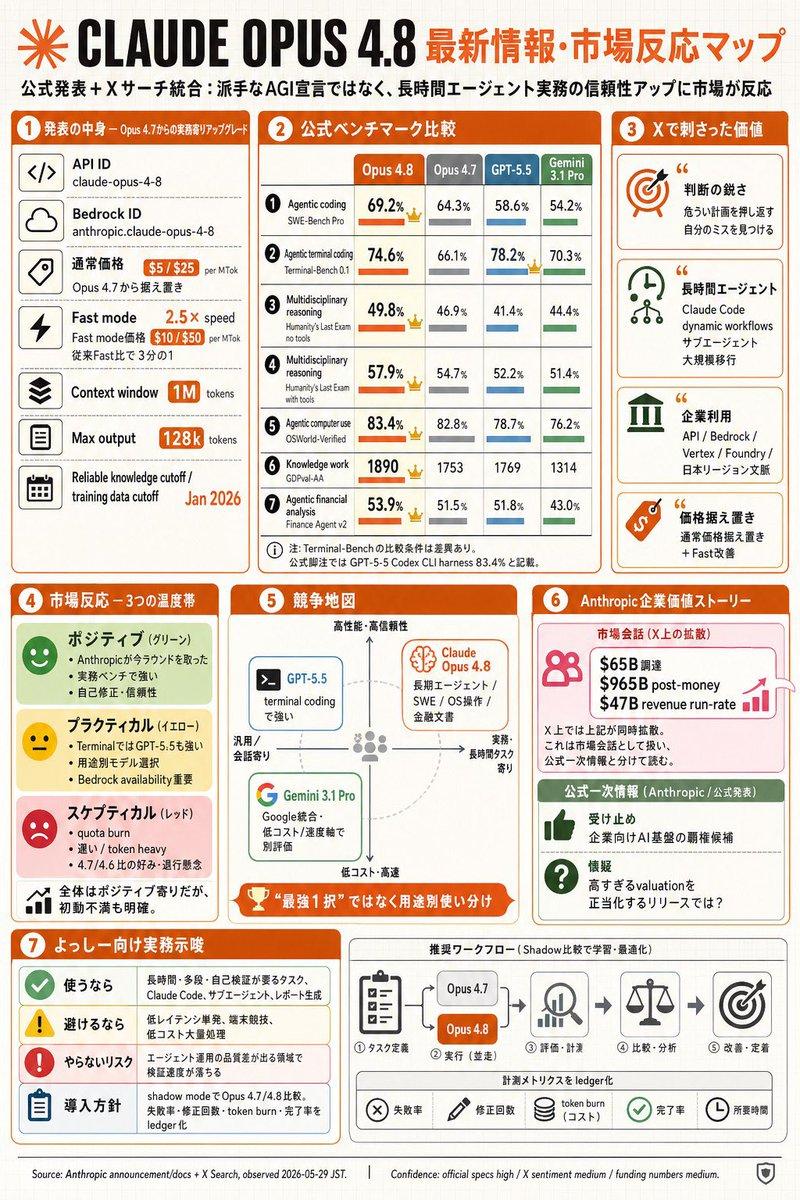
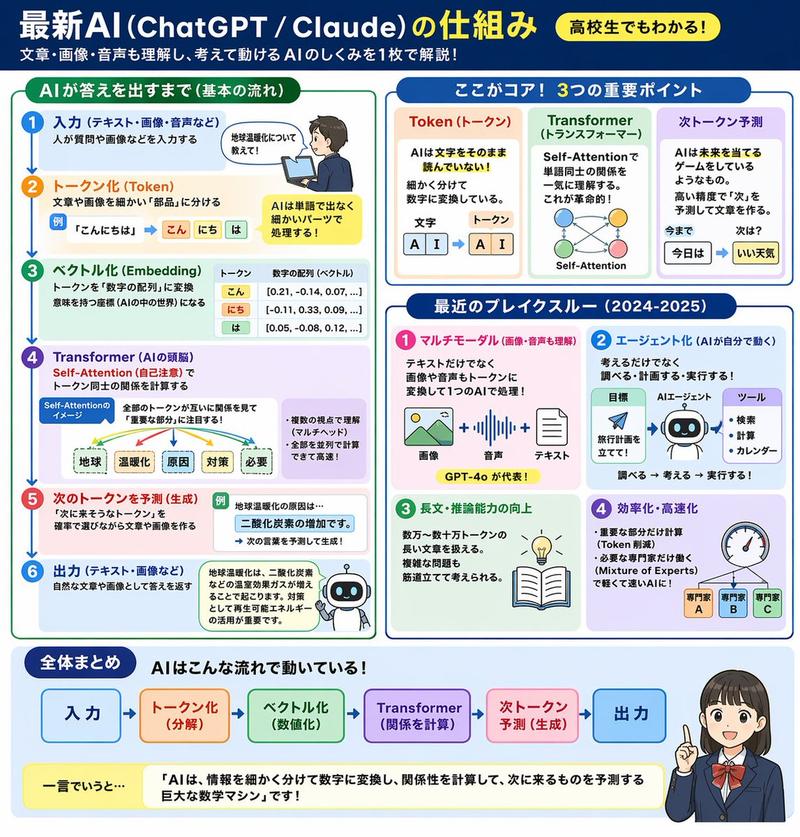
中文 Vmess 协议信息图
Prompt
{"type":"modern Chinese infographic poster","topic":"{argument name=\"topic title\" default=\"Vmess 协议\"}","style":{"overall":"clean tech explainer, polished brochure-like educational poster, minimalist flat illustration, soft shadows, rounded white cards, blue-and-green cybersecurity color palette","background":"warm off-white with faint geometric dots, subtle globe line art, and light decorative curves","aspect_ratio":"4:5 vertical"},"header":{"title":"{argument name=\"main title\" default=\"Vmess 协议\"}","subtitle":"{argument name=\"subtitle text\" default=\"一种灵活、强大的代理传输协议(V2Ray 核心协议)\"}","intro":"Vmess 是 V2Ray 项目的核心协议之一,设计目标是高效、灵活、易于扩展,适用于多种网络环境下的安全传输。","hero_illustration":"desktop monitor showing a blue V app icon and the word Vmess, beside a smartphone with a green shield checkmark"},"layout":{"grid":"2 columns, 4 rows of rounded content cards below the header","sections":[{"number":1,"title":"什么是 Vmess?","position":"row 1 left","count":3,"labels":["Vmess","V2Ray = 多协议框架,Vmess 是其中最常用的协议之一。","Vmess 是由 V2Ray 开发的一种代理协议,基于自定义的认证与加密机制,传输效率高,配置灵活,支持多种传输方式。"],"visual":"blue cube-like Vmess icon with a large V"},{"number":2,"title":"工作原理","position":"row 1 right","count":5,"labels":["客户端","建立连接(认证)","数据传输(加密)","服务器","客户端通过预设的 UUID 等信息与服务器建立连接,经过认证后,所有数据在加密通道中传输。"],"visual":"laptop on the left, server stack on the right, green dashed arrow forward, blue dashed arrow backward, central lock-and-shield symbol"},{"number":3,"title":"核心特点","position":"row 2 left","count":4,"labels":["高效传输","灵活安全","可扩展性强","多路复用支持"],"details":["采用二进制传输,开销小,速度快。","支持多种加密与传输方式,安全性高。","字段可扩展,满足不同场景的需求。","支持多路复用(Mux),减少延迟。"],"visual":"4 vertically stacked feature rows with green, blue, orange, and purple icons"},{"number":4,"title":"主要组成","position":"row 2 right","count":4,"labels":["用户标识(UUID)","额外 ID(Alter ID)","加密方式(Security)","传输方式(Transport)"],"details":["用于客户端认证的唯一标识符。","增强伪装性,防止流量特征识别。","数据传输的加密算法,如 AES、ChaCha20 等。","如 TCP、WebSocket、gRPC、HTTP/2 等。"],"visual":"4 vertically stacked rows with square icons for user, cube, lock, and paper airplane"},{"number":5,"title":"配置示例(客户端)","position":"row 3 left","count":2,"labels":["JSON configuration code block","field annotations list"],"visual":"left-side rounded code panel showing JSON with keys v, ps, add, port, id, aid, scy, net, type, host, path, tls; right-side vertical notes explaining each field"},{"number":6,"title":"Vmess 与其他协议对比","position":"row 3 right","count":4,"labels":["特性","Vmess","Shadowsocks","Trojan"],"visual":"comparison table with 6 rows: 开发者, 传输效率, 可扩展性, 伪装能力, 多路复用, plus the header row","table_notes":"Vmess column highlighted in soft green; other columns in neutral tones"},{"number":7,"title":"适用场景","position":"row 4 left","count":4,"labels":["跨境访问","企业内网穿透","流媒体解锁","网络隐私保护"],"details":["访问受限网站与服务。","安全连接公司内部资源。","解锁地区限制的视频内容。","加密流量,保护上网隐私。"],"visual":"4 evenly spaced icon-and-caption items: globe, shield, play button, game controller"},{"number":8,"title":"核心总结","position":"row 4 right","count":2,"labels":["summary paragraph","一句话记住:灵活、安全、高效。"],"visual":"large yellow light bulb icon on the left, text on the right in a blue rounded quote bar","summary_text":"Vmess 是一种高效、灵活且安全的代理协议,凭借强大的扩展性、多种传输支持与良好的隐藏性,成为现代代理工具(如 V2Ray)中最受欢迎的协议之一。"}]},"typography":{"title_style":"large bold sans-serif in dark navy","section_title_style":"bold Chinese sans-serif with colored numbered badges","body_style":"compact readable Chinese UI font","emphasis":"blue pill subtitle, colored icons, green and blue accents"},"color_palette":{"navy":"#14264a","blue":"#5b8ff9","light_blue":"#eaf2ff","green":"#67c587","light_green":"#eaf8ef","purple":"#8c7cf3","orange":"#f3b35f","card":"#ffffff","border":"#e8ebf2","background":"#f7f5f2"}}- Category
- Charts & Infographics
- Model
- GPT Image 2
- Creator
- 叮当星球
- Source ID
- 16320
- Published
- Apr 27, 2026
Views3