20

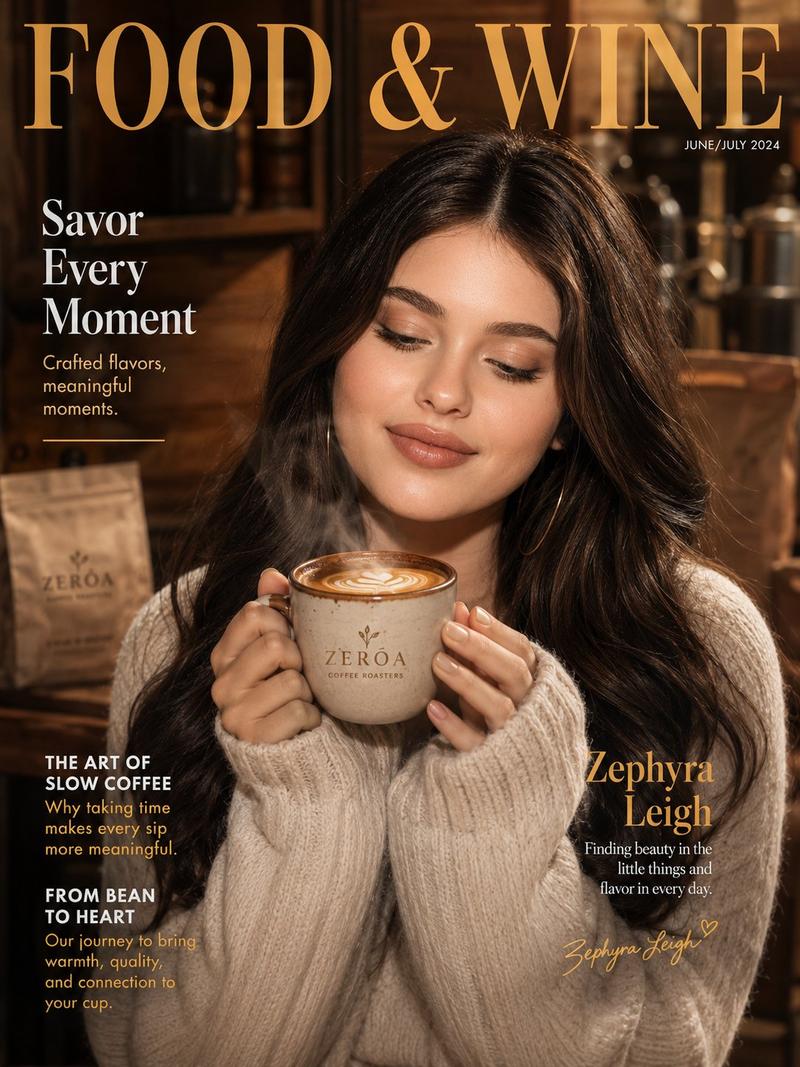
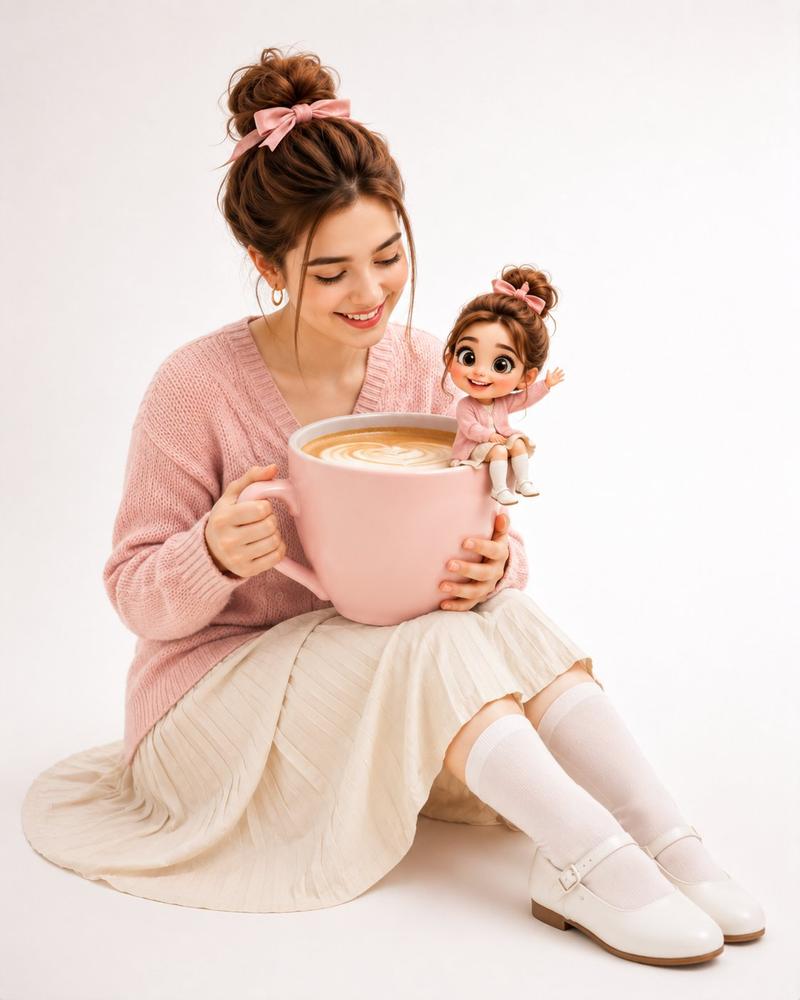
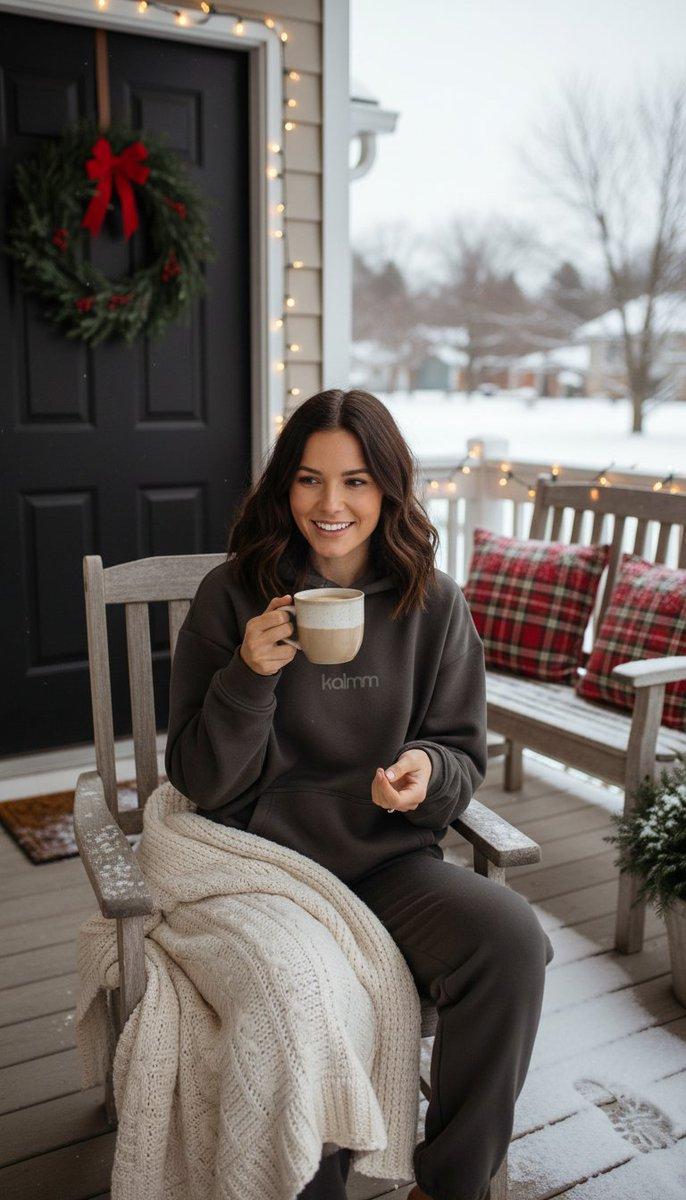
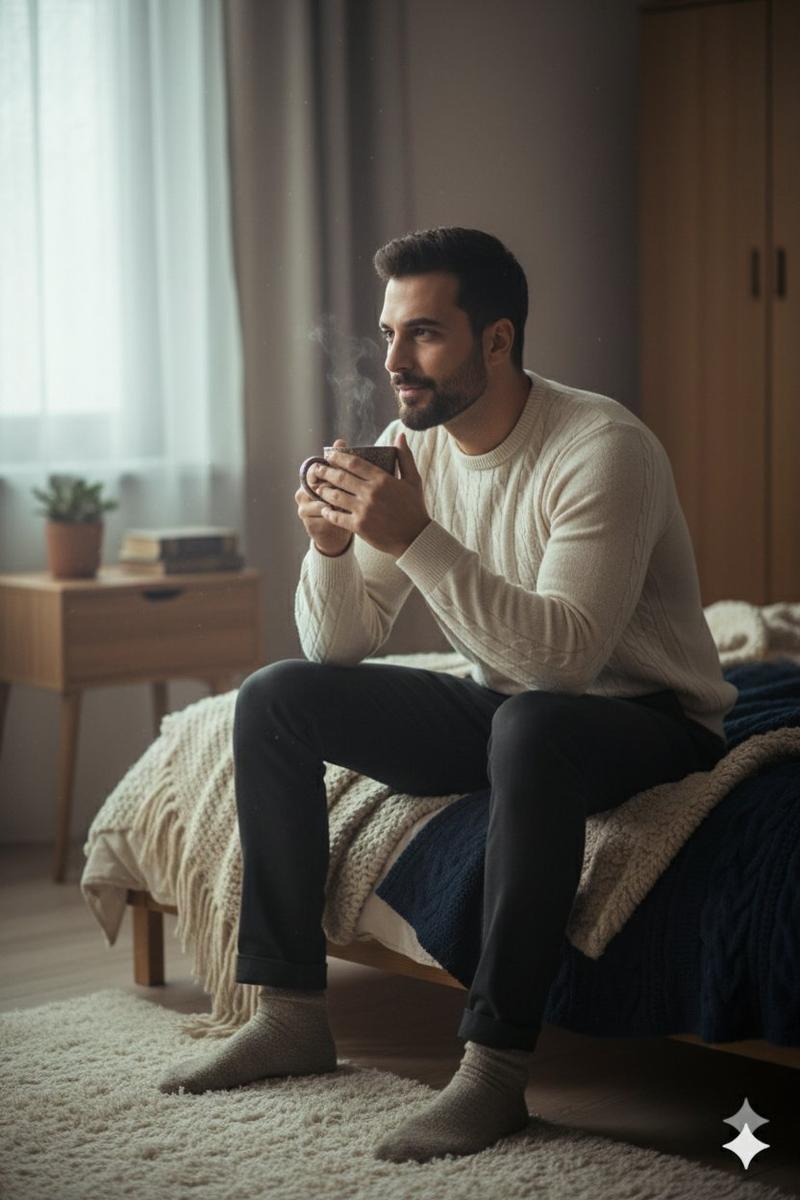
高端咖啡品牌广告
Enlarge

高端咖啡品牌广告

Prompt
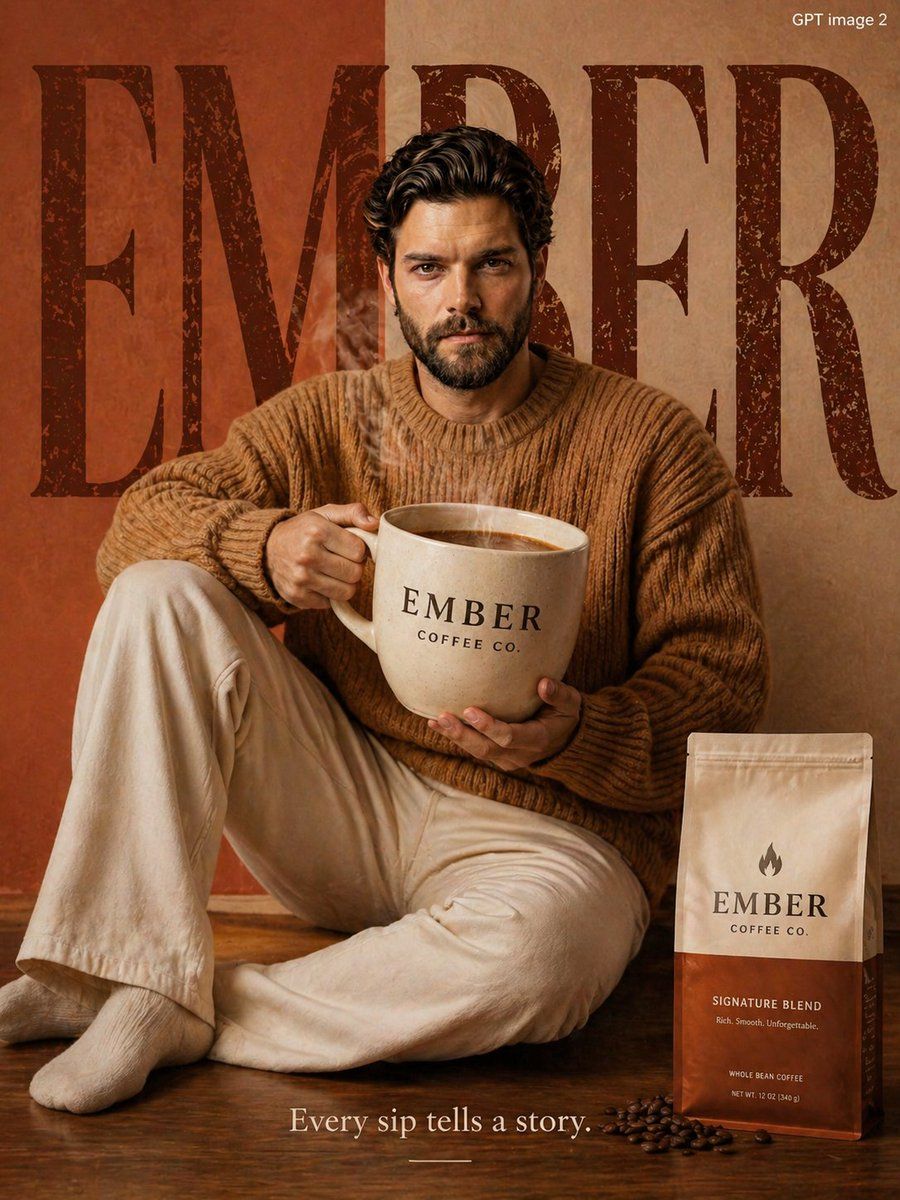
Use the face and exact appearance of the person in the {argument name="reference image" default="uploaded image"} as reference. Create a premium cozy coffee brand advertisement for "{argument name="brand" default="EMBER"}".

Person wearing: {argument name="outfit" default="Warm camel brown oversized knit sweater and cream pants"}.

Pose: Holding a giant oversized ceramic coffee cup prop, relaxed cozy sitting pose.

Background: Warm terracotta and cream background, large bold rustic serif typography "EMBER" filling background.

Product: Coffee packaging shown bottom right corner.

Tagline bottom center: "Every sip tells a story."

Top right watermark: "GPT image 2"

Floor: Warm wood-tone reflective floor, steam rising from cup visible.

Lighting: Warm soft morning editorial lighting.

Quality: Ultra HD 8K photorealistic, portrait 3:4 ratio.
Category
Charts & Infographics
Model
GPT Image 2
Creator
𝐌
Views2
Source ID
16482
Published
Apr 27, 2026

Guide

About "高端咖啡品牌广告"

What is this prompt for?

"高端咖啡品牌广告" AI image prompt for GPT Image 2 (Charts & Infographics). 一份用于创作温馨、高端咖啡品牌广告的综合提示词,以特定人物作为参考。 Copy it on Picva and recreate the look in one click.

The full copyable prompt and example visuals above are ready for AI image generation or one-click recreate in Picva.

How to use this prompt

  1. Step 1

    Open the prompt detail

    Review the example visuals, category, and full prompt text for "高端咖啡品牌广告".

  2. Step 2

    Copy the prompt

    Copy the prompt body from this page, or load it directly in Studio.

  3. Step 3

    Pick a model (GPT Image 2)

    Prefer GPT Image 2. If you switch models, keep subject and composition and tweak style terms.

  4. Step 4

    Generate and export

    Recreate the look in Picva, or export into your workflow for editing and publishing.

FAQ

What is the "高端咖啡品牌广告" prompt?
It is an AI image-generation prompt for GPT Image 2 in the Charts & Infographics category. This page includes the full prompt text, example visuals, and a one-click recreate path in Picva.
How do I use this prompt to generate an image?
Copy the prompt from this page, or use Generate / Studio. Paste it into a compatible image model, or recreate the look in Picva with optional reference images.
Which model is this prompt for?
This page lists GPT Image 2. Most descriptive prompts also transfer to nearby image models such as GPT Image, Flux, or Midjourney with light style tweaks.
Can I use the result commercially?
You can usually copy the prompt for creation, but commercial use of the final image depends on the model terms, reference-image rights, and the generated content. Follow the source author and platform rules.