Dark AI Harness 信息图 Slides
Prompt
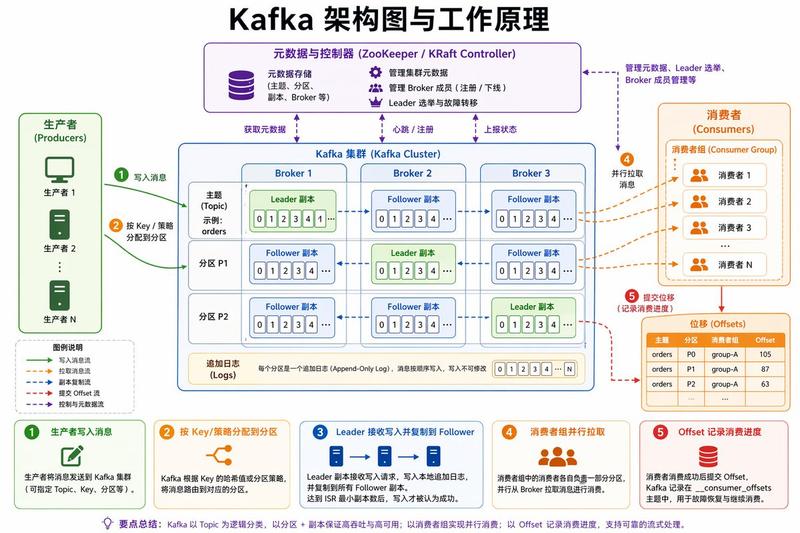
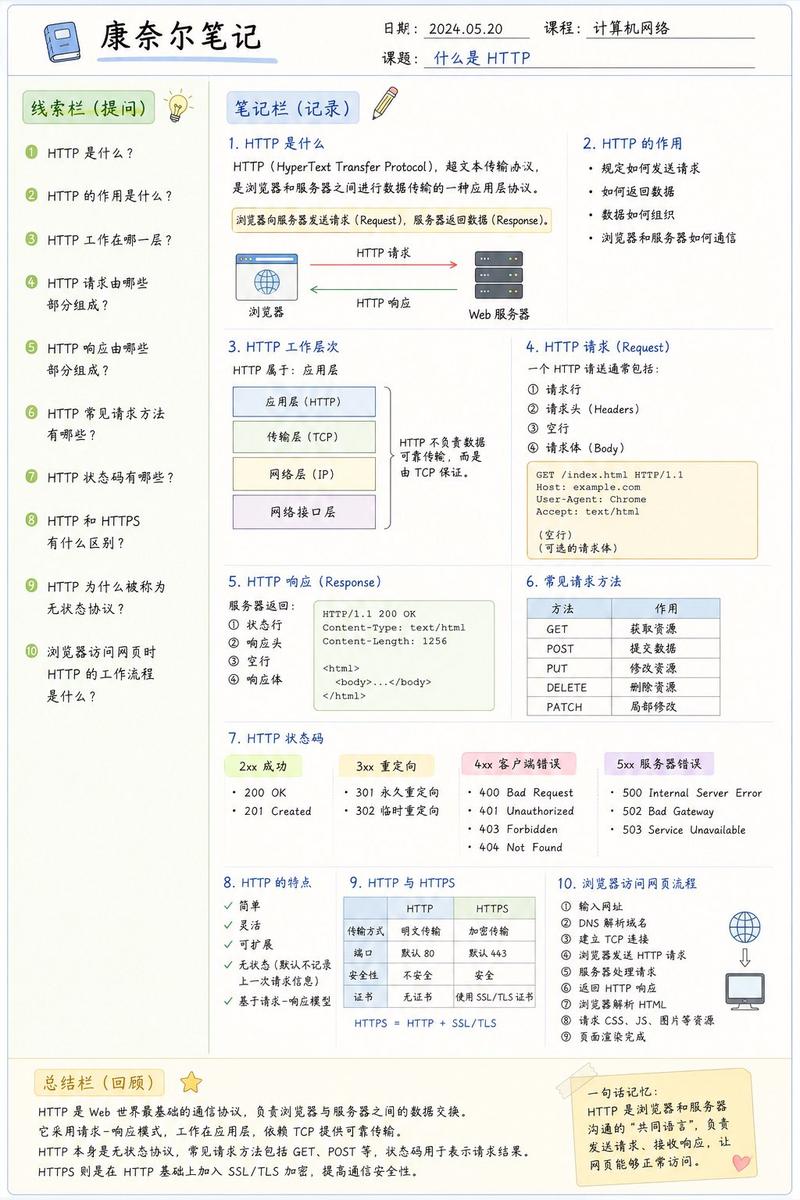
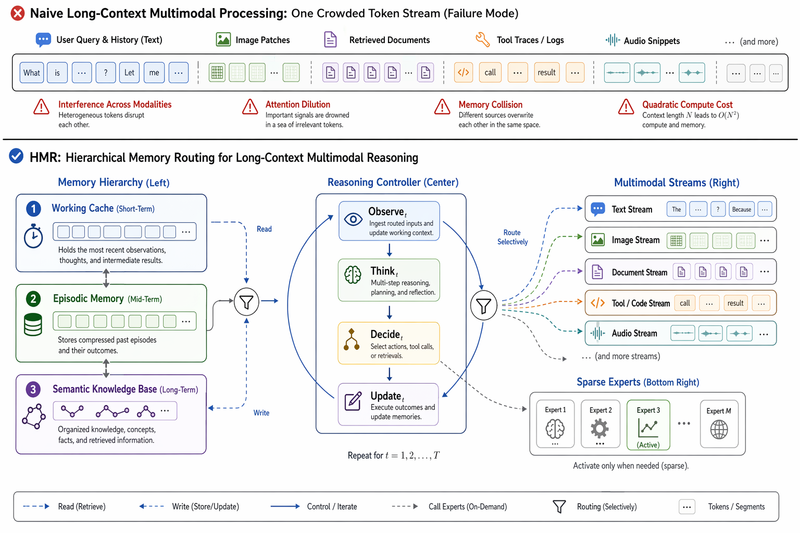
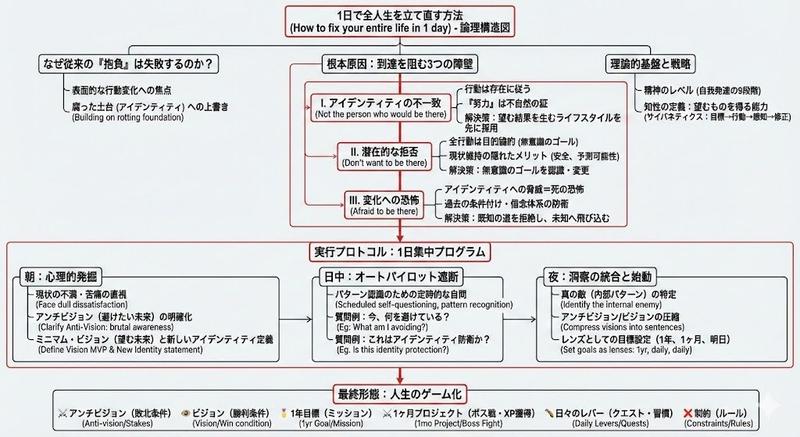
{"type":"dark editorial infographic slide","style":"premium keynote-style presentation page with minimalist Swiss-inspired layout, strong contrast, elegant serif headline paired with small uppercase sans-serif metadata, lots of negative space, cinematic black background, subtle grain, refined white typography, monochrome diagram card","aspect_ratio":"16:9","background":{"color":"deep black"},"layout":{"sections":[{"title":"top metadata","position":"top edge","count":3,"labels":["INFOGRAPHIC · SYSTEM","03 / 08","WHAT IS A HARNESS"]},{"title":"main text block","position":"left side","count":3,"labels":["模型不是完整的 agent。","Agent 的定义是 LLM 与工具、数据和环境持续互动。Harness 就是围绕模型的那套编排系统。","Web search、tool calling、文件系统、当前目录、上下文压缩, 都不是\"模型本身\"。"]},{"title":"diagram card","position":"right side","count":5,"labels":["模型(LLM)","挂载(Agent Harness)","工具(Tools)","上下文(Context)","记忆(Memory Store)"]},{"title":"footer","position":"bottom edge","count":4,"labels":["IMAGE TYPE · 系统关系信息图","03","← → 翻页 ESC 关闭","7 pagination dots with the 3rd highlighted"]}],"centerpiece":"a large off-white rectangular card on the right containing a clean systems diagram"},"typography":{"headline_font":"high-contrast editorial serif, oversized, bold","body_font":"modern serif for Chinese body copy","meta_font":"thin uppercase sans-serif with generous tracking"},"diagram":{"card_color":"warm light gray","border":"none or extremely subtle","line_style":"thin black connector arrows","icon_style":"simple outline icons","nodes":[{"name":"模型(LLM)","position":"upper left inside card","details":"small box with subtle radial texture behind the heading, subtitle suggests reasoning and generation"},{"name":"挂载(Agent Harness)","position":"upper center inside card","details":"central orchestration box with small person-like icon above title and short descriptive text below"},{"name":"工具(Tools)","position":"upper right inside card","details":"tall box with wrench icon and a vertical list of 8 tool items"},{"name":"上下文(Context)","position":"lower left inside card","details":"wide box with document icon, description line, and 5 small labeled icons along the bottom"},{"name":"记忆(Memory Store)","position":"lower right inside card","details":"wide box with database icon, description line, and 5 small labeled icons along the bottom"}],"connections":{"count":8,"description":"numbered circular markers on the connector arrows show the orchestration flow between the 5 nodes, including bidirectional links from the central harness to tools, context, and memory, plus one link from the model to the harness"}},"color_palette":{"count":4,"colors":["black background","white headline text","soft gray body text","warm light-gray diagram panel"]},"customization":{"headline":"{argument name=\"headline text\" default=\"模型不是完整的 agent。\"}","page_index":"{argument name=\"page number\" default=\"03 / 08\"}","section_kicker":"{argument name=\"section label\" default=\"WHAT IS A HARNESS\"}","diagram_topic":"{argument name=\"diagram topic\" default=\"系统关系信息图\"}","quote":"{argument name=\"quote\" default=\"Web search、tool calling、文件系统、当前目录、上下文压缩, 都不是\"模型本身\"。\"}"}}- Category
- Charts & Infographics
- Model
- GPT Image 2
- Creator
- 歸藏(guizang.ai)
- Source ID
- 16945
- Published
- Apr 28, 2026
Views2