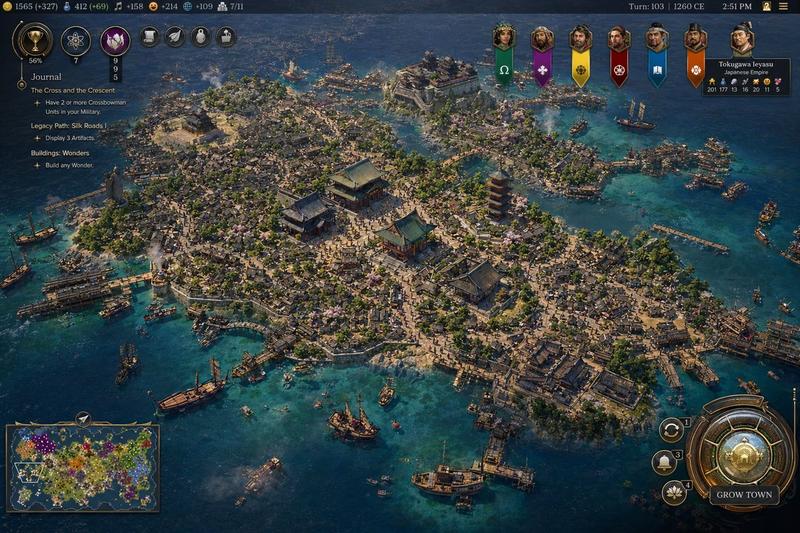
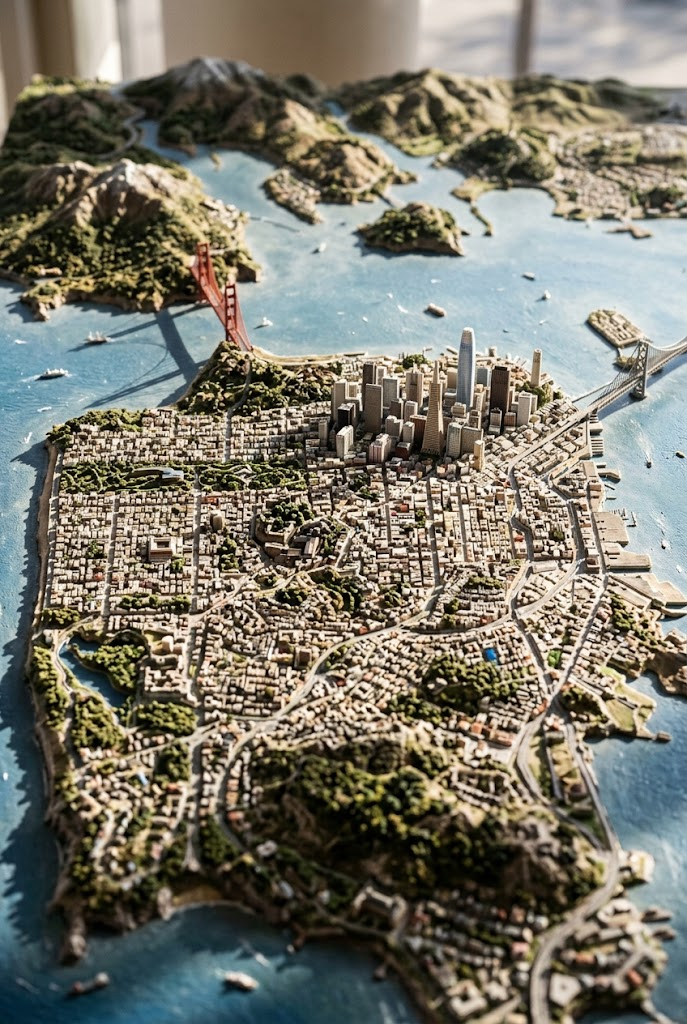
文明系列风格的东京湾截图
Prompt
A highly detailed grand-strategy game screenshot in the visual style of a modern Civilization-like city view, showing an isometric aerial perspective of a dense coastal Japanese metropolis built on a compact island surrounded by deep blue ocean. The city should feel like late-20th-century Tokyo Bay, with a believable mix of real-world-inspired landmarks and stylized strategy-game worldbuilding. In the center, place a red-orange steel broadcast tower resembling Tokyo Tower, surrounded by several traditional temple and pagoda complexes with green-tiled roofs, embedded seamlessly inside a forest of tightly packed mid-rise and high-rise concrete and glass buildings. Include exactly 1 red lattice tower, exactly 3 prominent traditional temple or shrine complexes, exactly 2 multi-tier pagodas, exactly 1 large waterside stadium near the upper center shoreline, and exactly 1 monumental statue on a headland at the left edge of the island. The urban fabric should be extremely dense, with narrow streets, elevated roads, billboards, rooftop details, cherry blossom trees scattered through districts, commercial signage, docks, piers, warehouses, and mixed residential and office blocks. The shoreline must be irregular and heavily developed with harbors and ferry terminals, and the surrounding water should contain exactly 12 visible vessels of mixed types: ferries, small motorboats, workboats, yachts, and 1 tall-masted sailing ship near the lower right. Render the water in rich teal-to-navy gradients with shallow coastal transparency and detailed wakes.

Present it explicitly as a video game interface screenshot. Add a thin top status bar with resource counters and turn information; the upper right should read Turn: 103, 1992 CE, 2:51 PM. Place exactly 7 leader banners across the upper right, each with a different color and emblem, and include a diplomacy panel naming {argument name="leader name" default="Tokugawa Ieyasu"} of the {argument name="civilization name" default="Japanese Empire"}. On the left side, add a vertical journal panel titled Journal with 3 quest entries and small circular icons. In the lower left, include exactly 1 minimap framed in ornate UI styling. In the lower right, include a large circular command interface with metallic bronze-and-gold ornamentation and a button labeled {argument name="button text" default="GROW TOWN"}; around it place exactly 3 smaller circular action buttons. The overall interface should feel premium, intricate, and historically flavored rather than futuristic.

The city itself should evoke {argument name="location" default="Tokyo, Japan"} in {argument name="era" default="1992 CE"}, recreated as a lush, polished, slightly idealized 4X strategy game screenshot with cinematic lighting, crisp miniature-like detail, realistic urban density, authentic Japanese transportation and waterfront infrastructure, and a color palette of ocean blue, concrete gray, greenery, copper UI metals, and pops of neon signage. Use a high-angle three-quarter camera, sharp focus across the whole city, and richly textured, painterly-realistic rendering consistent with gpt-image-2 game concept screenshot output.- Category
- Charts & Infographics
- Model
- GPT Image 2
- Creator
- David Chang
- Source ID
- 16961
- Published
- Apr 28, 2026
Views2