20

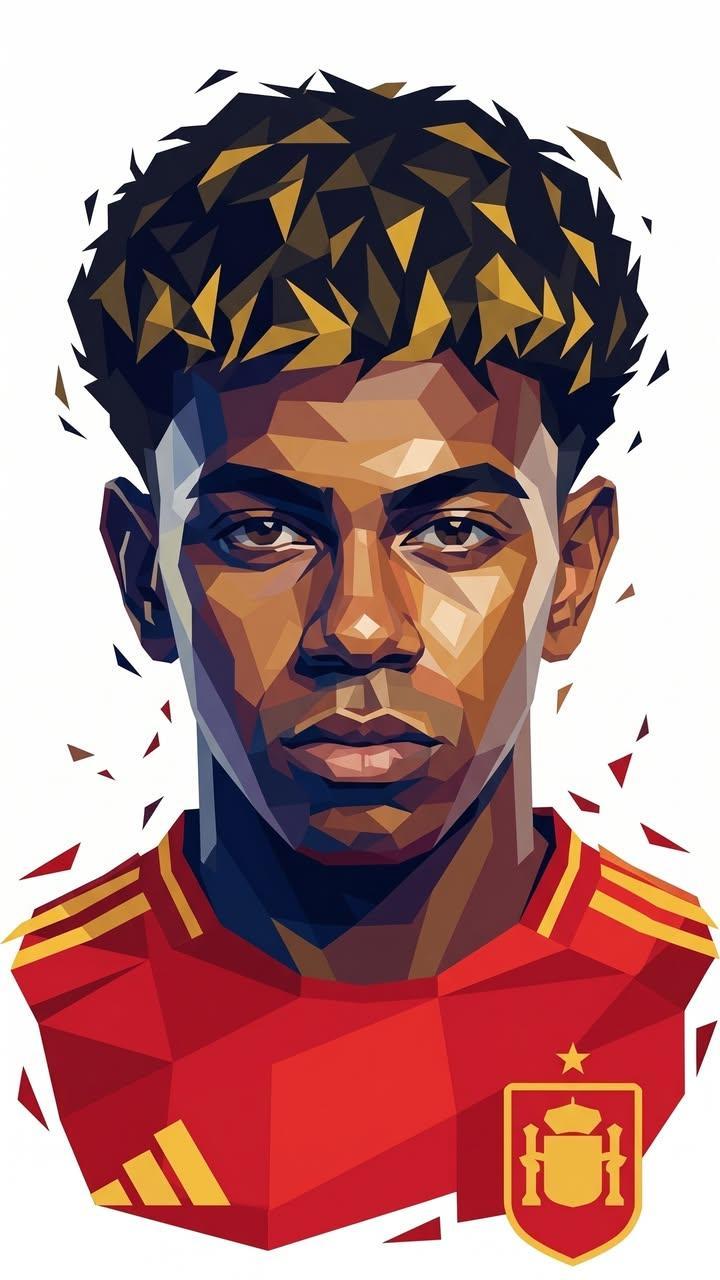
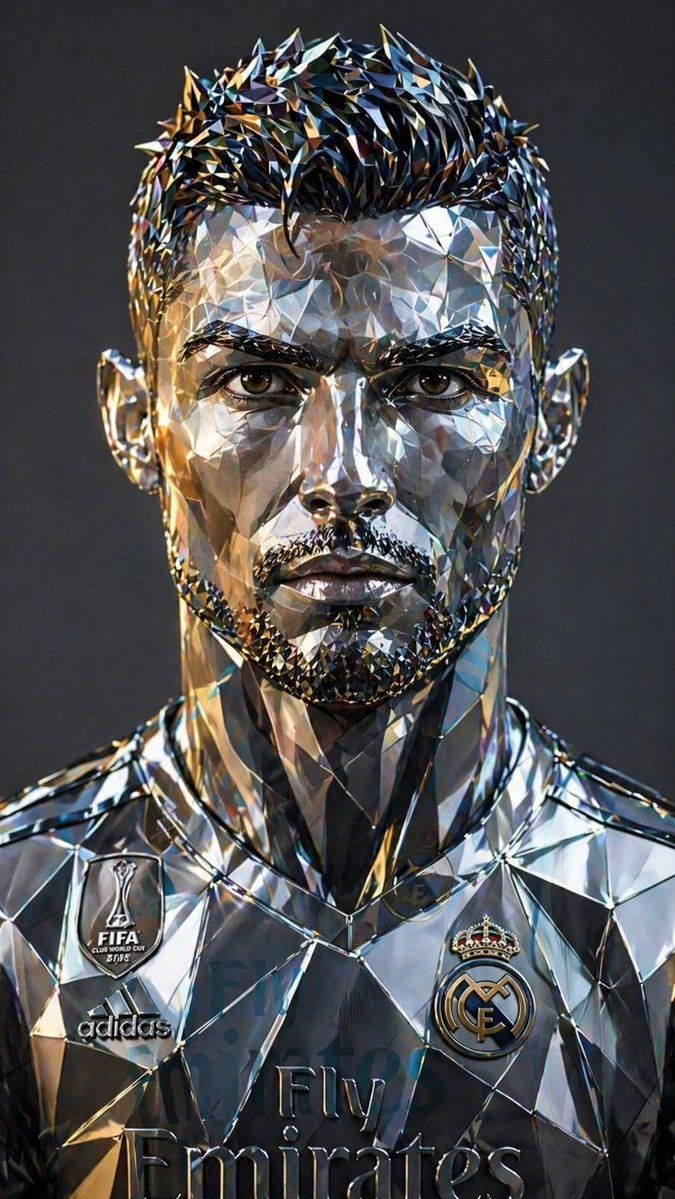
未来感低多边形金属肖像
Enlarge

Example images

未来感低多边形金属肖像

Prompt
A high-detail, {argument name="perspective" default="symmetrical front-facing portrait"} of a man, rendered in a {argument name="style" default="futuristic low-poly geometric art style"}. The entire head is constructed from sharp, angular facets and triangular planes with a {argument name="material" default="polished chrome and brushed silver"} finish. The facial features—including a sharp beard, mustache, and textured hair—are meticulously defined by these geometric shards.The surface is highly reflective, capturing soft studio lighting with subtle blue and amber highlights. The eyes are realistic and piercing, set within the metallic structure. Background is a clean, neutral slate gray. 8k resolution, cinematic lighting, industrial design aesthetic, photorealistic metallic shaders, sharp edges, Ray Tracing.
Category
Posters & Typography
Model
GPT Image 2
Views8
Source ID
17035
Published
Apr 29, 2026

Guide

About "未来感低多边形金属肖像"

What is this prompt for?

"未来感低多边形金属肖像" AI image prompt for GPT Image 2 (Posters & Typography). 一个关于几何低多边形男性肖像的高细节提示词,具有反光的铬合金和银色表面。 Copy it on Picva and recreate the look in one click.

The full copyable prompt and example visuals above are ready for AI image generation or one-click recreate in Picva.

How to use this prompt

  1. Step 1

    Open the prompt detail

    Review the example visuals, category, and full prompt text for "未来感低多边形金属肖像".

  2. Step 2

    Copy the prompt

    Copy the prompt body from this page, or load it directly in Studio.

  3. Step 3

    Pick a model (GPT Image 2)

    Prefer GPT Image 2. If you switch models, keep subject and composition and tweak style terms.

  4. Step 4

    Generate and export

    Recreate the look in Picva, or export into your workflow for editing and publishing.

FAQ

What is the "未来感低多边形金属肖像" prompt?
It is an AI image-generation prompt for GPT Image 2 in the Posters & Typography category. This page includes the full prompt text, example visuals, and a one-click recreate path in Picva.
How do I use this prompt to generate an image?
Copy the prompt from this page, or use Generate / Studio. Paste it into a compatible image model, or recreate the look in Picva with optional reference images.
Which model is this prompt for?
This page lists GPT Image 2. Most descriptive prompts also transfer to nearby image models such as GPT Image, Flux, or Midjourney with light style tweaks.
Can I use the result commercially?
You can usually copy the prompt for creation, but commercial use of the final image depends on the model terms, reference-image rights, and the generated content. Follow the source author and platform rules.