20

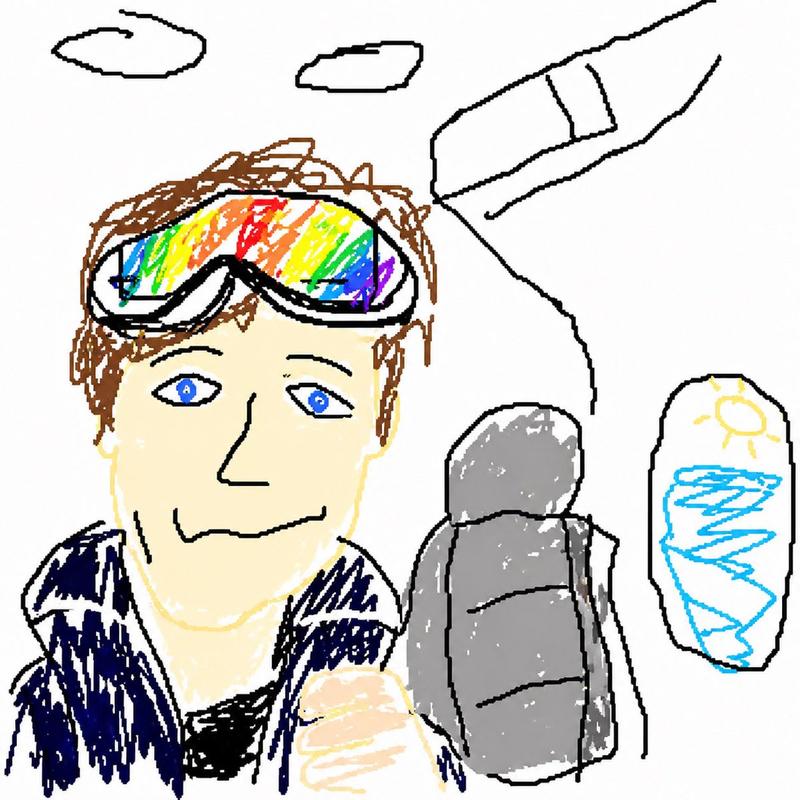
拙劣的 MS Paint 重绘风格
Enlarge

拙劣的 MS Paint 重绘风格

Prompt
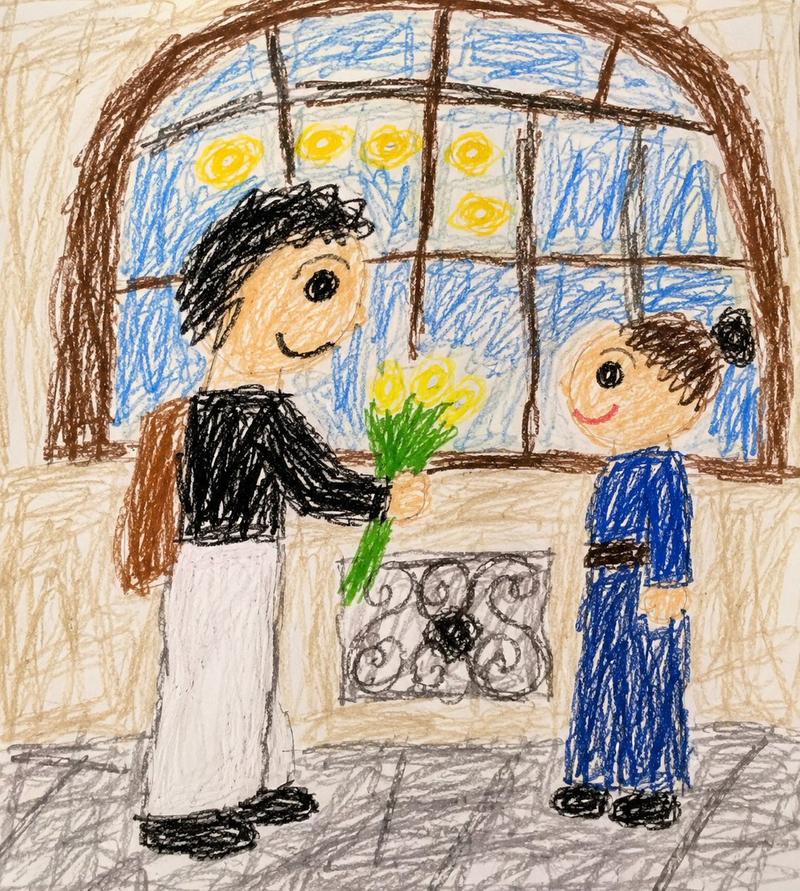
用最笨拙、最潦草、最可悲的方式重新绘制这张图片。使用白色背景,让它看起来像是用滑鼠在 MS Paint 里画的。它应该隐约相似,但又不太像。有点对得上,但又莫名地偏差,带着那种低画质、一个像素一个像素慢慢画的感觉,真正强调出它究竟有多荒谬地糟糕。算了,你知道吗,随便啦,你想怎么画就怎么画吧。
Category
Illustration & Art
Model
GPT Image 2
Views3
Source ID
17558
Published
May 1, 2026

Guide

About "拙劣的 MS Paint 重绘风格"

What is this prompt for?

"拙劣的 MS Paint 重绘风格" AI image prompt for GPT Image 2 (Illustration & Art). 一个幽默的提示词,可将参考图像转换为故意制作得很差、像素化的 MS Paint 风格绘图,就像是用电脑鼠标画出来的一样。 Copy it on Picva and rec…

The full copyable prompt and example visuals above are ready for AI image generation or one-click recreate in Picva.

How to use this prompt

  1. Step 1

    Open the prompt detail

    Review the example visuals, category, and full prompt text for "拙劣的 MS Paint 重绘风格".

  2. Step 2

    Copy the prompt

    Copy the prompt body from this page, or load it directly in Studio.

  3. Step 3

    Pick a model (GPT Image 2)

    Prefer GPT Image 2. If you switch models, keep subject and composition and tweak style terms.

  4. Step 4

    Generate and export

    Recreate the look in Picva, or export into your workflow for editing and publishing.

FAQ

What is the "拙劣的 MS Paint 重绘风格" prompt?
It is an AI image-generation prompt for GPT Image 2 in the Illustration & Art category. This page includes the full prompt text, example visuals, and a one-click recreate path in Picva.
How do I use this prompt to generate an image?
Copy the prompt from this page, or use Generate / Studio. Paste it into a compatible image model, or recreate the look in Picva with optional reference images.
Which model is this prompt for?
This page lists GPT Image 2. Most descriptive prompts also transfer to nearby image models such as GPT Image, Flux, or Midjourney with light style tweaks.
Can I use the result commercially?
You can usually copy the prompt for creation, but commercial use of the final image depends on the model terms, reference-image rights, and the generated content. Follow the source author and platform rules.